jdSystemMonitor
jdSystemMonitor is an advanced, desktop-independent system monitor for Linux. Its goal is to provide as much information about your system as possible, with a focus on process management.
Tabs
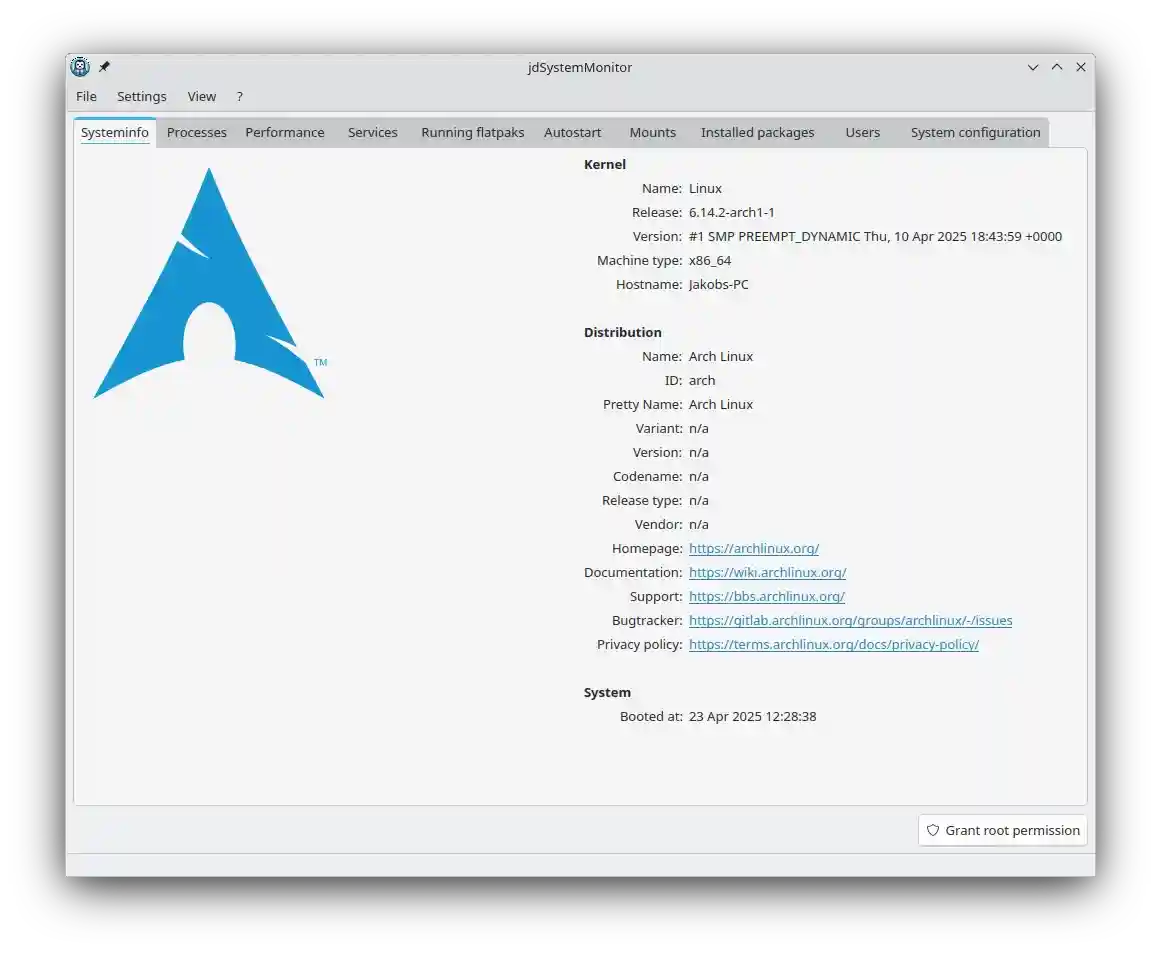
Systeminfo
This tab provides general information about your system. It takes it information from os-release.
Processes
This tab provides detailed information about all running processes.

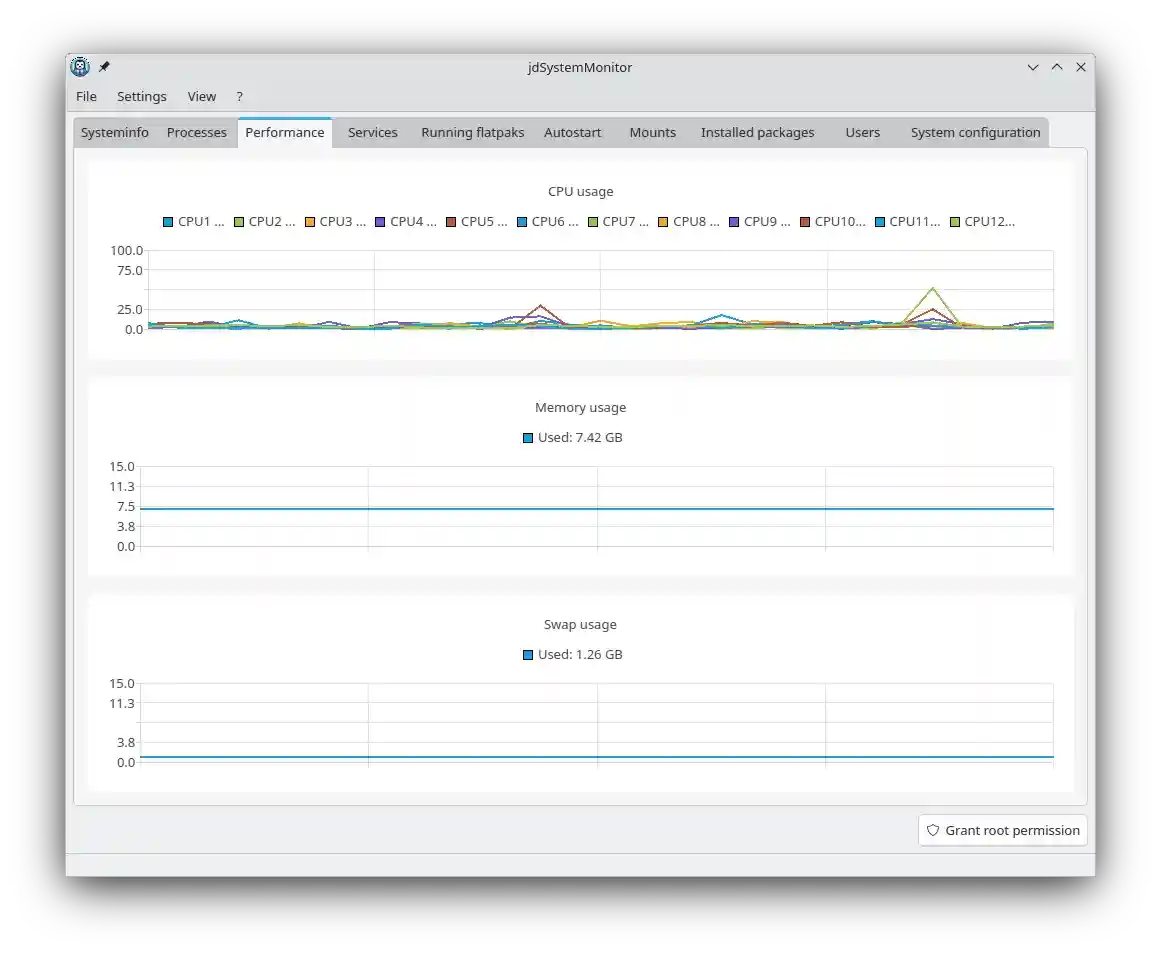
Performance
This tab provides some statistics about your system.
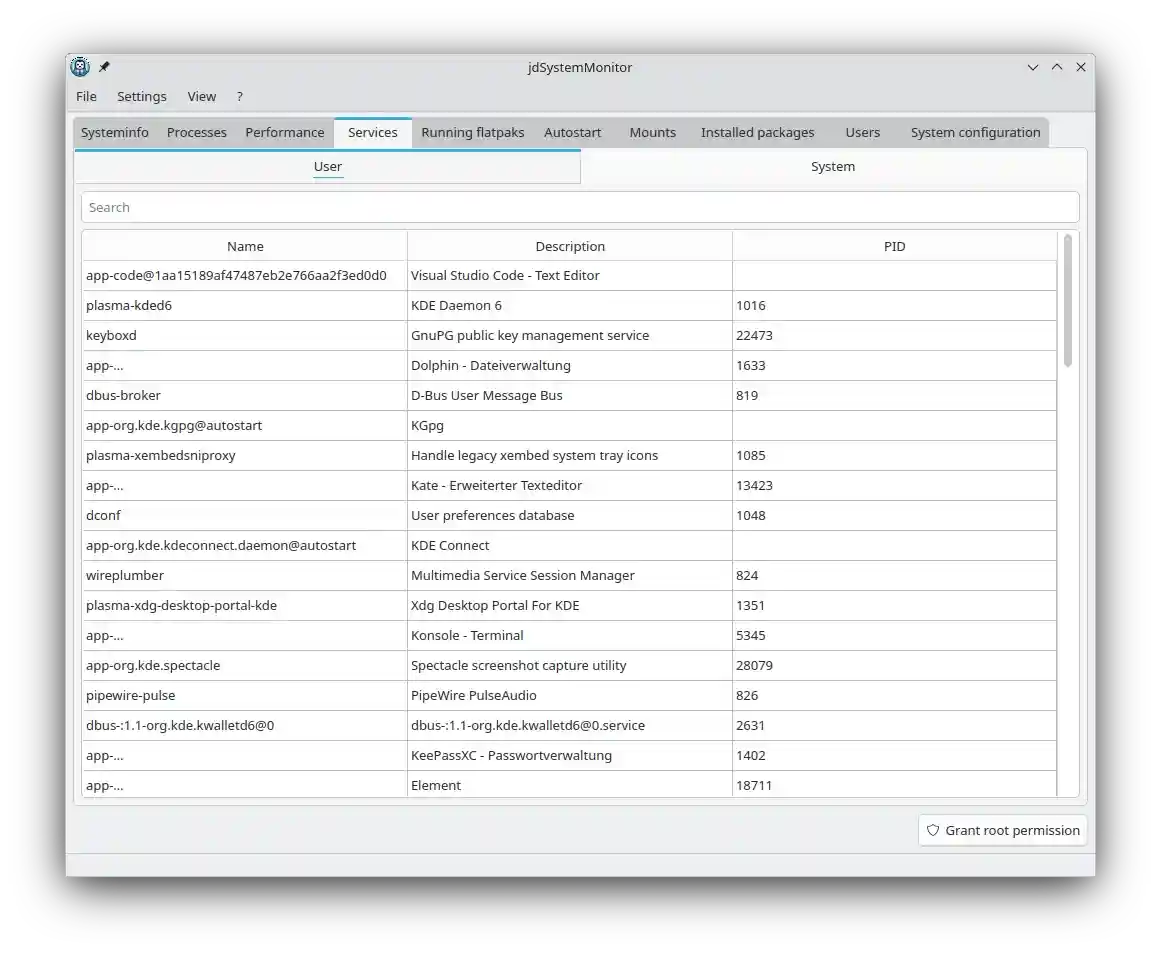
Services
This tab allows you to manage SystemD services. It is only visible if SystemD is in use on your system.
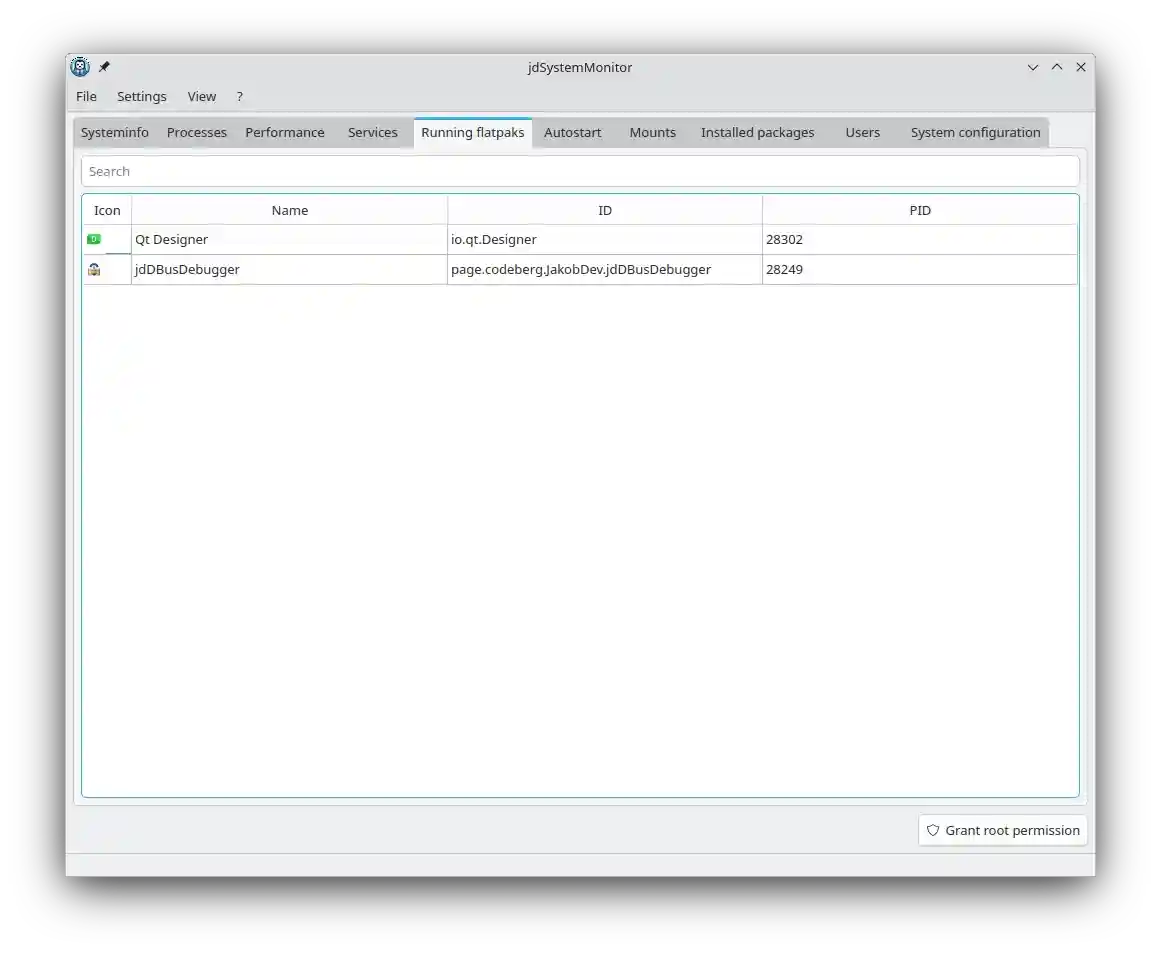
Running flatpaks
This tab lists all currently running Flatpak applications. It is only visible if Flatpak is installed on your system.
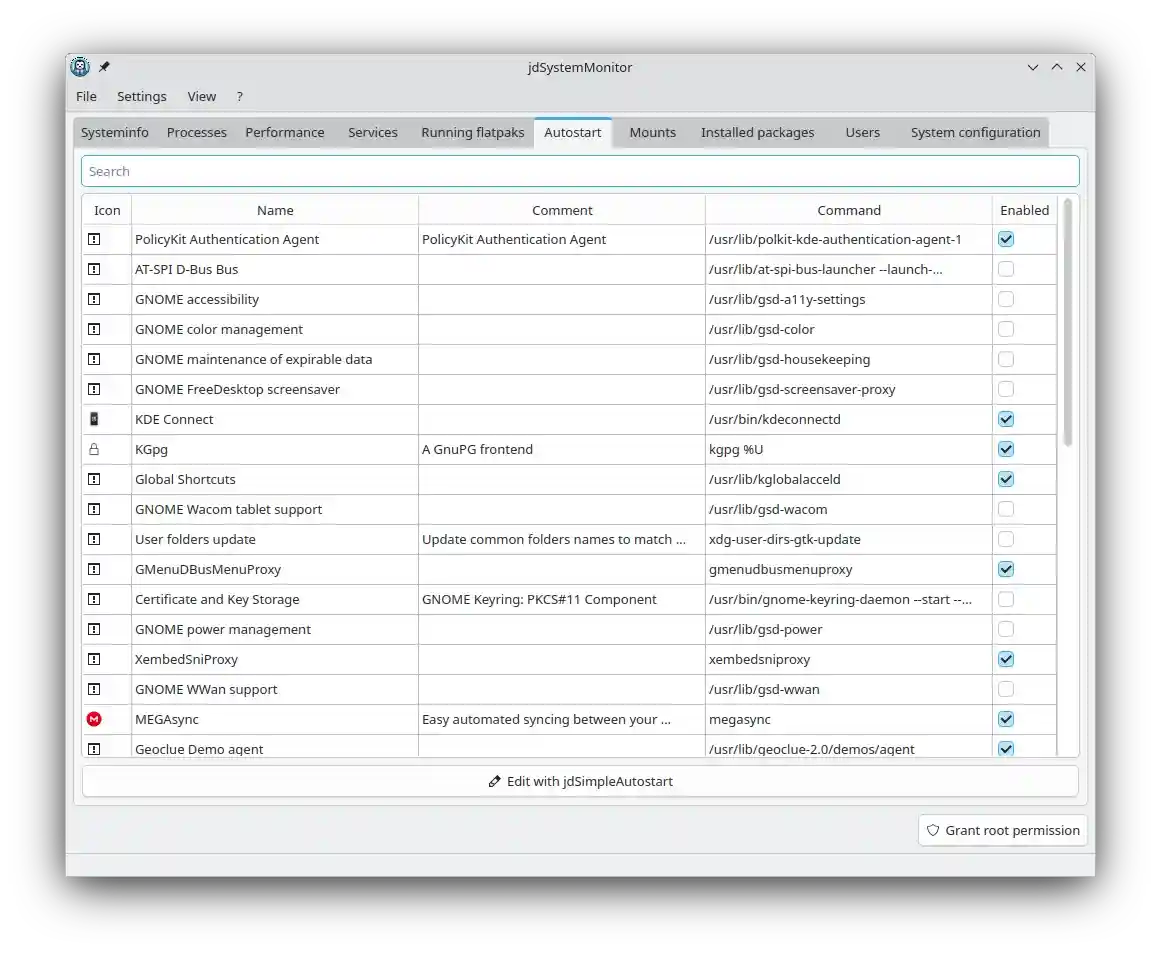
Autostart
This tab shows all programs configured to start automatically.
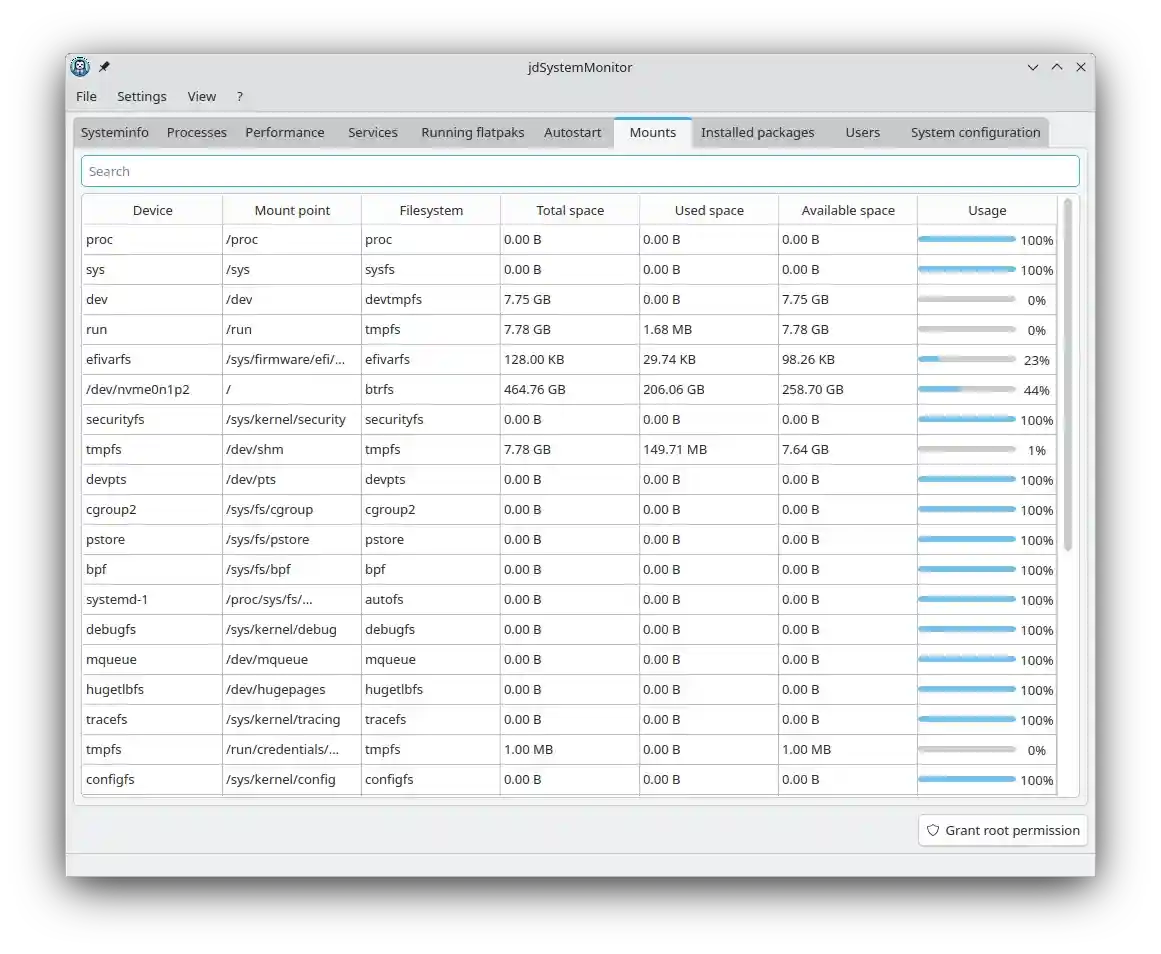
Mounts
This tab displays all mount points on your system.
Installed packages
This tab lists all installed packages. Native packages are displayed if PackageKit is installed, and Flatpaks are shown if Flatpak is installed.

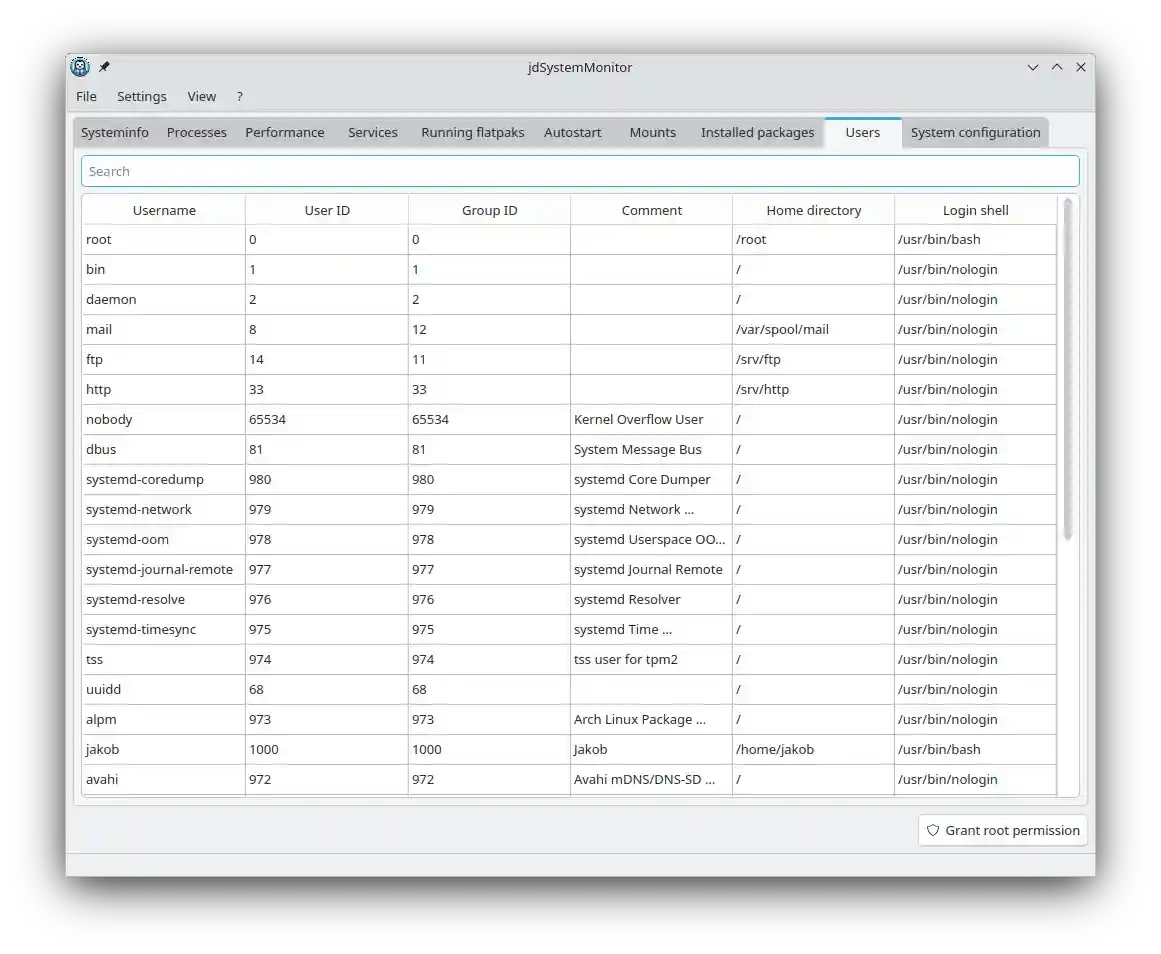
Users
This tab shows all users currently on the system.
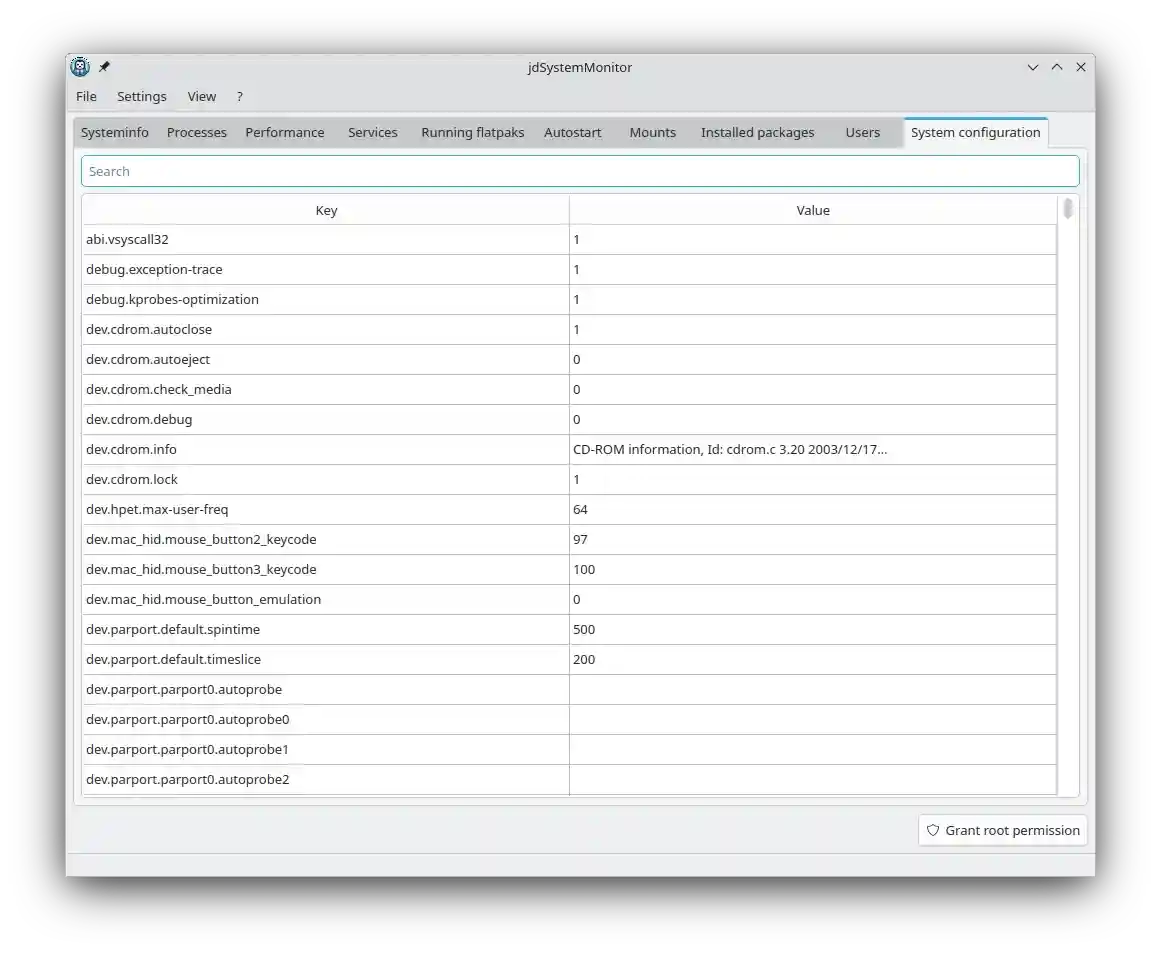
System configuration
This tab displays all Sysctl values.
Architecture
jdSystemMonitor is made of 2 parts:
- A Daemon written in Go (you can find the source in the
daemondirectory) - A Qt6 GUI written in C++ (you can find the source in the
guidirectory)
Dependencies
jdSystemMonitor requires the following to run:
- Qt6 (Core, Gui, Widgets, DBus, Charts, Xml)
- xdg-desktop-portal
- A Icon theme (only needed if you want to have icons)
- Polkit (
pkexecmust be inPATH) - xdg-dbus-proxy (must be in
PATH) - sudo (must be in
PATH)
The following dependencies are optional:
- PackageKit for listing all installed native packages
For building jdSystemMonitor from source the following is required:
Building
Meson is used to build jdSystemMonitor
mkdir -p build
cd build
meson setup ..
meson compile
Now you can run ./gui/jdsystemmonitor
Additional targets
The following additional targets are available:
| Target | Description |
|---|---|
meson compile lupdate |
Update all Qt translations |
meson compile xgettext |
Update all Gettext translations |
Translate
You can help translating jdSystemMonitor on Codeberg Translate

Develop
Testing the Daemon
If you want to test the Daemon without the GUI, you should use jdDBusDebugger.
Run the Daemon directly from the build directory with ./daemon/jdsystemmonitor-daemon --enable-debug-auth.
The default D-Bus service name of the Daemon is page.codeberg.JakobDev.jdSystemMonitor.Daemon.
Open the Service in jdDBusDebugger and execute the DebugAuthentication method.
Now you should have access to all the functions of the Daemon.
Testing the GUI
You can directly run ./gui/jdsystemmonitor in the build directory.
This will automatically connect to the Daemon from your build directory.
Custom URL Schema
jdSystemMonitor provides a custom jdsystemmonitor: URL scheme for integration into other Apps.
The following options are currently available:
| URL | Description |
|---|---|
jdsystemmonitor:Tab/<tab> |
Start jdSystemMonitor with the specified tab selected |
jdsystemmonitor:ProcessDialog/ |
Open the properties dialog for the specified process |