PHP echo statement
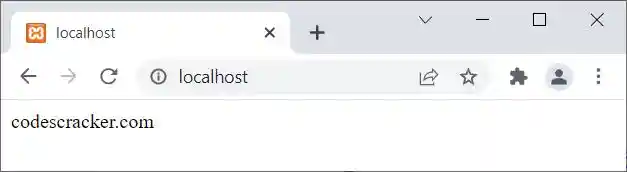
The PHP echo statement is used to output some data on the screen or on the web. For example:
<?php
   echo "codescracker.com";
?>
The output of the above PHP example is:
The same (previous) example can also be created in this way:
<?php
   $txt = "codescracker.com";
   echo $txt;
?>
Let me create the same example in another way:
<?php
   $txt = "codescracker.com";
   echo($txt);
?>
It produces exactly the same output as the previous example because ($txt) is evaluated as ("codescracker.com"), which is a valid expression.
Note: But let me tell you one thing: use parentheses only when you need to give priority to an expression being executed first. For example:
The output of the above PHP example is:
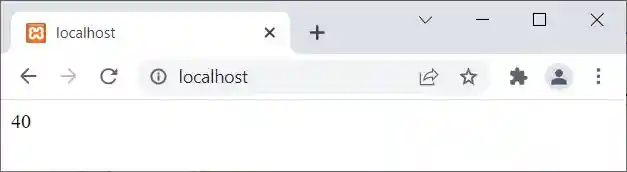
In the above example, if you remove the parentheses, then the output should be 33. This is the situation where we need to use parentheses. Otherwise, "echo" does not require any parentheses to output the data on screen.
PHP echo variable
<?php
   $x = 10;
   echo $x;
   echo "<hr>";

   $x = 12.43;
   echo $x;
   echo "<hr>";

   $x = "Hey!";
   echo $x;
   echo "<hr>";

   $x = "Hey,<br>What's Up?";
   echo $x;
?>
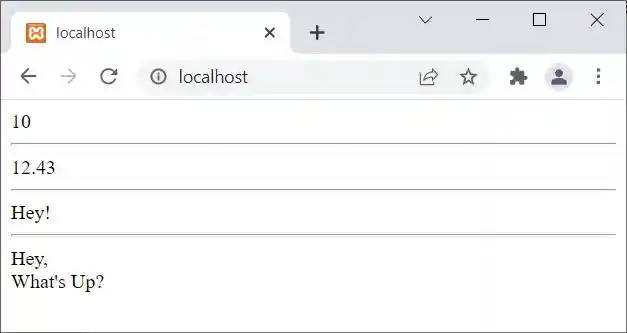
The output of the above PHP example is:
PHP echo HTML
<?php
   echo "<h1>About Me</h1>";
   echo "<p>Hey!<br>I am Lucas from Frankfurt, Germany.</p>";
   echo "<p>I am able to handle multiple tasks on a daily basis.</p>";
?>
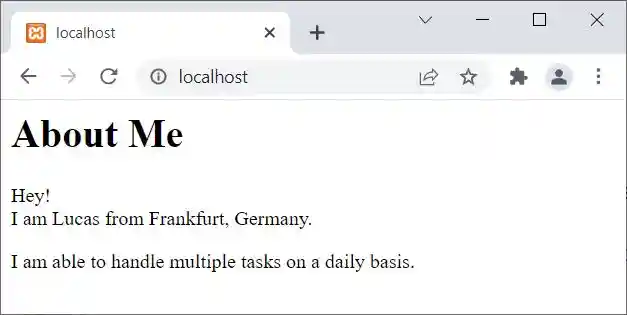
The output of the above PHP example is:
PHP echo with multiple parameters
<?php
   echo "I ", "use", " a creative approach to solve a problem";
   $x = "use";
   $y = "a creative approach to solve a problem";

   echo "<br>";
   echo "I $x $y";

   echo "<br>";
   $a = "I ";
   $b = "use";
   echo $a . $b . $y;

   echo "<br>";
   echo $a . $b . " " . $y;

   echo "<br>";
   echo $a, $b, " ", $y;

   $x = 10;
   $y = 20;
   $z = 25;
   echo "<br>";
   echo $x + $y - $z;
?>
The output of the above PHP example is:
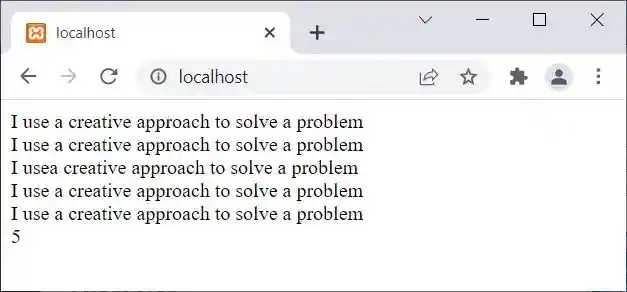
PHP echo statement example
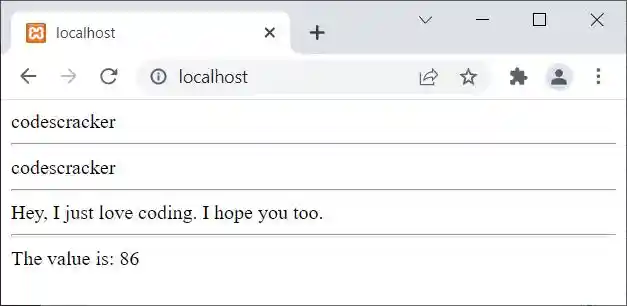
Let me create one more example of an echo statement in PHP that may enhance your skill towards echo.
<?php
   echo "codes";
   echo "cracker";
   echo "<hr>";
   echo "codes", "cracker";
   echo "<hr>";
   echo "Hey,
      I just love
      coding.
      I hope you too.";
   echo "<hr>";
   echo "The value is: ", 2*43;
?>
The output of the above PHP example is:
Advantages of echo statement in PHP
- Simple to Use: There are no special coding skills needed to use the "echo" statement. It is a crucial component of PHP and is widely used in web development.
- Quick Output: When it comes to outputting data in PHP, the "echo" statement is quicker than print or printf. This is so that it can be executed more quickly because it doesn't return a value.
- Compatible with HTML: The "echo" statement can be used to output HTML code directly to the browser because it is compatible with HTML. This facilitates the development of dynamic web pages that can be instantly updated.
Disadvantages of echo statement in PHP
- Code Clutter: Using the "echo" statement extensively in a PHP script can result in a lot of code clutter. As a result, the code may be more challenging to read and maintain.
- Combining PHP and HTML: It can be challenging to distinguish between PHP and HTML code when using the "echo" statement to output HTML code. If errors do occur, this may make it more difficult to debug the code.
- Security Risks: If user input is not properly sanitized before being output to the browser, the "echo" statement may be subject to security risks. This may make it possible for malicious code to be injected onto the page, creating security holes.
« Previous Tutorial Next Tutorial »
Liked this post? Share it!