Snackbar
The snackbar component serves as a brief notification that appears at the bottom of the screen. It provides feedback about an operation or action without interrupting the user experience. Snackbars disappear after a few seconds. The user can also dismiss them with an action, such as tapping a button.
Consider these three use cases where you might use a snackbar:
- Action Confirmation: After a user deletes an email or message, a snackbar appears to confirm the action and offer an Undo option.
- Network Status: When the app loses its internet connection, a snackbar pops up to note that it is now offline.
- Data Submission: Upon successfully submitting a form or updating settings, a snackbar notes that the change has saved successfully.
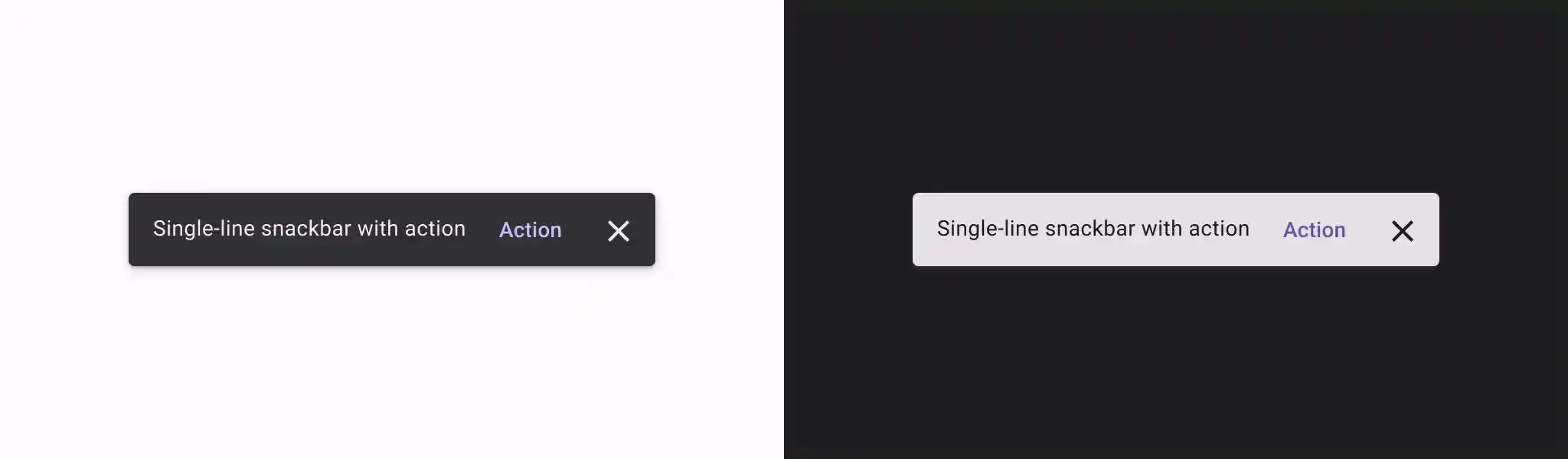
Basic example
To implement a snackbar, you first create SnackbarHost, which includes a
SnackbarHostState property. SnackbarHostState provides access to the
showSnackbar() function which you can use to display your snackbar.
This suspending function requires a CoroutineScope—like the one returned by
rememberCoroutineScope—and can be called in response to UI events to
show a Snackbar within Scaffold.
val scope = rememberCoroutineScope()
val snackbarHostState = remember { SnackbarHostState() }
Scaffold(
    snackbarHost = {
        SnackbarHost(hostState = snackbarHostState)
    },
    floatingActionButton = {
        ExtendedFloatingActionButton(
            text = { Text("Show snackbar") },
            icon = { Icon(Icons.Filled.Image, contentDescription = "") },
            onClick = {
                scope.launch {
                    snackbarHostState.showSnackbar("Snackbar")
                }
            }
        )
    }
) { contentPadding ->
    // Screen content
}
Snackbar with action
You can provide an optional action and adjust the duration of the Snackbar.
The snackbarHostState.showSnackbar() function accepts additional actionLabel
and duration parameters, and returns a SnackbarResult.
val scope = rememberCoroutineScope()
val snackbarHostState = remember { SnackbarHostState() }
Scaffold(
    snackbarHost = {
        SnackbarHost(hostState = snackbarHostState)
    },
    floatingActionButton = {
        ExtendedFloatingActionButton(
            text = { Text("Show snackbar") },
            icon = { Icon(Icons.Filled.Image, contentDescription = "") },
            onClick = {
                scope.launch {
                    val result = snackbarHostState
                        .showSnackbar(
                            message = "Snackbar",
                            actionLabel = "Action",
                            // Defaults to SnackbarDuration.Short
                            duration = SnackbarDuration.Indefinite
                        )
                    when (result) {
                        SnackbarResult.ActionPerformed -> {
                            /* Handle snackbar action performed */
                        }
                        SnackbarResult.Dismissed -> {
                            /* Handle snackbar dismissed */
                        }
                    }
                }
            }
        )
    }
) { contentPadding ->
    // Screen content
}
You can provide a custom Snackbar with the snackbarHost parameter. See the
SnackbarHost API reference docs for more information.
Key points
actionLabel = "Action": Sets the action button text.duration = SnackbarDuration.Indefinite: Keeps the snackbar displayed until the user or program dismisses it.SnackbarResult.ActionPerformed: Signifies that the user clicked the snackbar's action button.SnackbarResult.Dismissed: Signifies that the user dismissed the snackbar without clicking the action button.