Accessible block-based coding for all
Google's Blockly is pushing block-based accessible programming forward with developers, students, and public institutions
our ongoing commitment to accessibility
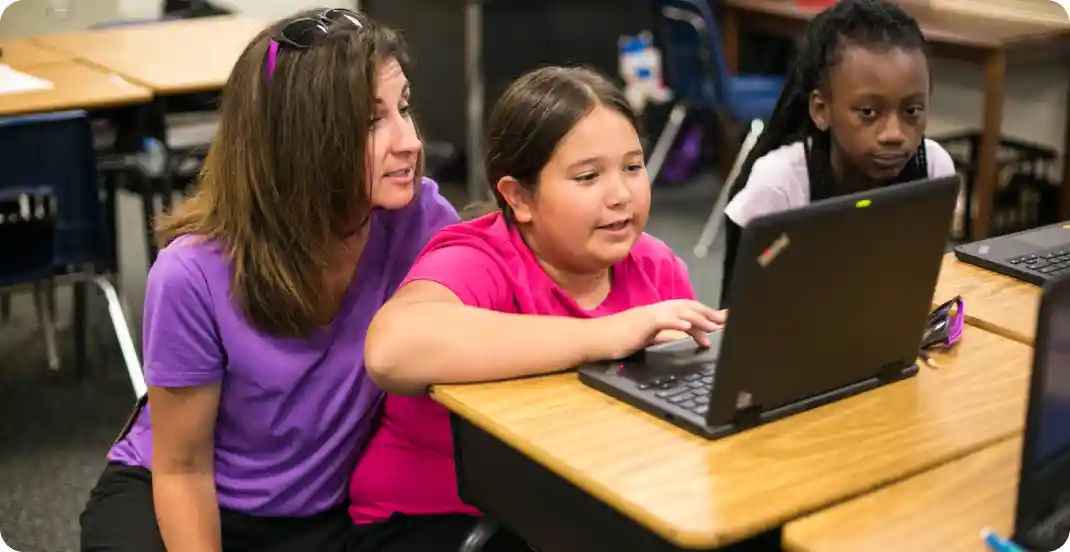
Expanding access for students with disabilities
Blockly is commited to developing inclusive tools that help all students succeed, including those with disabilities.
We believe everyone should have the opportunity to learn computer science. This Fund will enable CS-education focused nonprofits to build and launch accessible features into their block based product and curricula. Together, we can make coding education a welcoming and engaging experience for everyone.
Accessibility partnerships

Elissa Hozore
Accessibility Lead, Computer Science Teachers Association

What's new in Blockly?
Keyboard Navigation Plugin
Launched May 2025
IMPORTANT: The 0.6 version of the keyboard navigation plugin that existed prior to Blockly v12 has been removed. Please use the newest version of the plugin.
Accessibility product roadmap
We're focused on implementing keyboard navigation, and initial screen reader functionality.
These efforts aim to enhance Blockly's usability for all users by integrating accessibility features into the core library, partner platforms, and educational materials.
| Timing | Project | Description |
|---|---|---|
| May 2025 | Keyboard navigation |
We published Blockly v12 and the Keyboard Navigation plugin, together enabling a more accessible Blockly editor. |
| Q3 2025 | Screen reader improvements |
We're implementing initial screen reader functionality with ARIA attributes for fields and workspace components in the Blockly library. Read the project details here. |
| Q3 2025 | Scaling keyboard accessibility |
Keyboard navigation is available for integration into partner platforms like Code.org, micro:bit, and MakeCode. |
| Q3 2025 | Documentation updates | We'll be creating new, comprehensive documentation on Blockly's accessibility features. |
| Q3 2025 | Enhancing curricula accessibility |
Partner platforms are encouraged to audit and update existing curriculum materials to comply with accessibility best practices. We're available to provide technical support through our Community Forum. |
| Q3 2025 | Publishing training materials |
After integrating accessibility features, partner platforms can develop training and support materials for teachers and students to help them use accessibility features effectively. |
| Q4 2025 | Adding accessibility management |
We're planning to add a control panel that can be used by partner platforms to help users manage Blockly accessibility features. |
| Timing | May 2025 |
| Projects | Keyboard navigation |
| Description | We published Blockly v12 and the Keyboard Navigation plugin, together enabling a more accessible Blockly editor. |
| Timing | Q3 2025 |
| Projects | Screen reader improvements |
| Description | We're implementing initial screen reader functionality with ARIA attributes for fields and workspace components in the Blockly library. Read the project details here. |
| Timing | Q3 2025 |
| Projects | Scaling keyboard accessibility |
| Description | Keyboard navigation is available for integration into partner platforms like Code.org, micro:bit, and MakeCode. |
| Timing | Q3 2025 |
| Projects | Documentation updates |
| Description | We'll be creating new, comprehensive documentation on Blockly's acccessibility features. |
| Timing | Q3 2025 |
| Projects | Enhancing curricula accessibility |
| Description | Partner platforms are encouraged to audit and update existing curriculum materials to comply with accessibility best practices. We're available to provide technical support through our Developer's Group. |
| Timing | Q3 2025 |
| Projects | Publishing training materials |
| Description | After integrating accessibility features, partner platforms can develop training and support materials for teachers and students to help them use accessibility features effectively. |
| Timing | Q4 2025 |
| Projects | Adding accessibility management |
| Description | We're planning to add a control panel that can be used by partner platforms to help users manage Blockly accessibility features. |
Design for inclusivity
Below are helpful tips you can implement today when designing block-based product and instructional experiences:
Build for all senses
Account for multiple modalities for students to engage with your environment, including auditory, textual, and kinesthetic elements. For example, use audio cures to make spatial coding more inclusive.
Make learning gradual
Break down lessons into smaller steps using scaffolding tools like graphic organizers and checklists to support student comprehension and executive function, help students build confidence and understanding over time.
Use multiple formats
Create lessons that represent information in various ways, like magnetic blocks, 3D printed blocks, different block shapes and colors, text-to-speech, graphics, videos, and more.