It's easy to embed images, videos, and audio files directly into your Streamlit apps.

Image
Display an image or list of images.
st.image(numpy_array)
st.image(image_bytes)
st.image(file)
st.image("https://example.com/myimage.jpg")
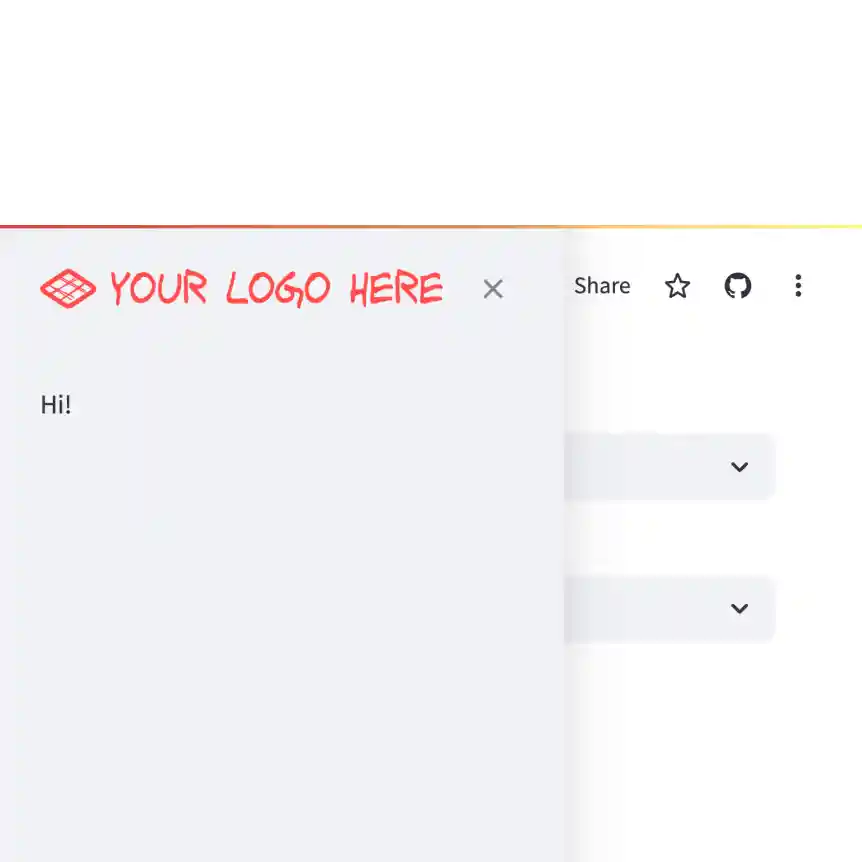
Logo
Display a logo in the upper-left corner of your app and its sidebar.
st.logo("logo.jpg")
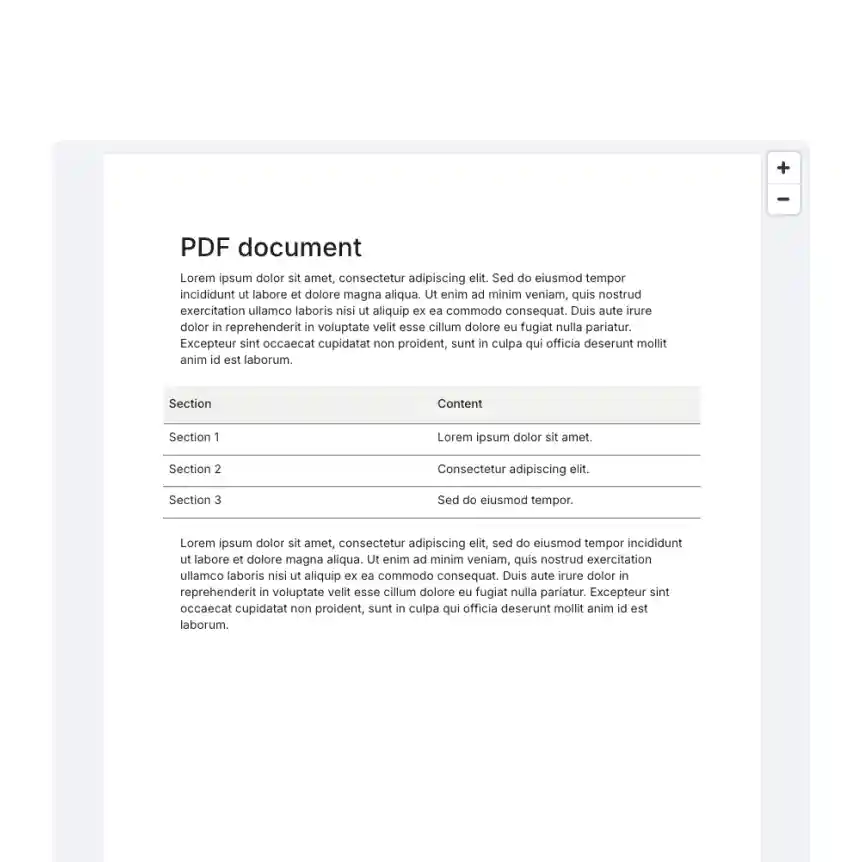
Display a PDF file.
st.pdf("my_document.pdf")

Audio
Display an audio player.
st.audio(numpy_array)
st.audio(audio_bytes)
st.audio(file)
st.audio("https://example.com/myaudio.mp3", format="audio/mp3")
Video
Display a video player.
st.video(numpy_array)
st.video(video_bytes)
st.video(file)
st.video("https://example.com/myvideo.mp4", format="video/mp4")
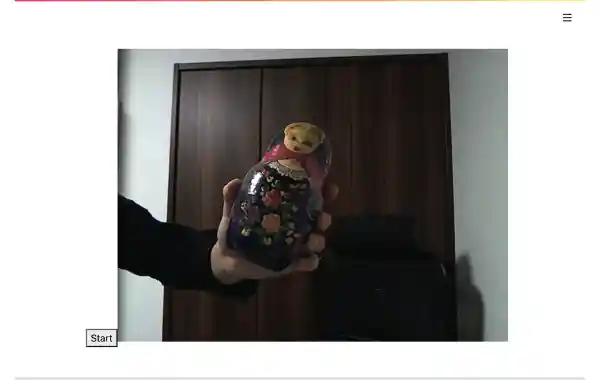
Streamlit Webrtc
Handling and transmitting real-time video/audio streams with Streamlit. Created by @whitphx.
from streamlit_webrtc import webrtc_streamer

webrtc_streamer(key="sample")
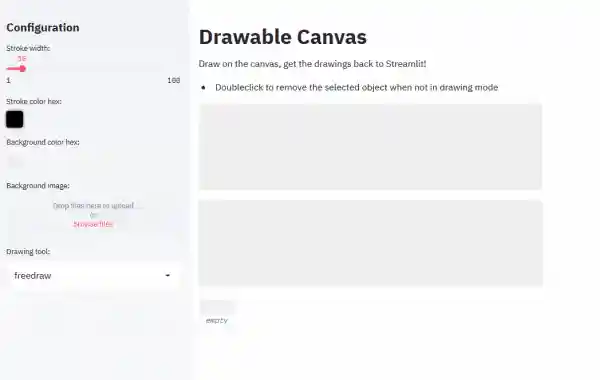
Drawable Canvas
Provides a sketching canvas using Fabric.js. Created by @andfanilo.
from streamlit_drawable_canvas import st_canvas

st_canvas(fill_color="rgba(255, 165, 0, 0.3)", stroke_width=stroke_width, stroke_color=stroke_color, background_color=bg_color, background_image=Image.open(bg_image) if bg_image else None, update_streamlit=realtime_update, height=150, drawing_mode=drawing_mode, point_display_radius=point_display_radius if drawing_mode == 'point' else 0, key="canvas",)
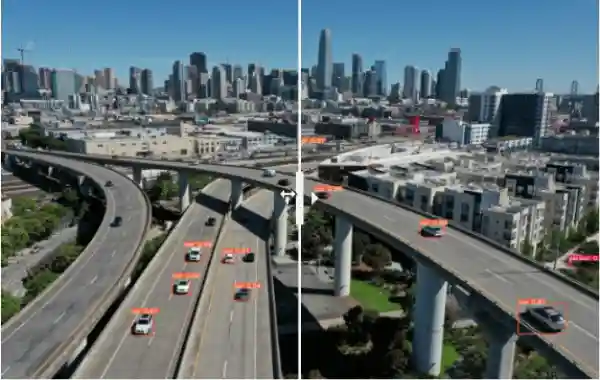
Image Comparison
Compare images with a slider using JuxtaposeJS. Created by @fcakyon.
from streamlit_image_comparison import image_comparison

image_comparison(img1="image1.jpg", img2="image2.jpg",)
Still have questions?
Our forums are full of helpful information and Streamlit experts.