Spend Management Software for Receipts & Expenses
Join 15 million+ members who trust Expensify
Features

Expense management
Automatically create, submit, approve, and reimburse expenses. Reports automatically sync with accounting.

Travel
Book flights, hotels, cars, and rail right in the app. Every booking syncs with your expenses for total T&E.

Expensify Card
The Expensify Visa® Commercial Card earns cash back on US purchases and lowers your Expensify bill.

Receipt scanning
Snap a photo, forward to receipts@expensify.com, or upload a file – we’ll scan the details!

Bring your own cards (BYOC)
Link the corporate cards you already have for automatic reconciliation. 10k+ banks supported globally.

Global reimbursements
Reimburse employees or independent contractors anywhere in the world, in their local currency.

Virtual cards
Instantly issue unlimited virtual cards for employees, vendors, or projects. Free with every Expensify Card.

Expense reports
Submit, review, and approve expenses in seconds. Expensify handles the matching and policy checks.

Al-powered expenses
Automate expense categorization, flag policy violations, enforce rules, and reduce manual errors with Expensify's Concierge Al.
See All Features
See Less Features
Try Expensify free for 30 days
1. Scan receipts
Scan receipts via the mobile app, drag-and-drop, forwarding to receipts@expensify.com, or texting 47777.

2. Submit reports
Concierge AI automatically categorizes and submits your expenses for reimbursement.

3. Get reimbursed
Get paid back directly to your bank account in as little as one business day.

1. Set rules
Set category limits and other expense rules to keep employee spend under control.

2. Approve reports
Review and approve every expense report, or ask Concierge AI to only flag the outliers.

3. Reimburse employees
Pay employees back in as little as one business day.

1. Set rules
Set category limits and other expense rules to keep employee spend under control.
2. Approve reports
Review and approve every expense report, or ask Concierge AI to only flag the outliers.

3. Sync accounting
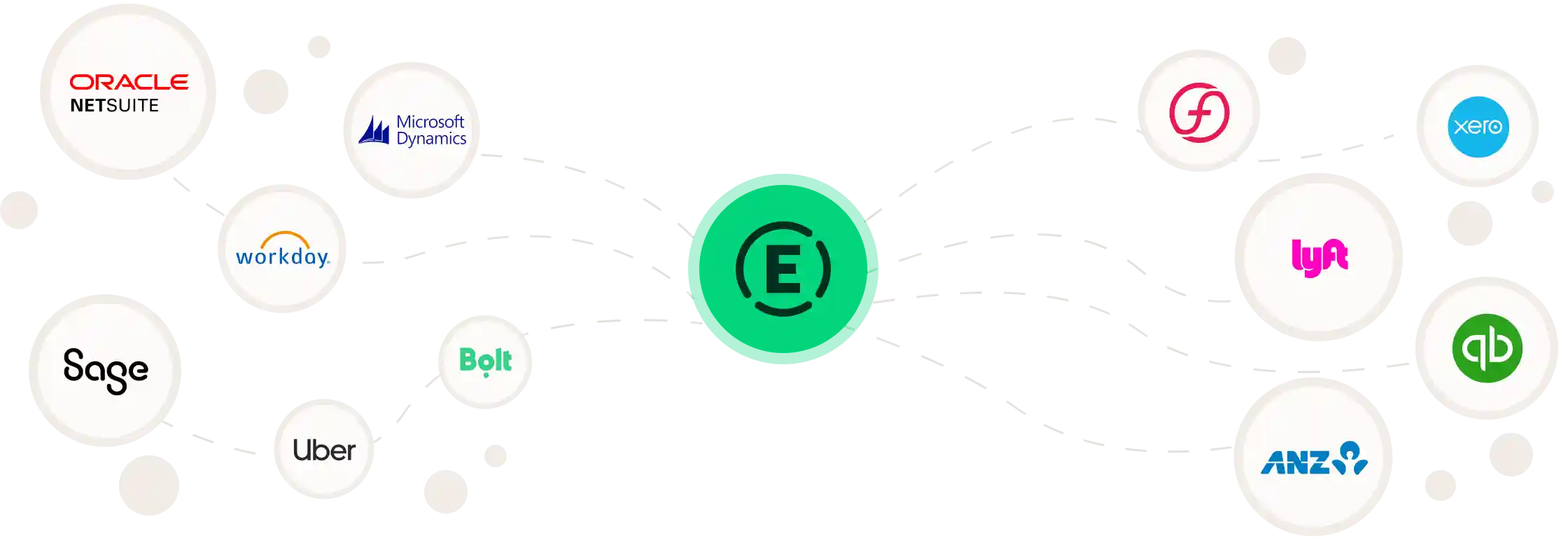
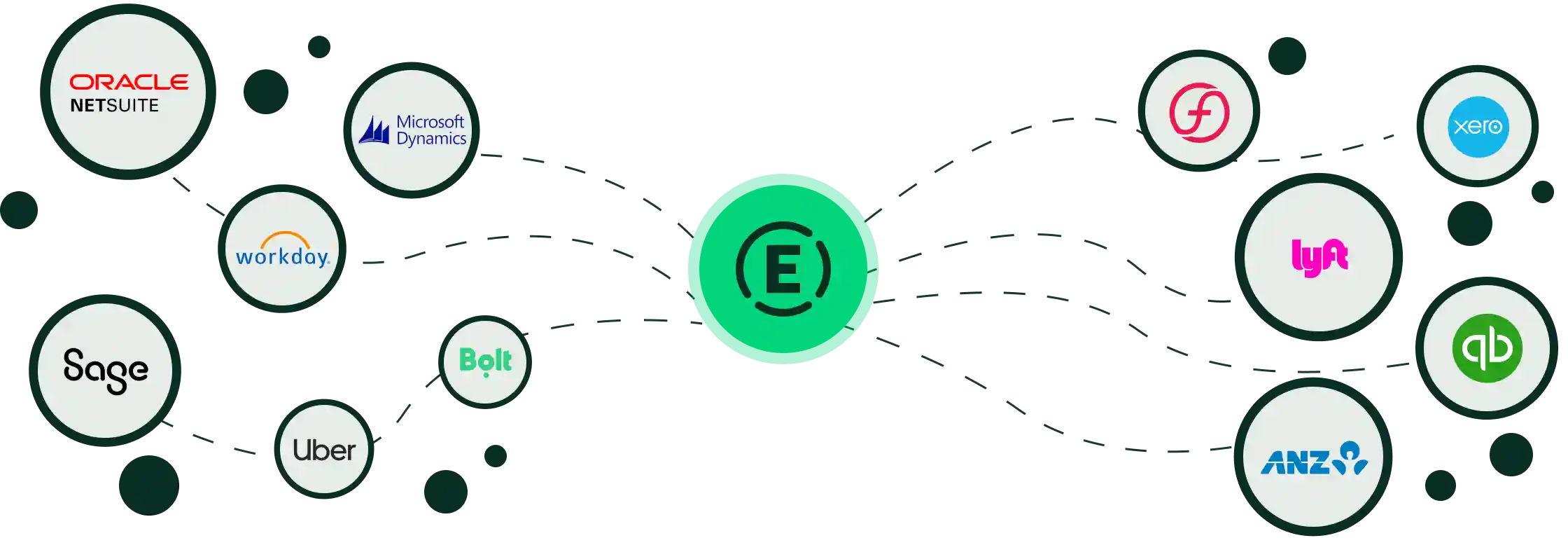
Automatically code, reconcile, and export expenses via a two-way sync with QuickBooks, Sage Intacct, NetSuite, Xero, and more.
FAQ
What is Expensify?
Expensify is an all-in-one expense management platform. You can track every receipt, manage expenses, and handle reimbursement, all with a couple of clicks.
Who is Expensify for?
Expensify is the perfect expense management tool for your entire team:
- Employees: Scan receipts, auto-generate reports, and get reimbursed in seconds.
- Employers: View expense reports at a glance, automatically approve requests, and send payments in a couple of clicks.
- Accounting: View expense requests on one dashboard. Reimburse instantly and auto-import entries into your preferred accounting software.
What kind of expenses can I track?
With Expensify, you can scan receipts, track mileage, and upload travel. You can also use it to pay bills and generate invoices.
Can I use Expensify if my company doesn’t use it?
Yes! Employees and contractors can use Expensify to track and manage their expenses even if their company doesn't use Expensify. You can submit your expenses to your employer electronically or create a PDF that you can email.
How quickly can I get set up?
Expensify is ready to use in seconds! Just sign up with your email or phone number to open your account, and you can upload receipts right away!
What does Expensify integrate with?
Expensify integrates with QuickBooks, Xero, Oracle Netsuite, Sage Intacct, ADP, and Gusto, and 45+ more apps. Choose from accounting, finance, ERP, travel, tax, and many more software.
Can Expensify help with compliance?
Yes! Expensify allows you to streamline the auditing process by detecting duplicate receipts, ensuring correct exchange rates, and automatically checking transactions against company policies.
How do I upload expenses?
To upload expenses simply scan receipts via mobile app or swipe with your Expensify card. Expensify will automatically capture the amount, date, merchant, and more. You can also enter your payment information manually in a few seconds.
How much does it cost?
Expensify is completely free to use as an individual. For companies, plans start at $5 per member, but you can offset that cost with cash back from the Expensify Card.
How do I get started?
Getting started with Expensify is easy! Just sign up with your email or phone number, and you can start uploading receipts and tracking expenses right away.
Ready to simplify your receipt and expense management process?
Enter your email or phone number to make your company's money go further with Expensify's time-saving spend management tools.