Bring your extension to life
Support your development workflow with these straightforward tools and guides.
Create extensions for Firefox and Firefox for Android
Support your development workflow with these straightforward tools and guides.
All you need to create extensions for Firefox is a text editor and a version of Firefox to support your testing. Mozilla and the Firefox extension developer community have also created a number of extension development tools that can simplify the coding and testing of your extension.
Get familiar with the webextension-polyfill library if you’re planning on developing for both Firefox and Chromium-based browsers.
This enables you to switch between the different Firefox and Chromium-based namespaces and asynchronous call handling methods for each type of browser.
The web-ext tool can help you by:

Having an exceptional user experience is crucial to attracting, and retaining, users of your extension.
RememBear is a great example of an extension with an outstanding user experience.
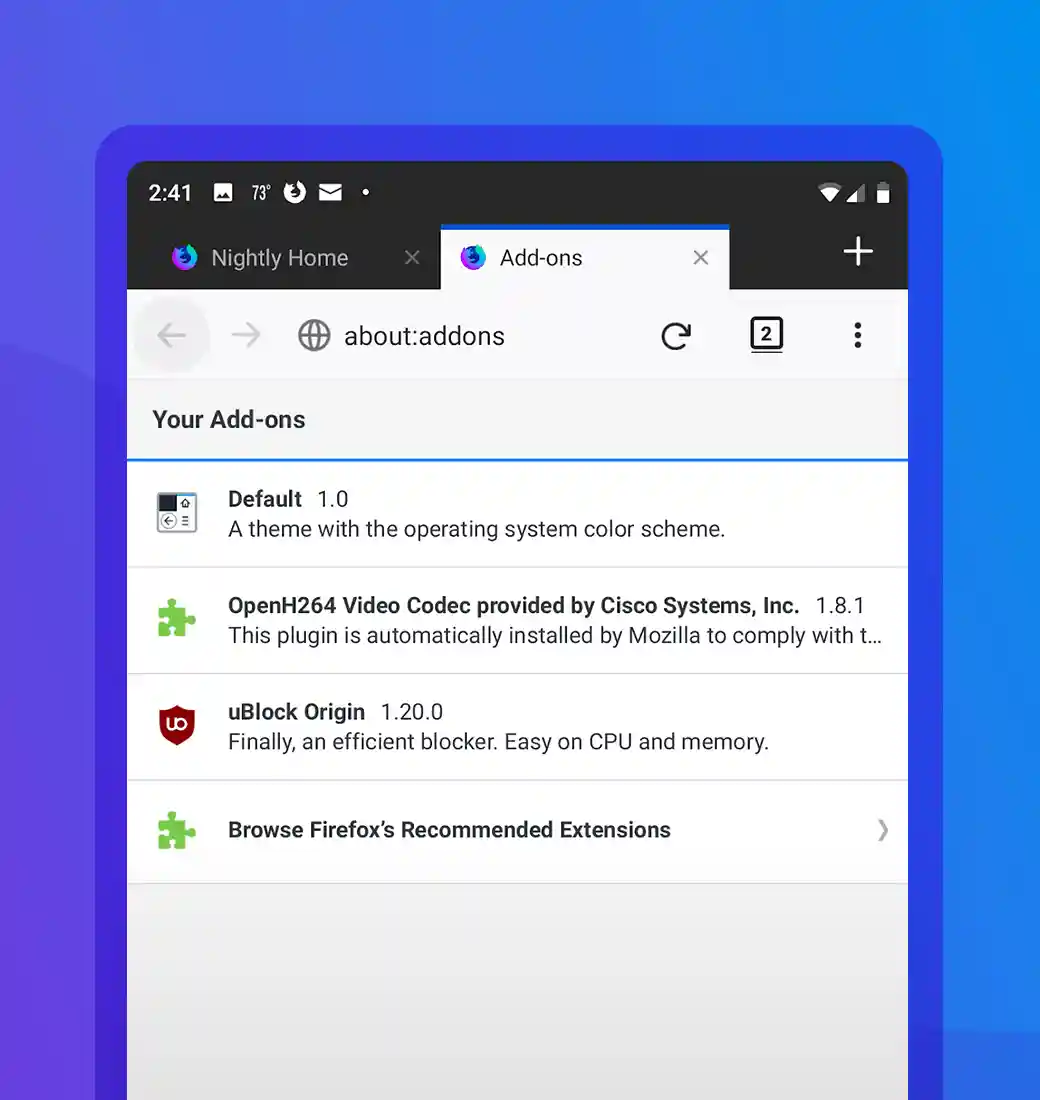
If you develop Android apps, when you want to include a browser experience in your app you can take advantage of the browser engine that underpins Firefox using the GeckoView Extensions Android library.

The Firefox extension environment is highly compatible with Chromium-based extension technology. Your extension might already be capable of running on Firefox, or need only a few changes.
Check out our porting guide to get started.
Develop
Develop
Develop