GitHub - Sekou448/python-mini-projects: A collection of simple python mini projects to enhance your python skills
A collection of simple python mini projects to enhance your Python skills.
Select an issue and ask to be assigned to it.
Check existing scripts in the projects directory.
Star this repository.
On the python-mini-projects repo page, click the Fork button.

Clone your forked repository to your local machine. This button will show you the URL to run.
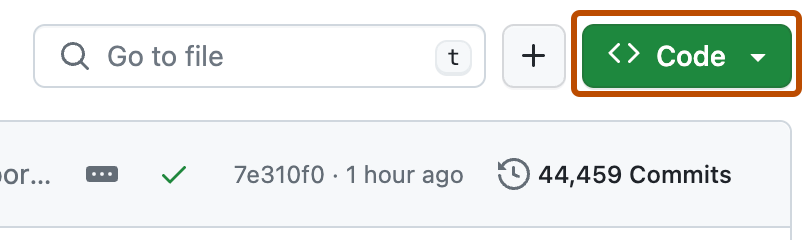
For example, run this command inside your terminal:
git clone https://github.com/<your-github-username>/python-mini-projects.git
Replace <your-github-username>!
Learn more about forking and cloning a repo.
Before you make any changes, keep your fork in sync to avoid merge conflicts:
git remote add upstream https://github.com/Python-World/python-mini-projects.git
git fetch upstream
git pull upstream master
git push
Alternatively, GitHub also provides syncing now - click "Fetch upstream" at the top of your repo below "Code" button.
If you run into a merge conflict, you have to resolve the conflict. There are a lot of guides online, or you can try this one by opensource.com.
Checkout to development branch (name your branch according to the issue name).
git checkout -b <branch-name>
Create a folder in projects directory according to issue name.
Write your code and add to the respective folder in the projects directory, locally.
Don't forget to add a README.md in your folder, according to the
README_TEMPLATE.
Add the changes with git add, git commit (write a good commit message, if possible):
git add -A
git commit -m "<your message>"
Push the code to your repository.
git push origin <branch-name>
Go to the GitHub page of your fork, and make a pull request:

Read more about pull requests on the GitHub help pages.
Now wait, until one of us reviews your Pull Request! If there are any conflicts, you will get a notification.