DocumentDB for VS Code
Install from Visual Studio Marketplace
A powerful, open-source DocumentDB and MongoDB GUI for everyone.
DocumentDB for VS Code helps you browse, manage, and query DocumentDB and MongoDB databases across any cloud, hybrid, or local environment.
Features
Universal DocumentDB and MongoDB Support
Connect to any MongoDB or DocumentDB instance: cloud, hybrid cloud, on-premises, or a local machine.
- Flexible Connections: Use a connection string or browse your cloud providers.
- Cross-Platform Service Discovery: Connect to DocumentDB and MongoDB instances hosted with your provider.
- Wide Compatibility: Full support for all DocumentDB and MongoDB databases.
Developer-Centric Experience
DocumentDB for VS Code focuses on providing developer productivity features with minimal setup.
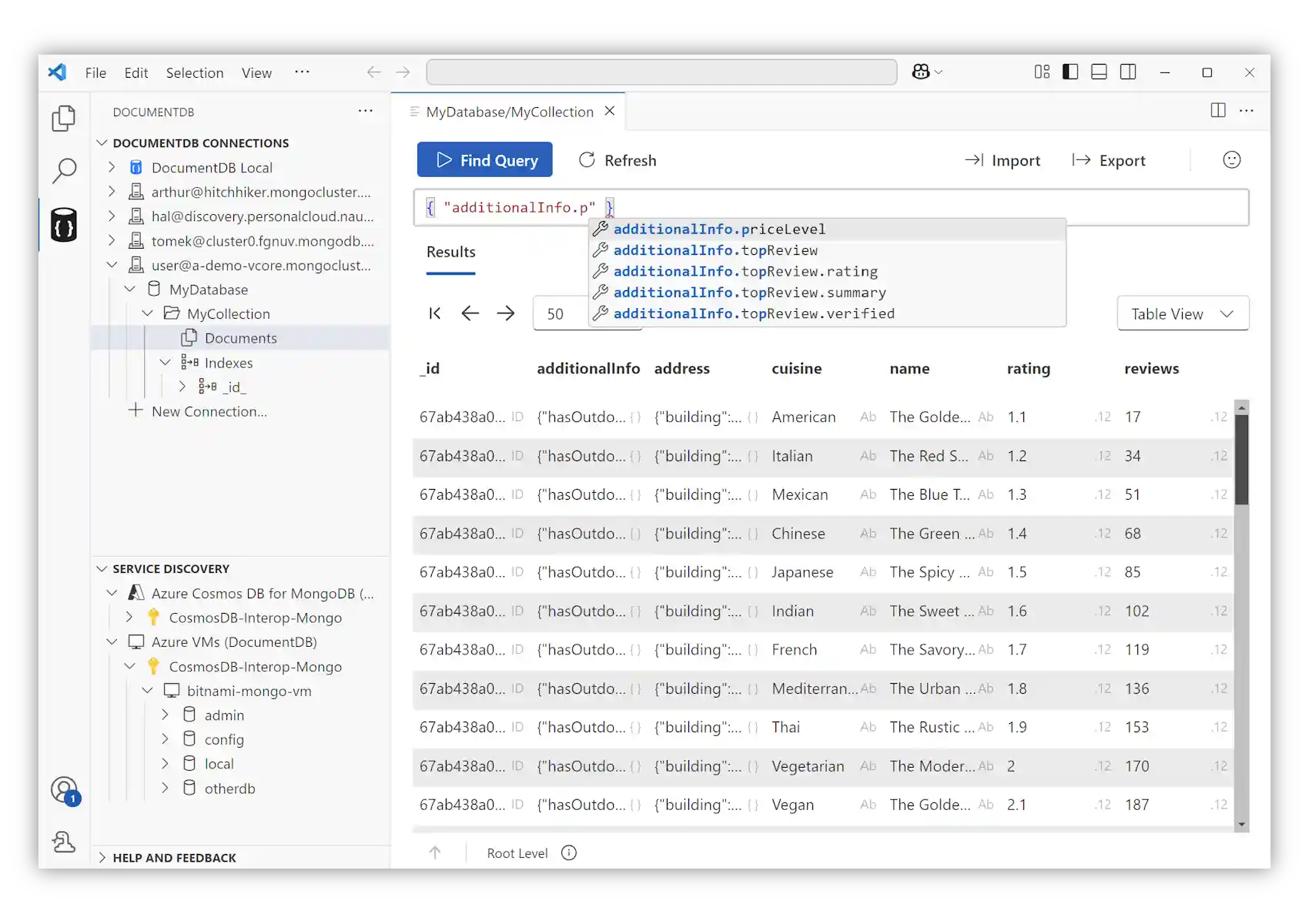
- Multiple Data Views: Inspect collections using Table, Tree, or JSON layouts, with built-in pagination.
- Query Editing: Execute
findqueries with syntax highlighting, auto-completion, and field name suggestions. - Document Management: Create, edit, and delete documents directly from VS Code.
- Data Import/Export: Quickly import JSON files or export documents, query results, or collections.
Open Development
We believe in building in the open. All development, roadmap planning, and feature discussions happen publicly on GitHub. Your feedback, contributions, and ideas shape the future of the extension.
Table of Contents
User Manual
The User Manual provides guidance on using DocumentDB for VS Code. It contains detailed documentation for specific features and concepts. These documents provide additional context and examples for features you encounter while using the extension:
Connecting to Databases
Data Management
Release Notes
Explore the history of updates and improvements to the DocumentDB for VS Code extension. Each release brings new features, enhancements, and fixes to improve your experience.