Adding Objects | Patchies
There are two ways to add objects to your canvas: quick add and the object browser.
Quick Add
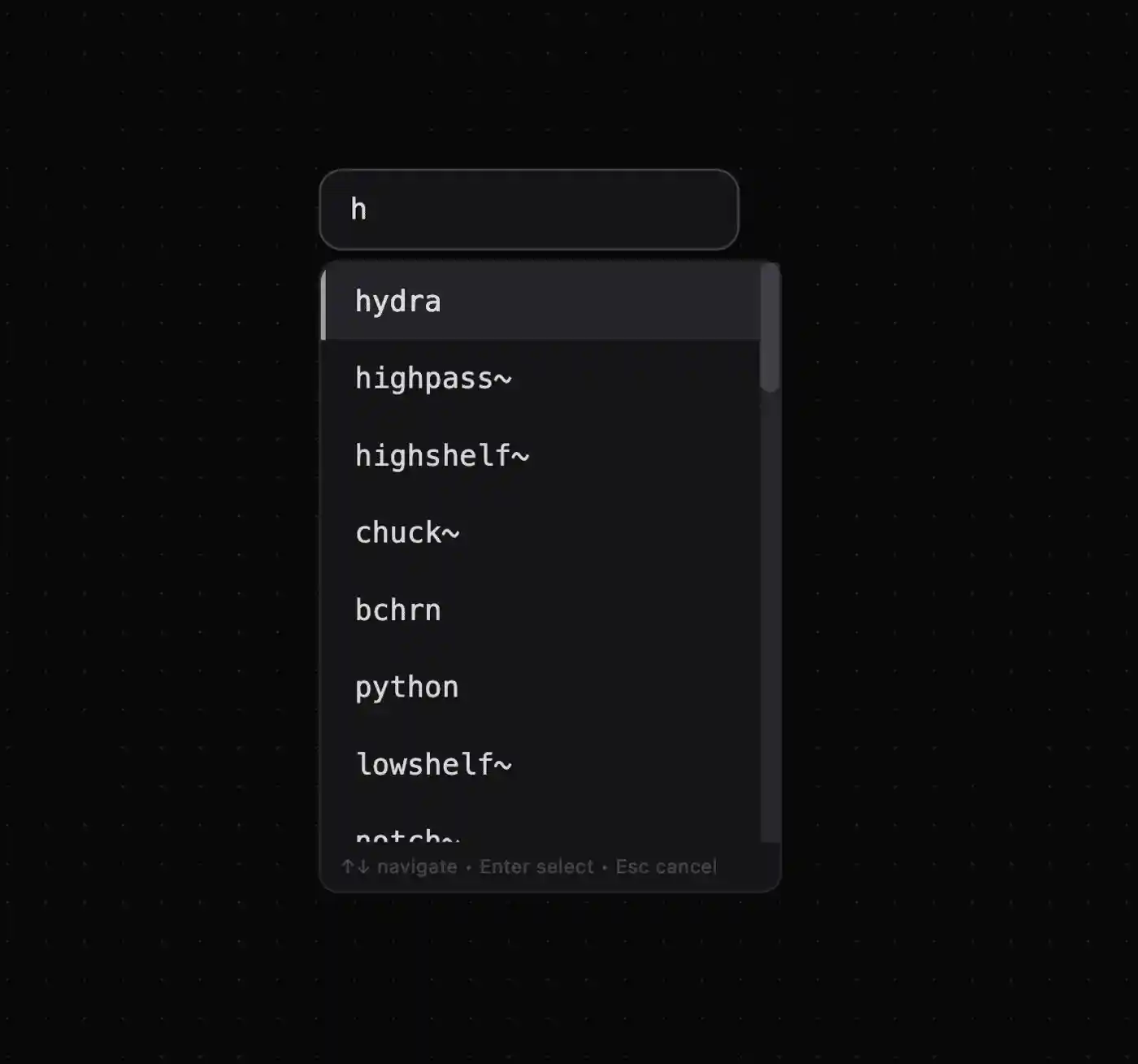
- Press
Enterto open the quick add menu - Type to search for object and preset names. Try
buttonortextboxorlogger.js Arrow Up/Downnavigates the listEnterinserts the objectEsccloses the menu
Object Browser

- Use
Ctrl/Cmd + Oor the add button on the bottom right to open the object browser - Objects and presets are grouped by packs, with searchable names and descriptions
- Click to insert an object or preset — pick one at random and see what it can do!
- If you search for disabled objects, a suggestion to enable relevant packs will appear
Presets
Presets are pre-made objects that help you get started quickly. You can manage your own presets in the sidebar: Ctrl/Cmd + B > Presets. Drag them into your canvas, or create your own by selecting an object and using the overflow menu (...) > "Save as Preset".