Perfect Your Python Development Setup (Learning Path) – Real Python
Learning Path ⋅ Skills: VS Code, PyCharm, Virtual Environments, pyenv, Docker, Git, GitHub, IDEs, Code Editors, Claude Code, Cursor, Gemini CLI, GitHub Copilot

In this learning path, you’ll set up a productive Python development environment. You’ll start with environment setup and editor selection, then learn to use VS Code and PyCharm. From there, you’ll work with virtual environments, Git, and pyenv to manage Python versions, and explore Docker for running different Python releases. Finally, you’ll get started with AI-assisted coding tools like Claude Code, Cursor, and Gemini CLI.
Perfect Your Python Development Setup
Learning Path ⋅ 16 Resources
Setting Up Your Environment
Get started by setting up an effective Python coding environment. You’ll learn best practices for configuring your system and setting up your tools on any platform.

Tutorial
Your Python Coding Environment on Windows: Setup Guide
With this opinionated guide to setting up a basic, fully featured and flexible setup for Python coding and open source contributing when working from Windows, you'll go from a fresh install to ready to contribute, and even check out a PowerShell script to automate much of the process.
Editors and IDEs
Choose the right editor for your workflow. You’ll explore popular options, then learn to use VS Code and PyCharm for Python development.
Course
Finding the Perfect Python Code Editor
Find your perfect Python development setup with this review of Python IDEs and code editors. Writing Python using IDLE or the Python REPL is great for simple things, but not ideal for larger programming projects. With this course you'll get an overview of the most common Python coding environments to help you make an informed decision.

Tutorial
Advanced Visual Studio Code for Python Developers
Learn how you can configure, extend, and optimize Visual Studio Code for a more effective and productive Python development environment. By digging into this customizable code editor and IDE, you'll put yourself on track to be a VS Code power user.
Virtual Environments and Version Management
Isolate your project dependencies and manage multiple Python installations. You’ll learn virtual environments, Git and GitHub basics, and how to use pyenv.
Course
Working With Python Virtual Environments
This course demonstrates how Python's virtual environments work as a "sandbox" and you get a quick walkthrough on how to set up a new environment (or virtualenv, as they're called for short) and how to install third-party packages into it using the pip command.

Course
Introduction to Git and GitHub for Python
What is Git, what is GitHub, and what's the difference? Learn the basics of Git and GitHub from the perspective of a Pythonista in this step-by-step video course.

Python Versions and Customization
Learn to run different Python versions using Docker, install pre-release builds, and choose the best coding font for your editor.


Tutorial
How Can You Install a Pre-Release Version of Python?
If you want to have a peek at what's coming in the next stable version of Python, then you can install a pre-release version. In this tutorial, you'll learn how to access the latest Python versions and help test them.

Tutorial
Choosing the Best Coding Font for Programming
The font that you use is an important piece in your tool kit as a programmer. After all, you look at your programming font the whole time when writing code. In this tutorial, you'll find your perfect font for coding.
AI-Assisted Coding
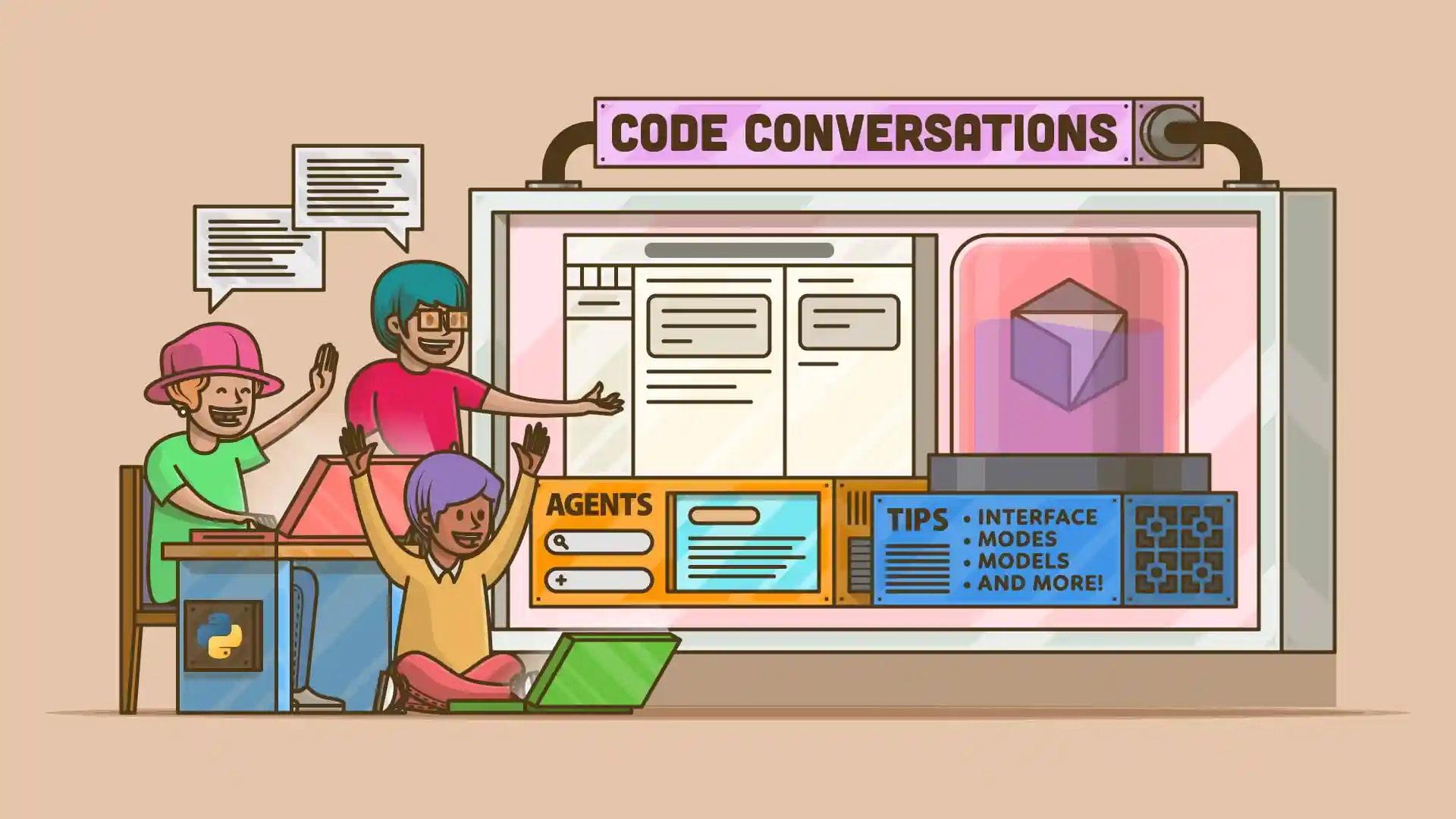
AI-powered tools can help you write, review, and debug code faster. You’ll explore Claude Code, Cursor, Gemini CLI, and GitHub Copilot to see how they fit into your Python workflow.

Tutorial
GitHub Copilot: Fly With Python at the Speed of Thought
In this tutorial, you'll get your hands dirty with GitHub Copilot, a virtual pair programmer powered by artificial intelligence trained on billions of lines of code. You'll explore several practical use cases in Python for this amazing productivity tool.
Congratulations on completing this learning path! You’ve set up a productive Python development environment with editors, virtual environments, version management, and Docker.
Continue your intermediate Python journey with the next learning path:
Learning Path
Modules and Packages
14 Resources ⋅ Skills: Packages, Modules, Import System, pip, PyPI, uv, __init__.py, Namespace Packages
You might also be interested in these related learning paths: