Create Graphical User Interfaces (GUI) (Learning Path) – Real Python
Learning Path ⋅ Skills: Tkinter, PyQt, wxPython, Kivy, GUI Layouts, Event Handling, Database Integration, Thread Management, Mobile App Development, GUI Design
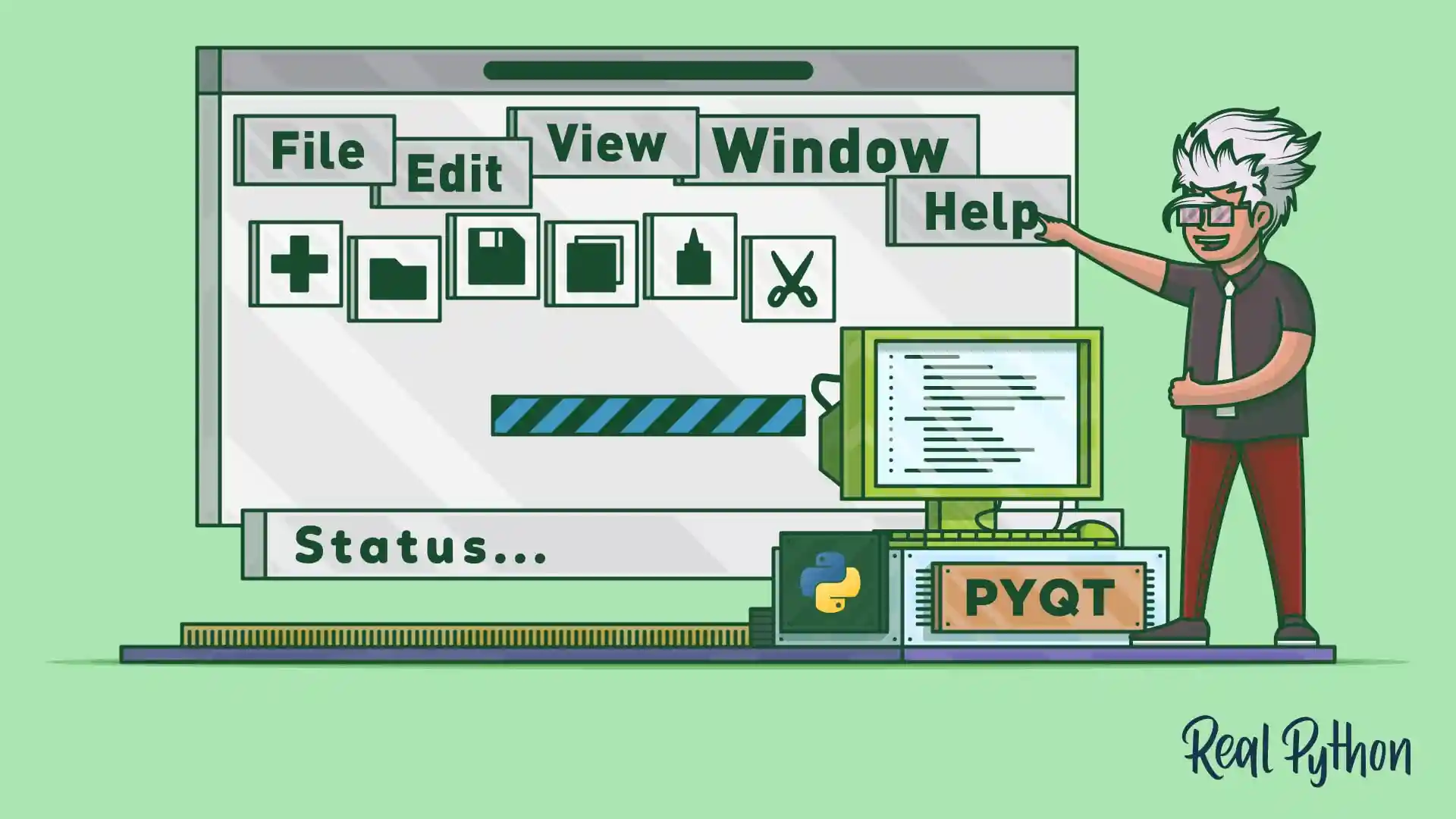
In this learning path, you’ll build graphical user interfaces with Python using multiple frameworks. Starting with Tkinter basics and a hands-on game project, you’ll then explore PyQt for professional desktop applications with layouts, menus, databases, and threading. You’ll also work with wxPython and Kivy for cross-platform and mobile development.
Create Graphical User Interfaces (GUI)
Learning Path ⋅ 12 Resources
Getting Started With Tkinter
Tkinter is Python’s built-in GUI toolkit. You’ll learn the basics of creating windows, widgets, and event-driven applications, then put your skills to work by building a game.

Course
Building a Python GUI Application With Tkinter
Learn the basics of GUI programming with Tkinter, the de facto Python GUI framework. Master GUI programming concepts such as widgets, geometry managers, and event handlers. Then, put it all together by building two applications: a temperature converter and a text editor.
Tutorial
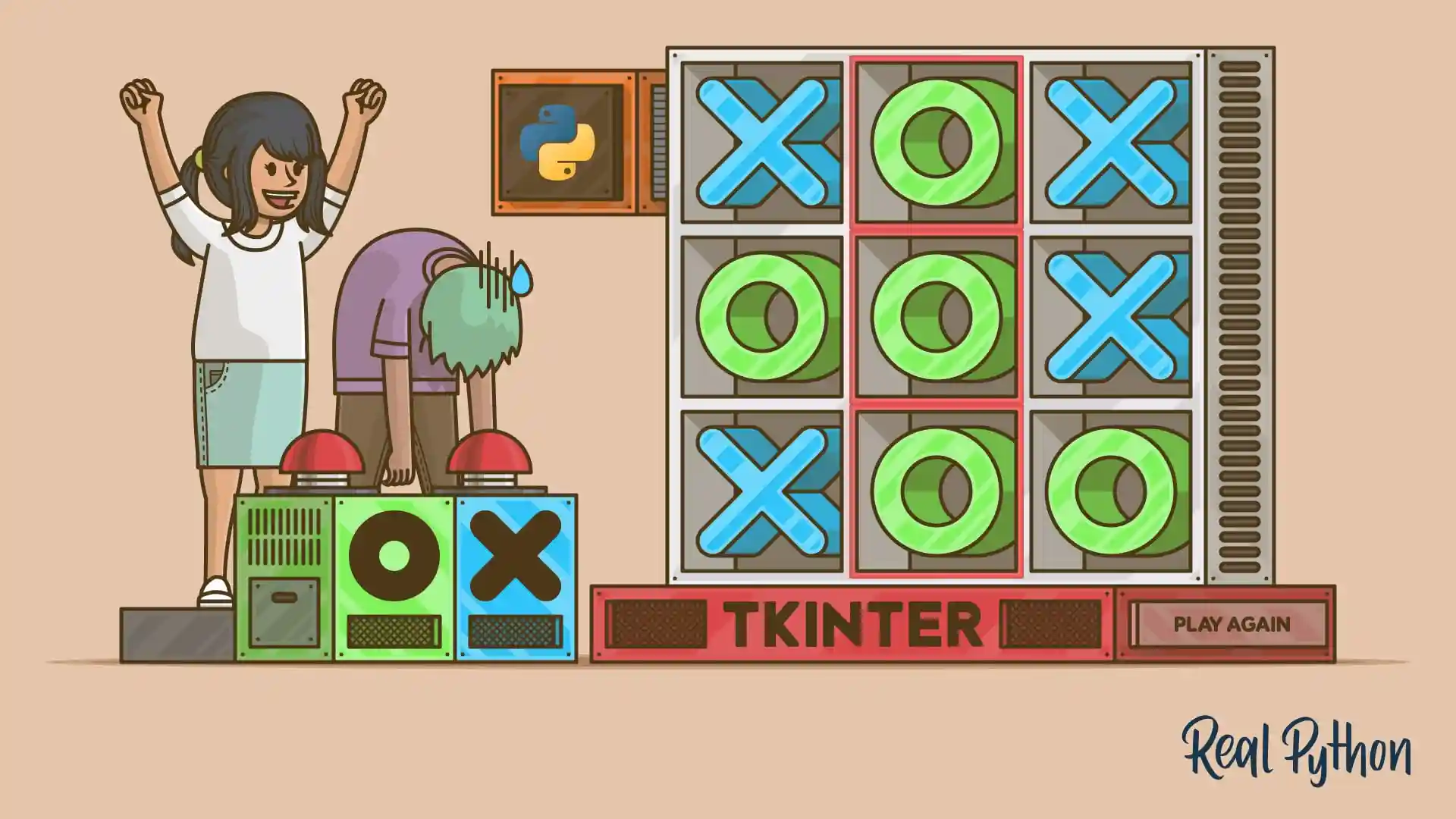
Build a Tic-Tac-Toe Game With Python and Tkinter
In this step-by-step project, you'll learn how to create a tic-tac-toe game using Python and the Tkinter GUI framework. Tkinter is cross-platform and is available in the Python standard library. Creating a game in Python is a great and fun way to learn something new and exciting!
Building With PyQt
PyQt gives you access to the Qt framework for building professional desktop applications. You’ll learn to create menus, layouts, calculators, and database-driven apps, and how to keep your GUIs responsive with threads.

Course
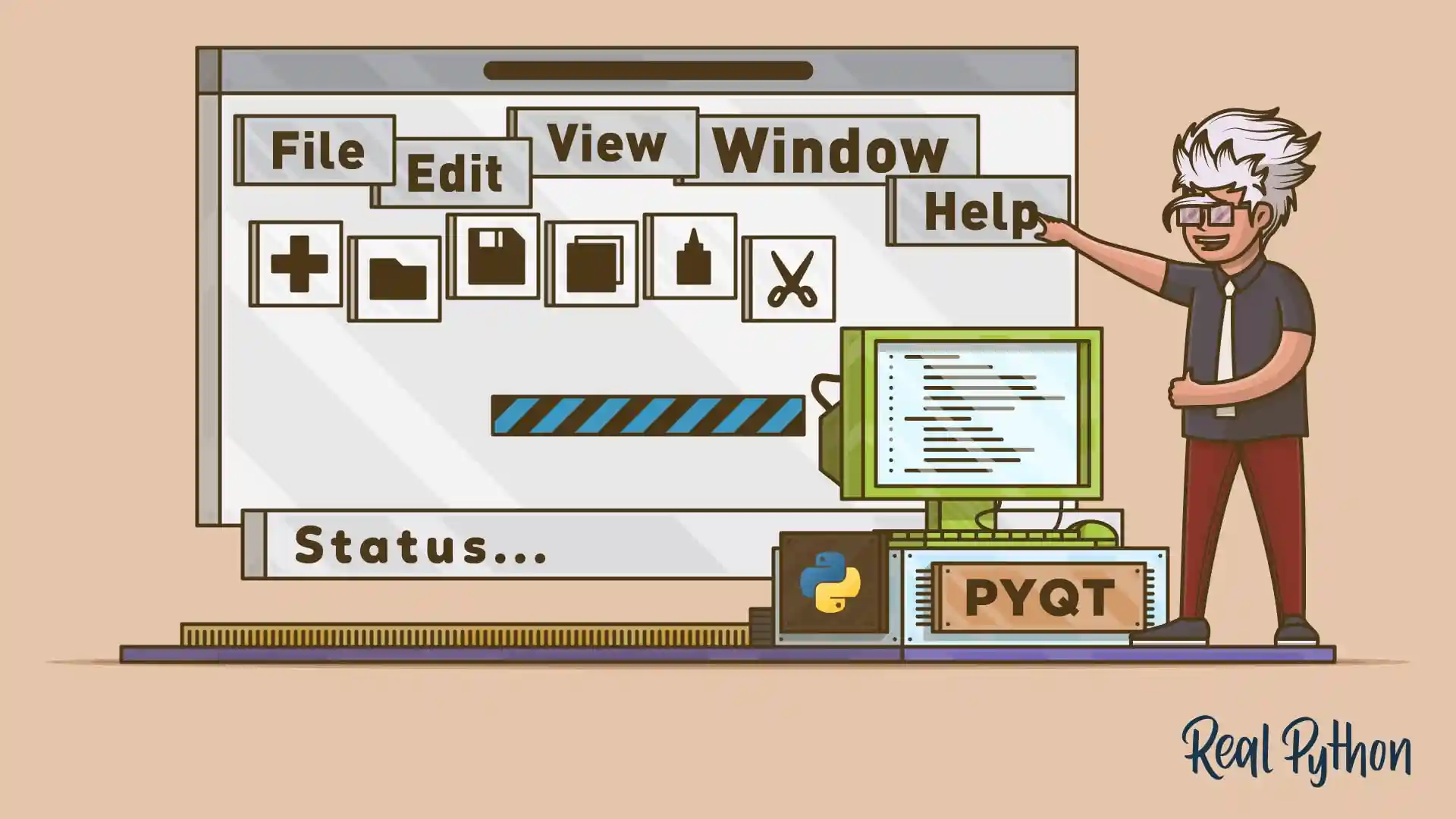
Build a GUI Calculator With PyQt and Python
Learn how to create graphical user interface (GUI) applications with Python and PyQt. Once you've covered the basics, you'll build a fully functional desktop calculator that can respond to user events with concrete actions.
Course
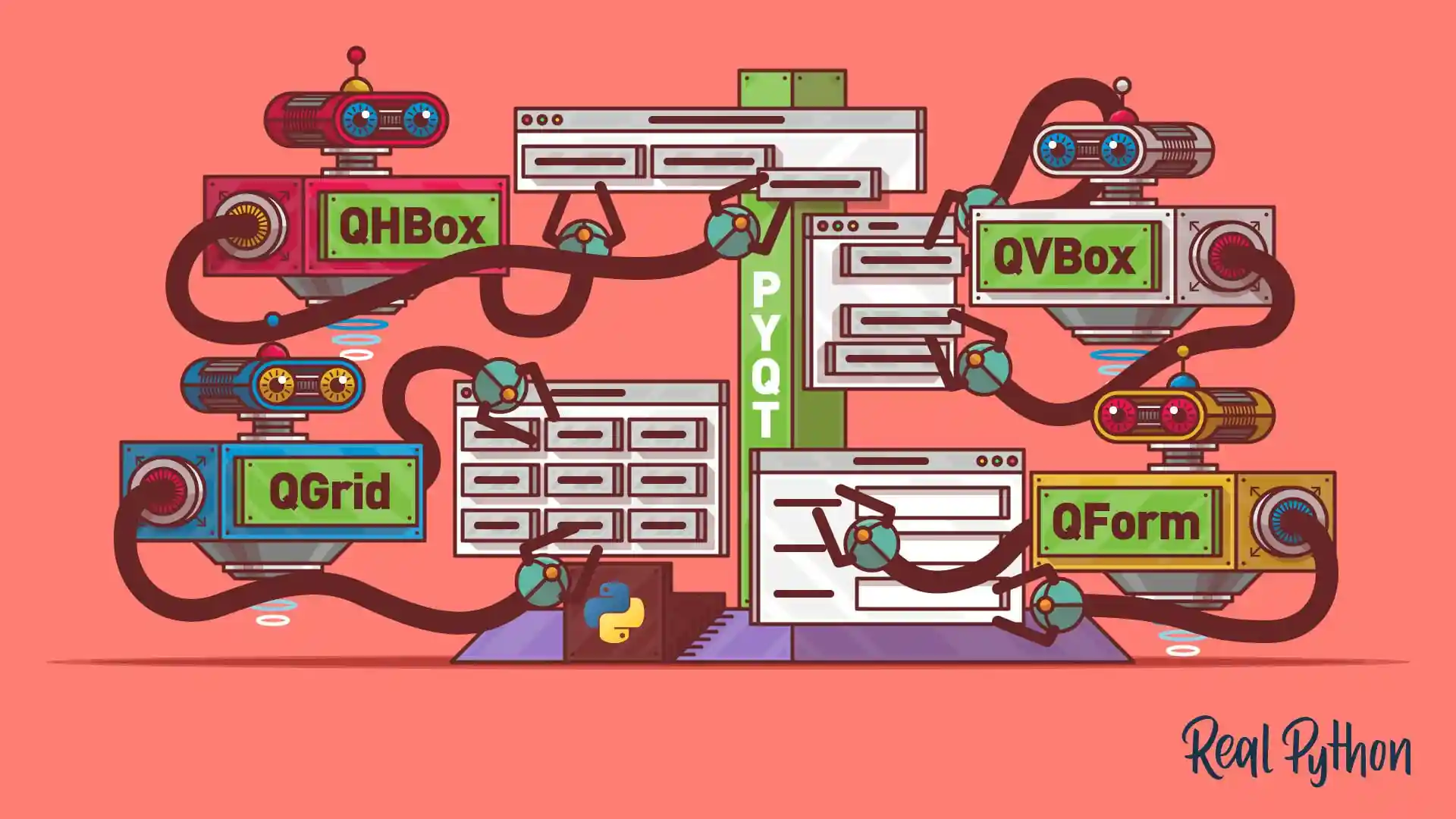
Creating PyQt Layouts for GUI Applications
In this step-by-step course, you’ll learn how to use PyQt layouts to arrange and manage the graphical components on your GUI applications. With the help of PyQt's layout managers, you'll be able to create polished and professional GUIs with minimal effort.


Exploring Other Frameworks
Beyond Tkinter and PyQt, Python has other GUI frameworks worth knowing. wxPython provides native-looking interfaces, while Kivy lets you build cross-platform apps for desktop and mobile.
Tutorial
How to Build a Python GUI Application With wxPython
Learn how to create a cross-platform graphical user interface (GUI) using Python and the wxPython toolkit. A graphical user interface is an application that has buttons, windows, and lots of other widgets that the user can use to interact with your application.
Course
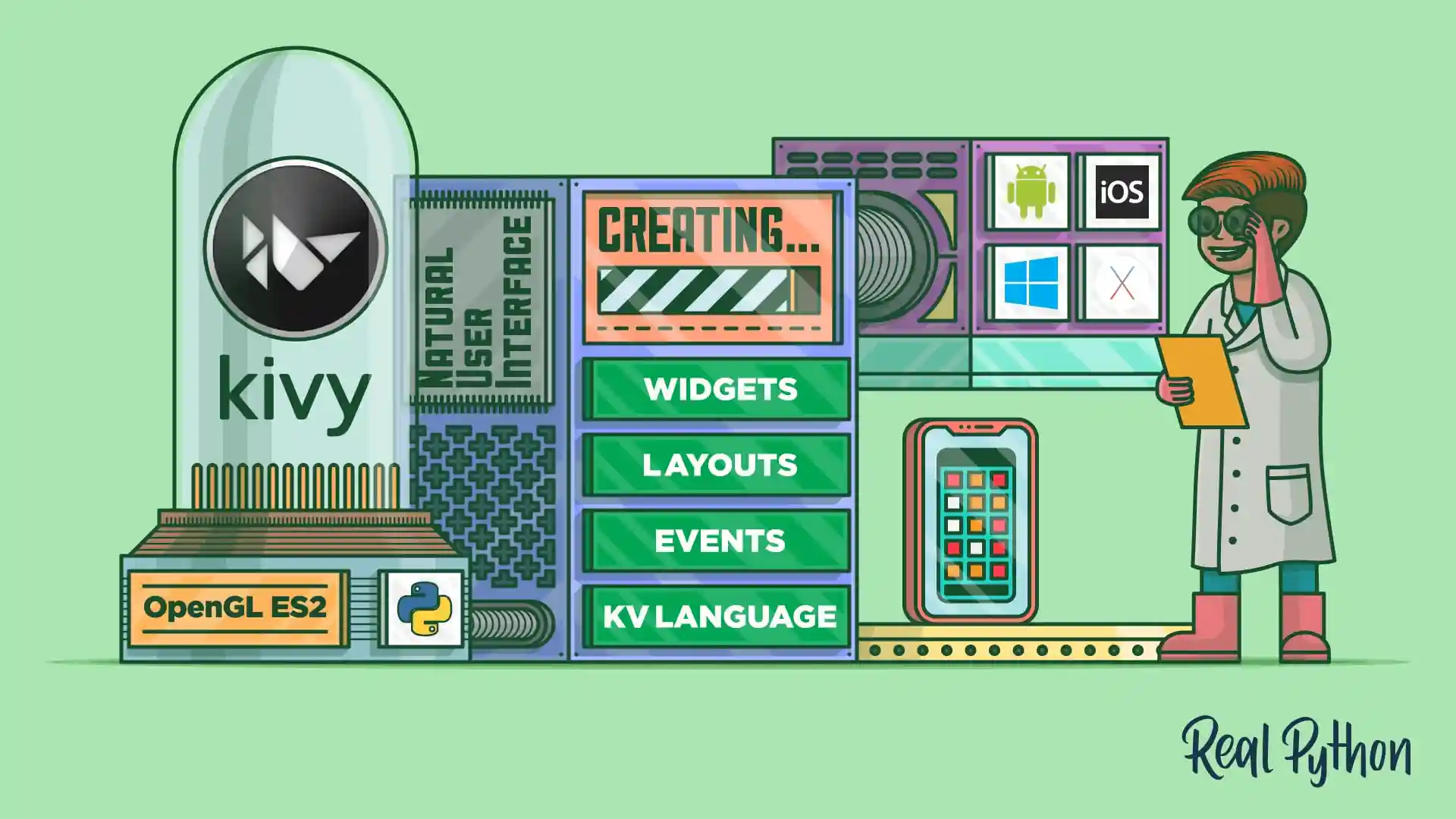
Build Cross-Platform GUI Apps With Kivy
Learn how to build a cross-platform mobile application with Python and the Kivy GUI framework. You'll discover how to develop an application that can run on your desktop as well as your phone. Then, you'll package your app for Windows, Linux, and macOS.
Congratulations on completing this learning path! You’ve learned to build GUI applications with Tkinter, PyQt, wxPython, and Kivy, covering layouts, events, databases, and threading.
Continue your advanced Python journey with the next learning path:
Learning Path
Understand CPython
8 Resources ⋅ Skills: Python, Pointers, Memory Management, Profiling, CPython Source Code, C Extensions, Python Bindings, Memory Mapping
You might also be interested in these related learning paths: