Web App: Access All components, templates & features - Tailkit
It's super fast and easy to use
Tailkit's web application is a joy to use.
Use it to preview all available components and copy them with a single click. Use it to get access to all available templates and tools. Use it customize your experience. Use it to build your next masterpiece.
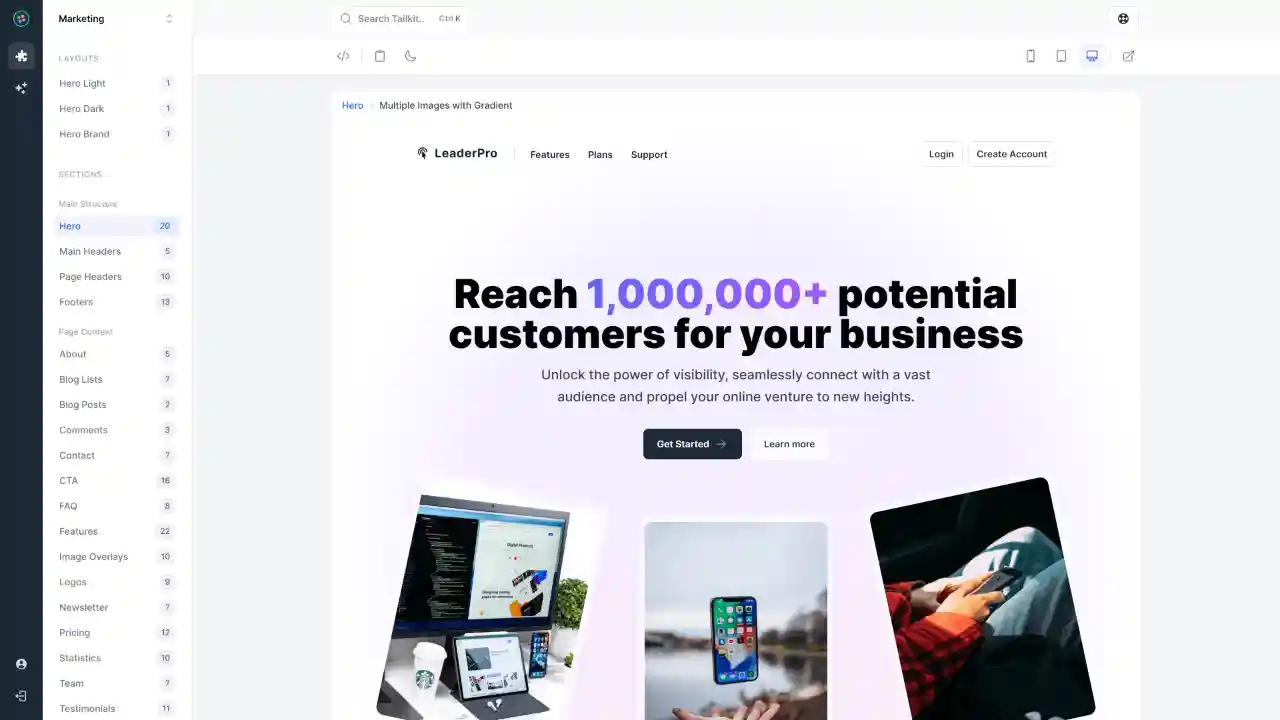
Works like magic
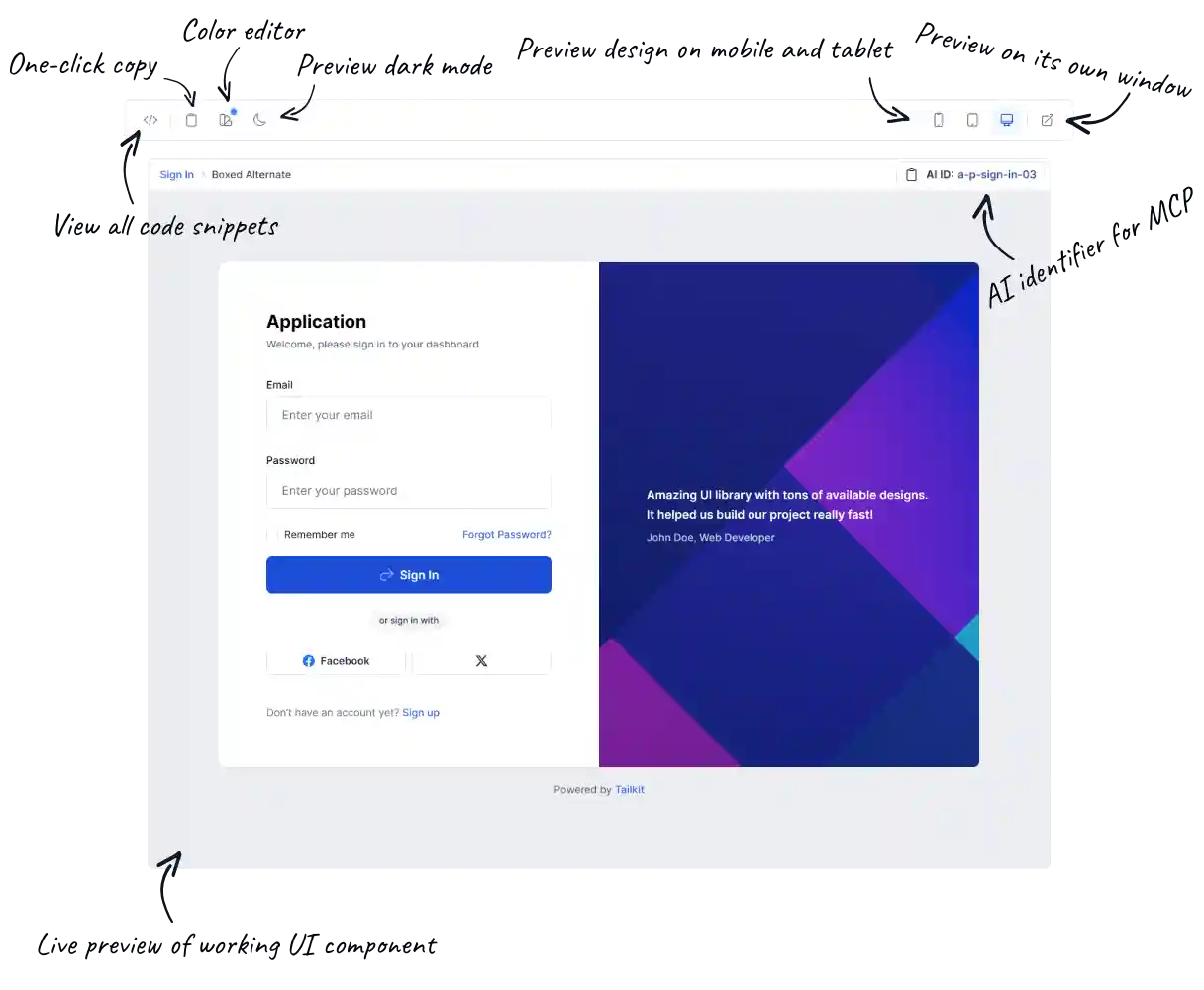
Preview Pane
Meet the handiest feature you’ll be using! Each available Tailwind component can be previewed and handled through our custom coded pane. It comes packed with amazing features.
Make it yours!
Customize your experience.
Ready to make Tailkit truly yours? Dive in and tweak everything from layouts to tech preferences. It's like having a digital playground designed just for you.
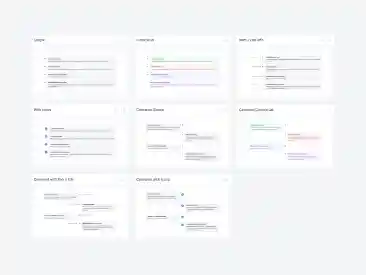
You can set the category view preference for the UI components. You can preview them in a 3 column grid, a single column list or even a single column list with preview pane enabled for each UI component.
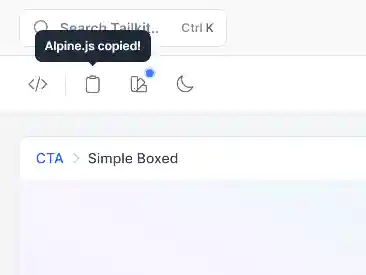
You can select the technology (HTML, React, Vue.js and Alpine.js) that you want to copy by default when you are using the copy component button in each Preview Pane.
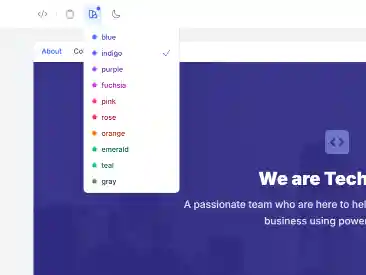
The primary color, used in all Tailwind components, is blue but you can change it to any of the 10 available colors to match your preferences. You can also change the secondary color to any of the 5 available gray shades (gray, slate, zinc, neutral, stone).
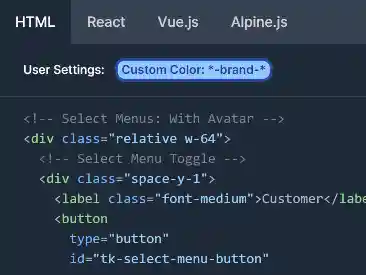
If you are using your own primary or secondary colors (gray shades) with all default shades (50-950), you can change their names in all code snippets to match your CSS configuration.
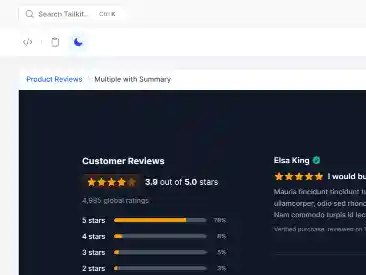
You can set dark mode to be the default mode in the preview pane. This way, you will always preview the dark version of each component. Set it to Universal, to let it auto change based on Tailkit's app preference.

Not planning to use dark mode in your project? No worries! With just one click, you can effortlessly remove all dark mode classes by default.
Built to perfection
It comes with features you will love using.
Beautiful and fully responsive design which comes with dark mode support, global search to easily find what you are looking for and a User Interface fast as a rocket.