Get More Done
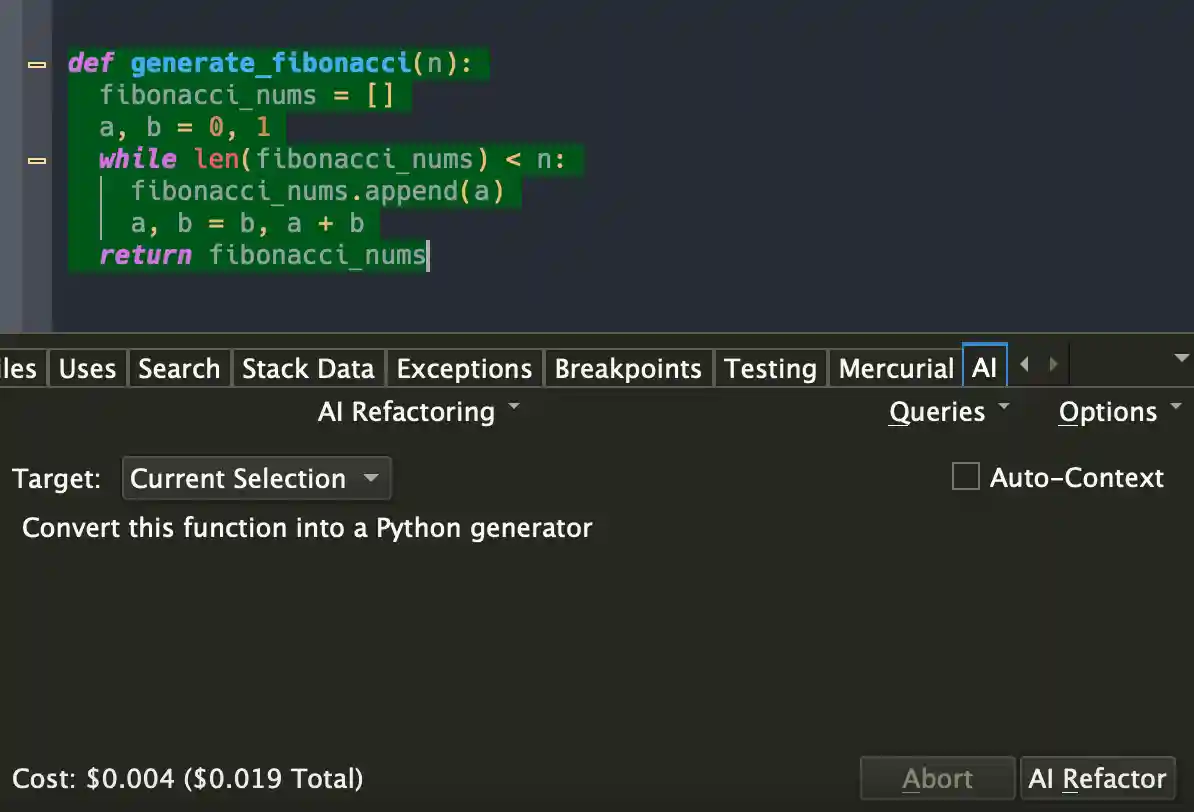
Type less and let Wing worry about the details. Use AI to write
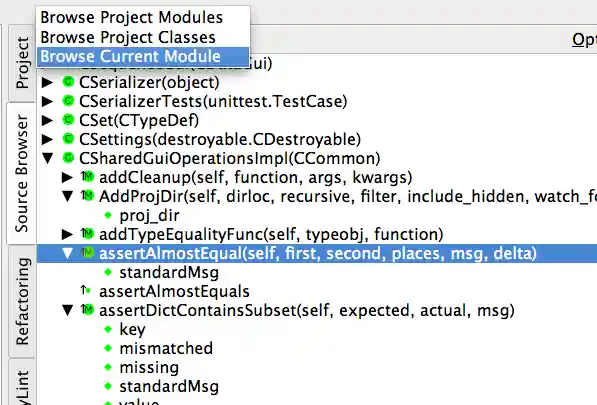
& redesign your code. Work interactively in the live Python runtime. Easily navigate
code and documentation.
Write Better Code
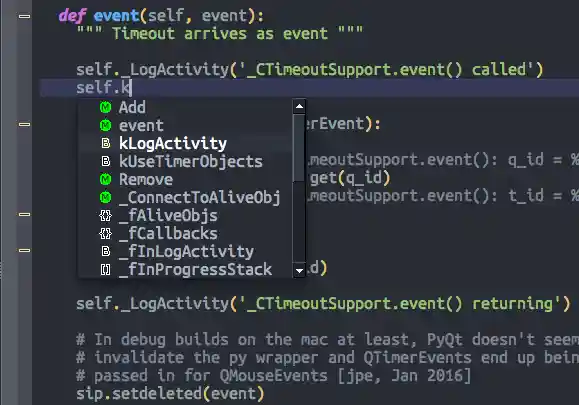
Avoid common errors and find problems early with assistance from Wing's deep
Python code analysis. Keep code clean with smart refactoring, code inspection, and
reformatting.
Find Bugs Faster
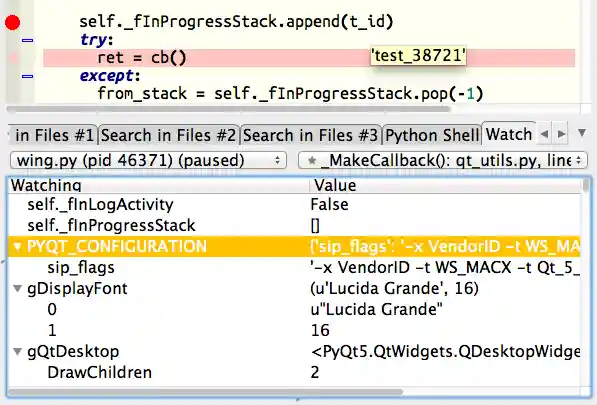
Debug any Python code. Inspect
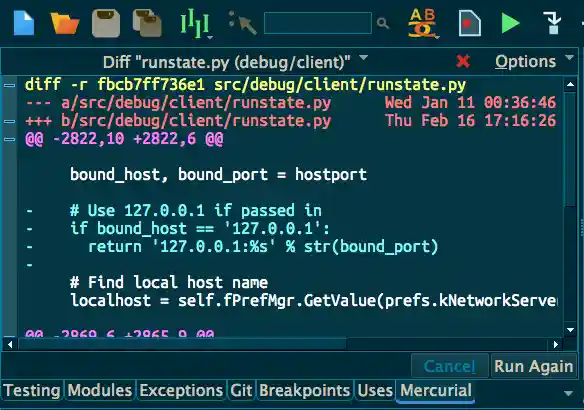
debug data and try out bug fixes interactively without restarting your app.
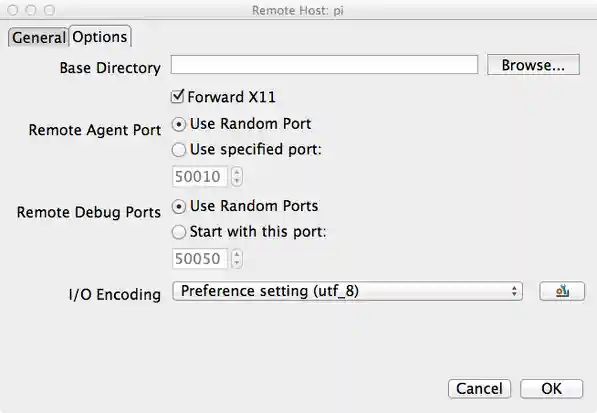
Work locally or on a remote host, VM, or container.
Wingware's 26 years of Python IDE experience bring you a more Pythonic development environment.
Wing was designed from the ground up for Python, written in Python, and is extensible with Python.
So you can be more productive.
Supported Platforms
|
Python Versions

Anthony Floyd
Engineering Lead at Convergent Manufacturing Technologies, Inc.
We are a specialized engineering company that writes desktop
applications for engineers to perform process simulation and related data analysis.
We have been using Wing Pro for the past decade with a small team of developers.
We could not be happier with the product and the support!
The debugger and code navigation tools are some of the best features
in Wing Pro. It is very easy to trace problems through complicated code. It is easy
to jump to areas of code that you need to find. The editor is theme-able and many
of our team work in 'dark mode'.
The support is also great. Issues get responded to quickly and fixes
pushed within days.

Ram Rachum
Python Consultant and Open Source Developer
I've been using Wing Pro as my main development environment for 10 years now.
I've used it for my open-source projects, my client projects when I
was working as a freelancer, and now at my work in a corporate environment. I do
Python programming almost exclusively, so Wing's Python-centric approach is a good fit for
me.
The debugger is first-class. It works on multi-process, multi-thread programs and supports
remote debugging. The editor is great. It's got VI and emacs mode and it's extensible with
Python scripts. The support staff is great. I've made many suggestions and requests for
improvement to them over the years, and they've implemented many of them. Bugs are fixed
quickly.
Overall, I highly recommend Wing Pro!
Scientific and Data Analysis
Wing's focus on interactive development works well for scientific
and data analysis with Jupyter, NumPy, SciPy, Matplotlib, pandas, and other
frameworks. The debugger's dataframe and array viewer makes it easy to inspect
large data sets.
Web Development
Wing supports development with Django, Flask, web2py, Pyramid,
Google App Engine, and other web frameworks. The debugger can step
through Django and web2py templates. Wing works seamlessly with code
running on a remote host, virtual machine, or container hosted by Docker,
WSL, Vagrant, AWS, or LXC/LXD.
Animation and Games
Since Wing's debugger can run in embedded instances of Python, it
can be used to develop scripts for Blender, Autodesk Maya, NUKE, Source Filmmaker
and other modeling, rendering, and compositing applications that use Python.
Wing also works with pygame and other Python-based game engines.
Desktop Apps and More
Wing can develop, test, and debug desktop applications
with PyQt, wxPython, Tkinter, and other UI development frameworks. Scripting,
Raspberry Pi, and other types of development are also supported.
Wing 11 improves the AI assisted development UI and adds
support for Claude, Grok, Gemini, OpenAI, Perplexity, Mistral, Deepseek,
Ollama, and other OpenAI API compatible AI providers. Wing 11 also adds
support for Python 3.14, supports package management with uv, improves Python
code analysis, updates the UI localizations, improves diff/merge, adds
easier custom key binding assignment, & more.
Wing 10 added AI assisted code development and refactoring,
support for Python 3.12 and 3.13 including faster debugging with the new PEP 669
low-impact monitoring API, Poetry for package management, Ruff for code
warnings and reformatting, & more.
Wing 9.1 added auto-import and import management, collects and displays
code coverage for unit tests, uses coverage data to invalidate test results when code
is edited, adds support for Python 3.11, reduces debugger overhead in Python 3.7+,
speeds up running unit tests, streamlines configuration of light and dark theming,
adds two light display themes, and makes improvements to New Project for Docker and
Django, auto-invocation, multi-threaded debugging, code analysis, & more.
Read More