How to add pages to a PDF document using Java
Problem Description
How to add pages to a PDF document using Java.
Solution
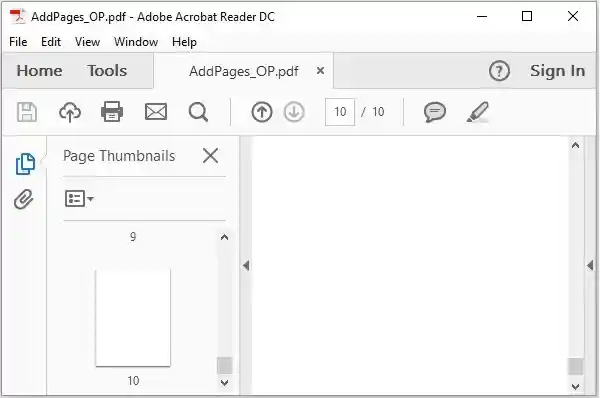
Following is an example program to add pages to a PDF document using Java.
import java.io.File;
import java.io.IOException;

import org.apache.pdfbox.pdmodel.PDDocument;
import org.apache.pdfbox.pdmodel.PDPage;

public class AddingPagesToPdf {
   public static void main(String args[]) throws IOException {

      //Creating PDF document object
      PDDocument document = new PDDocument();

      File file = new File("C:/pdfBox/AddPages.pdf");
      PDDocument.load(file);

      for (int i=0; i<10; i++){
         //Creating a blank page
         PDPage blankPage = new PDPage();

         //Adding the blank page to the document
         document.addPage(blankPage);
      }
      //Saving the document
      document.save("C:/pdfBox/AddPages_OP.pdf");
      System.out.println("PDF created");

      //Closing the document
      document.close();
   }
}
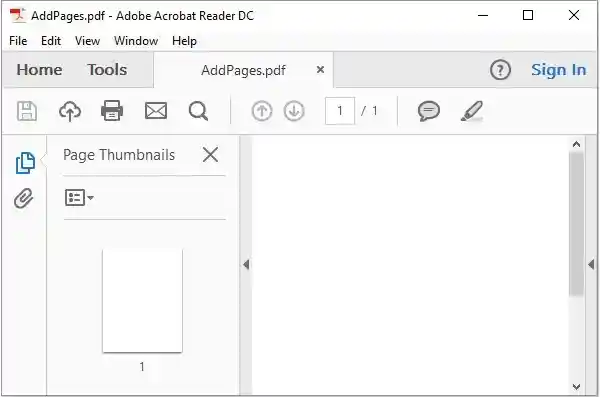
Input
Output
java_apache_pdf_box