The Carpentries Workbench
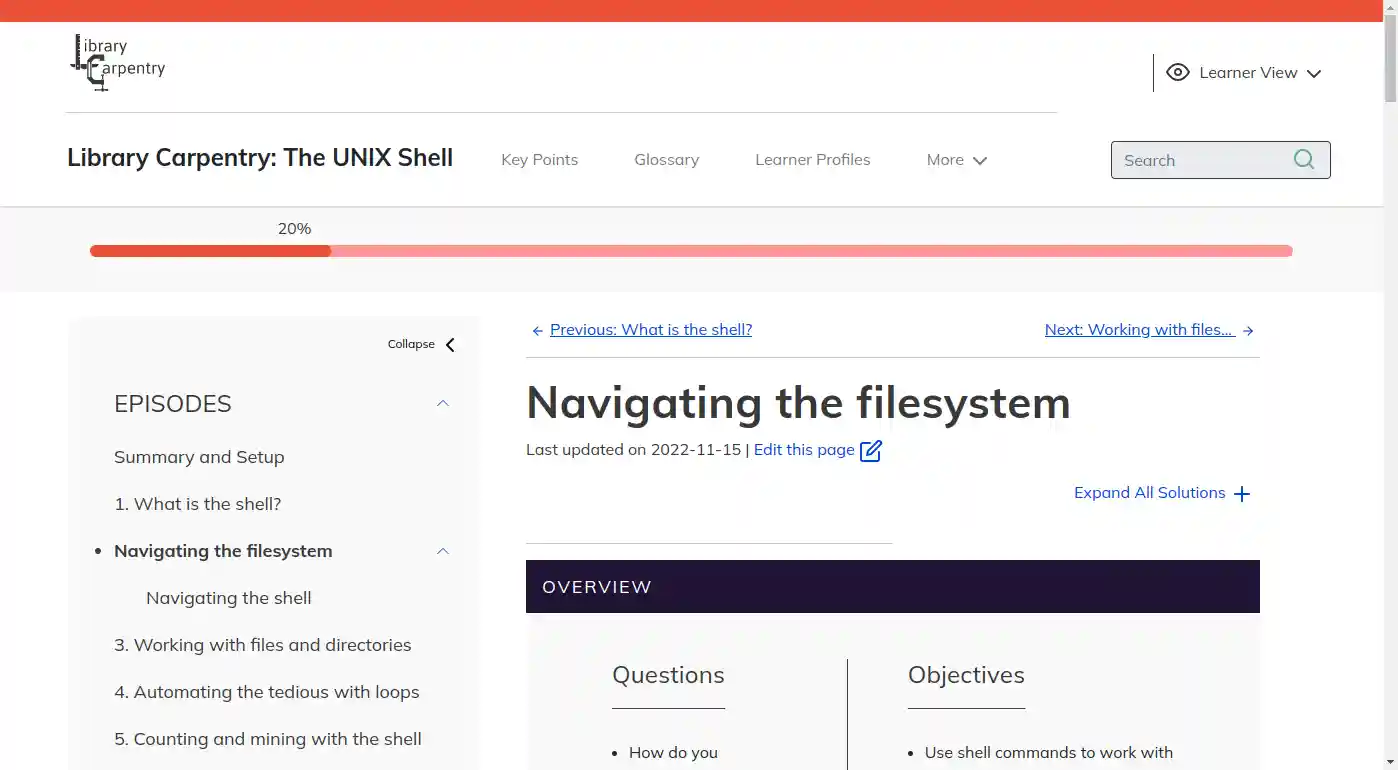
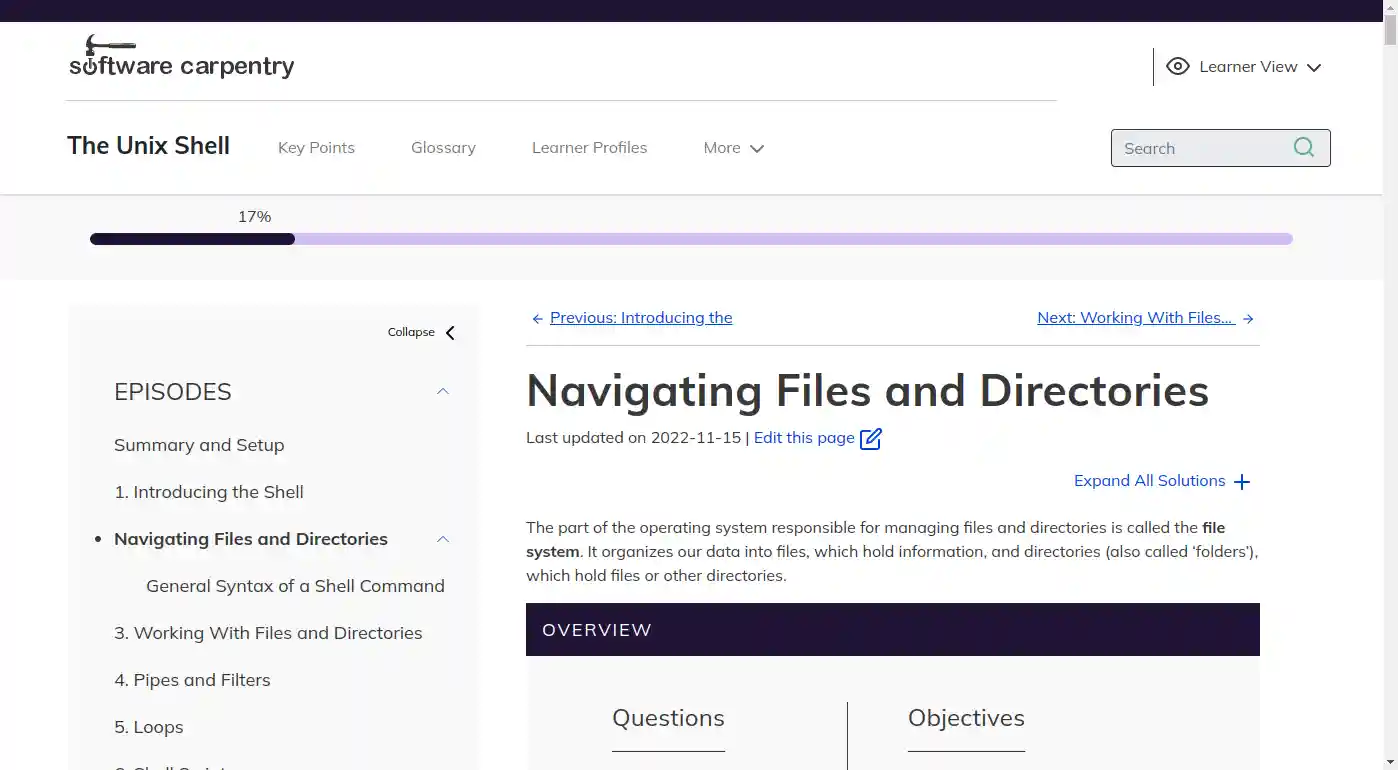
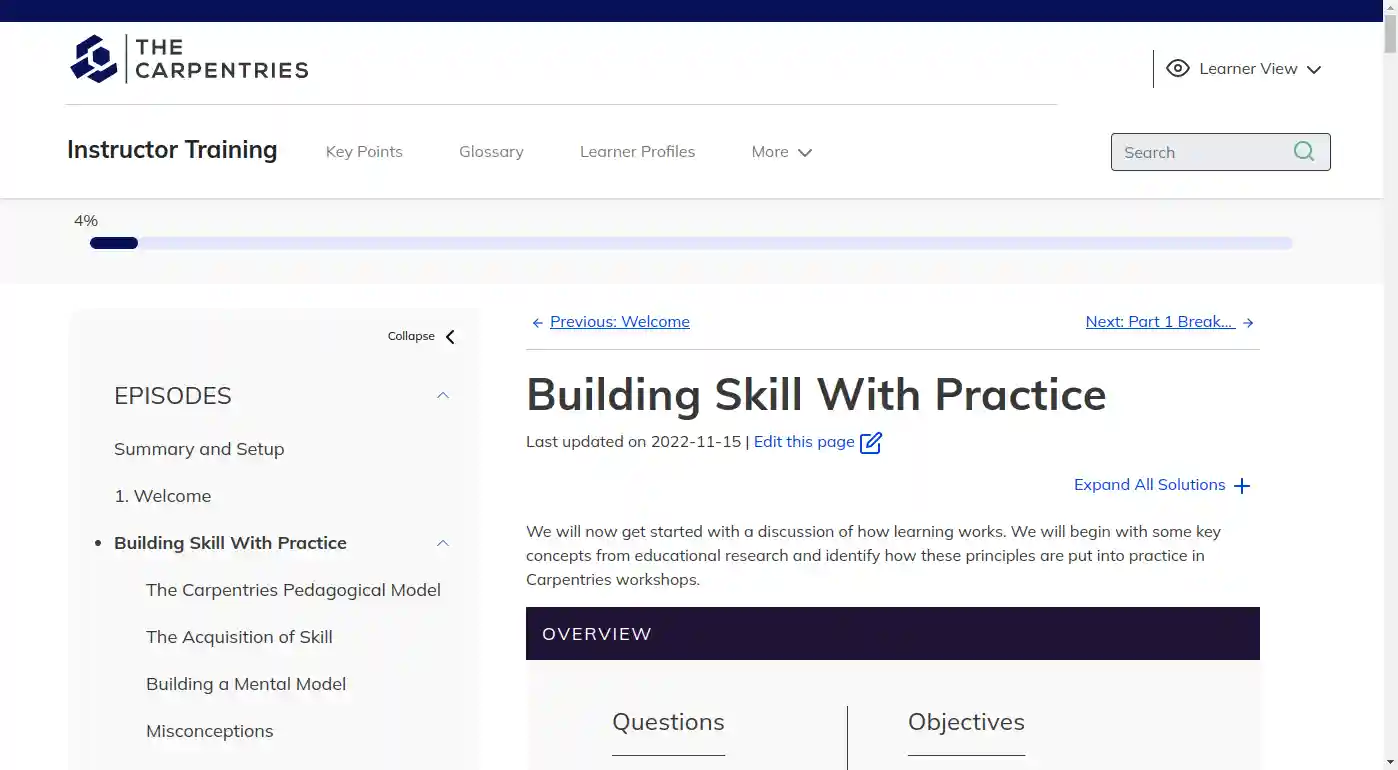
The Workbench is a complete redesign of The Carpentries lesson websites, with new features prioritising accessibility and navigation for Learners and Instructors. By separating the tools from the content of the lesson, The Workbench makes it easier for Maintainers and Authors to focus on the content of the lesson and not the tooling. To try it out, head over to the Resources section.


Resources
The Workbench is built using the R language as a suite of three R packages: {sandpaper}, {pegboard}, and {varnish} that work together with R’s robust publishing ecosystem and pandoc manage and deploy Carpentries Lesson websites written in Markdown or R Markdown.
Usage
To preview a lesson that uses the Workbench, open R (or RStudio), install The Workbench, and run the following command to start a live preview that will update while you edit:
To preview a lesson that uses the Workbench, make sure you install The Workbench, and run the following command to start a live preview that will update while you edit:
R -e 'sandpaper::serve(quiet = FALSE, port = "3435")'You can then open your browser to http://localhost:3435 preview your lesson as you edit.
For more guidance on the Workbench, including how create a new lesson, run accessibility tests, and more, consult our Guides
Installation
To install the Workbench, make sure you have a working version of R and pandoc/RStudio installed (see the Workbench setup instructions for details).
From there, you can install the Workbench packages and their dependencies from our Carpentries R Universe inside of R:
install.packages(c("sandpaper", "varnish", "pegboard", "tinkr"),
  repos = c("https://carpentries.r-universe.dev/", getOption("repos")))
All of the Workbench tools, and their dependencies, are packaged and distributed as built binaries in the form of conda packages on conda-forge for Linux, macOS, and Windows. You can setup an environment for lesson development that includes all dependencies (including R) with the following.
Pixi environments are fully reproducible by default. From the project directory, initialize a Pixi workspace
and then add Git and the Workbench tool packages (r-pegboard is a dependency of r-sandpaper)
pixi add git r-varnish r-sandpaperYou can optionally activate a shell with the environment loaded with
Create a conda environment and install Git and The Workbench tool packages (r-pegboard is a dependency of r-sandpaper) from only the conda-forge channel
conda create --name workbench
conda config --name workbench --add channels conda-forge
conda config --name workbench --remove channels defaults
conda install --name workbench git r-varnish r-sandpaper
and then activate the conda environment
Updating
To update Workbench packages, you can use:
Guides
- Glossary A glossary of terms for the Workbench.
- Official Workbench Documentation: written using the Workbench, this guide provides everything you need to get started using the Workbench.
- Collaborative Lesson Development Training: Material for a three day workshop teaching good practices in lesson design and open source collaboration skills
Tools
- {sandpaper}: User interface and engine for the Workbench
- {pegboard}: Validation and parsing of lesson components
- {varnish}: HTML, CSS, and JavaScript templates
- (carpentries/actions): GitHub Actions for Workbench Workflows
- (carpentries/lesson-transition): Tool for automated transition from styles-based lessons to Workbench.
Templates
Inspired Examples
These are examples of lessons developed with the Workbench since the initial announcement:
- Toby Hodges, Mateusz Kuzak, Aleksandra Nenadic, Sarah Stevens—Collaborative Lesson Development Training
- Saranjeet Kuar, Achintya Rao, Heather Turner, Aman Goel—R’s Bug Tracking
- Saba Ferdous, David Pérez-Suárez—Learn To Discover—Basic Python (note—this uses a custom fork of sandpaper, and varnish to run python)
- Philipp Matthias Schäfer—GitLab Novice
- Michael Culshaw-Maurer—Rewrite of the R Ecology Lesson