Welcome! 👋 | Phylum Documentation
The Phylum Platform automates software supply chain security to block new risks, prioritize existing issues and only use open-source code that you trust
💡 INFO 💡
The free Community version of Phylum was sunset on 24 February 2025. Phylum is now only available for teams and Enterprise organizations. Unfortunately, this means we are no longer supporting individual licensing. We invite existing users to convert to a paid version of the product.
Not a user yet? Connect with the Veracode sales team to create an account.
Quickstart -> (set up takes less than 10 minutes)
OR install our GitHub App
Phylum provides a comprehensive, scalable approach to defending your software supply chain. Get started with one or all of the below capabilities.
Detect & Prevent
Analyze risks and block threats from entering source code.
Analyze Your First Project
Download and Install the Phylum CLI
The Phylum CLI is available for a variety of operating systems on GitHub. However, you can easily install the CLI with the following:
curl https://sh.phylum.io | sh

Once installed, authenticate your local development environment by running:
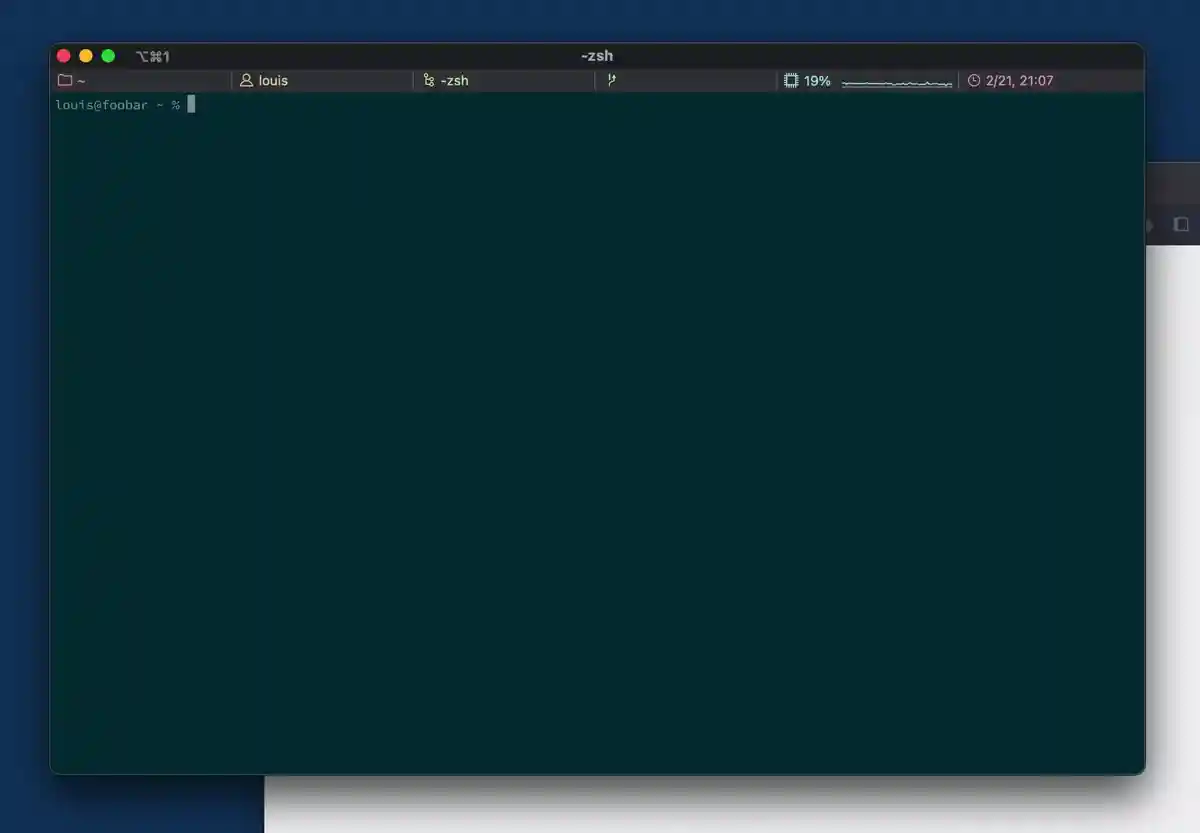
Setup Your Phylum Project
All analysis jobs must be associated with a Phylum project. To setup your project, run the following:

Analyze your Project
To begin analyzing your project for software supply chain risks, submit your dependency files to Phylum.
Resource: Blog - Python lockfiles
(Optional) View Results in the Phylum UI
After submitting your project, view the results in the web UI.

Defend Developers
See results in less than 5 minutes
Defend your developers and workstations from malicious code and prevent the theft of SSH keys. Block suspect open-source containers automatically by leveraging Phylum Bird Cage (Sandbox) and pre-install checks.
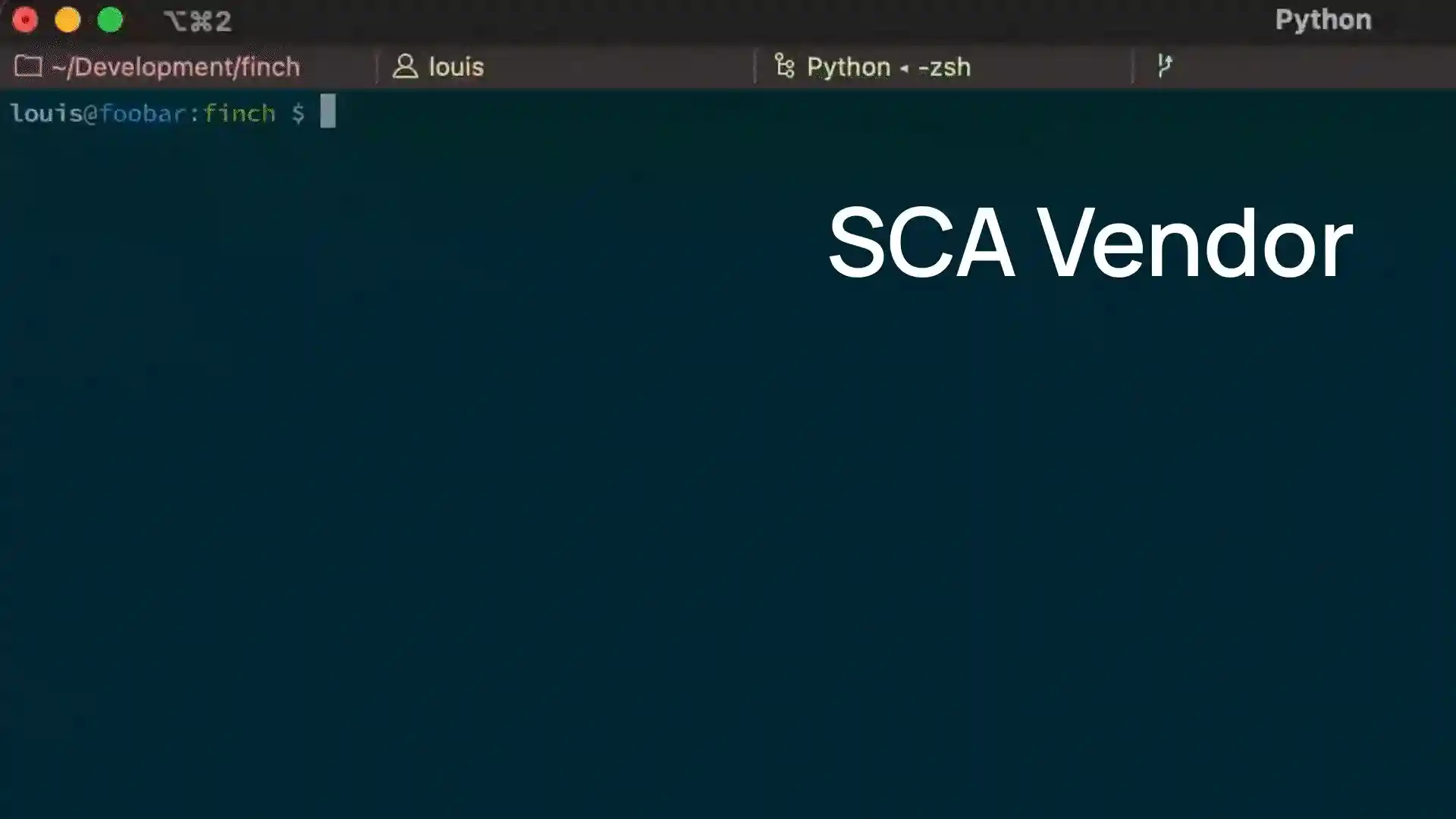
Contained in the Phylum CLI:
- Phylum allows you to defend your developers by running pre-install checks, shown in the video above
- Safely quarantine packages during install with Phylum Sandbox
(Birdcage), which will restrict
access to the filesystem, network, and environment variables
- Put these tools into action by running:
phylum npm install
- Put these tools into action by running: