Getting Started Webix Docs
Webix is a cross-browser, cross-device JavaScript framework for building interactive web applications using JavaScript, CSS, HTML5 techniques. The library delivers over 100 fully customizable components, provides integration with popular JS frameworks and can work with any server-side platform.
- Read the Overview article to find out main Webix concepts and features.
- Look into the Compatibility article for supported browsers and platforms.
- Study the What's New list and the Migration guide to keep informed about latest updates.
Basic code
- Create a simple HTML page and include Webix sources.
<!DOCTYPE HTML>
<html>
 <head>
  <link rel="stylesheet" href="//cdn.webix.com/edge/webix.css" type="text/css">
  <script src="//cdn.webix.com/edge/webix.js" type="text/javascript"></script>
 </head>
 <body>
   <script type="text/javascript" charset="utf-8">     /* app code */   </script>
 </body>
</html>
- Define Webix UI configuration
webix.ui({
  rows:[
      { view:"template", type:"header", template:"My App!" },
      { view:"datatable", autoConfig:true, data:[ /*data array*/ ] }
  ]
});
And that is all. Just open the page in a browser and you'll have a working mini app.

Tutorials

This tutorial introduces basic principles of using the Webix library for web app development.
Webix Interactive Tutorials
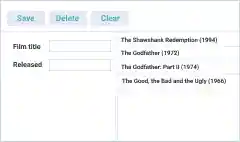
This tutorial discusses the main points of creating a simple app with the Webix library:
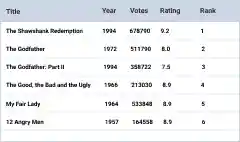
This tutorial teaches how to create and use DataTable, the most powerful Webix UI component.
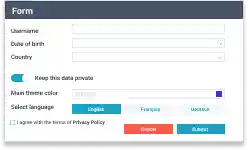
This tutorial deals with numerous Webix form controls, their possibilities and API.
Webix Visual Designer Guide
