About the Customization Panel - Formidable Forms
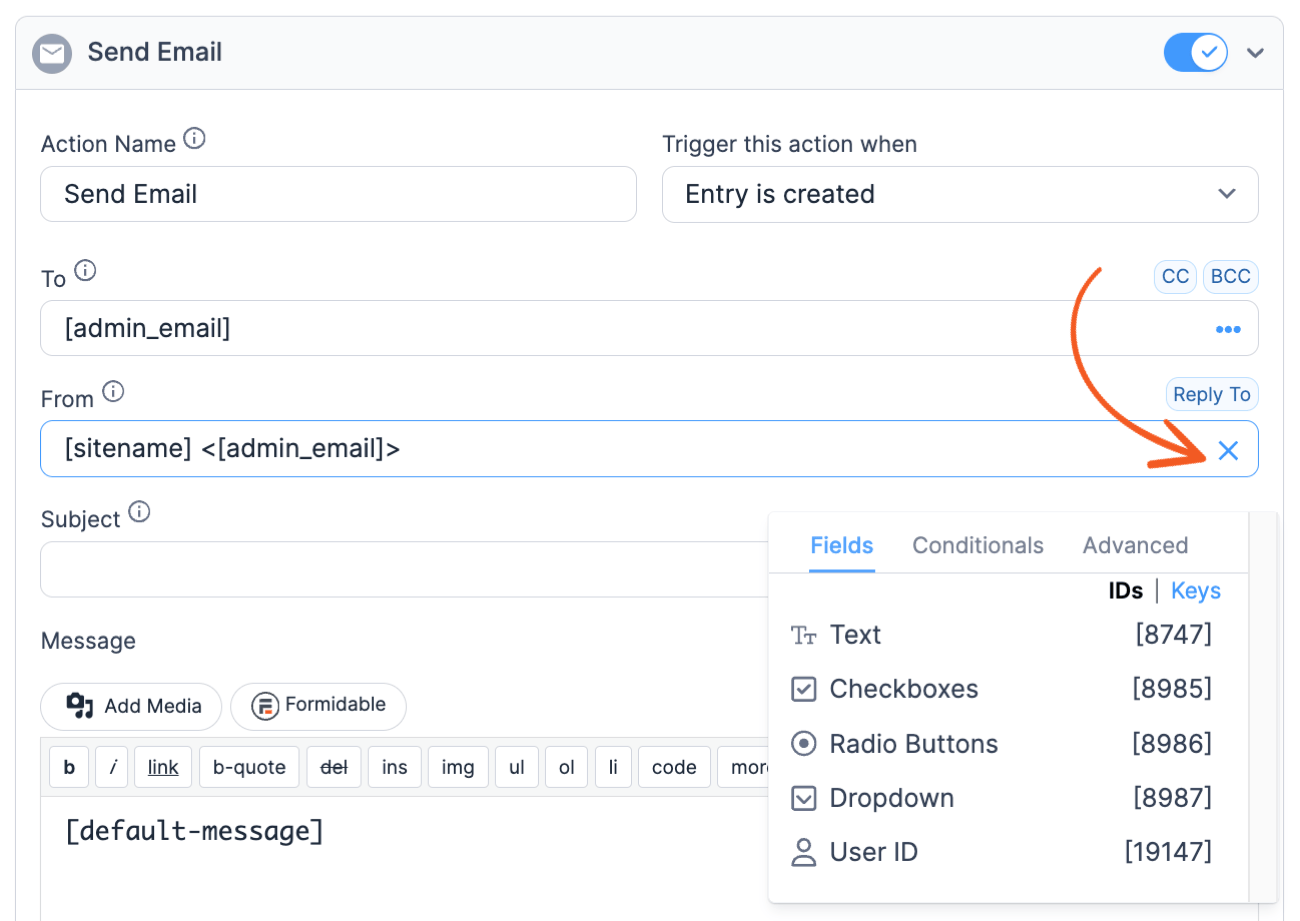
The Customization panel is available for your convenience. It can be used to insert fields, add conditionals, get information from a linked entry, etc. Some of the tabs in the sidebar are disabled until the cursor is in a box where the shortcodes can be used.
It can be found in the right sidebar when you are in a View.

You can locate this as a modal in a form action in your form Settings → Actions & Notifications page.
You can find this under a modal when you go to the form Settings → Customize HTML page.

Upgrade your WordPress site with powerful, flexible forms.
Insert fields
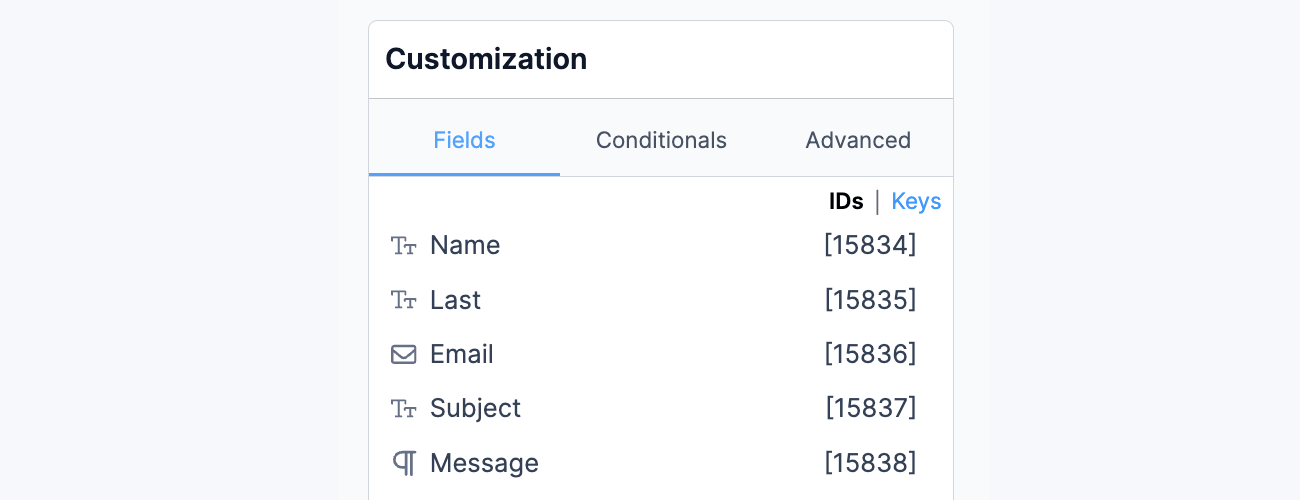 The Insert Fields tab is used to insert fields and other helpful shortcodes. The Fields from your form section displays a clickable list of field IDs and Keys from the associated form.
For more information on the Insert Fields tab, visit the Insert Fields page.
From Idea to Reality in Minutes. Build Powerful Forms, Dashboards, Apps and More.
Formidable Forms makes advanced site building simple. Launch forms, directories, dashboards, and custom WordPress apps faster than ever before.
Conditionals
 The Conditionals tab is used to insert conditional statements, which conditionally hide or show content based on a specific field's value. These can be used in a View, email notification, confirmation message, or redirect URL. This tabs remains disabled until your cursor is in one of the settings boxes where conditionals are allowed.
For more information about conditional statements, visit the Conditionals page.
Advanced
 The Advanced tab is used to insert a variety of helpful shortcodes. For more information on the shortcodes available in this section, visit the Advanced page.
This tab will only be available when you are in the 'Customize HTML' section of your form. The buttons in this panel can be used to insert simple shortcodes which will make it a little easier to customize your form. Read more: HTML tags to customize form HTML.
This article may contain affiliate links. Once in a while, we earn commissions from those links. But we only recommend products we like, with or without commissions.