Examples
Post your example configurations!!
Screenshots on wayland can be taken with grim in combination with slurp to select a screen area.
Sunny's simple waybar
Normal view:

Expanded view:

System info on hovering on module:

Desktop:

🔷 Cool Blue Waybar by MBestKing 🔷


🎨 Beautiful Waybar Theme
Modern, minimalist status bar for Hyprland
📊 Waybar Status Bar

🖥️ Full Desktop View
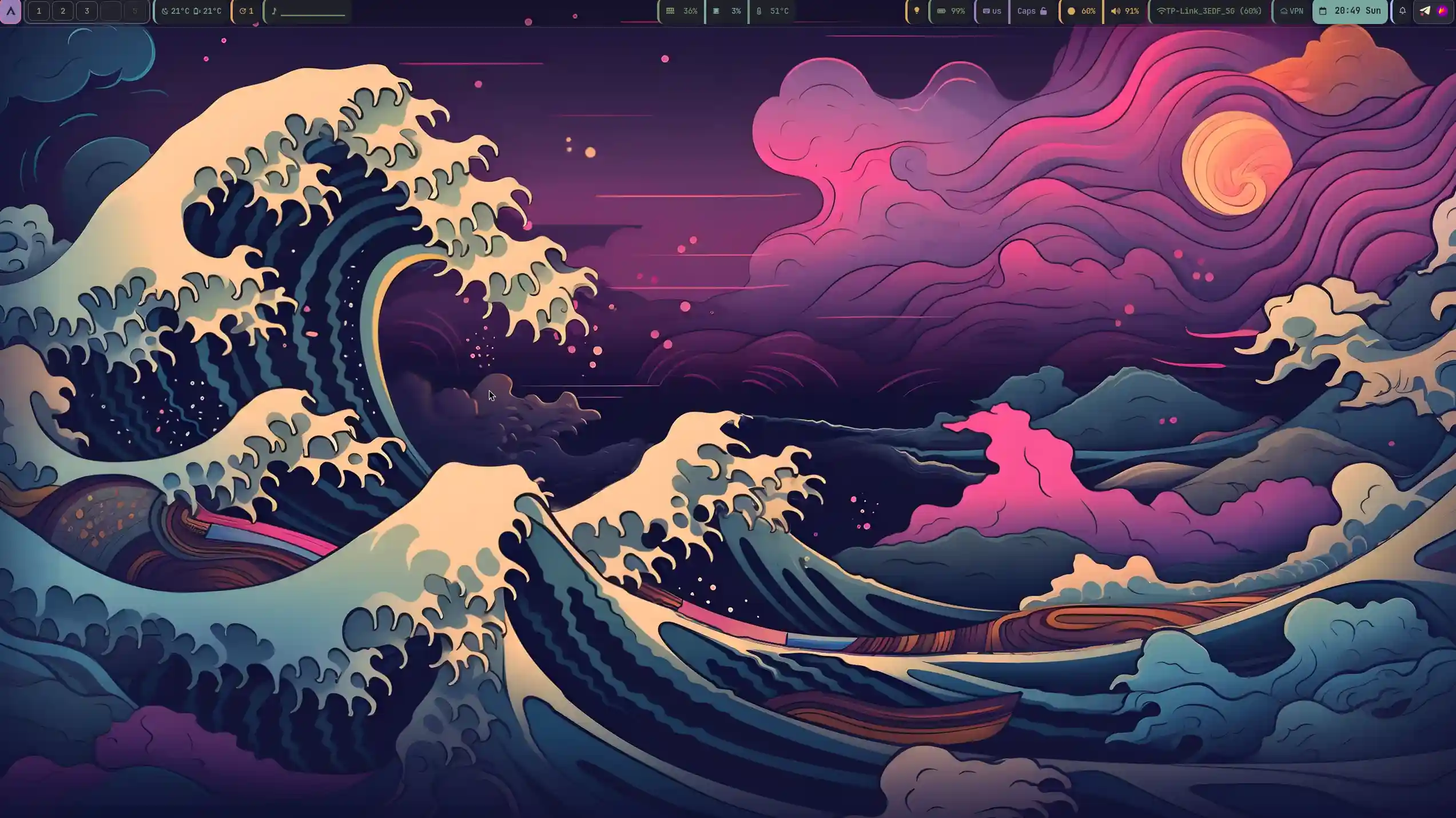
✨ Features:
- 🌙 Clean dark aesthetic with Catppuccin colors
- 📊 Real-time system monitoring
- 🎵 Media controls integration
- ⚡ Lightweight and responsive
A simple WaybarTheme


simple waybar with pomodoro timer to get started
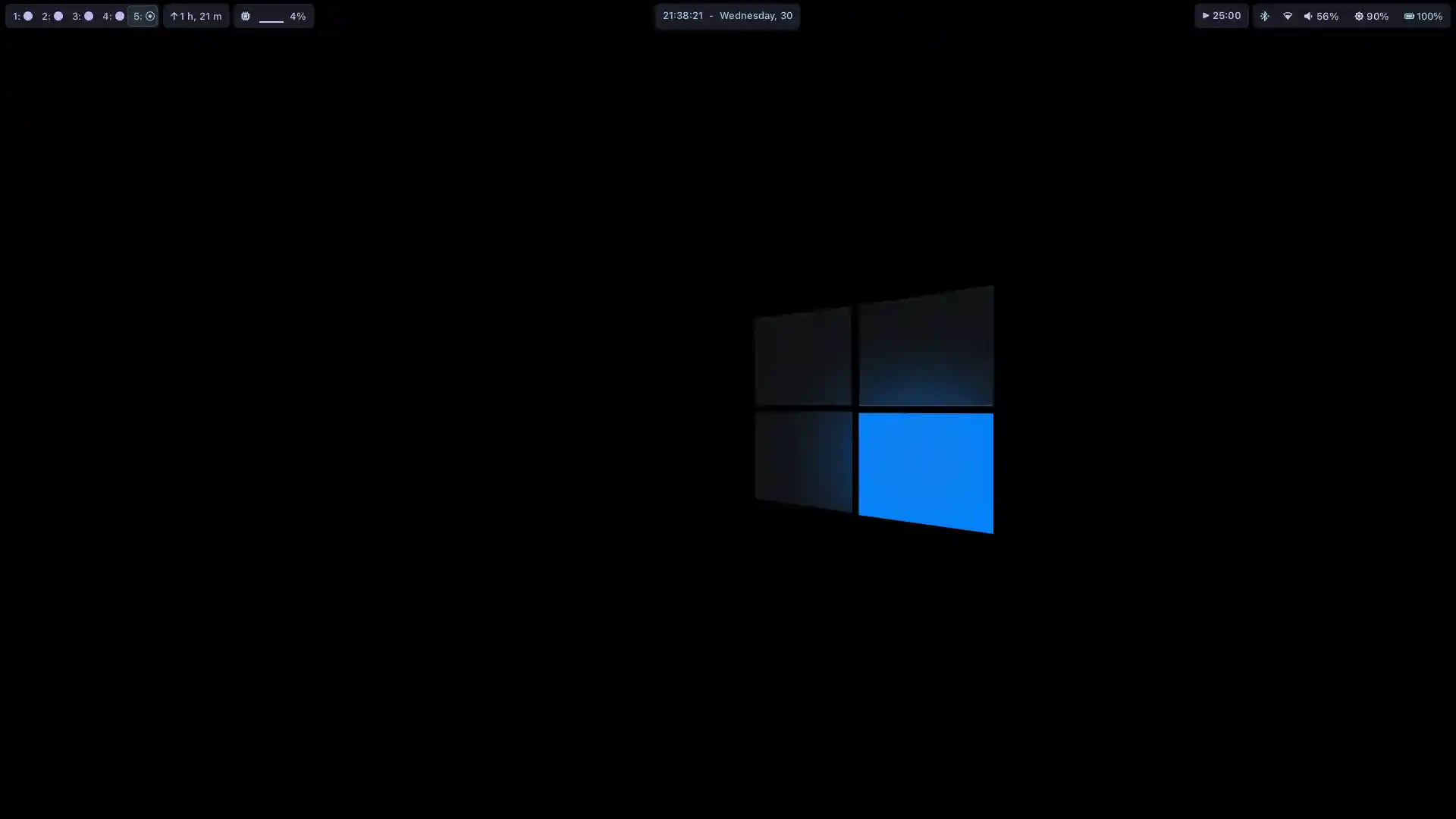 Configuration , Style and Wallpapers
macOS 15 Sequoia Configuration:
A sleek Waybar configuration inspired by macOS 15 Sequoia design language
 Top Bar
 Bottom Bar
 Waybar macOS Sequoia brings macOS 15's sleek design to Linux, featuring dynamic light/dark themes, Mission Control-inspired workspaces, and Sonoma-style system indicators. Optimized for Wayland compositors (Hyprland/Sway), it blends Apple's aesthetics with Waybar's flexibility for macOS enthusiasts on Linux.
Configuration , Style and Wallpapers
newempeor221's Configuration:


Kian's minimalistic configuration:

Whiteshadow's Configuration:


frankydoll's win10-like configuration:

Arkboi's configuration
Used in Sway:

Colors: Everforest Dark Changing colorscheme is very easy, in the style.css file I have a section with define-color for everforest dark, with variable names 'black, red' etc. Change the color codes in that section to whatever colorscheme you prefer.
Using on hyprland is Not Recommended nor appreciated, But if you want to make sure to replace sway/workspaces with hyprland/workspaces and focused with active.
kamlendras's configuration:

sephid86's configuration:

cjbassi's configuration:

Robinhuett's configuration:

genofire's configuration:

Toger's configuration:

Egosummiki's configuration:

Mohammad's configuration:

The new one:
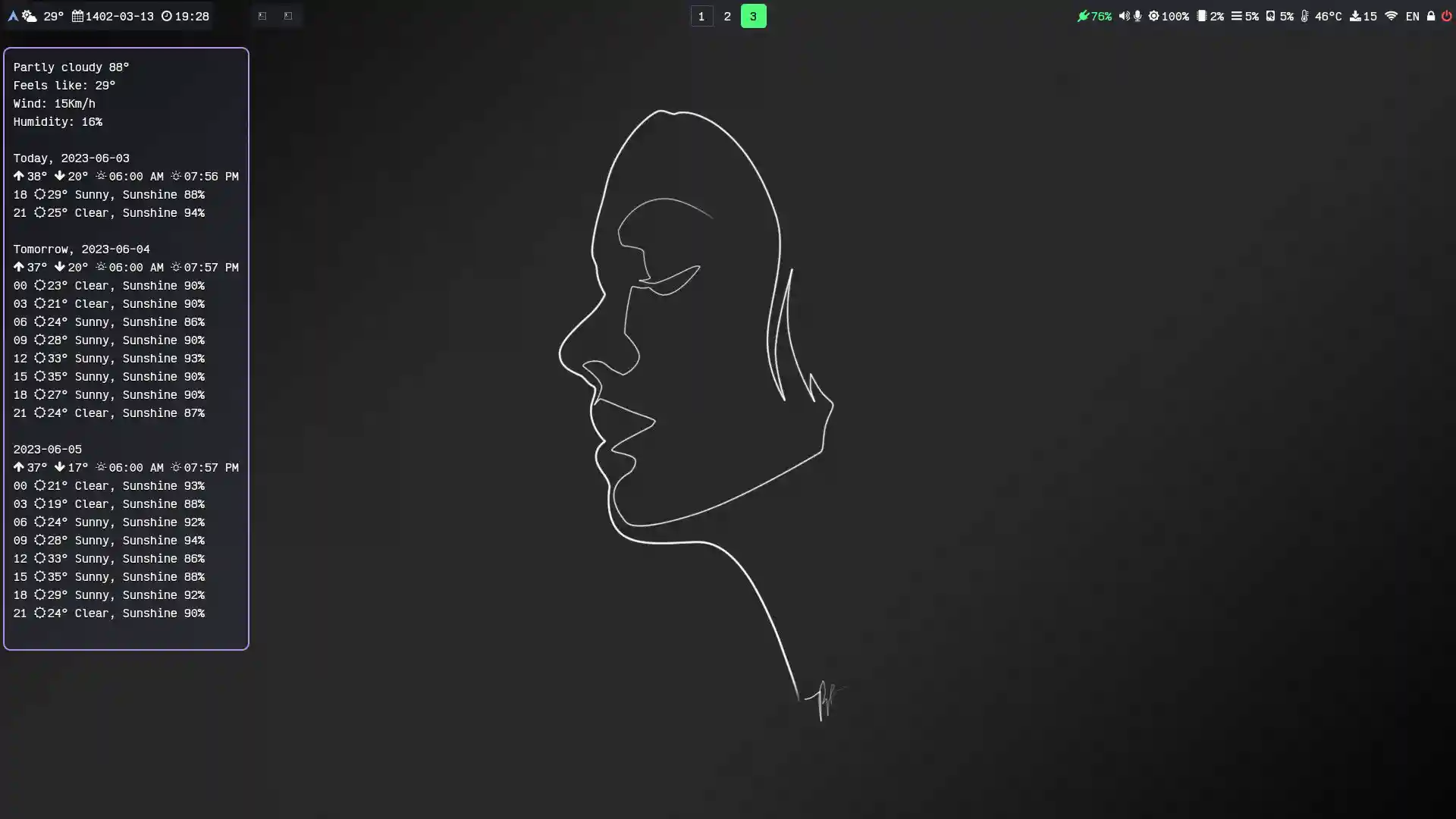
Config and style on hyprland.
robertjk's configuration

Clean looking bar with colors matching the default Sway colors.
Fonts required
Configuration uses Cantarell font, or Noto Sans as a second alternative. Then Font Awesome is used for the icons to be displayed. You should have those installed for the default styles to work properly.
Sway configuration
To match the font of the bar add font pango:Cantarell 14px to sway/config file.
mxkrsv's configuration

@define-color.
abdus' configuration:

(Config and Styles). Required fonts are IBM Plex Mono and FontAwesome 5.
oscarcp's configuration:


ben's config:

Joe's configuration:

Waybar Covid19 Status Indicator Module
qoheniac's configuration

dpgraham4401's configuration

Simple blue Config and Styling with swaynag power button
DerAnsari's Configuration
GruvBoxy

Here's the config should be straightforward to understand, enjoy!
pipshag's configuration
Nord-like

Based on Nord colors, trying to achieve a simple interface with easy access. Includes script to show current CPU governor as an icon and another to monitor GPU and display GPU information.
Kittes (vertical)

kitties, rotated image for better fit
tim3dman's waybar
 waybar config, style.css and color.css
chaibronz' waybar config
 dwm style bar w/ sway colors
config and style
DN-debug's waybar config
used in Peux OS Sway:
design1

design2

design3

used in Peux OS Wayfire:
design1

design2

used in Peux OS River:

theCode-Breaker's configuration

lgaboury's configuration

Install script and configuration
Archttila's Catppuccin Mocha configuration:

Config, CSS, wittr script, and Wallpaper. Required fonts are JetBrains Mono. Screenshot link
bwc9876's configuration:
Top Bar

Bottom Bar

autom4il:
 The style.css is still messy, there are some leftovers that I need to remove. Quite happy, the last bar wasn't that appealing.
The icon theme used for the taskbar is Candy Icons. Requires a nerd font to render all the icons. Also requires KDE Connect for the custom-kdeconnect module.
mechakotik's configuration

Uses Breeze Dark colors. The font is Mononoki Nerd Font.

Newer, cleaner version. Has custom module to display power profile without power-profiles-daemon required. Uses JetBrainsMono Nerd Font.
waybar-minimal config
A minimal kickstart configration for waybar.
 waybar-minimal
OriginCode's configuration
With Gruvbox Dark color palette.

goecho's configuration
A sleek, modern Waybar configuration for Fedora, focusing on simplicity and essential information display.

d00m1k's configuration
Simple blue waybar

niksingh710's vertical bar at Right Side with tooltips
| Bar | Bar (Hindi) |
Update Tool Tip |
|---|---|---|
 |
 |
 |
| Checkout the config at: gdots |
Anik's super waybar

 dots: https://github.com/Anik200/dotfiles/blob/super-waybar/README.md
Abhinaya's Configuration

EviLuci's waybar
Top Bar
 Bottom Bar

DIvan2000's waybar
rocketmike12's waybar

saibhargav's Waybar

cxOrz's waybar

notscripter's Configuration:

// Mocha-Power

- Catppuccin mocha colors.
- Border blinks repeatedly red when battery is low and blinks red once when discharging.
- And blinks twice cyan when full and once when charging.
TollerNamen's Configuration
 dotfiles (look at v2.1)
/ config.jsonc
/ style.css
dotfiles (look at v2.1)
/ config.jsonc
/ style.css
ori's defaulted theme waybar
 dotfiles / config.jsonc / style.css / scripts/now-playing.sh
(this should be a good starting point for hyprland users).
dotfiles / config.jsonc / style.css / scripts/now-playing.sh
(this should be a good starting point for hyprland users).
Dynamic Wallust powered waybar

Harsh's waybar and wofi config with countdown and todo-lists (a good starting point for ricing)


Hover effects and animation video
waybar.mp4
some styles with matching wofi theme


Sudhir's minimal Gruvbox Waybar (Vertical for Niri)
Waybar.2.mp4

Both versions can be found in the dotfiles -
Horizontal
Vertical
Colour Themes can be changed super easily in the vertical waybar.
Lynndroid21's ghastly status bar!~
Top Bar

Left and Right Bars




