





简体中文 | Official Website | Documentation
AingDesk是一款简单好用的AI助手,支持知识库、模型API、分享、联网搜索、智能体,它还在飞快成长中。
AingDesk is an easy-to-use AI assistant that supports knowledge bases, model APIs, sharing, web search, and intelligent agents. It's rapidly growing and improving.
🚀 One-sentence Introduction
A user-friendly AI assistant software that supports local AI models, APIs, and knowledge base setup.
✅ Core Features
-
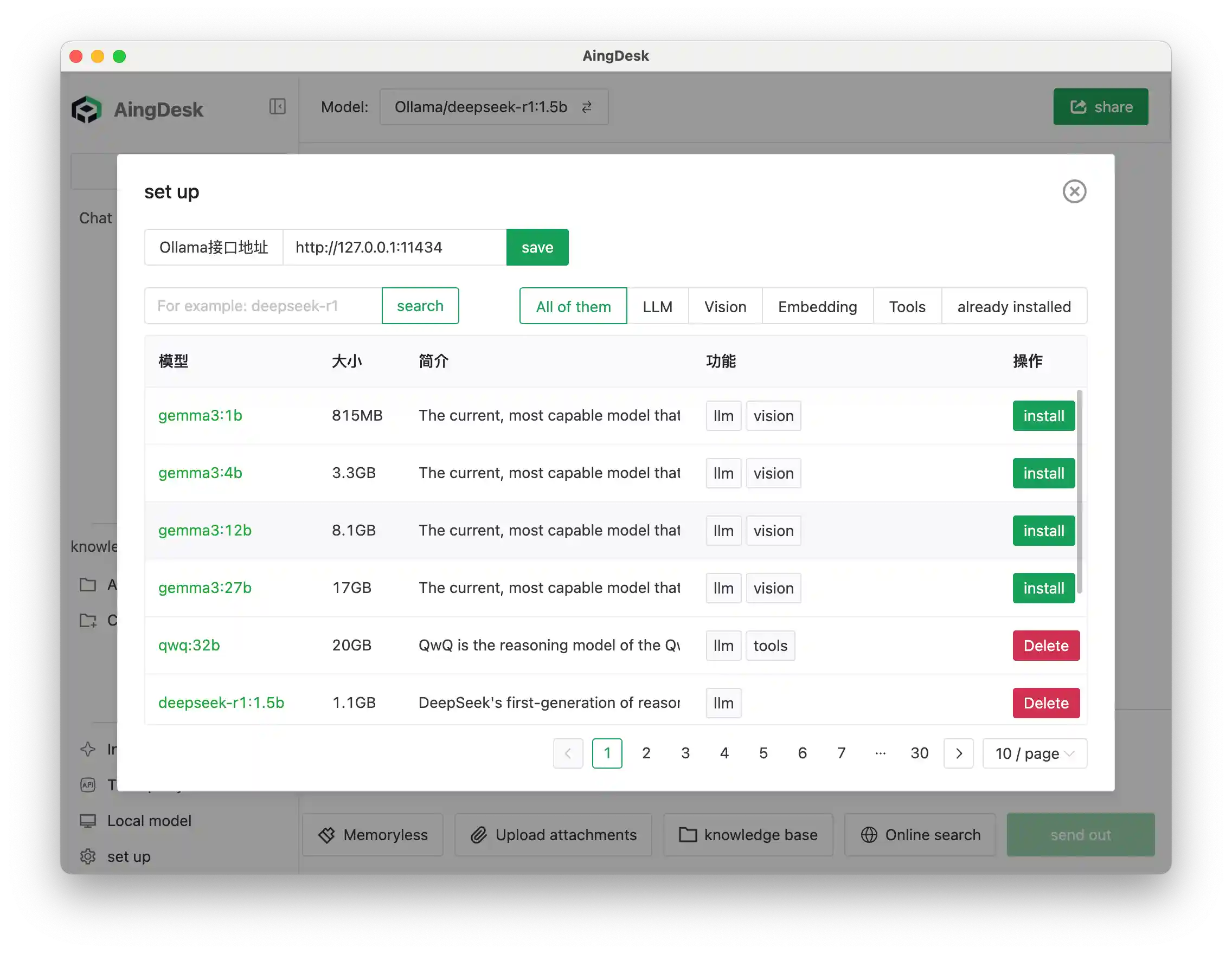
One-click deployment of local AI models and mainstream model APIs
-
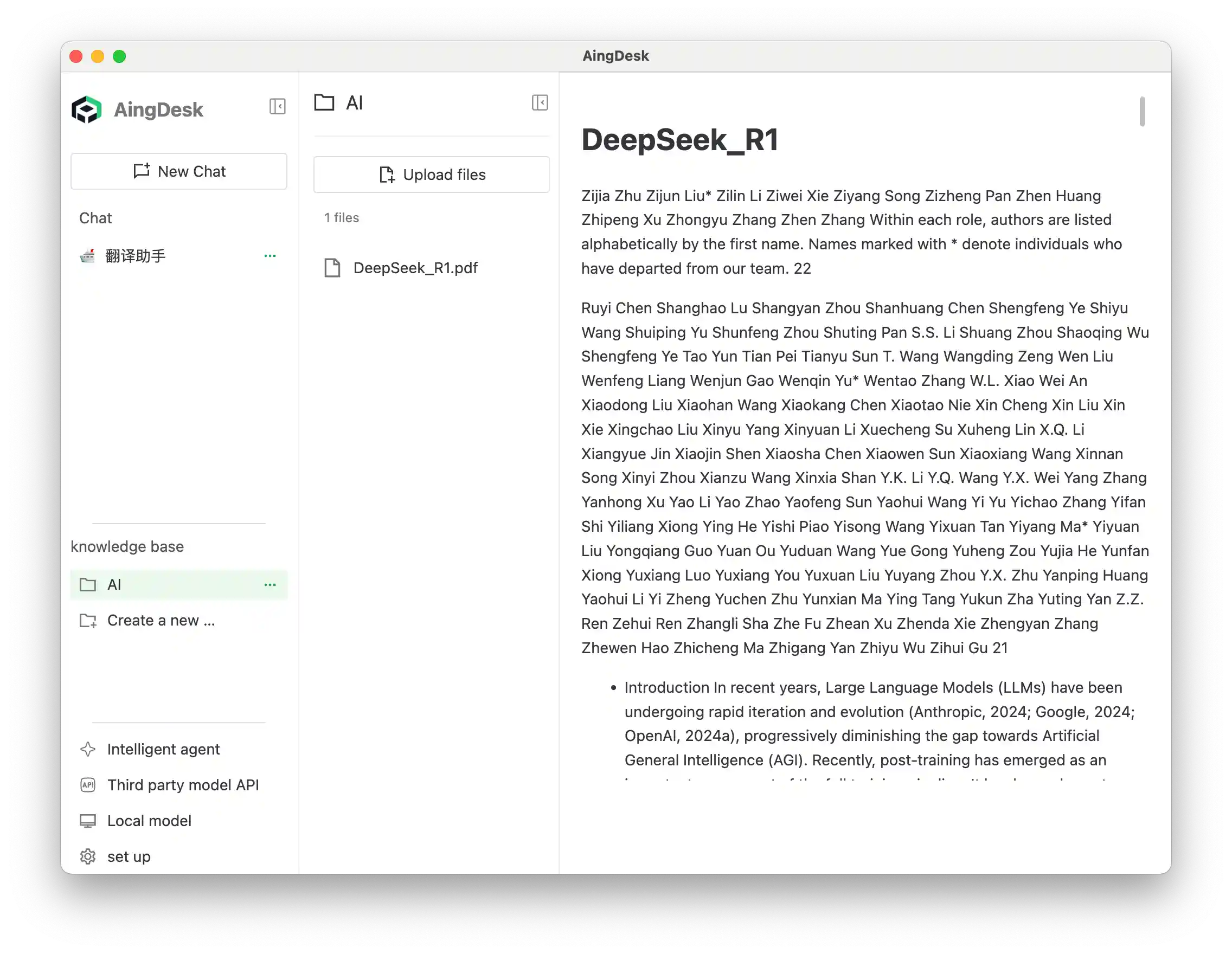
Local knowledge base
-
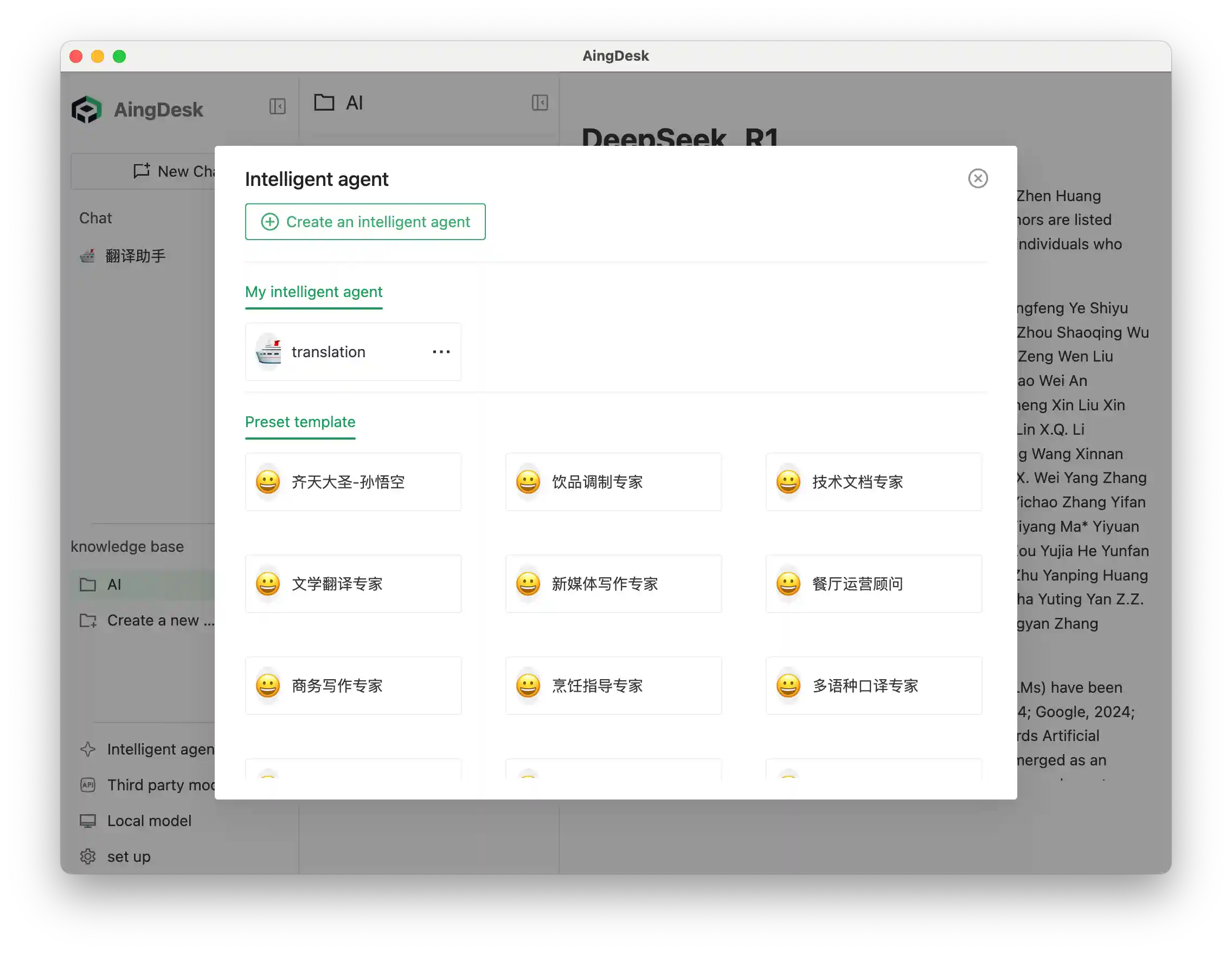
Intelligent agent creation
-
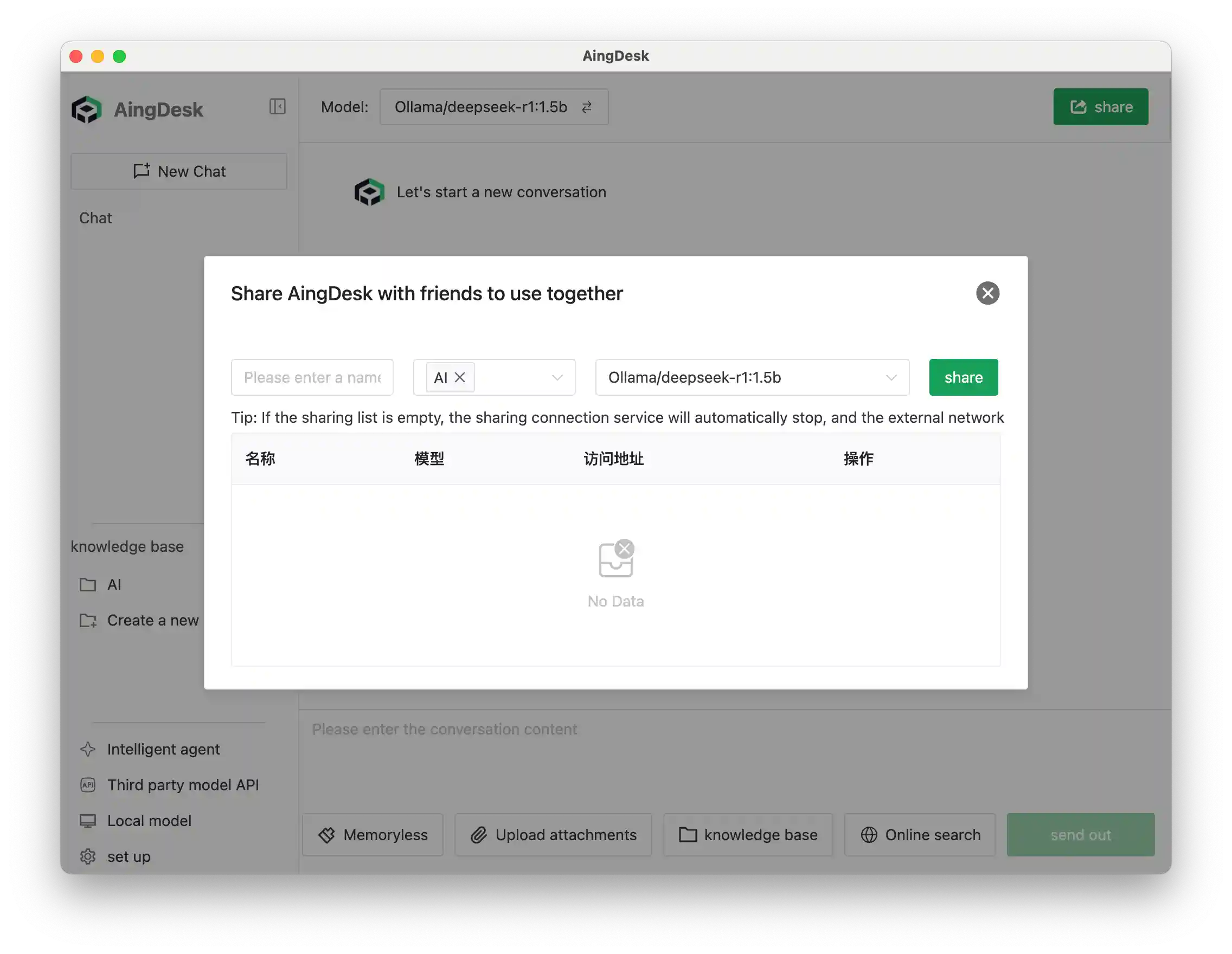
Can be shared online for others to use
-
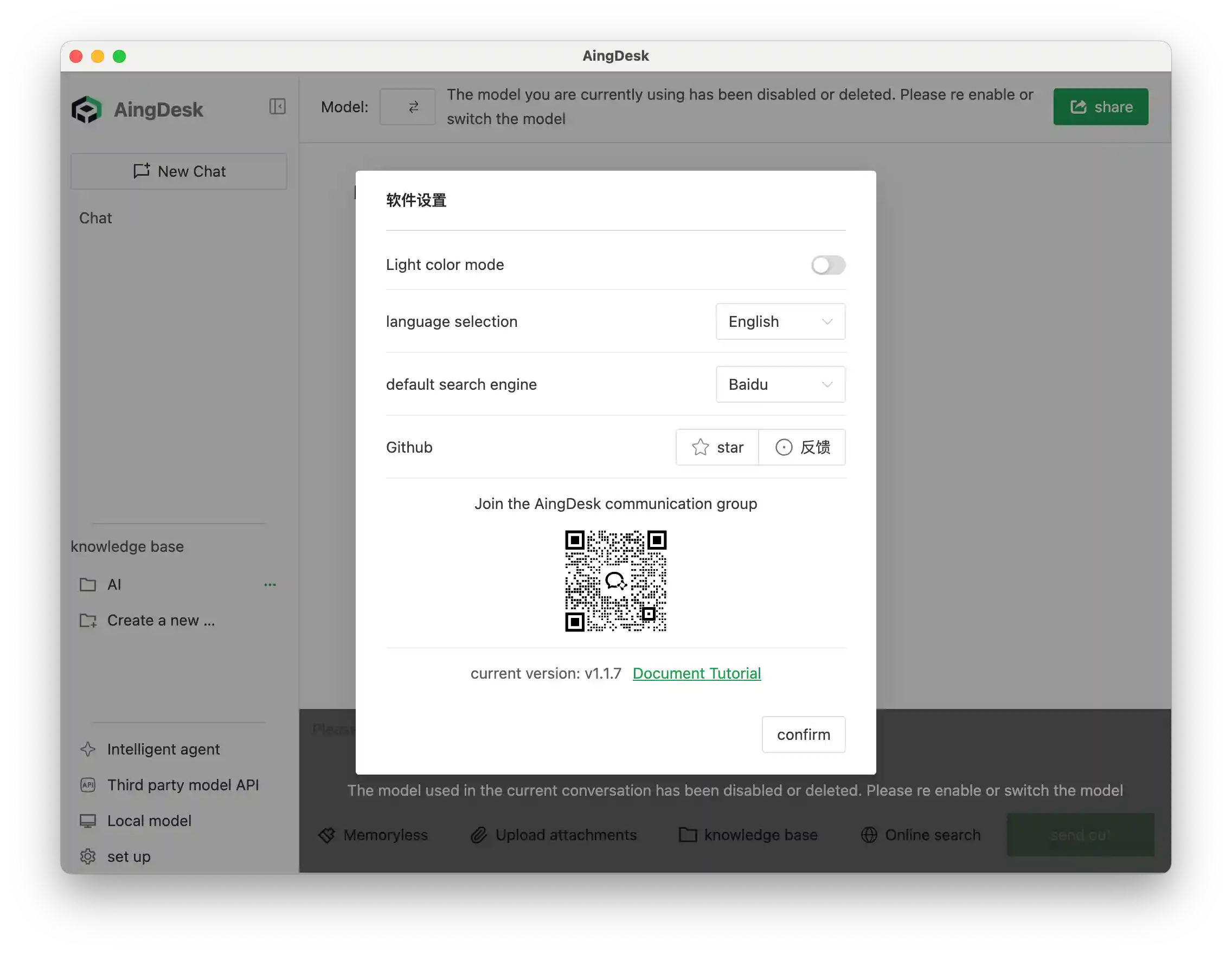
Supports web search
-
Supports server-side deployment
-
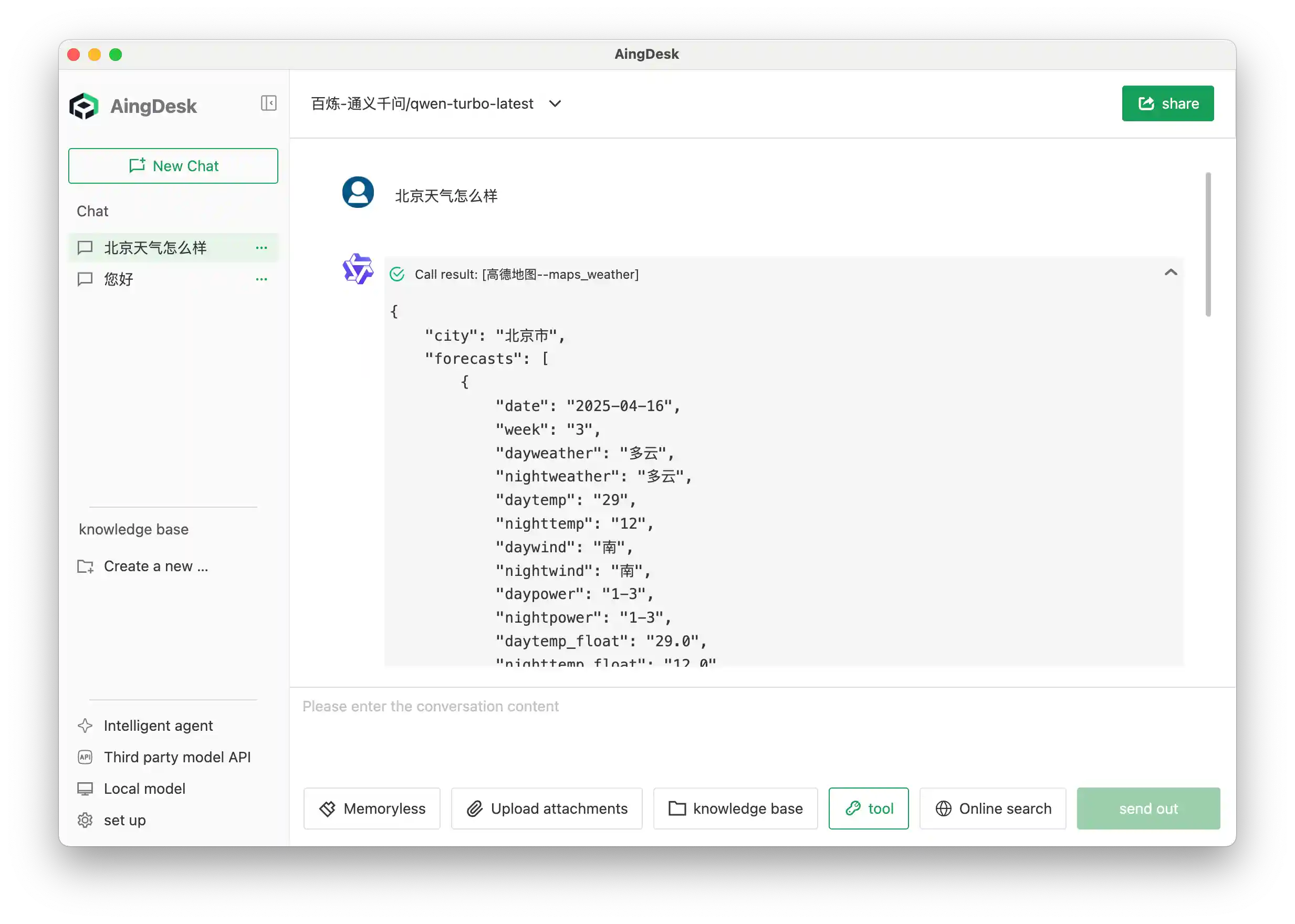
MCP Client
-
Simultaneous conversations with multiple models in a single session (coming soon)


✨ Product Highlights
- Simple and easy to use, beginner-friendly for AI newcomers
📥 Quick Installation
Client Version(MacOS, Windows)
Server Version
Docker Run
docker run -d \
  --name node \
  -v $(pwd)/data:/data \
  -v $(pwd)/uploads:/uploads \
  -v $(pwd)/logs:/logs \
  -v $(pwd)/bin:/aingdesk/bin \
  -v $(pwd)/sys_data:/sys_data \
  -p 7071:7071 \
  -w /aingdesk \
  aingdesk/aingdesk
Docker Compose
mkdir -p aingdesk
cd aingdesk
wget https://cnb.cool/aingdesk/AingDesk/-/git/raw/server/docker-compose.yml
# Run
docker compose up -d
# or
docker-compose up -d
Build
git clone https://github.com/aingdesk/AingDesk.git
cd AingDesk
# For macOS users, please remove the `@rollup/rollup-win32-x64-msvc` dependency in [package.json](http://_vscodecontentref_/0)
cd frontend
yarn
cd ..
yarn
yarn dev
Star History
Sponsor
- CDN acceleration and security protection for this project are sponsored by Tencent EdgeOne.
