a complete, secure data and notes management web application
· View Demo ·
Table of Contents
About The Project
SafeSave is a fully secure password and personal information web application management system. SafeSave completely masks the data entered into the database by using modern AES 256 CBC data encryption to ensure that the user’s information is not compromised in the case that SafeSave’s database is exposed to bad actors. The web application supports different user accounts, each with access to their data and their data alone, along with two factor authentication to ensure the highest level of security for users on the SafeSave platform. Multiple microservices handle different functionality seen across the platform such as user log ins, data encryption, two factor authentication, etc. to isolate independent aspects of the web application system. Overall, SafeSave provides users with a totally encrypted solution to saving their passwords and personal notes that only the intended user can possibly access.

Built With
- React - frontend user interface
- Javascript - primary programming language
- MySQL - database storage
- ExpressJS - backend server code
Roadmap
-
Feature 1: Relational database management system to securely store encrypted user credentials.
-
Feature 2: Backend API to manage user data and authentication.
-
Feature 3: Front-end website for users to interact with.
-
Feature 4: Security will be a primary focus, and we will implement industry-standard encryption techniques, two-factor authentication, and continuous security assessments.
-
Stretch Goal 1: A Mobile app that allows users to manage their passwords and copy to the clipboard for use.
-
Stretch Goal 2: A Browser Extension that will provide users with efficient access to their stored credentials.
Getting Started
To get a local copy up and running complete both Prerequisites and choose one to follow from either Installation steps: Docker or Local.
Prerequisites
- Before running the app locally, you will either need to have the latest version of Docker installed on your system, or you will need to have an instance of an active MySQL server to drop the database schema into.
Docker (Easiest method)
- Download the latest version of Docker on your system and clone the repo.
- Make the docker script executable.
- If you want to run the Docker image without root privileges, see this tutorial, or run
sudo usermod -aG docker $USERand source your shell config/open a new shell. - Otherwise, execute the script. If you did not add yourself to the docker group, you will need to run the script with
sudo. - The application will be live at https://localhost:3000
Other architectures
The docker.sh script assumes you are running on an amd64-based platform. The docker.sh script was also tested and confirmed to work on Apple Silicon with no modifications. Here is a sample script of what you could do if you were running on arm64-based Linux (tested on Oracle server and rpi):
#!/bin/bash
mkdir SafeSaveDocker && \
tar -xvzf SafeSaveDocker.tar.gz -C SafeSaveDocker && \
	cd SafeSaveDocker/SafeSave && \
	find . -type f -name Dockerfile -exec sed -i 's|https://github.com/jwilder/dockerize/releases/download/v0.6.1/dockerize-linux-amd64-v0.6.1.tar.gz|https://github.com/jwilder/dockerize/releases/download/v0.7.0/dockerize-linux-arm64-v0.7.0.tar.gz|; s|dockerize-linux-amd64-v0.6.1.tar.gz|dockerize-linux-arm64-v0.7.0.tar.gz|' {} + && \
docker compose up --build
You can easily adjust the sed command to fit your architecture.
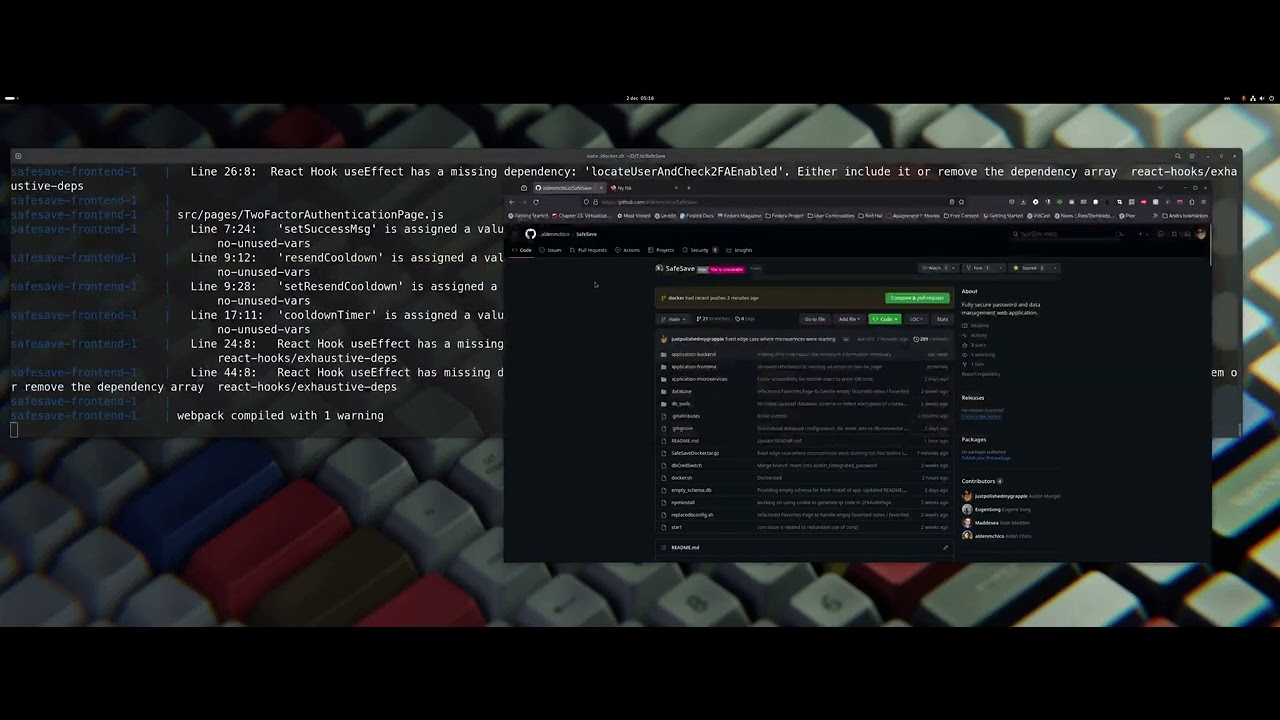
Docker Tutorial
Alternative local installation
-
Clone the repo.
git clone https://github.com/aldenmchico/SafeSave.git
-
Recursively install NPM packages throughout project using
npminstallscript. -
Enter your SQL database config in
replacedbconfig.shfor bothreplacement1andreplacement2.host: '\''replaceMeWithHost'\'', user: '\''replaceMeWithUser'\'', password: '\''replaceMeWithPassword'\'', database: '\''replaceMeWithDatabase'\'',
-
Import database schema into MySQL instance by running
source empty_schema.dbwithin your MySQL terminal. -
Run all Microservices using
startscript
No log policy
SafeSave does not log any user credentials or decrypted information. Below is a sample of what is logged when a user logs in and fetches their notes. The local version on the main branch logs much more for diagnostic purposes.
xxx@xxx ~> cat /home/xxx/.forever/735V.log
Express application-controller server started listening on port 3001...
VALIDATION CHECK true
VALIDATION FOR HMAC CHECK PASSED
loginItemRouter/users/userID, userID is: 1
VALIDATION CHECK true
VALIDATION FOR HMAC CHECK PASSED
VALIDATION CHECK true
VALIDATION FOR HMAC CHECK PASSED
loginItemRouter/users/userID, userID is: 1
VALIDATION CHECK true
VALIDATION FOR HMAC CHECK PASSED
VALIDATION CHECK true
VALIDATION FOR HMAC CHECK PASSED
Your data is safe with SafeSave

Usage
Use this space to show useful examples of how a project can be used. Additional screenshots, code examples and demos work well in this space. You may also link to more resources.
Encrypting Note/Login Item
POST /ciphertext
{
    userLoginWebsite
    userLoginUsername
    userLoginPassword
    userHash
    userSalt
    noteCreatedDate
    noteUpdatedDate
    noteAccessedDate
}
Decrypting Note/Login Item
POST /decrypttext
{
    userNoteID
    userNoteTitle
    userNoteText
    userNoteCreated
    userNoteUpdated
    userNoteAccessed
    userID
    userNoteIV
    userNoteTextIV
    userHash
    userLoginItemID
    userLoginItemWebsite
    userLoginItemPassword
    userLoginItemDateCreated
    userLoginItemDateUpdated
    userLoginItemDateAccessed
    userLoginItemUsername
    websiteIV
    usernameIV
    passwordIV
    authTag
    favorited
}
Adding Note/Login Item
POST /login_items
{
    website
    username
    password
    userLoginItemDateCreated
    userLoginItemDateUpdated
    userLoginItemDateAccessed
}

POST /notes
{
    title
    content
    userNoteDateCreated
    userNoteDateUpdated
}
Editing Login/Note Item
PATCH /login_items
{
    userLoginItemID
    website
    username
    password
    dateUpdated
    dateAccessed
}

PATCH /notes
{
    noteID
    title
    text
    dateUpdated
    dateAccessed
}
Deleting Note/Login Item
DELETE /login_items/${_id}
DELETE /notes/${noteID}
Favoriting Note/Login Item
POST /login_items/favorite
{
    loginItemID
    favorite
}

POST /notes/favorite
{
    noteID
    favorite
}
2-Factor Authentication Login
POST /api/verify-2fa-login-token
{
    token
}
There are more API endpoints that are not listed but are integral to the project's functionality. For more information, see all files with -controller.mjs extension in project.