Simple navbar component for GrapesJS editor
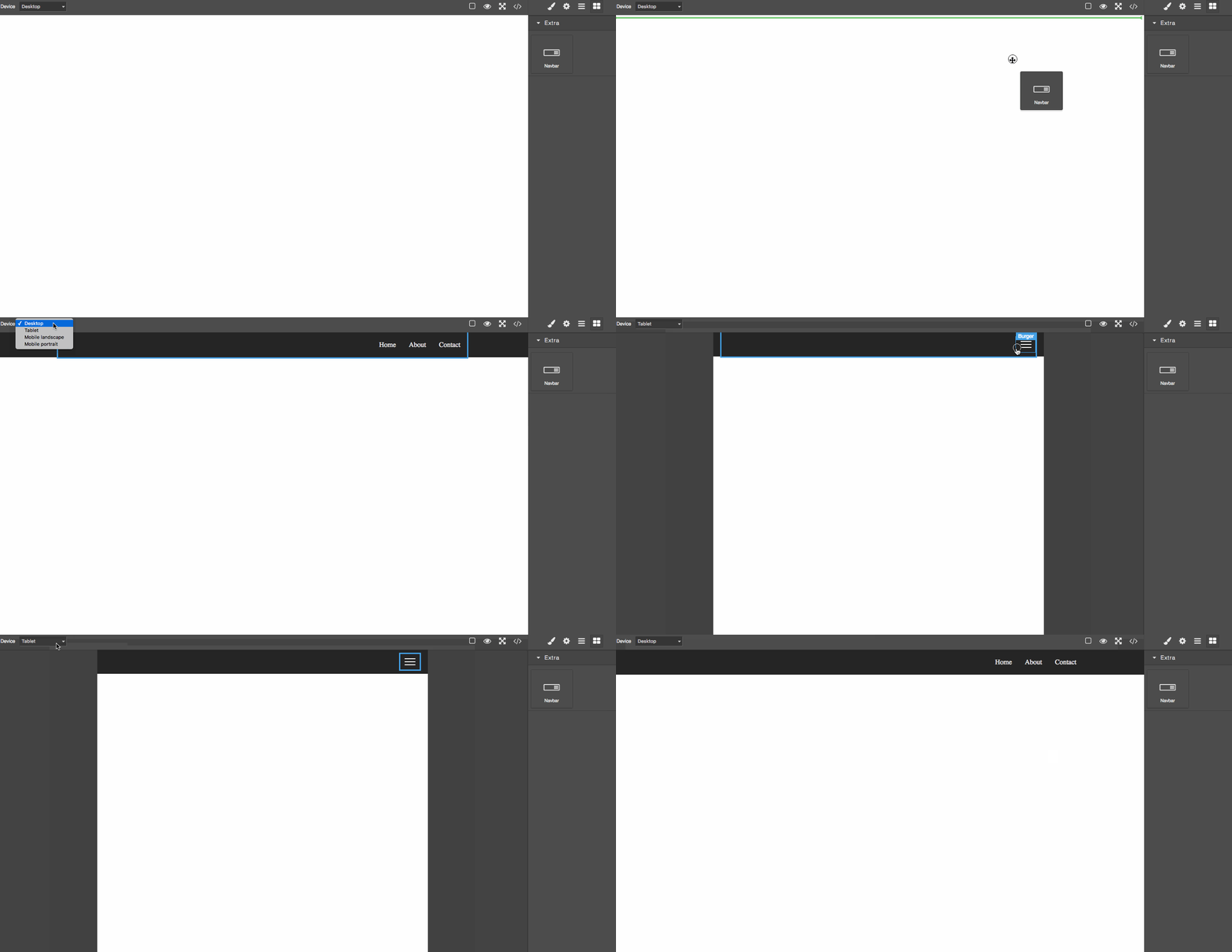
Demo
Summary
- Plugin name:
grapesjs-navbar - Blocks:
navbar - Components:
navbar,navbar-container,navbar-nav-menu,navbar-nav-menu-link,navbar-burger-menu,navbar-burger-menu-line
Options
| Option | Description | Default |
|---|---|---|
id |
The ID used to create the block and component. | navbar |
label |
The label used for the block and the component. | Navbar |
block |
Object to extend the default block, eg. { category: 'Extra', ... }. Pass a falsy value to avoid adding the block. |
{} |
style |
Custom CSS styles for the component. This will replace the default one. | '' |
styleAdditional |
Additional CSS styles for the component. These will be appended to the default one. | '' |
classPrefix |
Component class prefix. | navbar |
Download
- CDN
https://unpkg.com/grapesjs-navbar
- NPM
npm i grapesjs-navbar
- GIT
git clone https://github.com/GrapesJS/components-navbar.git.git
Usage
Directly in the browser
<link href="path/to/grapes.min.css" rel="stylesheet"/>
<script src="path/to/grapes.min.js"></script>
<script src="path/to/grapesjs-navbar.min.js"></script>

<div id="gjs"></div>

<script type="text/javascript">
  var editor = grapesjs.init({
      container : '#gjs',
      plugins: ['grapesjs-navbar'],
      pluginsOpts: {
        'grapesjs-navbar': {/* ...options */}
      }
  });
</script>
Modern javascript
import grapesjs from 'grapesjs';
import plugin from 'grapesjs-navbar';

const editor = grapesjs.init({
  container : '#gjs',
  // ...
  plugins: [plugin],
  pluginsOpts: {
    [plugin]: { /* options */ }
  }
  // or
  plugins: [
    editor => plugin(editor, { /* options */ }),
  ],
});
Development
Clone the repository
$ git clone https://github.com/GrapesJS/components-navbar.git.git
$ cd grapesjs-navbar
Install it
Start the dev server
Build before the commit. This will also increase the patch level version of the package
License
BSD 3-Clause