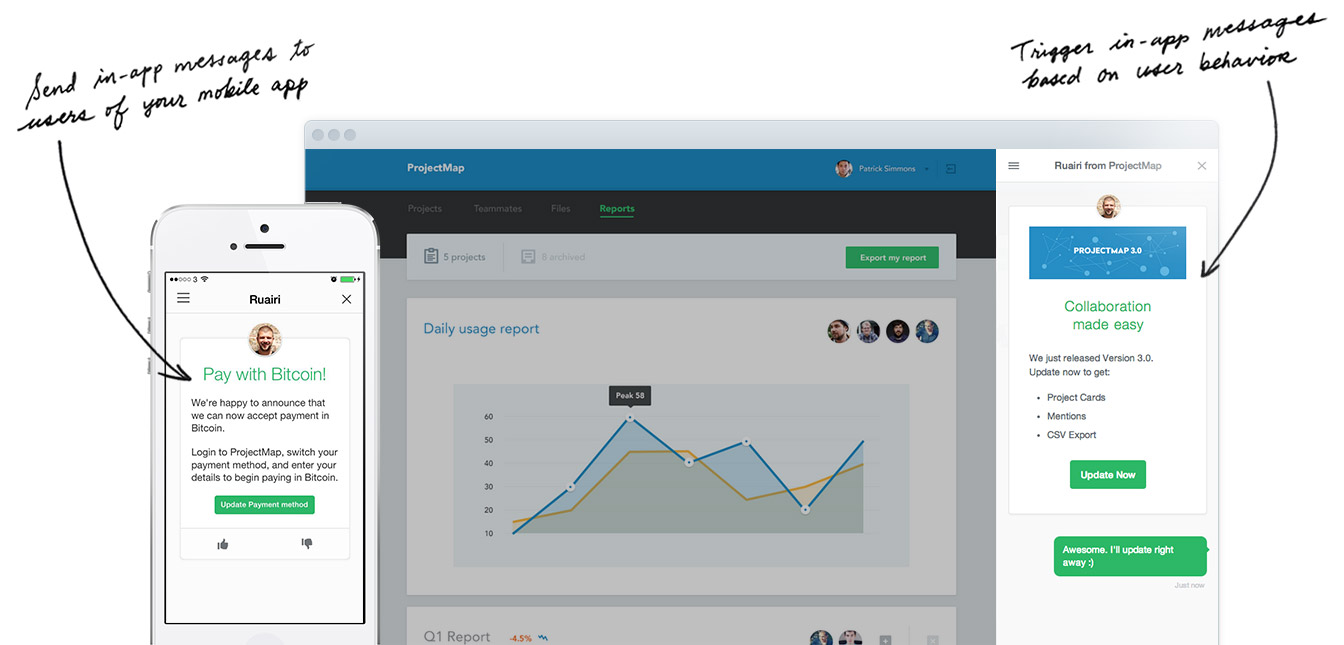
An Angular.js wrapper for Intercom.io providing a simple and familiar API for Angular Developer. I also added a asynchronous loading option $intercomProvider.asyncLoading(true) to allow anyone to quickly drop in and start using Intercom. This is great for startups who need a quick and easy way to interact with their customers
How do I add this to my project?
You can download angular-intercom by:
- (prefered) Using bower and running
bower install angular-intercom --save - Using npm and running
npm install angular-intercom --save - Downloading it manually by clicking here to download development (unminified) (minified)
- CDN
https://cdn.rawgit.com/gdi2290/angular-intercom/master/angular-intercom.min.js
Example
Here is a simple Example App which allows you to include your own app_id to test. Below is a quick start guide. Use either $intercom or Intercom service depending on your preference and opinions.
<!-- I'm using angular 1.3.8+ but any version should work -->
<script src="http://ajax.googleapis.com/ajax/libs/angularjs/1.3.8/angular.js"></script>


<!--
You can include Intercom's script manually just make sure you add your app_id
<script async defer src="https://widget.intercom.io/widget/<%= INTERCOM_APPID %>"></script>
-->

<!--
Or you can include Intercom sdk as you normally would
<script>
(function(){var w=window;var ic=w.Intercom;if(typeof ic==="function"){ic('reattach_activator');ic('update',intercomSettings);}else{var d=document;var i=function(){i.c(arguments)};i.q=[];i.c=function(args){i.q.push(args)};w.Intercom=i;function l(){var s=d.createElement('script');s.type='text/javascript';s.async=true;

s.src='https://widget.intercom.io/widget/<%= INSERT APP_ID HERE %>';

var x=d.getElementsByTagName('script')[0];x.parentNode.insertBefore(s,x);}if(w.attachEvent){w.attachEvent('onload',l);}else{w.addEventListener('load',l,false);}}})()
</script>
-->
<!--
Or you can ask the module to load the script for you (see below)
-->

<!-- include this module after angular.js -->
<script src="app/bower_components/angular-intercom/angular-intercom.js"></script>

<script>
  angular.module('intercomApp', [
    'ngIntercom' // or you can use 'angular-intercom'
  ])
  .value('fakeUser', {
    email: 'john.doe@example.com',
    name: 'John Doe',
    created_at: 1234567890,
    user_id: '9876'
  })

  // inject your app_id anyway you like
  .constant('INTERCOM_APPID', 'd0idn8ii')

  // Configure your $intercom module with appID
  .config(function($intercomProvider, INTERCOM_APPID) {
    // Either include your app_id here or later on boot
    $intercomProvider
      .appID(INTERCOM_APPID);

    // you can include the Intercom's script yourself or use the built in async loading feature
    $intercomProvider
      .asyncLoading(true)
  })
  .run(function($intercom, fakeUser) {
    // boot $intercom after you have user data usually after auth success
    $intercom.boot(fakeUser); // app_id not required if set in .config() block
  })
  //                                       Intercom // you may use Intercom rather than $intercom
  .controller('MainCtrl', function($scope, $intercom, fakeUser) {

    $scope.user = fakeUser;

    // Register listeners to $intercom using '.$on()' rather than '.on()' to trigger a safe $apply on $rootScope
    $intercom.$on('show', function() {
      $scope.showing = true; // currently Intercom onShow callback isn't working
    });
    $intercom.$on('hide', function() {
      $scope.showing = false;
    });


    $scope.show = function() {
      $intercom.show();
    };

    $scope.hide = function() {
      $intercom.hide();
    };

    $scope.update = function(user) {
      $intercom.update(user);
    };

  });

</script>
Require.js/AMD
angular-intercom is provides a Require.js/AMD interface, however it works differently depending on if you are using
$intercomProvider.asyncLoading(true)or not.
If you are using $intercomProvider.asyncLoading(true), then don't specify the "intercom" dependency at all, just load
"angular_intercom" in paths, i.e.
paths: {
  "angular_intercom": '/somePath/angular-intercom/angular-intercom'
}
If you wish to load the intercom library through Require.js/AMD rather than using $intercomProvider.asyncLoading(true), you first
need to find the CDN url provided by intercom.io. To do this, curl the url you received from intercom.io during intercom.io setup
curl https://widget.intercom.io/widget/INTERCOM_APPID
You should get something like
<html><body>You are being <a href="https://js.intercomcdn.com/intercom.xxxxxxx.js">redirected</a>.</body></html>
This means your CDN url is https://js.intercomcdn.com/intercom.xxxxxxx.js. Now in your paths for require.js,
you would have something like this (remember to remove the .js at the end of the CDN url)
paths: {
  "intercom": "https://js.intercomcdn.com/intercom.xxxxxxx",
  "angular_intercom": '/somePath/angular-intercom/angular-intercom'
}
And in your shim, you would do this
shim: {
  "angular_intercom": ["intercom"]
}
When "intercom" loads, it will attach itself to window, which will automatically be detected by angular-intercom
Then you can just use "angular_intercom" as any other Require.js/AMD module definition, i.e.
define(['angular', 'angular_intercom'], function(angular, angular_intercom) {
  // Bootstrap angular here
});
Node.js
In node.js, angular-intercom will try and require a intercom dependency. If this fails, it will expect the Intercom
object to exposed via the global object
Intercom.io
Changelog
Please see changelog for recent updates