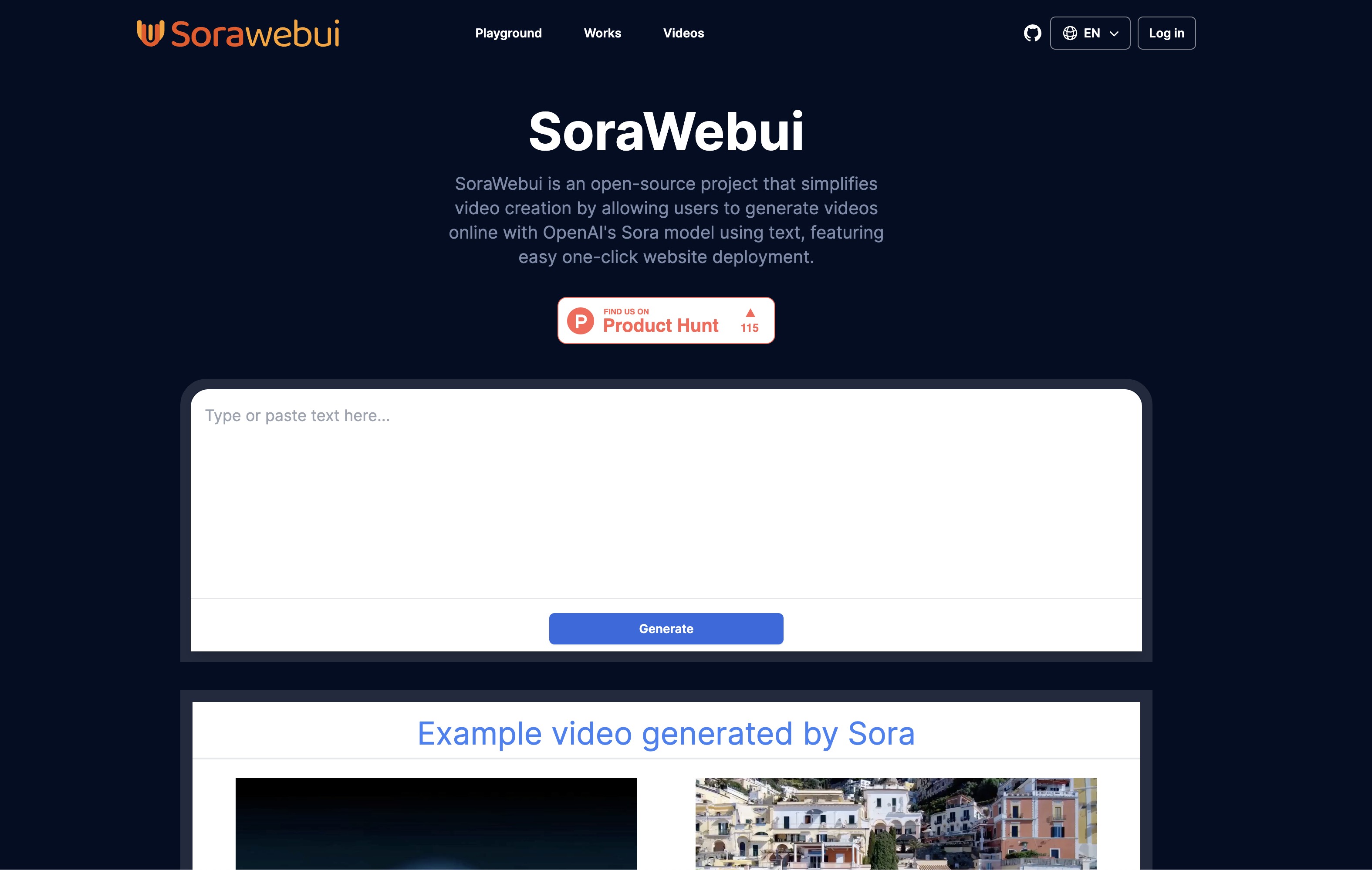
SoraWebui is an open-source project that simplifies video creation by allowing users to generate videos online with OpenAI's Sora model using text, featuring easy one-click website deployment. 👉 SoraWebui
Project Plan
-
✅ Generate video by words(Use FakeSoraAPI):
You can see this feature in 👉 main or 👉 version-0.1
-
✅ Login with Google:
You can see this feature in 👉 login
-
Stripe payment:
Coming soon
-
Add OpenAI’s Sora API:
Waiting for OpenAI launch Sora's API, then we will launch this feature.
Quick Started
Deploy on Vercel
1. Clone project
git clone git@github.com:SoraWebui/SoraWebui.git
2. Install dependencies
cd SoraWebui && yarn
#or
cd SoraWebui && npm install
#or
cd SoraWebui && pnpm install
3. copy .env.example and rename it to .env.local
# website URL
NEXT_PUBLIC_SITE_URL=http://localhost

# openai config
OPENAI_API_KEY=sk-XXXXXX
OPENAI_API_BASE_URL=http://localhost:8081
OPENAI_API_MODEL=sora-1.0-turbo

# vercel postgres config
POSTGRES_URL=
POSTGRES_PRISMA_URL=
POSTGRES_URL_NO_SSL=
POSTGRES_URL_NON_POOLING=
POSTGRES_USER=
POSTGRES_HOST=
POSTGRES_PASSWORD=
POSTGRES_DATABASE=

# Google auth config
GOOGLE_CLIENT_ID=
GOOGLE_SECRET_ID=

# NEXTAUTH config
# create command: openssl rand -base64 32
NEXTAUTH_SECRET=
NEXTAUTH_URL=http://localhost
4. Additional configuration
-
Google auth config 👉 Google-Auth-Help
-
vercel postgres config 👉 vercel-postgres-Help
5. Run it
yarn dev
#or
npm run dev
#or
pnpm dev
6. Open http://localhost with your browser to see it.
Important
SoraWebui requires FakeSoraAPI to function properly.