A simple twitter bot that stores and tweets personal development quotes I like
The challenge
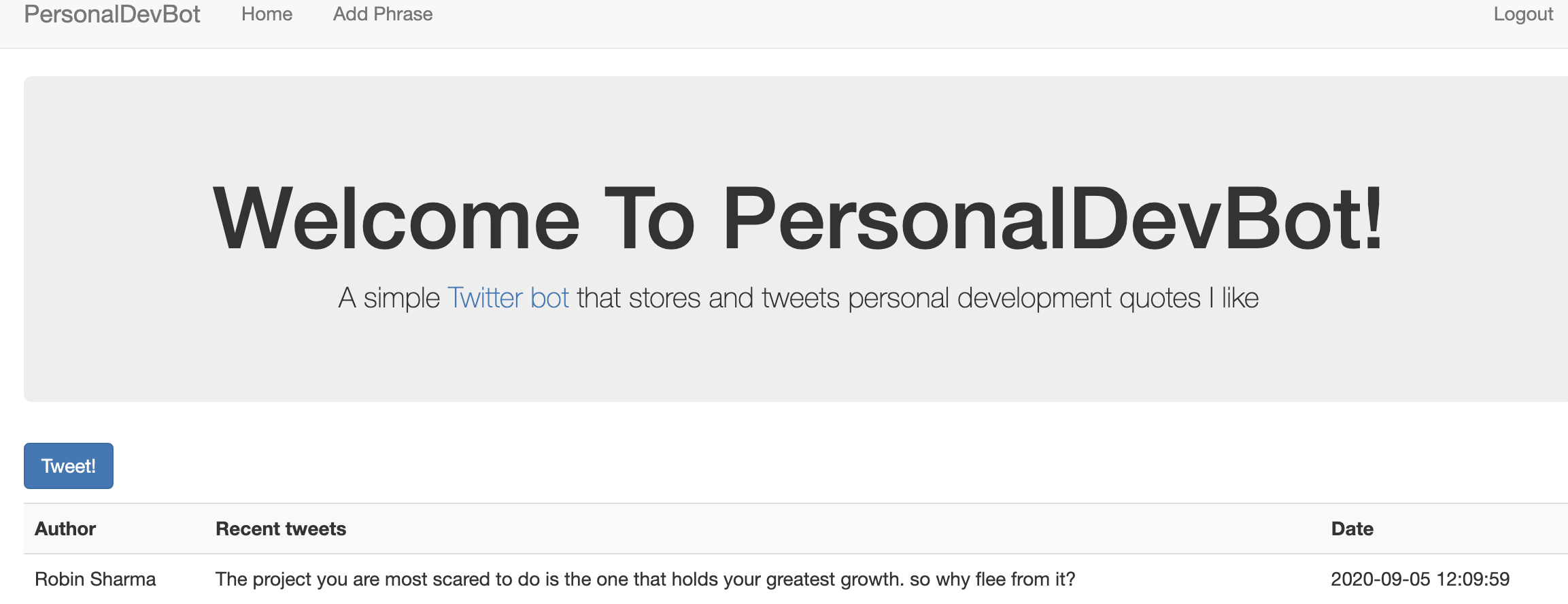
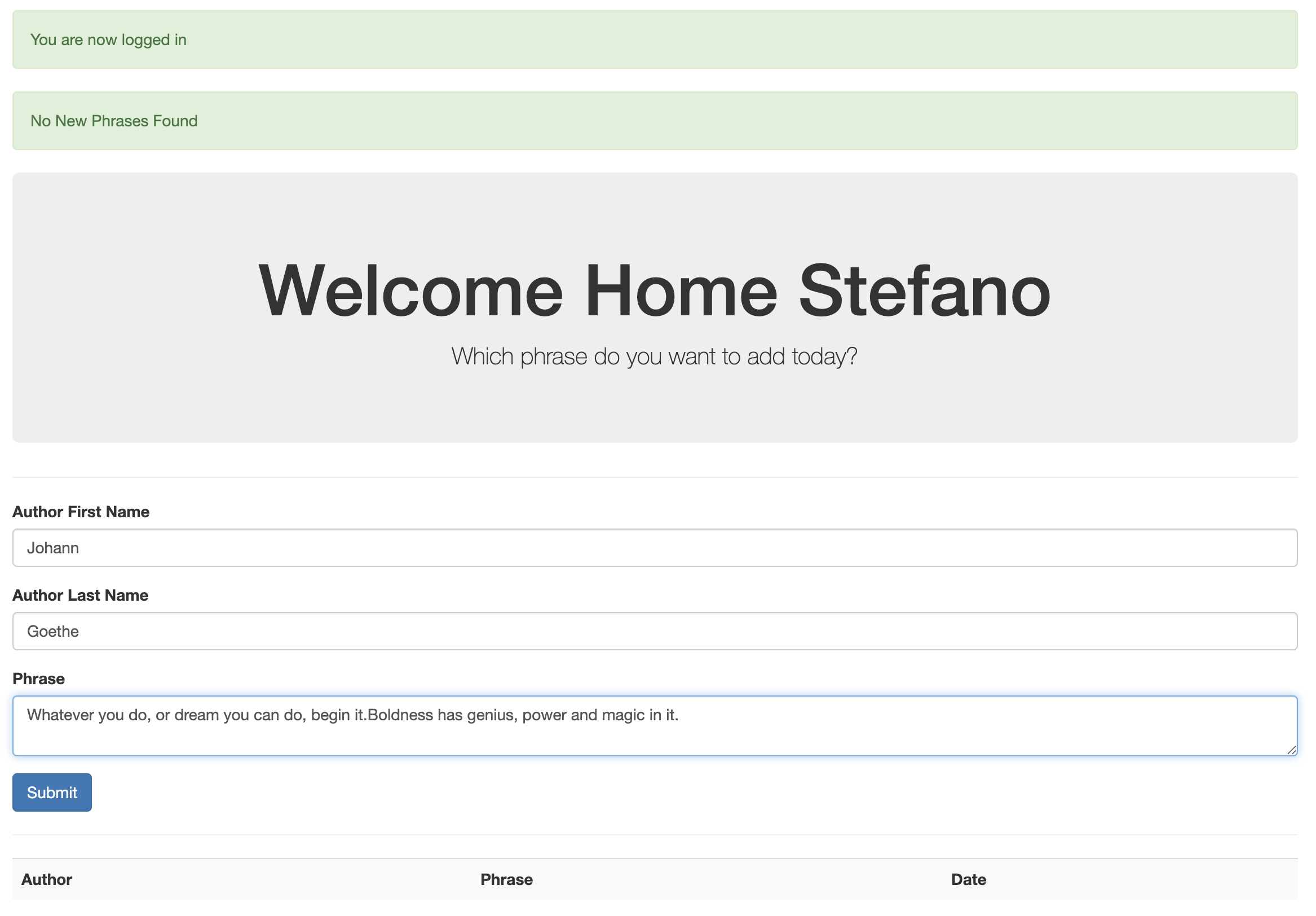
The user should be able to:
- save to a database quotes through a web user intefarce (UI);
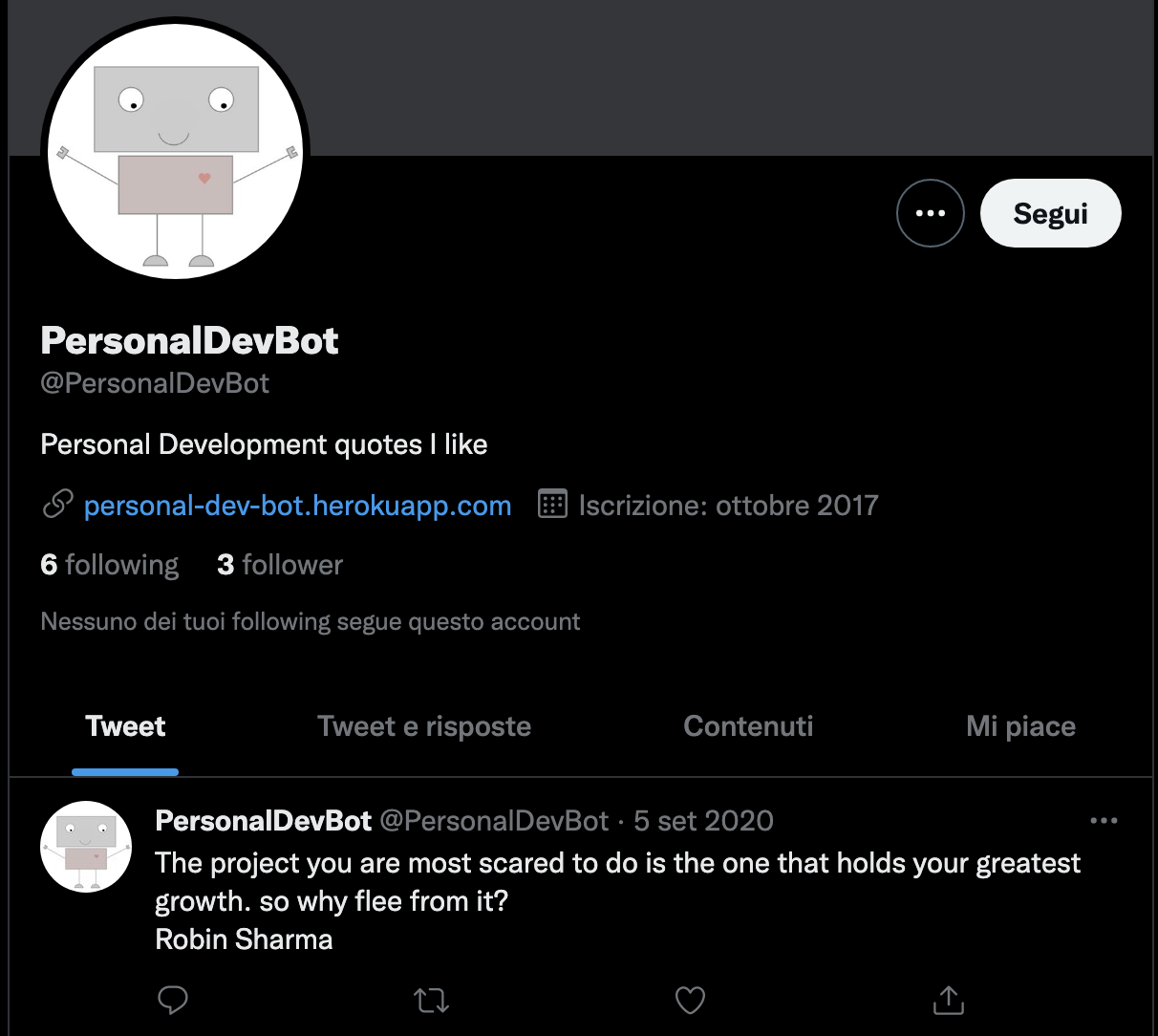
- tweet the quote on Twitter by simply pressing a button on the UI;
- list all the past tweets;
- register and login.
What I learned
Backend development: SQL queries, CRUD operations, manage the MySQL database, SCHEMA.
Another challenge was to learn the web framework Flask and set up the authentication process of the users.
Links
Built with:
- Python
- Flask
- MySQL
- Flask-MySQLdb
- Passlib
- WTForms
- Tweepy
- Bootstrap
Want to create your own Twitter bot?
[Step1] Create a folder and git clone the repository
git clone https://github.com/StefanoFrontini/PersonalDevBot.git .
[Step2] Set up a Twitter account
[Step3]
- Install MySQL
- From the mysql command line create the DB using this sql command :
CREATE DATABASE <your mysql db name>; - From the mysql command line run the commands found on schema.sql
[Step4] In the folder you created add a secret_code.py file:
# Twitter credentials
consumer_key = "<your twitter consumer key here>"
consumer_secret = "<your twitter consumer secret key here>"
access_token = "<your twitter access token here>"
access_token_secret = "<your twitter access token secret here>"

# MySQL credentials
mysql_host = "<your mysql host>"
mysql_user = "<your mysql user>"
mysql_password = "<your mysql password>"
mysql_db_name = "<your mysql db name>"

# Other keys
register_key = "<this key let a user register to the site, add quotes and tweet>"
flask_secret_key = "<your flask secret key here>"
Usage
- Register
- Login
- Go to Add Phrase page and add a quote you like
- Go to Home and press Tweet!
References
I wish to thank:
- Zed A. Shaw, author of the book: Learn Python The Hard Way
- Terian Koscik, author of this tutorial: Build a Bot Workshop
- Traversy Media, author of this tutorial: Python Flask From Scratch
- Derek Banas, author of this tutorial: MySQL Tutorial