Small utilities for macOS
Building
To build the utilities, you need to have Xcode or CommandLine Tools installed. Then, run the following command in the terminal inside the mac-utils directory:
runfg
Run any command ensuring that the process won't be sent to the Apple Silicon efficiency cores.
runbg
Run any command pinned to the Apple Silicon efficiency cores.
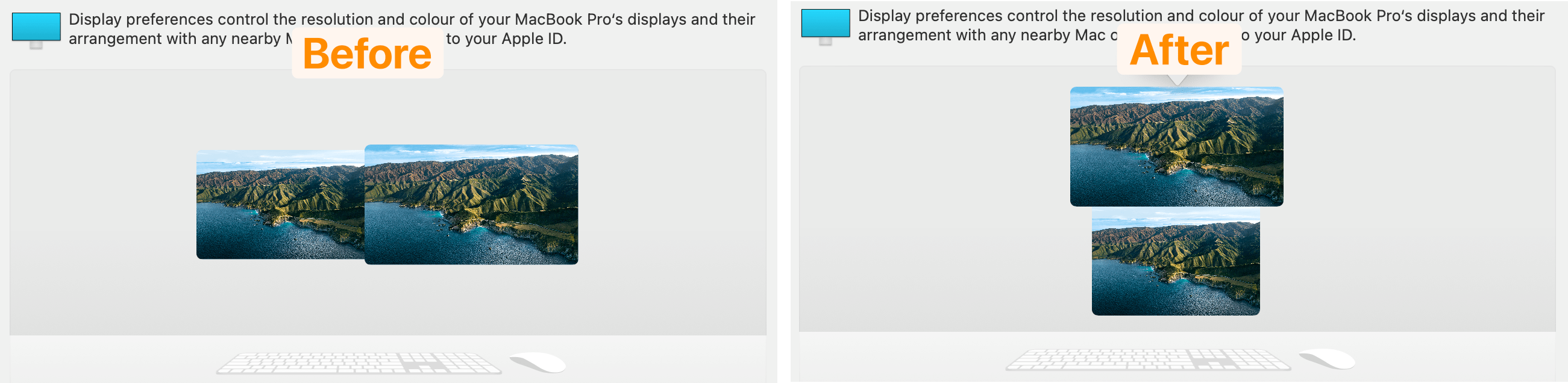
VerticalMonitorLayout
Arrange the external monitor above the MacBook display.

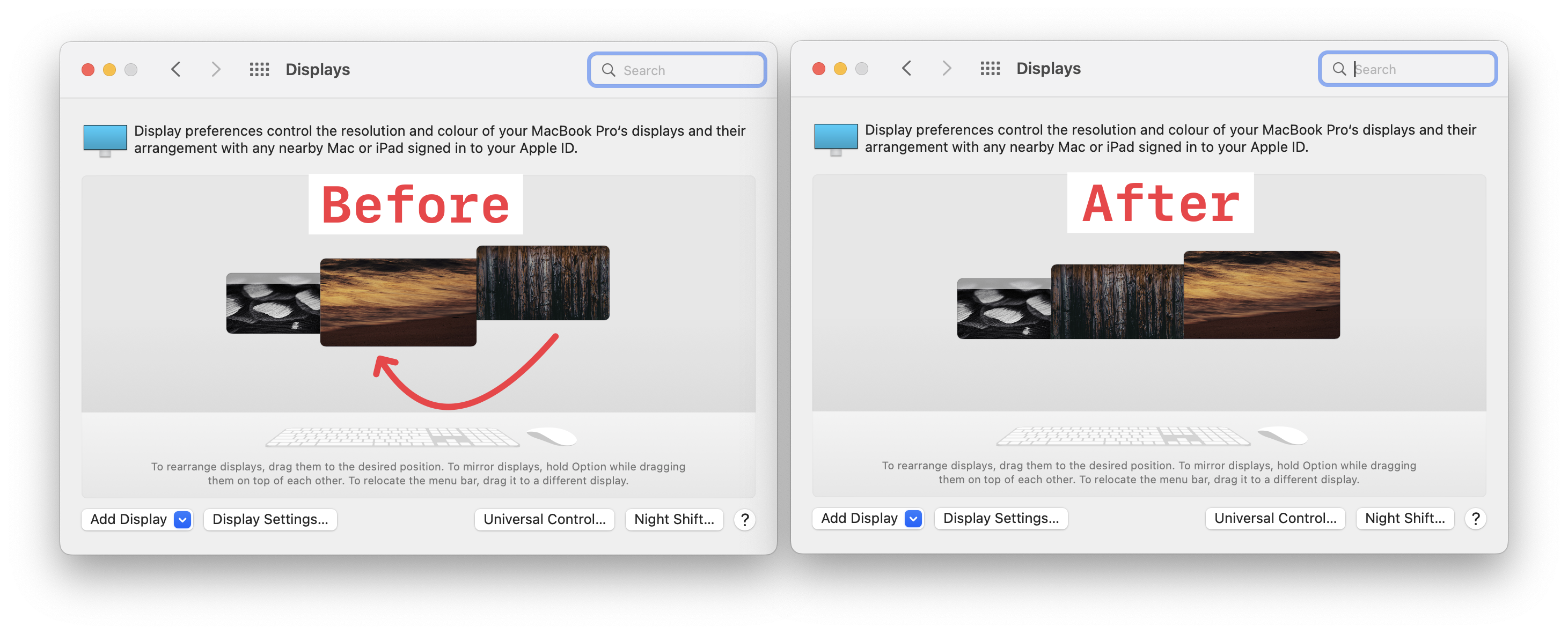
HorizontalMonitorLayout
Arrange the external monitor to the left or right of the MacBook display.
SwapMonitors
In a MacBook with 2 monitors setup, swap the external monitors around.
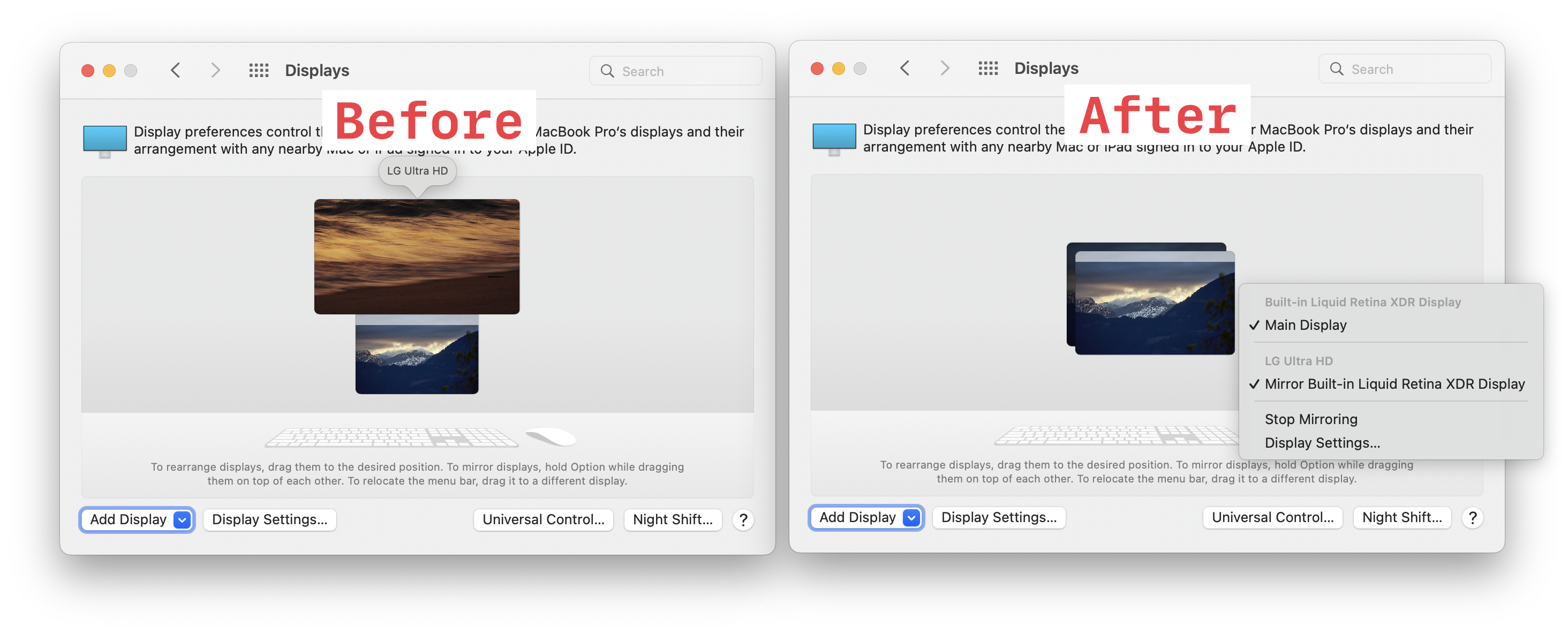
MirrorMacBookToMonitor
In a MacBook with 1 monitor setup, mirror the MacBook display contents to the external monitor.
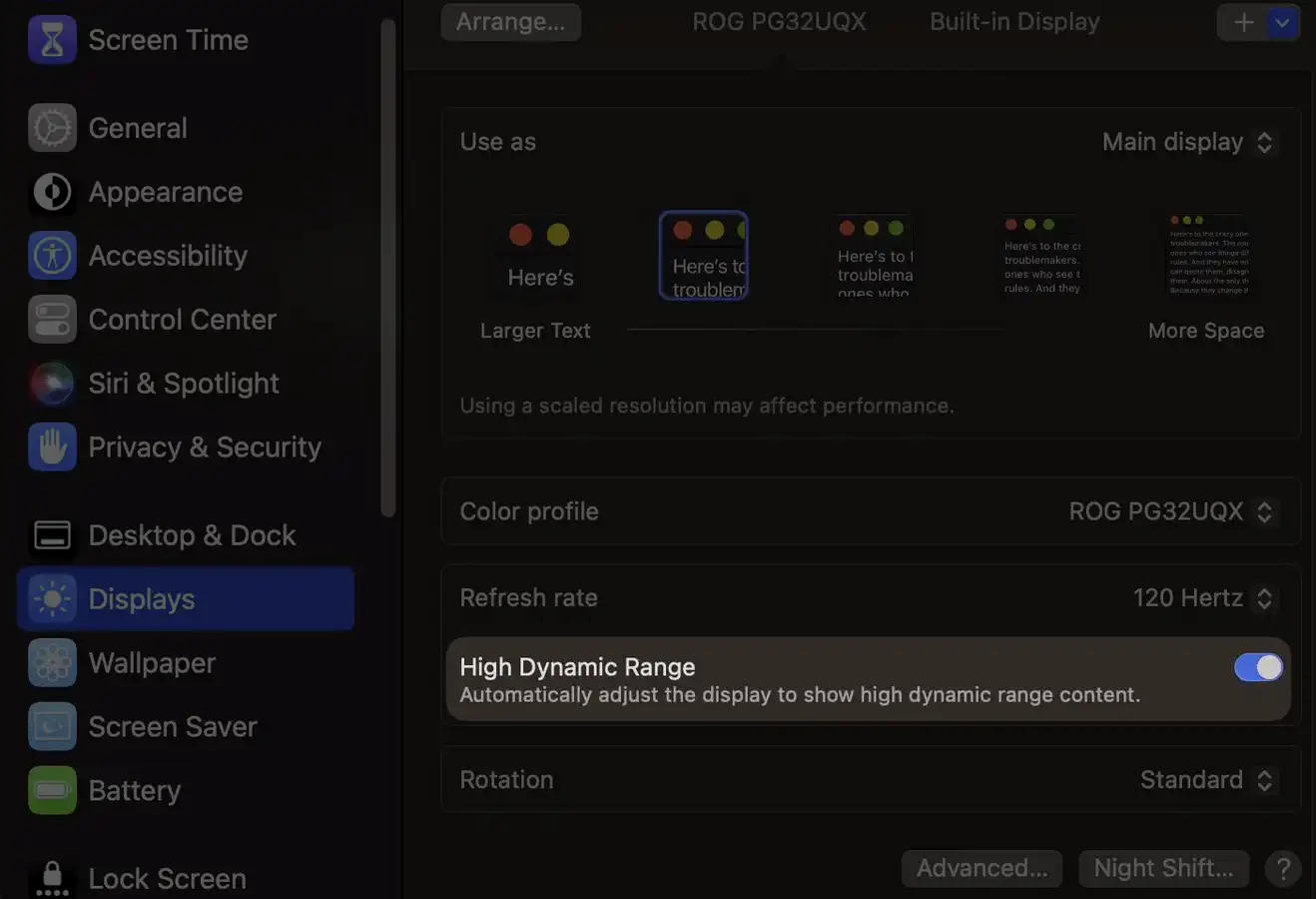
ToggleHDR
Enable/disable HDR for a monitor where the High Dynamic Range checkbox is available in Display Preferences.
RotateDisplay
Change rotation of a display from the command line.
SetNativeBrightness
Set brightness for Apple native displays from the command line.
Works for the built-in MacBook and iMac screen, and Apple vendored displays like:
- Studio Display
- Pro Display XDR
- LG Ultrafine for Mac
- LED Cinema
- Thunderbolt Display
SetKeyboardBacklight
Set keyboard backlight brightness from the command line.
IsNowPlaying
Prints true (or exits with code 0 on -q) if the Mac is currently playing any media.
Prints now playing media information with -v if the Mac is currently playing any media.
- IsNowPlaying.swift
- compiled binary
On macOS 15.4 and newer, the compiled binary has the Control Center bundle ID as a prefix to work around a restriction added in that macOS version.
To keep using the
IsNowPlayingcommand on macOS 15.4 and newer, you can symlink the binary toIsNowPlaying:ln -s com.apple.controlcenter.mac-utils.IsNowPlaying IsNowPlaying
IsCameraOn
Prints true (or exits with code 0 on -q) if the Mac camera is in use by any application.
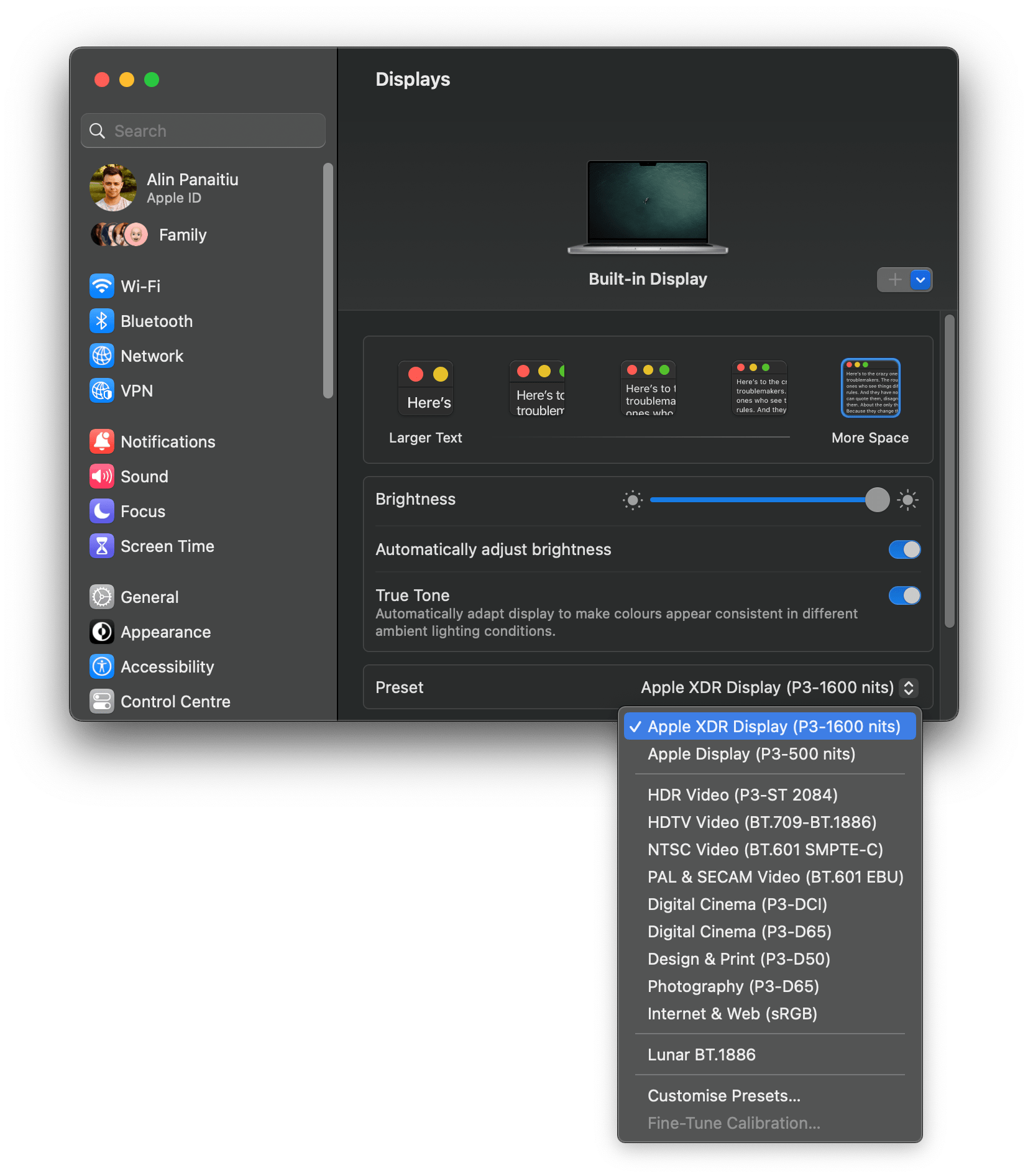
ReferencePreset
Activate presets for reference monitors like the Pro Display XDR or the MacBook Pro 2021 screen.
ApplyColorProfile
Apply .icc color profiles to any display. It works even if the display does not have a color profile setting in System Settings.
SendMediaKey
Send media key events such as play/pause, next, previous, volume up, volume down, mute, etc.
ALS
Read the ambient light sensor (lux) value from your Mac. Useful for automating brightness and color temperature adjustments.