- Docker is a platform for building, running and shipping out applications.
| Container |
Virtual Machine |
| An isolated environment for running an application |
An abstraction of a machine. (Physical hardware) |
| Need less hardware resources |
Each VM needs a full-blown OS |
| Start quickly |
Slow to start |
| Allow running multiple apps in isolation |
* |
| Use OS of the host |
Resource intensive |
Installing Docker container: Linux (Ubuntu 20.04 LTS)
- Updating the Ubuntu package database.
$ sudo apt install docker.io -y
- Now that Docker is installed and running you should verify that everything is working okay. This can be done using the hello-world app. From the command line run :
$ sudo docker run hello-world
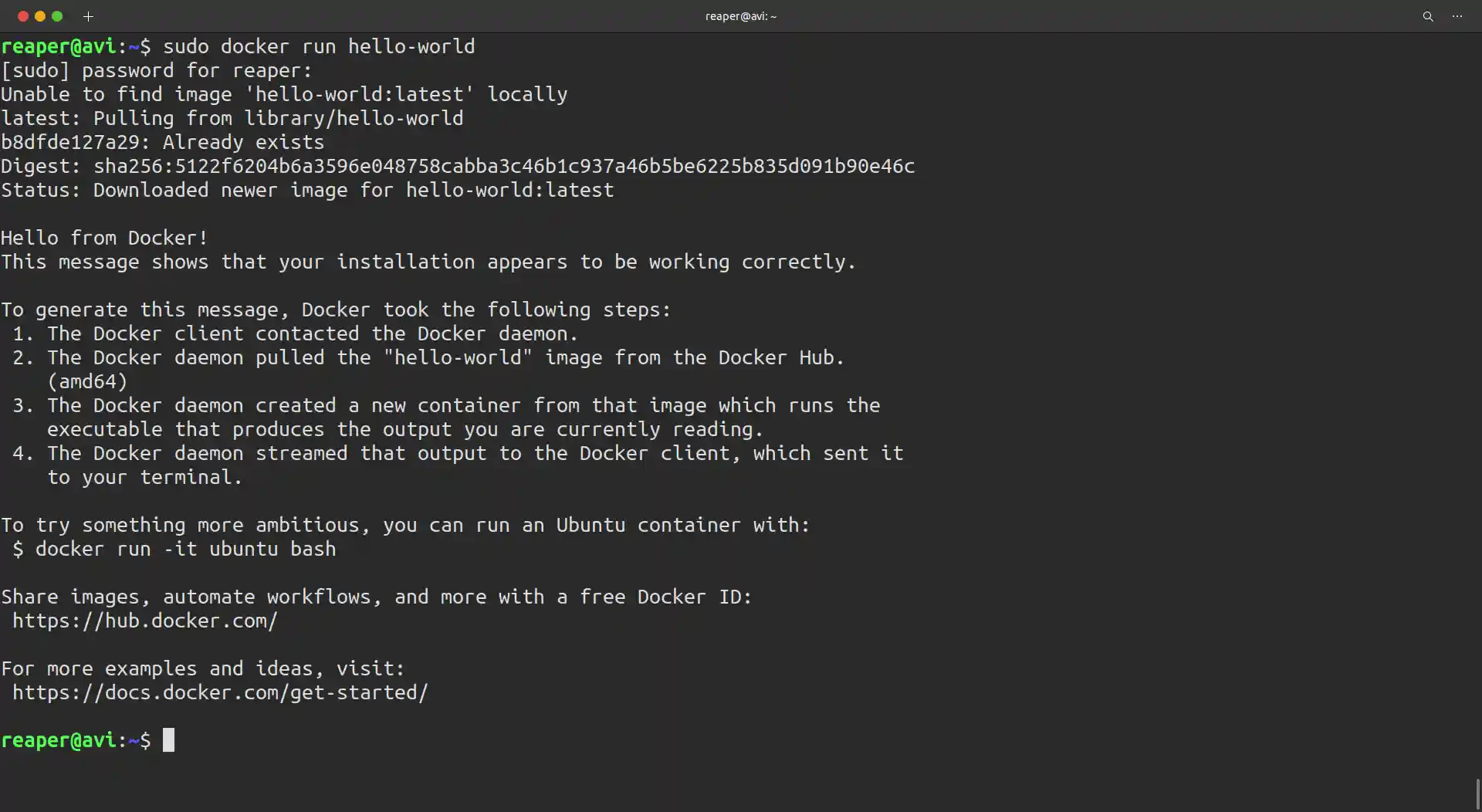
- You can also check your docker version by using following commands:
    Client:
        Version:           20.10.2
        API version:       1.41
        Go version:        go1.13.8
        Git commit:        20.10.2-0ubuntu1~20.04.2
        Built:             Tue Mar 30 21:24:57 2021
        OS/Arch:           linux/amd64
        Context:           default
        Experimental:      true

    Server:
        Engine:
        Version:          20.10.2
        API version:      1.41 (minimum version 1.12)
        Go version:       go1.13.8
        Git commit:       20.10.2-0ubuntu1~20.04.2
        Built:            Mon Mar 29 19:10:09 2021
        OS/Arch:          linux/amd64
        Experimental:     false
        containerd:
        Version:          1.3.3-0ubuntu2.3
        GitCommit:
        runc:
        Version:          spec: 1.0.2-dev
        GitCommit:
        docker-init:
        Version:          0.19.0
        GitCommit:
Making Docker start automatically on system boot:
$ sudo systemctl enable --now docker
Building a Docker container:
$ docker build -t <REPOSITORY-NAME> <directory>
$ docker build -t hello-docker .
- Period(.) stands for whole directory of the root project.
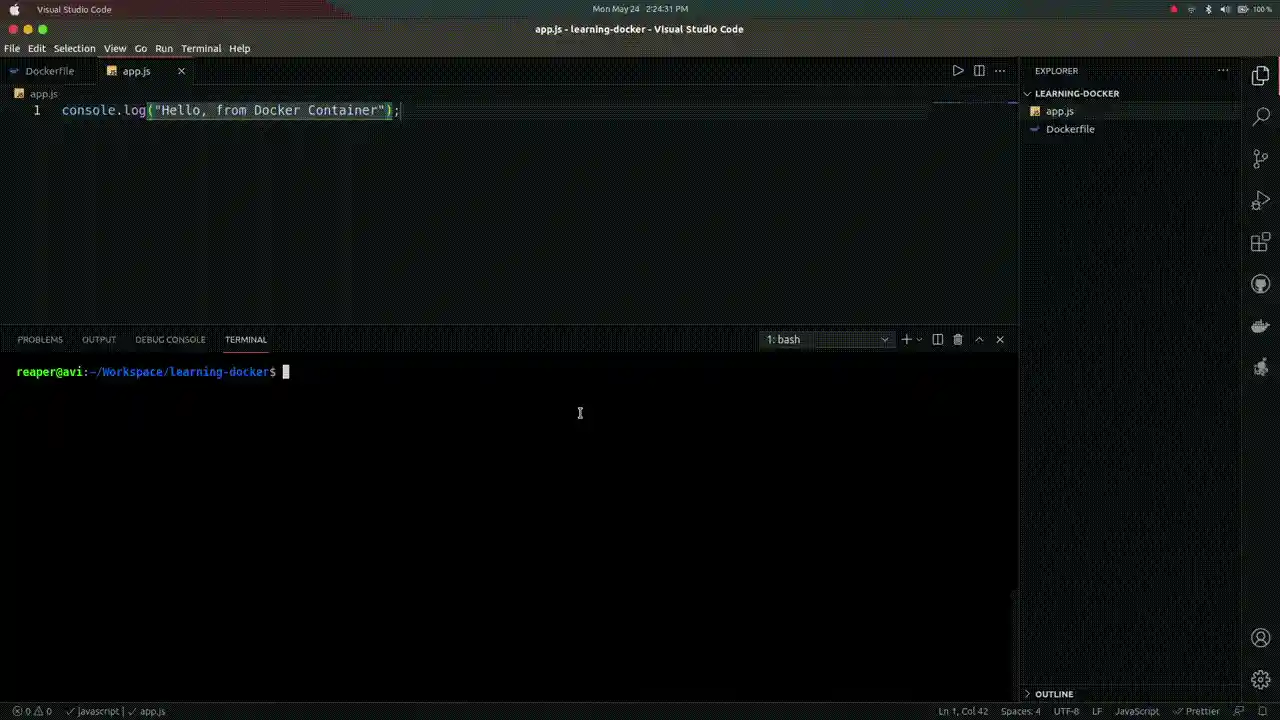
For checking list of repositories:
Running a Docker container:
$ docker run <REPOSITORY-NAME>
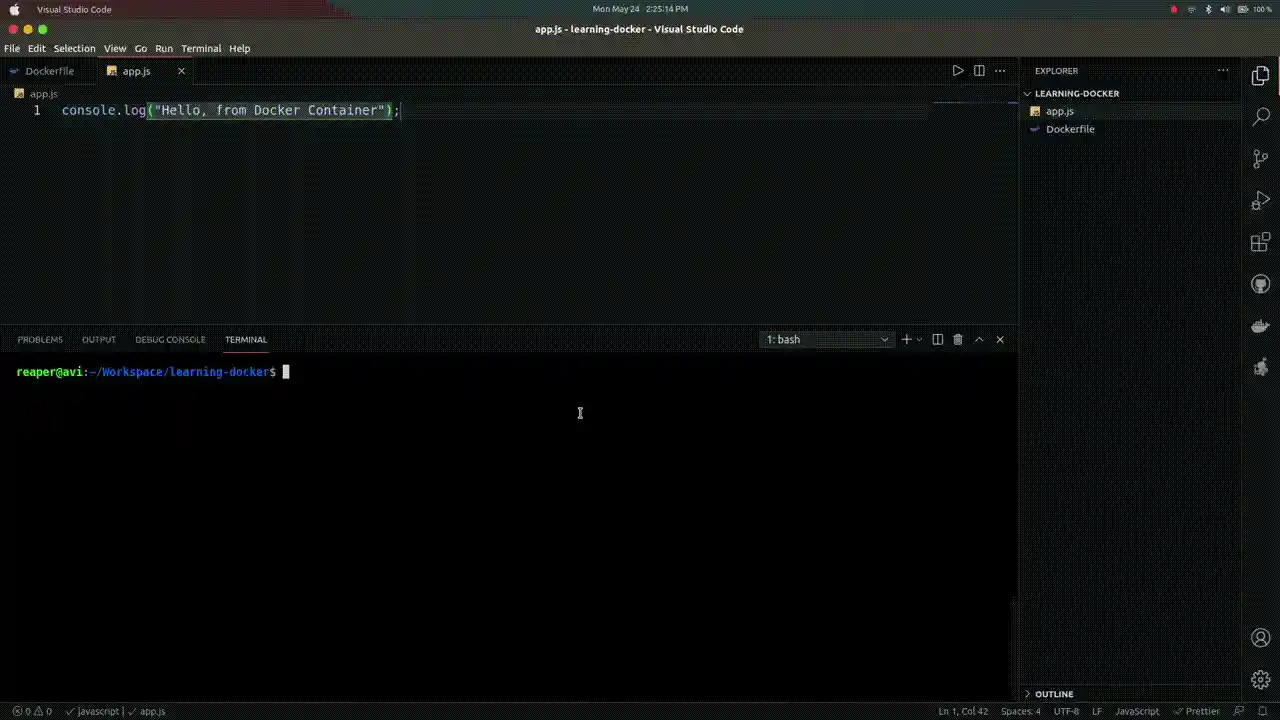
Deleting a Docker container:
$ docker rmi -f <IMAGE-ID>
Getting an Ubuntu terminal in Docker container:


