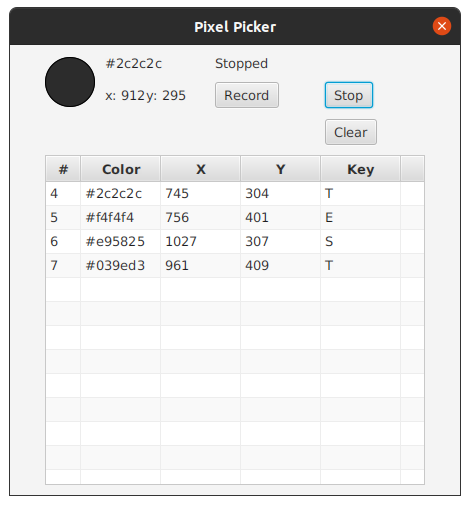
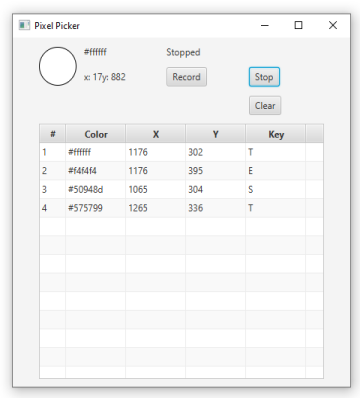
A cross-platform pixel picker tool. It will enable users to record keys and pixel information.
On key press it will log the current hovered pixel into a table. Clicking a cell will copy the value of the cell to the clipboard.
Requirements
Have Java installed. To automatically configure Java, download and install Adoptium Prebuilt OpenJDK.
Usage
Java has to be installed (see Requirements)!
- Download the latest release
- Linux: Download the .jar, in the terminal type in
java -jar pixel-picker.jarand press enter - Mac: Download the .jar, double click
pixel-picker.jar- New versions might need to give Java permissions for accessibility and screen recording
- If double clicking does not work, open a terminal and type in
java -jar pixel-picker.jarand press enter
- Windows: Download the .jar, double click
pixel-picker.jar

Developers
Install dependencies
mvn install
Build project
mvn compile assembly:single
Run project
From the root of the project:
java -jar target/pixel-picker-1.0-SNAPSHOT-jar-with-dependencies.jar
Developers
The tools used to develop the application:
- Java - OpenJDK 14 - prebuilt binaries can be downloaded from AdoptOpenJDK Prebuilt OpenJDK
- IntelliJ Community Edition
- Add JavaFX
- Add VM Options
- Add Scene Builder