a wrapper for the client part of ActionCable(Rails5),this is also a wrapper for「Simple Web Sockets for Unity WebGL」which is no longer available on Asset Store.
用途
https://qiita.com/chooaya/items/0e54ca14d1604d82495a 車輪の再発明はしたくないですが、まだいい車輪を見つけていません…
準備作業
こちらのgitにある WebSocket.cs SingletonMonoBehaviour.cs ActionCable.cs WebSocket.jslib をダウンロードし、UnityのAssets\Pluginsにコピーします。 まだwebsocket-sharpを入れていない場合、 https://qiita.com/chooaya/items/0e54ca14d1604d82495a の準備作業をご参照ください。
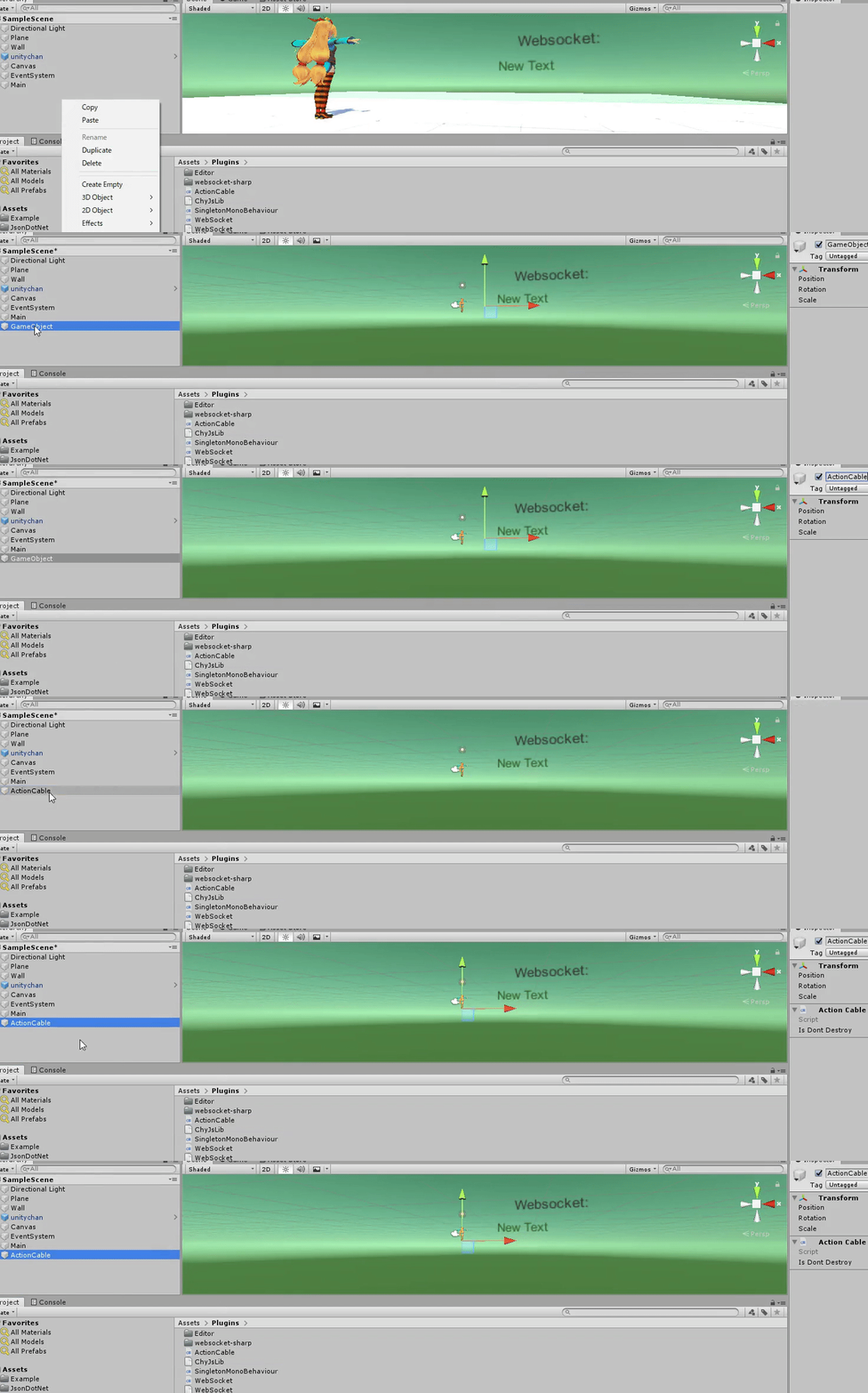
以下はどうやってActionCable.csを名前が「ActionCable」のGameObjectにアタッチする流れです。
使い方
string url = "ws://127.0.0.1:3001/cable";
// コンシューマーの作成とwebsocketサーバとの接続
ActionCable.Consumer cable = ActionCable.Instance.createConsumer(url);
string uuid = GetUUID();
// subscribeするチャネルとルームを指定
// 接続成功時(connected)、失敗時(disconnected)、受信時(received)のcallbackメソッドの指定
cable.subscriptions.create<Dictionary<string, object>>(new Dictionary<string, object>(){
            {"channel","ChatMessageChannel"},
            {"room",uuid}
        },new Dictionary<string, Dictionary<string, object>>()
        {
            {"connected",new Dictionary<string, object>{{"type",typeof(Action<ActionCable.Subscription,object>)},{"func", (Action<ActionCable.Subscription,object>)((sender, e) =>
            {
                sender.perform("getusers");
            })}}},
            {"disconnected",new Dictionary<string, object>{{"type",typeof(Action<ActionCable.Subscription,object>)},{"func", (Action<ActionCable.Subscription,object>)((sender, e) =>
            {
                Debug.Log("testdisconnected");
            })}}},
            {"received",new Dictionary<string, object>{{"type",typeof(Action<ActionCable.Subscription,Dictionary<string, object>>)},{"func", (Action<ActionCable.Subscription,Dictionary<string, object>>)((sender, e) =>
            {
                Debug.Log(Newtonsoft.Json.JsonConvert.SerializeObject(e));
            })}}}
        });