
The Kubernetes operator for self-hosted LLM inference
Your models. Your hardware. Your rules.






Quick Start • Metal Agent • Why LLMKube? • Benchmarks • Roadmap
The Problem
You want to run LLMs on your own infrastructure. Maybe it's for data privacy, cost control, air-gapped compliance, or you just don't want to send every request to OpenAI.
So you set up llama.cpp. It works great on one machine. Then you need to scale it, monitor it, manage model versions, handle GPU scheduling across nodes, expose an API, and somehow make your Mac's Metal GPU and your Linux server's NVIDIA cards work together.
Suddenly you're building an entire platform instead of shipping your product.
LLMKube is a Kubernetes operator that turns LLM deployment into a two-line YAML problem. Define a Model and an InferenceService, and the operator handles downloading, caching, GPU scheduling, health checks, scaling, and exposing an OpenAI-compatible API.
Getting Started Video
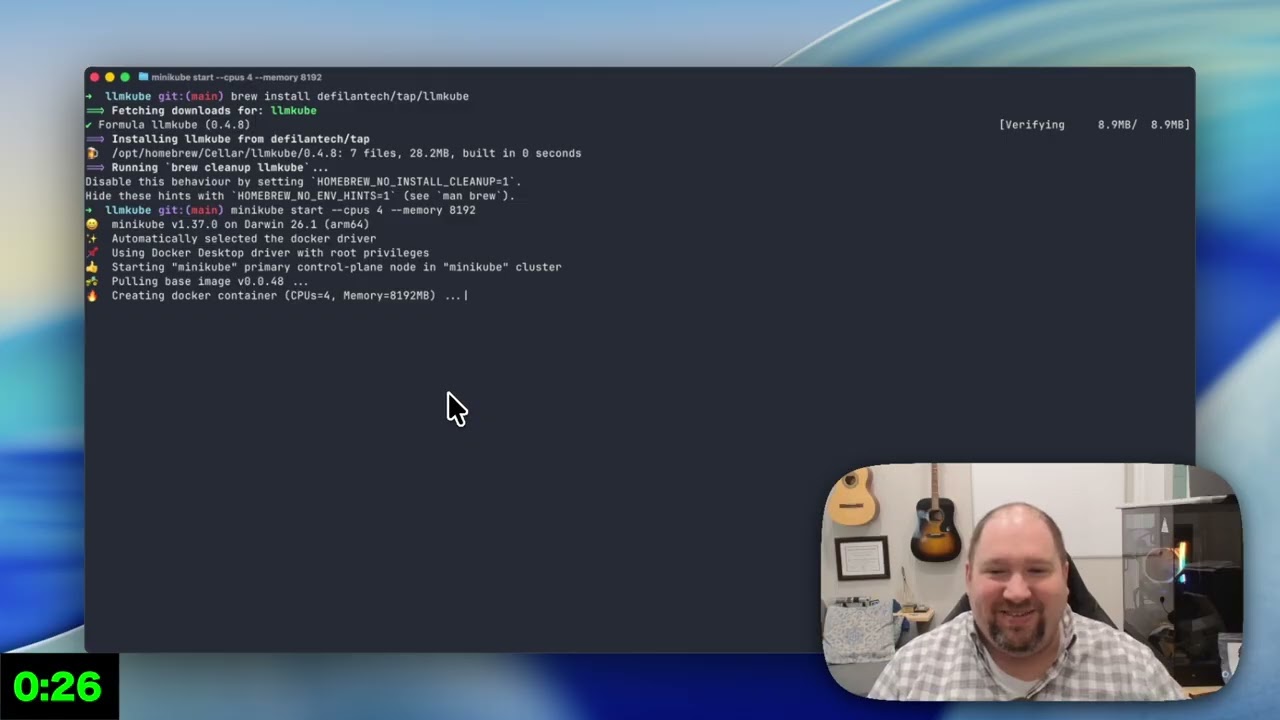
Watch: Deploy your first LLM on Kubernetes in 5 minutes
Quick Start
# Install the CLI
brew install defilantech/tap/llmkube

# Install the operator on any K8s cluster
helm repo add llmkube https://defilantech.github.io/LLMKube
helm install llmkube llmkube/llmkube --namespace llmkube-system --create-namespace

# Deploy a model (one command)
llmkube deploy phi-3-mini --cpu 500m --memory 1Gi

# Query it (OpenAI-compatible)
kubectl port-forward svc/phi-3-mini 8080:8080 &
curl http://localhost:8080/v1/chat/completions \
  -H "Content-Type: application/json" \
  -d '{"messages":[{"role":"user","content":"Hello!"}],"max_tokens":100}'
That's it. The operator downloads the model, creates the deployment, sets up the service, and exposes an OpenAI-compatible API. Works with the OpenAI Python/Node/Go SDKs, LangChain, and LlamaIndex out of the box.
Want GPU acceleration? Add --gpu:
llmkube deploy llama-3.1-8b --gpu --gpu-count 1
No CLI? Use plain kubectl
apiVersion: inference.llmkube.dev/v1alpha1
kind: Model
metadata:
  name: tinyllama
spec:
  source: https://huggingface.co/TheBloke/TinyLlama-1.1B-Chat-v1.0-GGUF/resolve/main/tinyllama-1.1b-chat-v1.0.Q4_K_M.gguf
  format: gguf
---
apiVersion: inference.llmkube.dev/v1alpha1
kind: InferenceService
metadata:
  name: tinyllama
spec:
  modelRef: tinyllama
  replicas: 1
  resources:
    cpu: "500m"
    memory: "1Gi"
kubectl apply -f model.yaml
Full setup guides: Minikube Quickstart | GKE with GPUs | Air-Gapped Deployment
The Metal Agent
This is the thing no other Kubernetes LLM tool does.
Most Kubernetes tools run inference inside containers. That works fine on Linux with NVIDIA GPUs. But Apple Silicon's Metal GPU can't be accessed from inside a container — so every other tool either ignores Macs or forces you into slow CPU-only inference.
LLMKube's Metal Agent inverts the model. Instead of stuffing inference into a container, the Metal Agent runs as a native macOS process that:
- Watches the Kubernetes API for
InferenceServiceresources withaccelerator: metal - Spawns
llama-servernatively on macOS with full Metal GPU access - Registers endpoints back into Kubernetes so the rest of your cluster can route to it
Your Mac dedicates 100% of its unified memory to inference. Kubernetes handles orchestration. The same CRD works on NVIDIA and Apple Silicon — just change accelerator: cuda to accelerator: metal.
┌──────────────────────────────┐      ┌──────────────────────────────┐
│ Linux Server / Cloud         │      │ Mac (Apple Silicon)          │
│                              │      │                              │
│  ┌────────────────────────┐  │      │  ┌────────────────────────┐  │
│  │ Kubernetes             │  │ LAN/ │  │ Metal Agent            │  │
│  │  LLMKube Operator      │◄─┼──────┼─►│  Watches K8s API       │  │
│  │  Model Controller      │  │ VPN  │  │  Spawns llama-server   │  │
│  │  InferenceService Ctrl │  │      │  └────────────────────────┘  │
│  └────────────────────────┘  │      │                              │
│                              │      │  ┌────────────────────────┐  │
│  ┌────────────────────────┐  │      │  │ llama-server (Metal)   │  │
│  │ NVIDIA Nodes           │  │      │  │  Full GPU access       │  │
│  │  llama.cpp (CUDA)      │  │      │  │  All unified memory    │  │
│  └────────────────────────┘  │      │  └────────────────────────┘  │
└──────────────────────────────┘      └──────────────────────────────┘
This means you can build a heterogeneous cluster: NVIDIA GPUs in the cloud for heavy workloads, Mac Studios on-prem for low-latency inference, all managed by the same Kubernetes operator with the same CRDs.
# On your Mac
brew install llama.cpp
llmkube-metal-agent --host-ip <your-mac-ip>

# From anywhere in the cluster
llmkube deploy llama-3.1-8b --accelerator metal
Works over LAN, Tailscale, WireGuard, or any routable network. Full Metal Agent guide →
How Is This Different?
| LLMKube | vLLM / TGI | Ollama | KServe | LocalAI | |
|---|---|---|---|---|---|
| Kubernetes-native CRDs | Yes | No (manual Deployments) | No | Yes | No |
| Apple Silicon Metal GPU | Native (Metal Agent) | No | Local only | No | CPU only |
| NVIDIA GPU | Yes | Yes | Limited | Yes | Yes |
| Heterogeneous clusters (NVIDIA + Metal) | Yes | No | No | No | No |
| OpenAI-compatible API | Built-in | Yes | Yes | Requires config | Yes |
| Model catalog + CLI | llmkube deploy llama-3.1-8b |
Manual | ollama pull |
Manual | Manual |
| GPU queue management | Priority classes, queue position | No | No | No | No |
| Air-gap / edge ready | Yes | Possible | Possible | Yes | Yes |
| Observability | Prometheus + Grafana included | External | No | External | No |
LLMKube is for teams that want Kubernetes-managed LLM inference across heterogeneous hardware. If you just need to run a model on one machine, Ollama is simpler. If you need maximum throughput on NVIDIA-only clusters, vLLM is faster. LLMKube occupies the space where Kubernetes orchestration, multi-hardware support, and operational simplicity intersect.
Performance
Real benchmarks, real hardware:
Cloud GPU (GKE, NVIDIA L4)
| Metric | CPU | GPU (NVIDIA L4) | Speedup |
|---|---|---|---|
| Token generation | 4.6 tok/s | 64 tok/s | 17x |
| Prompt processing | 29 tok/s | 1,026 tok/s | 66x |
| Total response time | 10.3s | 0.6s | 17x |
Desktop GPU (Dual RTX 5060 Ti)
| Model | Size | Tokens/s | P50 Latency | P99 Latency |
|---|---|---|---|---|
| Llama 3.2 3B | 3B | 53.3 | 1930ms | 2260ms |
| Mistral 7B v0.3 | 7B | 52.9 | 1912ms | 2071ms |
| Llama 3.1 8B | 8B | 52.5 | 1878ms | 2178ms |
Consistent ~53 tok/s across 3-8B models with automatic layer sharding. Detailed benchmarks →
Features
Inference:
- Kubernetes-native CRDs (
Model+InferenceService) - Automatic model download from HuggingFace, HTTP, or S3
- Persistent model cache — download once, deploy instantly (guide)
- OpenAI-compatible
/v1/chat/completionsAPI - Multi-replica horizontal scaling
- GGUF format with quantization support
- License compliance scanning for GGUF models
GPU:
- NVIDIA CUDA (T4, L4, A100, RTX)
- Apple Silicon Metal via Metal Agent (M1-M4)
- Multi-GPU inference for 13B-70B+ models (guide)
- Automatic layer offloading and tensor splitting
- GPU queue management with priority classes
Operations:
- Full CLI:
llmkube deploy/list/status/delete/catalog/cache/queue - Model catalog with 10+ pre-configured models
- Prometheus metrics + OpenTelemetry tracing
- Grafana dashboards for GPU and inference monitoring
- GPU metrics (utilization, temp, power, memory)
- SLO alerts (GPU health, service availability)
- Custom CA certificates for corporate environments
- Multi-cloud Terraform (GKE, AKS, EKS)
- Cost optimization (spot instances, auto-scale to zero)
Use the API
Every deployment exposes an OpenAI-compatible API. Use any OpenAI SDK:
from openai import OpenAI

client = OpenAI(
    base_url="http://llama-3b-service:8080/v1",
    api_key="not-needed"
)

response = client.chat.completions.create(
    model="llama-3b",
    messages=[{"role": "user", "content": "Explain Kubernetes in one sentence"}]
)
Works with LangChain, LlamaIndex, and any OpenAI-compatible client library.
Installation
Helm (Recommended)
helm repo add llmkube https://defilantech.github.io/LLMKube
helm install llmkube llmkube/llmkube --namespace llmkube-system --create-namespace
CLI
# macOS
brew install defilantech/tap/llmkube

# Linux / macOS
curl -sSL https://raw.githubusercontent.com/defilantech/LLMKube/main/install.sh | bash
From Source
git clone https://github.com/defilantech/LLMKube.git && cd LLMKube
make install  # Install CRDs
make run      # Run controller locally
Helm Chart docs | Minikube Quickstart | GKE GPU Setup
Troubleshooting
Model won't download
kubectl describe model <model-name>
kubectl logs <pod-name> -c model-downloader
Common causes: HuggingFace URL needs auth (use direct links), insufficient disk space, network timeout (auto-retries).
Pod OOM crash
llmkube deploy <model> --memory 8Gi # Rule of thumb: file size x 1.2
GPU not detected
kubectl get pods -n gpu-operator-resources
kubectl get pods -n kube-system -l name=nvidia-device-plugin-ds
Contributing
We welcome contributions. See CONTRIBUTING.md for the full guide.
Good first issues:
- Documentation and tutorials
- Model catalog additions
- Testing on different K8s platforms
- Example applications (chatbot UI, RAG pipeline)
Advanced:
- K3s edge deployment
- SafeTensors format support
- Multi-node GPU sharding for 70B+ models
Community
- Bug reports & features: GitHub Issues
- Questions & discussion: GitHub Discussions
- Roadmap: ROADMAP.md
Acknowledgments
Built on Kubebuilder, llama.cpp, Prometheus, and Helm.
License
Apache 2.0 — see LICENSE.