
High quality plugins with great UX on top of DraftJS.

Important Note
We are currently preparing for a 2.0 release. The master branch contains these features. All the packages are already published with a beta tag. Install it via $ npm install <plugin>@2.0.0-beta10 --save.
Roadmap
In case you are interested in helping Issue #329 contains a roadmap of what's coming in 2.0 and beyond.
Available Plugins (incl. Docs)
Built by the community
- Autolist by Max Wheeler/Icelab
- Block Breakout by Max Wheeler/Icelab
- Markdown Shortcuts by Atsushi Nagase
- Single Line by Max Wheeler/Icelab
- RichButtons by jasonphillips
Live Example & Documentation
Checkout the website!
Usage
First, install the editor with npm:
$ npm install draft-js-plugins-editor --save
To try out the beta version of 2.0.0 run
$ npm install draft-js-plugins-editor@2.0.0-beta10 --save
Then import the editor somewhere in your code and you're ready to go!
import Editor from 'draft-js-plugins-editor';
Documentation
draft-js-plugins-editor
Editor
An editor component accepting plugins. see source
| Props | Description | Required |
|---|---|---|
| editorState | see here | * |
| onChange | see here | * |
| plugins | an array of plugins | |
| decorators | an array of custom decorators | |
| defaultKeyBindings | bool | |
| defaultBlockRenderMap | bool | |
| all other props accepted by the DraftJS Editor except decorator | see here |
Usage:
import React, { Component } from 'react';
import Editor from 'draft-js-plugins-editor';
import createHashtagPlugin from 'draft-js-hashtag-plugin';
import createLinkifyPlugin from 'draft-js-linkify-plugin';
import { EditorState } from 'draft-js';

const hashtagPlugin = createHashtagPlugin();
const linkifyPlugin = createLinkifyPlugin();

const plugins = [
  hashtagPlugin,
  linkifyPlugin,
];

export default class UnicornEditor extends Component {

  state = {
    editorState: EditorState.createEmpty(),
  };

  onChange = (editorState) => {
    this.setState({
      editorState,
    });
  };

  render() {
    return (
      <Editor
        editorState={this.state.editorState}
        onChange={this.onChange}
        plugins={plugins}
      />
    );
  }
}
How to write a Plugin
Feel free to copy any of the existing plugins as a starting point.In this repository you can also find a Guide on how to create a plugin, including a description of the supported features. In addition you can contact @nikgraf directly in case you need help or simply open a Github Issue!
Discussion and Support
Join the channel #draft-js-plugins after signing into the DraftJS Slack organization or check out our collection of frequently asked questions here: FAQ.
Development
Check out our Contribution Guide.
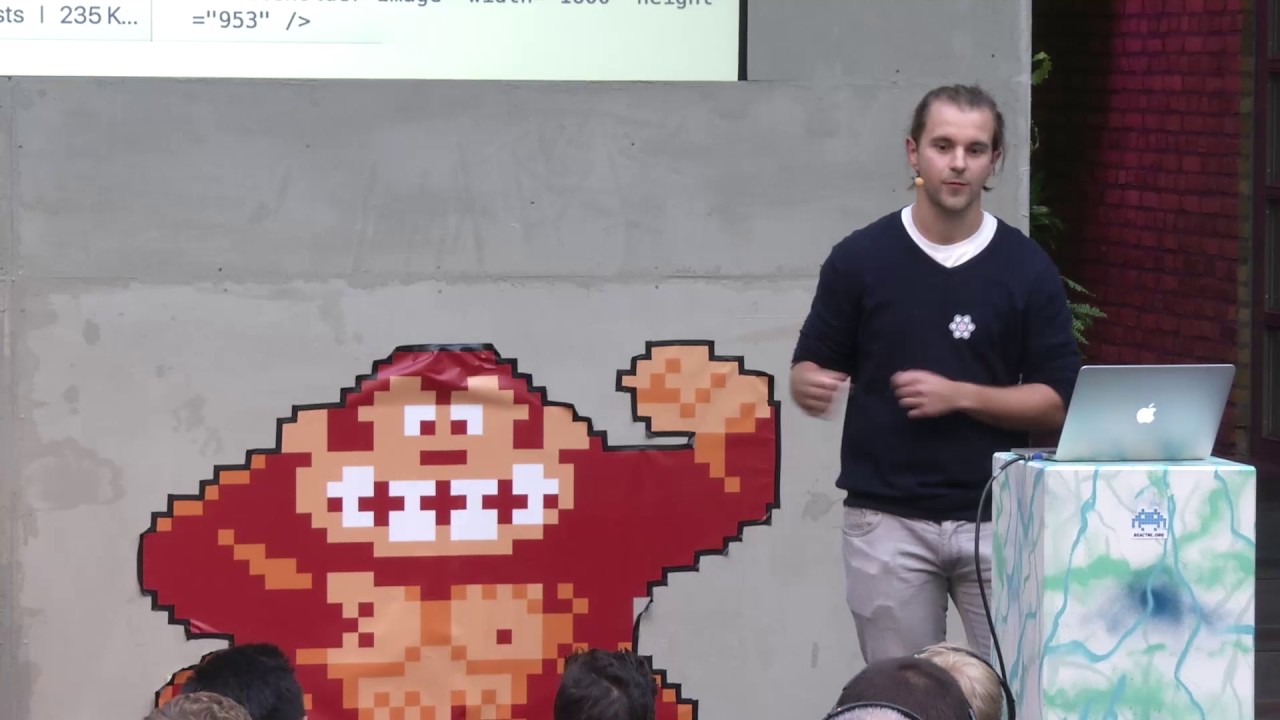
Learn about why Draft.js and how to use DraftJS Plugins
In this talk Nik Graf explained the ContentState structure of a Draft.js Editor as well as explained how to use plugins.
License
MIT