







Description
This repository contains Kotlin extensions (KTX) for:
It enables you to write more concise, idiomatic Kotlin. Each set of extensions can be used independently or together.
Requirements
- Sign up with Google Maps Platform
- A Google Maps Platform project with the Maps SDK for Android enabled
- An API key associated with the project above
- Android API level 23+
- Kotlin-enabled project
- Kotlin coroutines
Installation
dependencies {

    // KTX for the Maps SDK for Android library
    implementation 'com.google.maps.android:maps-ktx:6.0.1' // {x-release-please-version}

    // KTX for the Maps SDK for Android Utility Library
    implementation 'com.google.maps.android:maps-utils-ktx:6.0.1' // {x-release-please-version}
}
Internal usage attribution ID
This library incorporates an internal usage attribution ID to help the Google Maps Platform team better understand library usage and guide future development. This ID is generated during the build process and is automatically registered using androidx.startup.
If you wish to opt-out of this attribution, you can do so by removing the InitializationProvider from your app's manifest:
<provider
    android:name="androidx.startup.InitializationProvider"
    android:authorities="${applicationId}.androidx-startup"
    tools:node="remove" />
Usage
With this KTX library, you should be able to take advantage of several Kotlin language features such as extension functions, named parameters and default arguments, destructuring declarations, and coroutines.
Sample App
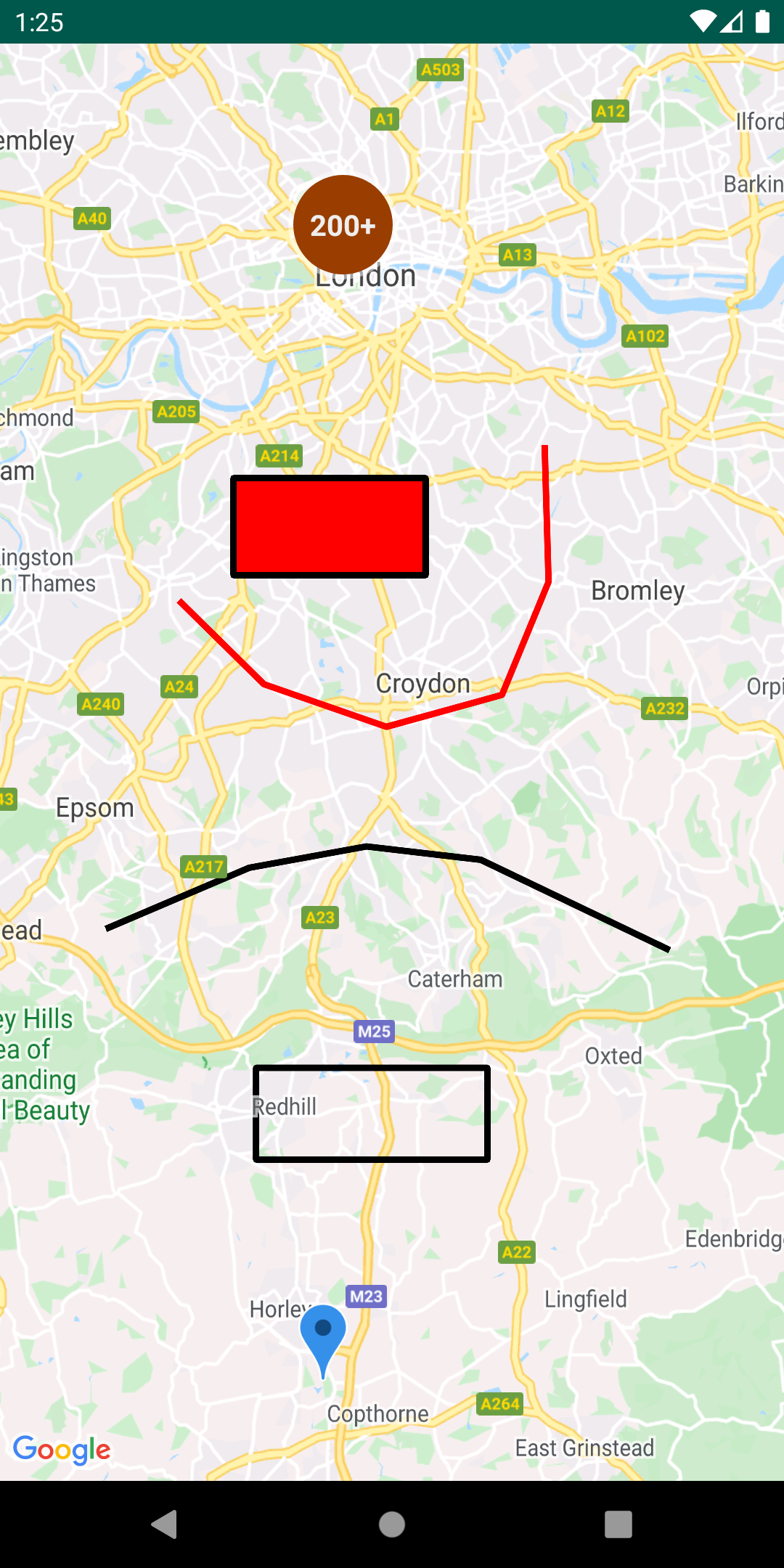
This repository includes a demo app that illustrates the use of this KTX library. See MainActivity.kt for usage examples.
To run the demo app, you'll have to:
- Get a Maps API key
- Create a file in the root directory called
secrets.properties(this file should NOT be under version control to protect your API key) - Add a single line to
secrets.propertiesthat looks likeMAPS_API_KEY=YOUR_API_KEY, whereYOUR_API_KEYis the API key you obtained in the first step - Build and run
Maps SDK KTX
See GoogleMap.kt for all available extensions.
Extension functions
Adding a Marker:
Before
GoogleMap googleMap = // ...
LatLng sydney = new LatLng(-33.852, 151.211);
MarkerOptions markerOptions = new MarkerOptions()
    .position(sydney)
    .title("Marker in Sydney");
Marker marker = googleMap.addMarker(markerOptions);
After
val googleMap = // ...
val sydney = LatLng(-33.852, 151.211)
val marker = googleMap.addMarker {
    position(sydney)
    title("Marker in Sydney")
}
Coroutines
See SupportMapFragment.kt for implementation and MainActivity.kt for usage.
Accessing a GoogleMap instance can be retrieved using coroutines vs. traditional the callback mechanism. The example here demonstrates how you can use this feature alongside with Lifecycle-aware coroutine scopes provided in Android’s Architecture Components. To use this, you'll need to add the following to your build.gradle dependencies:
implementation 'androidx.lifecycle:lifecycle-runtime-ktx:<latest-version>'
Before
@Override
public void onCreate(Bundle savedInstanceState) {
    super.onCreate(savedInstanceState);
    SupportMapFragment mapFragment = ((SupportMapFragment) getSupportFragmentManager().findFragmentById(R.id.map));

    mapFragment.getMapAsync(new OnMapReadyCallback() {
        @Override
        public void onMapReady(GoogleMap googleMap) {
            // Access GoogleMap instance here
        }
    });
}
After
override fun onCreate(savedInstanceState: Bundle?) {
    super.onCreate(savedInstanceState)
    val mapFragment = supportFragmentManager.findFragmentById(R.id.map) as? SupportMapFragment

    lifecycle.coroutineScope.launchWhenCreated {
        val googleMap = mapFragment?.awaitMap()
    }
}
Flow
See GoogleMap.kt for implementation and MainActivity.kt for usage.
Listing to camera events can be collected via Kotlin Flow.
Before
val googleMap = //...
googleMap.setOnCameraIdleListener(() -> { /* ... */ });
googleMap.setOnCameraMoveCanceledListener(() -> { /* ... */ });
googleMap.setOnCameraMoveListener(() -> { /* ... */ });
googleMap.setOnCameraMoveStartedListener(reason -> { /* ... */ });
After
// To be invoked within a coroutine scope
googleMap.cameraIdleEvents().collect { //... }
googleMap.cameraMoveCanceledEvents().collect { //... }
googleMap.cameraMoveEvents().collect { //... }
googleMap.cameraMoveStartedEvents().collect { //... }
Maps SDK for Android Utilities KTX
Extension functions
See Polygon.kt for implementation.
Checking if a LatLng is contained within a Polygon:
Before
Polygon polygon = // some polygon
LatLng latLng = new LatLng(-6.1751, 106.8650);
boolean contains = PolyUtil.containsLocation(latLng, polygon.getPoints(), true);
After
val polygon: Polygon = // some polygon
val latLng = LatLng(60.030994, 29.317658)
val contains = polygon.contains(latLng)
Named parameters and default arguments
See GeoJson.kt for implementation and MainActivity.kt for usage.
Creating a GeoJsonLayer object:
Before
GeoJsonLayer layer = new GeoJsonLayer(
    map,
    geoJsonFile,
    null,
    polygonManager,
    null,
    groundOverlayManager
);
After
val layer = geoJsonLayer(
    map = map,
    geoJsonFile = geoJsonFile,
    polygonManager = polygonManager,
    groundOverlayManager = groundOverlayManager
)
Destructuring Declarations
See Point.kt for implementation.
Destructuring properties of a Point:
Before
Point point = new Point(1.0, 2.0);
double x = point.x;
double y = point.y;
After
val point = Point(1.0, 2.0)
val (x, y) = point
Documentation
You can learn more about all the extensions provided by this library by reading the documentation.
Contributing
Contributions are welcome and encouraged! If you'd like to contribute, send us a pull request and refer to our code of conduct and contributing guide.
Internal usage attribution ID
This library calls the addInternalUsageAttributionId method, which helps Google understand which libraries and samples are helpful to developers and is optional. Instructions for opting out of the identifier are provided below.
If you wish to disable this, you can do so by removing the initializer in your AndroidManifest.xml using the tools:node="remove" attribute:
<provider
    android:name="androidx.startup.InitializationProvider"
    android:authorities="${applicationId}.androidx-startup"
    android:exported="false"
    tools:node="merge">
    <meta-data
        android:name="com.google.maps.android.ktx.utils.attribution.AttributionIdInitializer"
        tools:node="remove" />
</provider>
Terms of Service
This library uses Google Maps Platform services. Use of Google Maps Platform services through this library is subject to the Google Maps Platform Terms of Service.
If your billing address is in the European Economic Area, effective on 8 July 2025, the Google Maps Platform EEA Terms of Service will apply to your use of the Services. Functionality varies by region. Learn more.
This library is not a Google Maps Platform Core Service. Therefore, the Google Maps Platform Terms of Service (e.g. Technical Support Services, Service Level Agreements, and Deprecation Policy) do not apply to the code in this library.
Support
This library is offered via an open source license. It is not governed by the Google Maps Platform Support Technical Support Services Guidelines, the SLA, or the Deprecation Policy. However, any Google Maps Platform services used by the library remain subject to the Google Maps Platform Terms of Service.
This library adheres to semantic versioning to indicate when backwards-incompatible changes are introduced. Accordingly, while the library is in version 0.x, backwards-incompatible changes may be introduced at any time.
If you find a bug, or have a feature request, please file an issue on GitHub. If you would like to get answers to technical questions from other Google Maps Platform developers, ask through one of our developer community channels. If you'd like to contribute, please check the contributing guide.
You can also discuss this library on our Discord server.