NextGrowingTextView
(An Essential UI component for input text)
| flexible width | fixed width |
|---|---|
 |
 |
💡
Displaying the user-interface on top of the keyboard
muukii/Bureau enables you to show your user-interface on top of the keyboard in the easiest way.
How to use
- Create an instance
- Add subview with layout
It supports AutoLayout completely.
let growingTextView = NextGrowingTextView()
Setting up with configuration
growingTextView.configuration = .init(
  minLines: 1,
  maxLines: 10,
  isAutomaticScrollToBottomEnabled: true,
  isFlashScrollIndicatorsEnabled: true
)
Accessing actual UITextView to apply settings
Accessing UILabel for displaying placeholder
growingTextView.placeholderLabelRequirements
iOS 9.0+ Swift 5.5+
Installation
- Supports the following:
- CocoaPods
- Swift Package Manager
Author
License
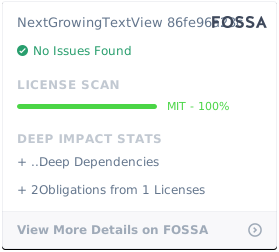
NextGrowingTextView is available under the MIT license. See the LICENSE file for more info.