



About The Project
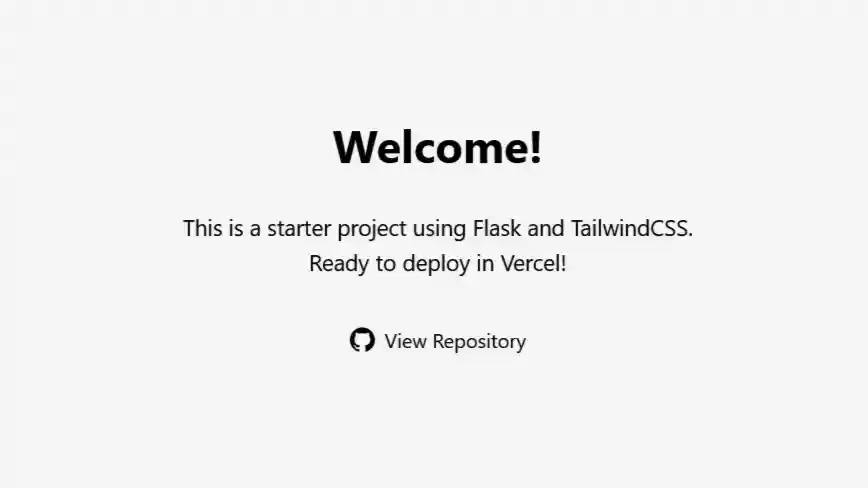
This project provides a boilerplate for building modern web applications with Flask and TailwindCSS v4.0. It simplifies the process of setting up a development environment and deploying to platforms like Vercel.
Built With



Features:
- Integration of Flask and TailwindCSS
- Easy deployment with Vercel
- Starter templates for rapid development
Getting Started
To get a local copy up and running, follow these steps:
Prerequisites
Ensure you have the following installed:
- Python (at least v3.13)
- Node.js (at least v23.6.0)
- Vercel Account (optional for deployment)
Installation
-
Clone the repository
git clone https://github.com/odhyp/flask-tailwindcss-starter.git
-
Navigate to the project directory
cd flask-tailwindcss-starter -
Install Python dependencies
pip install -r requirements.txt
-
Install the Node.js dependencies
-
Run the Flask development server
-
In a separate terminal, watch for changes to automatically rebuild TailwindCSS
-
When development is complete, build the optimized TailwindCSS files
Roadmap
- More sample pages!
See the open issues for a full list of proposed features (and known issues).
Contributing
Contributions are what make the open source community such an amazing place to learn, inspire, and create. Any contributions you make are greatly appreciated.
If you have a suggestion that would make this better, please fork the repo and create a pull request. You can also simply open an issue with the tag "enhancement". Don't forget to give the project a star! Thanks again!
- Fork the Project
- Create your Feature Branch (
git checkout -b feature/YourFeature) - Commit your Changes (
git commit -m 'Add some YourFeature') - Push to the Branch (
git push origin feature/YourFeature) - Open a Pull Request
Top contributors:
License
Distributed under the MIT License. See LICENSE for more information.
Acknowledgements
- Othneil Drew for the README.md Template
- Alexandre Sanlim for the README.md badges