Pages CMS
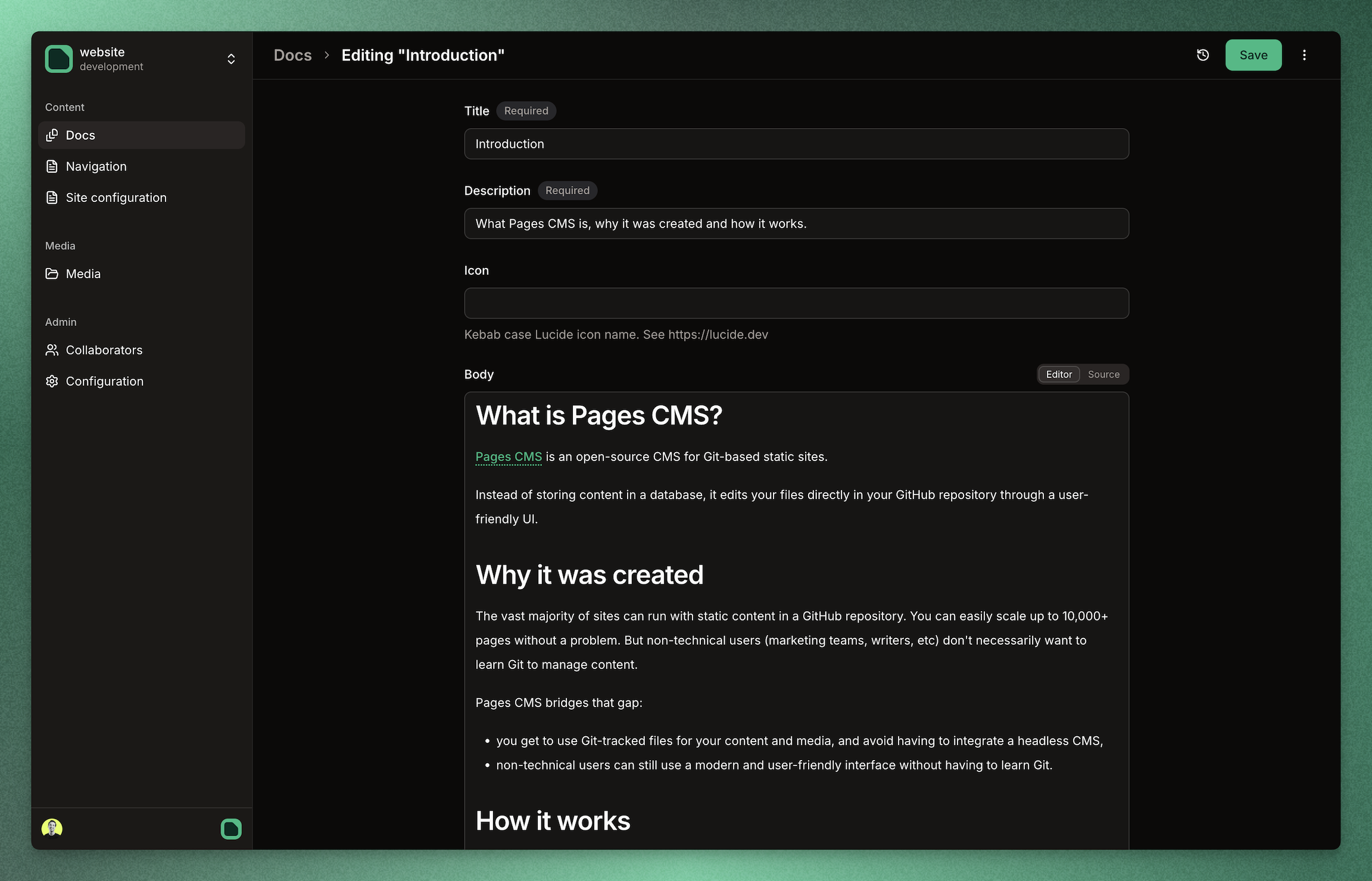
Pages CMS is an open source CMS for GitHub repositories. It is especially well suited for static sites and content-driven apps built with tools like Jekyll, Hugo, Next.js, Astro, VuePress, and similar stacks.
You can use the hosted version directly at app.pagescms.org, or run your own local development copy from this repository.
Documentation
Full documentation lives at pagescms.org/docs.
Useful starting points:
Use online
The easiest way to get started is the hosted version at app.pagescms.org.
Use that if you want to:
- try Pages CMS immediately,
- edit content without running anything locally,
- stay on the latest hosted version.
Local development
What you need
- PostgreSQL
- a GitHub App
- a local
.env.local - the Pages CMS repo checked out locally
Quick start
- Clone the repository:
git clone https://github.com/pagescms/pagescms.git
cd pagescms- Start PostgreSQL locally:
docker run --name pagescms-db -e POSTGRES_USER=pagescms -e POSTGRES_PASSWORD=pagescms -e POSTGRES_DB=pagescms -p 5432:5432 -d postgres:16
- Install dependencies:
- Create
.env.localwith at least:
DATABASE_URL=postgresql://pagescms:pagescms@localhost:5432/pagescms
BETTER_AUTH_SECRET=your-random-secret
CRYPTO_KEY=your-random-secret
Generate secrets with:
- Create your GitHub App with the helper:
npm run setup:github-app -- --base-url http://localhost:3000
Useful options:
--owner-type personal|org--org <slug>--app-name "Pages CMS (local)"--env .env.local--no-open
- Run database migrations:
If cache state is known stale or corrupted, clear it with:
- Start the app:
If you need GitHub webhooks to reach your local app, use a public tunnel URL as the helper --base-url.
For more detail, see:
Support the project
License
Everything in this repo is released under the MIT License.