
Play Hex board game online, against players or bots.
Currently hosted here: https://playhex.org
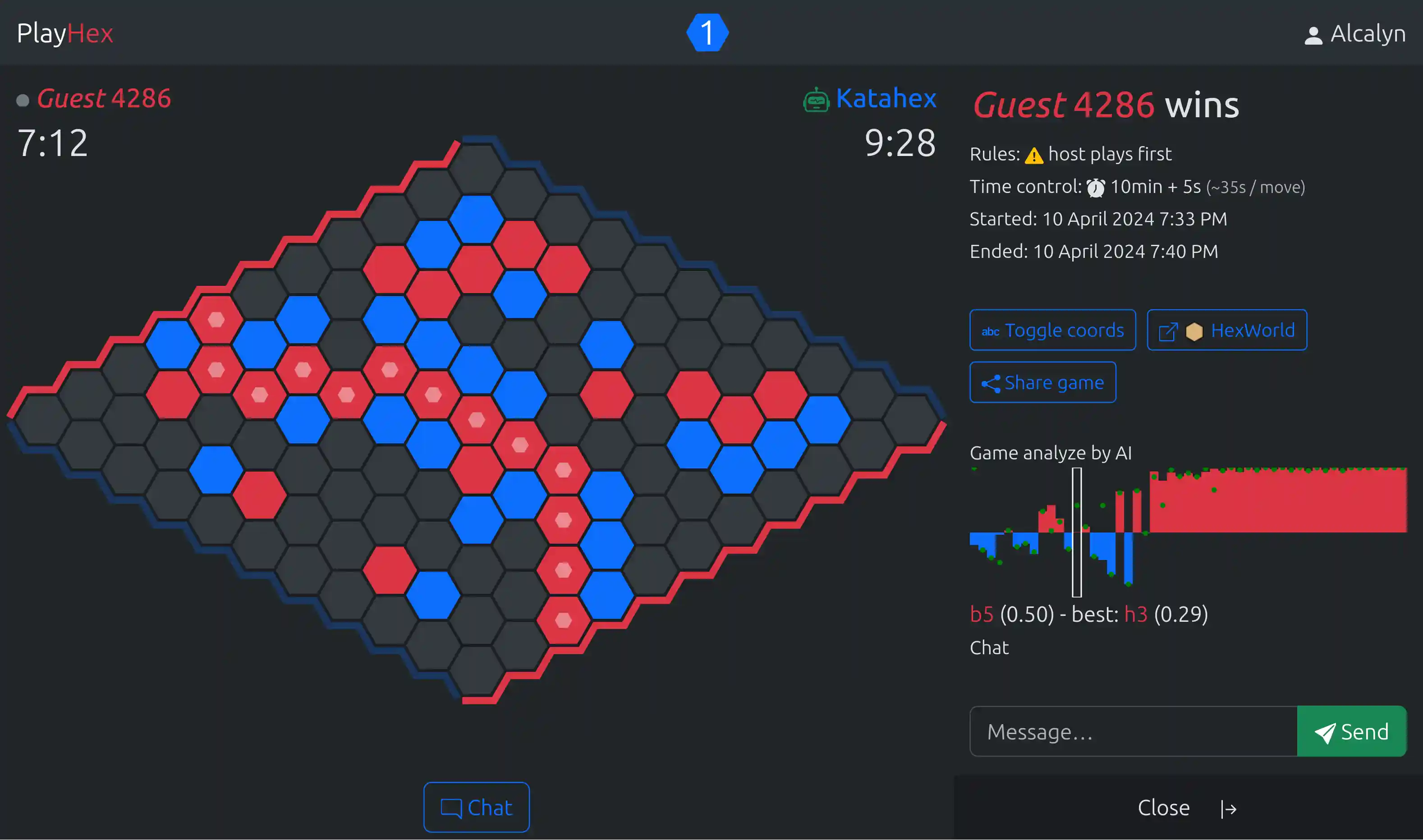
Install
Requires:
- node >= 18.18.2
- yarn
- mysql or postgres
Create an .env file with at least a database access. Example:
DATABASE_URL="mysql://root:root@localhost:3306/hex"
Then run these commands:
# Install dependencies
yarn install

# Create database schema
yarn db:sync

# Start application
yarn serve
Wait javascript to be bundled, then the application is available at:
Play with AI
For development you can use local AI:
- random bots
- Davies AI
- tests bots for functionnal tests
Enable them with:
yarn hex create-random-bots
yarn hex create-davies-bots
yarn hex create-test-bots
Determinist random bot will always plays same games if you play same moves in same order. This is useful to reproduce things.
If you need to work with real AI (Katahex, Mohex), see:
https://github.com/playhex/hex-ai-distributed
You can install it locally, and with Docker you don't need to compile any ai engine.
Once installed, add to your .env file:
HEX_AI_API=http://localhost:8088
And enable ai players in database with:
yarn hex create-katahex-bots
yarn hex create-mohex-bots
Translate PlayHex
PlayHex uses i18next and i18next-vue to translate user interface.
Here are all available translations, just click the following image to help translating or add a new language:

You can contribute to translations without any coding, thanks to Weblate.
Icons
We use Unplugin Icons, which allow to use any icon from any set of icons, and only bundle icons we actually use. To add a new icon:
- Choose an icon from https://icones.js.org/
- Then copy "Components > Unplugin Icons"
- Add it to
src/client/vue/icons.ts - Then use it in templates
- Also do
yarn add -D ...if this set of icons is not yet installed
Admin endpoints
Some API endpoints exists for admin tasks (i.e persist all memory games into database manually).
To use them, you must add in your .env:
ADMIN_PASSWORD=your-password
Then you can now call admin endpoints by setting this same password as bearer token, curl example:
curl --location --request POST 'http://localhost:3000/api/admin/persist-games' \
    --header 'Authorization: Bearer your-password'
See available admin endpoints in postman collection, in "Admin" folder.
Push notifications
To test push notifications:
- Generate and configure VAPID keys
Run:
yarn web-push generate-vapid-keys
Then put public keys, private keys in your .env, with any email:
PUSH_VAPID_PUBLIC_KEY=BAFGnysW3...qfMIgTE
PUSH_VAPID_PRIVATE_KEY=E-YiR...2I
PUSH_VAPID_EMAIL=test@example.org
- You must be in secure context (https enabled). You can use ngrok.
- Make sure your client have subscribed push notifications: request permission again in player settings.
Test
# Unit tests (Mocha)
yarn test

# e2e tests (Cypress)
yarn test:e2e

# Open Cypress browser
yarn cypress open
Warning: For e2e/cypress tests, there is some configuration requirements:
- Test bots must exists in database, if not, run:
yarn hex create-test-bots
- Ranked bot games must be allowed.
This is the default, but if you have changed it, make sure you have in .env:
ALLOW_RANKED_BOT_GAMES=true
- A functional test in auth.cy.ts needs at least one game in database to run fully.
Debug server with breakpoints
In package.json, script serve, replace "dev-server" by "dev-server-debug".
Then open Chromium go to: chrome://inspect and click "inspect" in "Remote Target" section.
Then go to "Sources" tab, browse source files add breakpoints, and do what is needed in the application.
Optimize js size
# See which dependencies take more size
yarn analyse-size
Compare two json files with: https://happy-water-0887b0b1e.azurestaticapps.net.
Using CDN
To prevent bundling some large dependencies, we can turn on using CDN.
To do so, in .env:
(defaults to false).
Currently, only these dependencies have a CDN import:
- bootstrap, only css
So when upgrading dependencies, bundled and CDN versions should match, so we must upgrade both:
- with yarn
- version in
views/partials/cdn.ejs
Libraries upgrades
# upgrade some deps
yarn upgrade-interactive --latest

# check new versions
yarn outdated check outdated

# sometimes, this works better and fixes weird bugs
# related to incompatibilies when upgrading a deps
rm -fr yarn.lock node_modules/ && yarn install
Upgrade warnings:
routing-controllers-openapi <5: v5 throw this error: epiphone/routing-controllers-openapi#155tournament-organizer <4: needs many api rewrite and test everything
Migrating schema
When doing a schema migration that is also a breaking change in api:
On development:
- Develop on blank database
- Then, import production database, create migration, check
yarn db:diff - Update Cypress fixtures, see
src/server/commands/migrateCypressFixtures.ts - Check breaking changes are acceptable for client that have not yet updated:
- go to next version,
yarn build-server,node index.js - go to current production version,
yarn dev-client - then test application have no big error
- else, add retrocompat temporary fix (like
get gameData() { return { ... }; } set gameData(x) {}to keep returning legacy property through api)
- go to next version,
On release:
- check feature with the migration is merged into master
- backup database just before migration
- stop no restart server: update source, rebuild and stop only
- run
migration.sql - check
yarn db:diff - eventually run
yarn db:syncif there are only safe migrations (indexes, new columns...) - restart server
License
This project is under AGPL-3.0 license.
Exceptions
Files under these folders are under another license:
| Folder | License | Author |
|---|---|---|
assets/sounds/lisp/ |
CC BY-NC-SA 4.0 |
EdinburghCollective |
Donate
PlayHex has a LiberaPay donation page where you can explore its funding goals and upcoming projects.