NetCDF Viewer for VS Code
NetCDF Viewer is a Visual Studio Code extension that lets you explore and inspect NetCDF files (.nc, .nc4, .cdf, .h5) directly within your editor. Designed for scientists, engineers, and data analysts, this extension provides a fast, interactive way to browse datasets, view metadata, and preview sample data—without leaving VS Code.
✨ Features
- Browse NetCDF files in a dedicated sidebar tree view
- Expand dimensions, coordinates, and data variables just like in xarray
- View variable attributes and sample data with a simple click
- No need for external tools—all inspection is done in the editor
- Python-powered backend for robust NetCDF parsing
📂 Supported Formats & Limitations
- Works with local NetCDF files:
.nc,.nc4,.cdf,.h5. - Primarily tested with NetCDF4/HDF5—older NetCDF3 files may not display all metadata.
- Only a small preview of each variable (first ten values) is shown in the tree view.
- Loading extremely large files can take additional time and memory.
Demonstration
-
From the Command Palette, type
netcdf-viewer.selectPythonEnvto select your Python environment.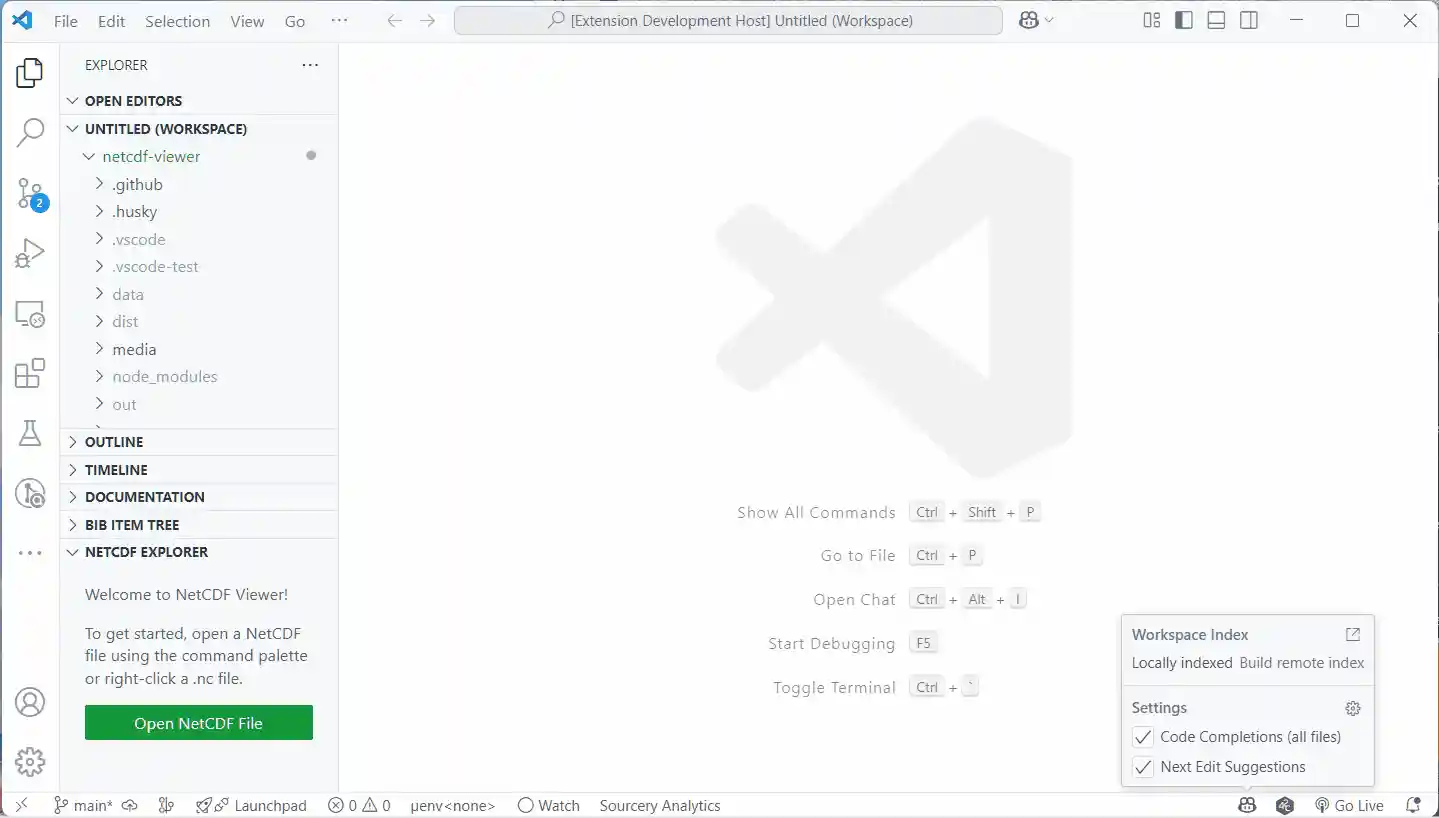
-
Open a NetCDF file in the editor.
-
from the Welcome page, click on the "Open NetCDF File" button
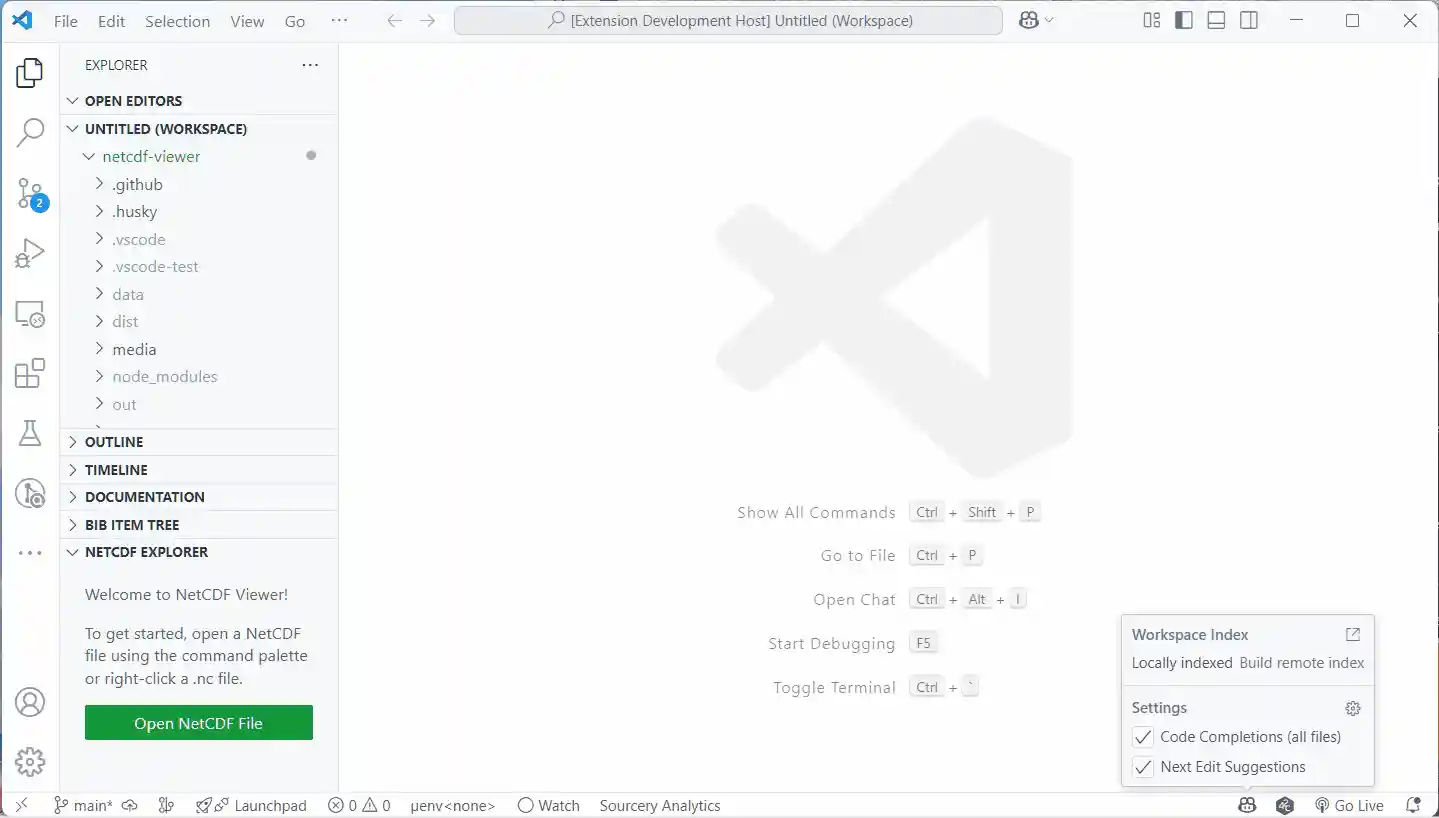
-
or right-click a
.ncfile in the Explorer and select Open in NetCDF Viewer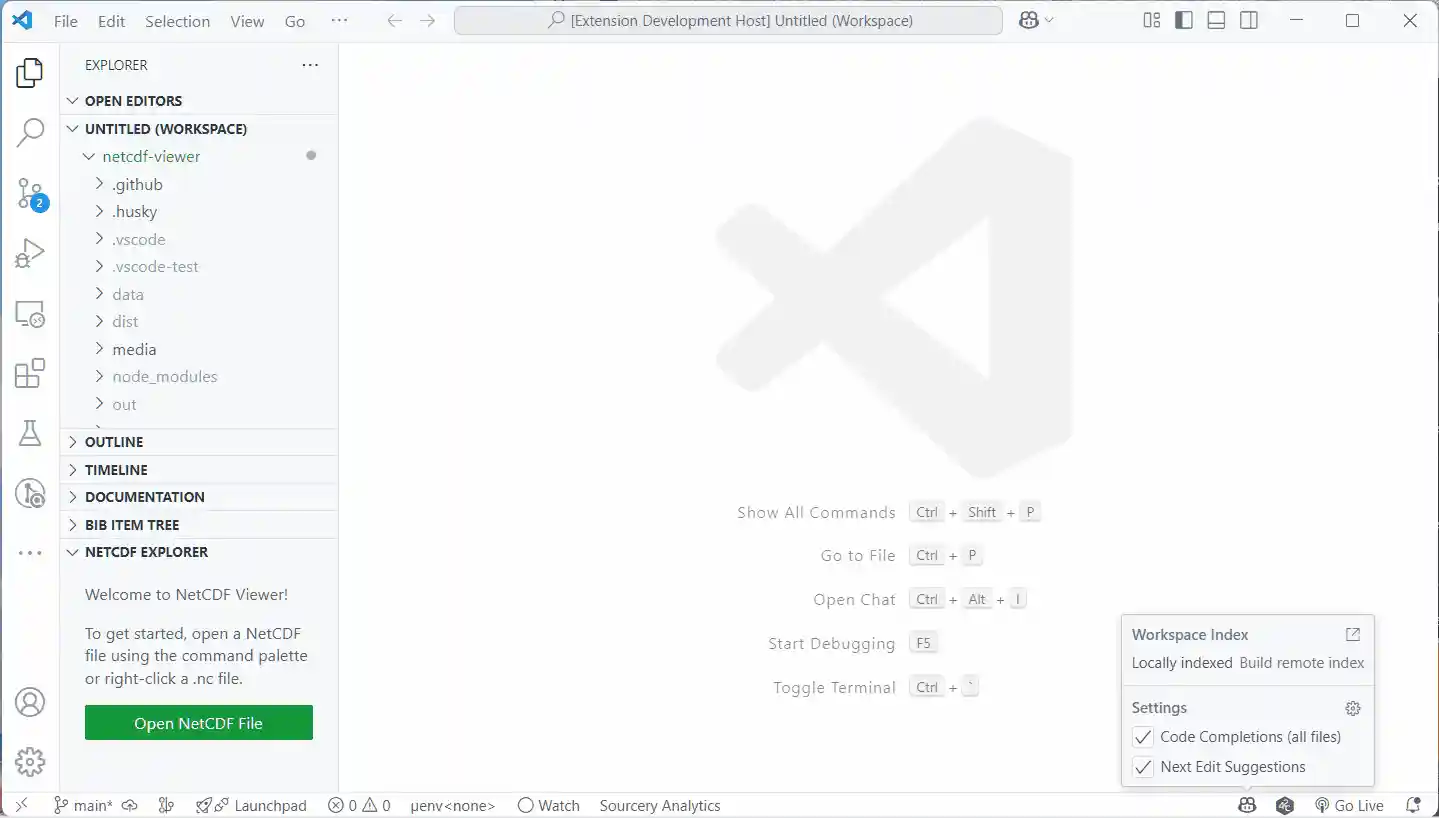
-
or use the command palette:
NetCDF Viewer: Open File…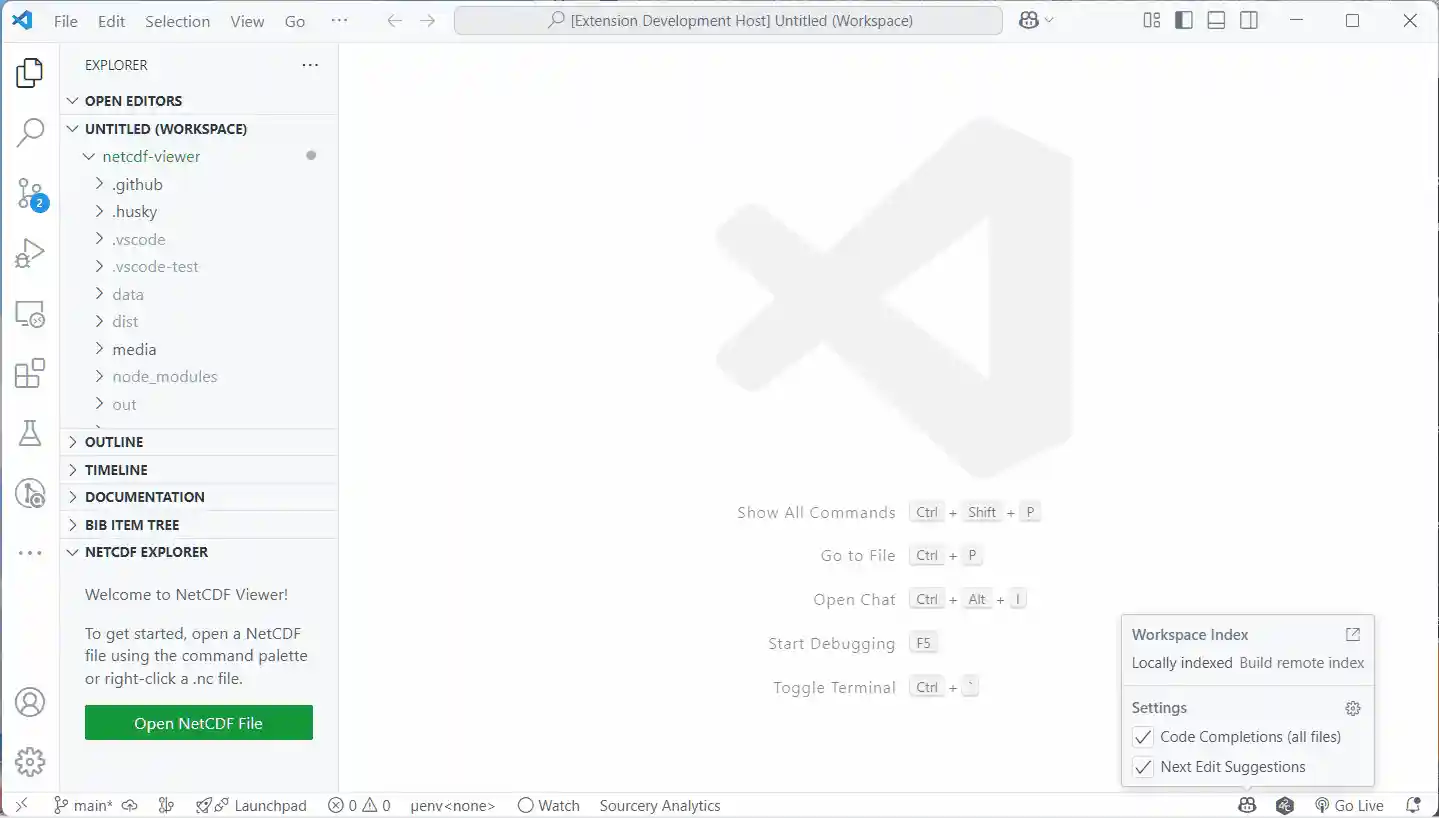
-


📦 Installation
From the VS Code Marketplace
- Open the Extensions view (
Ctrl+Shift+X). - Search for NetCDF Viewer.
- Click Install.
From Source
-
Clone this repository:
git clone https://github.com/rmcd-mscb/netcdf-viewer.git cd netcdf-viewer -
Install dependencies:
-
Open the folder in VS Code:
-
Press
F5to launch the extension in a new Extension Development Host window.
🔄 Updating & Uninstalling
Updating
- Marketplace: Open the Extensions view and click the refresh icon to check for updates (or enable auto-update).
- VSIX: Download the latest
.vsixand runcode --install-extension netcdf-viewer-<version>.vsix.
Uninstalling
- Open the Extensions view (
Ctrl+Shift+X). - Locate NetCDF Viewer in your installed extensions.
- Click the gear icon and choose Uninstall.
🐍 Python Requirements
This extension uses Python (via xarray and netCDF4) to parse NetCDF files.
Requirements:
- Python 3.8 or higher
xarrayandnetCDF4packages
Installation Options
Using pip:
pip install xarray netCDF4
Using conda:
conda install -c conda-forge xarray netCDF4
Using the provided environment file:
conda env create -f environment.yml
conda activate netcdf-viewer
Configuration
If VS Code doesn't find Python automatically, set the path in your settings:
- Open Command Palette (
Ctrl+Shift+P) - Run "Select Python Environment for NetCDF Viewer"
- Choose your Python executable
Or manually in settings.json:
"netcdfViewer.pythonPath": "/path/to/python"
Settings
| Setting | Default | Description |
|---|---|---|
netcdfViewer.pythonPath |
python |
Path to Python executable |
netcdfViewer.sampleSize |
10 |
Number of sample values to display per variable (1-1000) |
Troubleshooting
| Problem | Solution |
|---|---|
| "Python, xarray, or netCDF4 not found" | Ensure packages are installed and pythonPath is set correctly |
| Extension doesn't detect Python | Use the "Select Python Environment" command |
| Large files are slow | This is normal; consider using a subset of your data |
🚀 Usage
-
Open the NetCDF Viewer
Find the NetCDF Explorer in the Activity Bar or Side Bar. -
Open a NetCDF file
- Right-click a
.ncfile in the Explorer and select Open in NetCDF Viewer - Or use the command palette:
NetCDF Viewer: Open File…
- Right-click a
-
Browse your data
- Expand Dimensions, Coordinates, and Data Variables.
- Click on a variable to expand and see its attributes and a sample of its data.
🛠️ Development & Packaging
This extension is written in TypeScript and uses a Python script for data extraction.
To package for VS Code:
-
Build the extension:
-
Package it:
This will create a
.vsixfile you can install or distribute.
To install a VSIX:
code --install-extension netcdf-viewer-*.vsix- No more switching between command-line tools and your editor
- Instantly inspect large scientific datasets
- Works cross-platform (Windows, macOS, Linux)
- Familiar xarray-like organization
📝 Feedback & Issues
Found a bug or have a feature request?
Open an issue on GitHub.
📄 License
Please see LICENSE.md for details.
Contributing
Please see CONTRIBUTING.md for guidelines on setting up your development environment and making contributions.
Changelog
See CHANGELOG.md for a history of changes to this project.
Happy data exploring!