Let's make monads easy, fun, and productive.
Platform support
Just pip install simplemonads and you're done. You can also download this single file into your project and use it as you wish without dependencies. Works across all platforms, so CPython >= 3.5 (Windows, Linux, Mac, Android, iOS), in a single standalone html file, multiple files in the browser with dynamic loading, and even on microcontrollers with micropython.
Docs
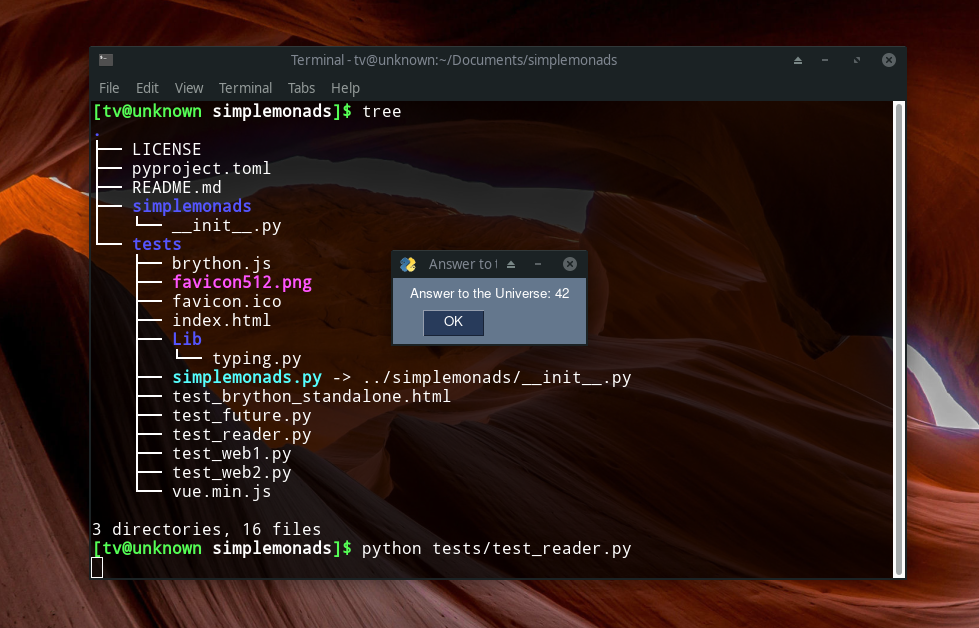
Example GUI using monads: Success, Failure, Just, Reader, and Printer
import simplemonads as sm

try:

    class Deps(sm.Protocol):
        "Dependencies for your application"

        def popup(self, msg: str) -> None:
            "Display a popup with the specified message."


except:
    pass


@sm.run
class TestReader:
    @classmethod
    def make(cls, create: "sm.Callable[[],sm.Any]") -> "sm.Callable[[],Deps]":
        gui = create()

        class GuiDeps:
            def popup(self, x: str):
                gui.Popup(x)

        return GuiDeps

    @classmethod
    def app(cls, divide_by_zero: bool = False) -> sm.Reader:
        data = sm.Success(sm.Just(7))
        double = lambda x: x + (lambda y: y * 2)
        triple = lambda x: x + (lambda y: y * 3)
        result = data + triple + double

        if divide_by_zero:
            result += lambda x: x + (lambda x: x / 0)

        def effect(deps: "Deps") -> "sm.Monad":
            msg = "Answer to the Universe: "
            err = "Whoops, an error happened: "
            result | {
                sm.Success: lambda x: x
                | {sm.Just: lambda val: deps.popup(msg + str(val))},
                sm.Failure: lambda x: deps.popup(err + x),
            }
            return result

        return sm.Reader(effect)

    @classmethod
    def main(cls):
        gui = sm.Success() + (lambda x: __import__("PySimpleGUI")) | {
            sm.Success: lambda x: x,
            sm.Failure: lambda x: sm.Printer(),
        }

        return cls.app() + cls.make(lambda: gui)