
Developer documentation for the SignalWire communications platform.
Voice, video, messaging, and AI -- all programmable through a single API.
Built with Fern




Get Started · API Reference · SWML · Agents SDK · Report an Issue
Overview
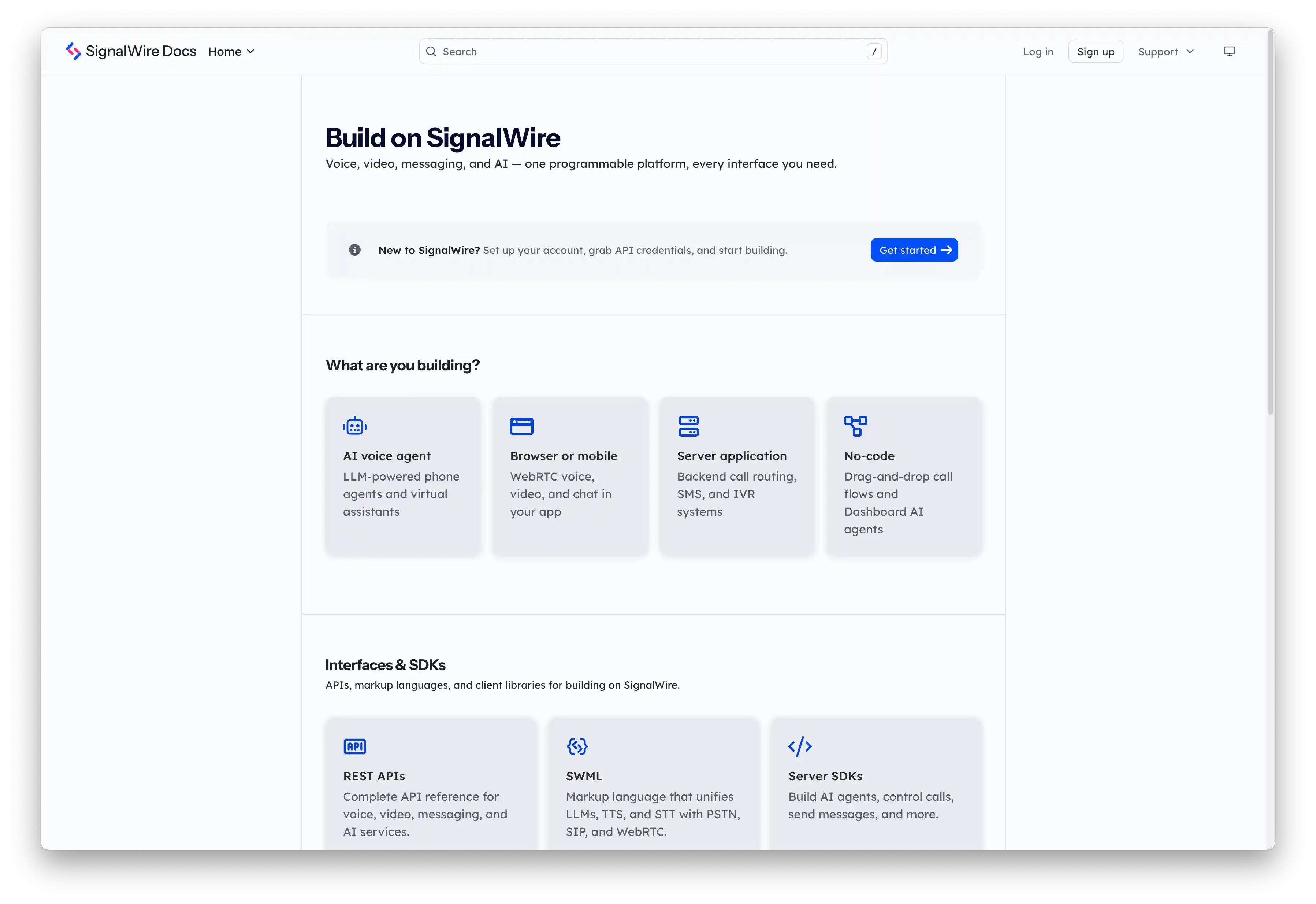
This is the source repository for signalwire.com/docs -- the developer documentation for the SignalWire platform. The site is built with Fern and auto-deployed on every merge to main.
Products
|
Products
|
SDKs
|
APIs & Languages
|
Structure
signalwire-fern-config/
├── fern/
│   ├── products/          # Guides, quickstarts, and reference docs by product
│   ├── apis/              # Generated OpenAPI specs (consumed by Fern)
│   ├── assets/            # Images, icons, and static assets
│   ├── snippets/          # Reusable MDX snippets
│   └── docs.yml           # Top-level Fern config (nav, theme, layout)
├── specs/                 # TypeSpec source files → compile to OpenAPI
├── scripts/               # Build and CI utilities
└── lychee.toml            # Link checker configuration
License
Available under the Creative Commons CC BY-NC-SA 4.0 license. See LICENSE for full terms.
Contribute
Whether you're fixing a typo, reporting missing information, or submitting new content -- all contributions are welcome.
- Fork the repository.
- Follow the Usage instructions to set up local development.
- Make your changes and submit a pull request.
Important
Contributions to the API docs require additional workflows.
TypeSpec source files live in specs/ and compile to OpenAPI specs in fern/apis/.
See the TypeSpec documentation for guidance on editing spec files.
REST API documentation
API reference pages are generated from TypeSpec definitions in specs/, which compile into OpenAPI spec files consumed by Fern.
yarn build:specs       # Compile TypeSpec → OpenAPI
yarn format:specs      # Format spec files
Usage
Prerequisites: Node.js (v22+) and Yarn (v1).
# 1. Clone and install
git clone https://github.com/signalwire/docs.git
cd docs
yarn install

# 2. Start local dev server (live reload)
yarn start:dev

# 3. Build (compiles specs + generates Fern preview)
yarn build
yarn startrunsfern checkbefore launching the dev server -- use this to validate configuration.
Link checking
Automated link checking via Lychee runs on every PR (results posted as a comment) and daily against production (Slack alerts on failure).
Run locally
# Install Lychee
brew install lychee          # macOS
cargo install lychee         # Linux

# Check production sitemap
yarn check-links

# Check a preview deployment
node scripts/check-links.js --sitemap https://preview-xxx.docs.buildwithfern.com/sitemap.xml

# Skip GitHub verification for faster checks
node scripts/check-links.js --skip-github
Configuration: lychee.toml
Contact and Support
The SignalWire Docs are maintained by the Developer Experience team.
| Questions & feedback | devex@signalwire.com |
| Support portal | support.signalwire.com |
| Community | Discord |