Debugger Of GameFramework
First Thing
Please take a look GameFramework first.
And thanks to EllanJiang.
Preview
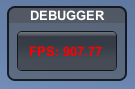
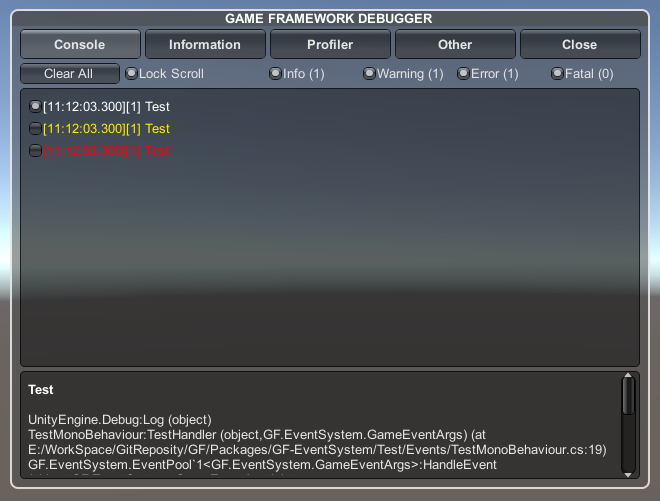
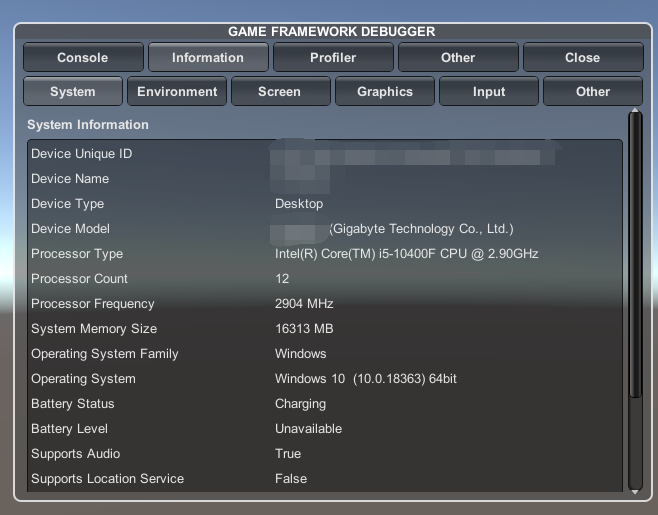
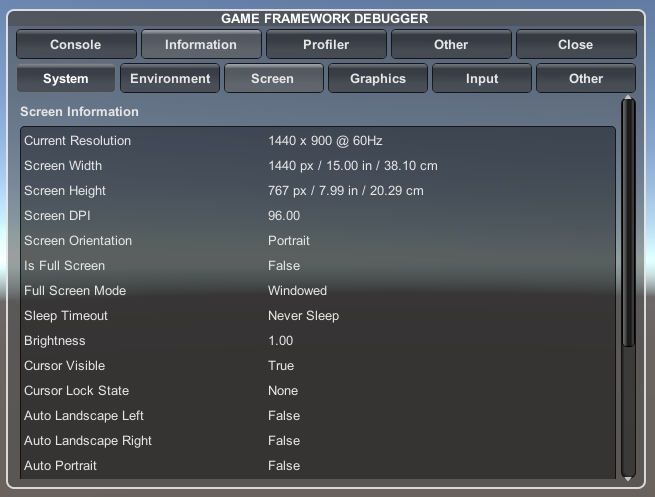
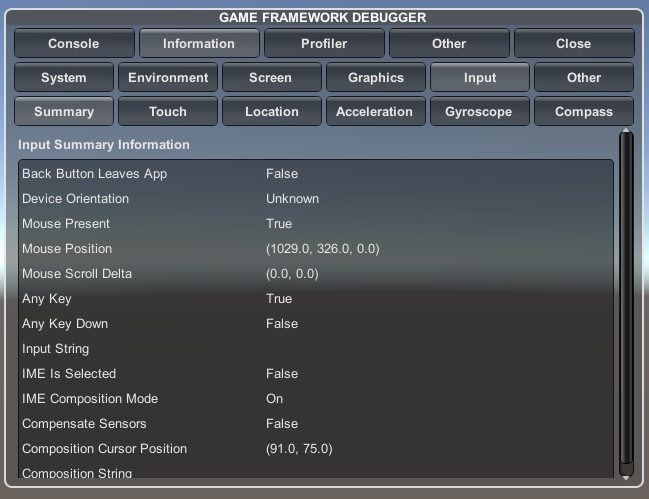
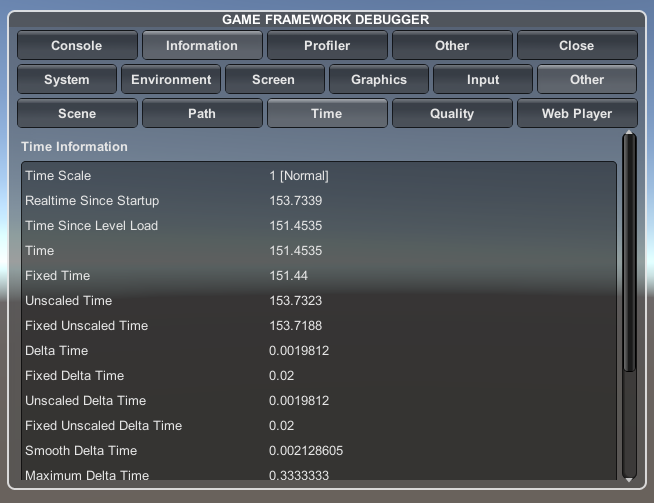
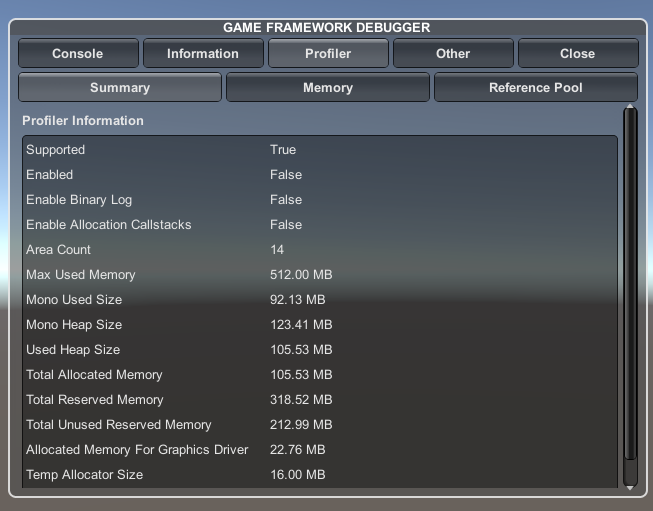
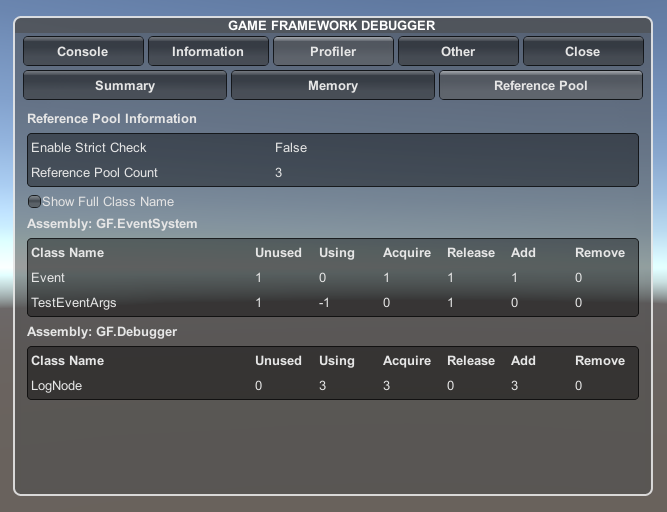
Install
Install via git URL
Requires a version of unity that supports path query parameter for git packages (Unity >= 2019.3.4f1, Unity >= 2020.1a21).
-
In Unity , Go to Window -> Package Manager -> Add package from git URL
-
This module depends on the GF-Core , so you need to install GF-Core First. , use the url
https://github.com/shaun-he/GF-Core.git, then click Add , and wait for complie finished. -
Next , use the url
https://github.com/shaun-he/GF-Debugger.git, then click Add , wait for complie finished and done !
Install via disk
-
Go
https://github.com/shaun-he/GF-Core.git, Click the Green Code button , then click Download Zip. -
Go
https://github.com/shaun-he/GF-Debugger.git, Click the Green Code button , then click Download Zip. -
Unzip two file somewhere in your disk.
-
In Unity , Go to Window -> Package Manager -> Add package from disk
-
open the package.json which in your GF-Core unzip folder.
-
open the package.json which in your GF-Debugger unzip folder.
-
Done!
About Errors
If you see Errors after install GF-EventSystem , that means you didn't install GF-Core.
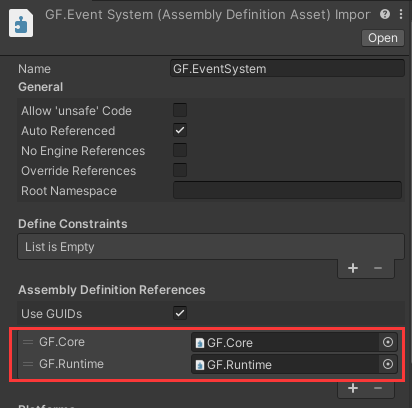
If you still see the Errors , go find GF.Debugger.asmdef in your unzip folder , add GF.Core and GF.Runtime to the Assembly Definition Reference list.
And your GF.Debugger.asmdef should look like this
Usage
Drag Debugger prefab in your scene which in Prefabs folder ,then run,you should see the Debugger in game view .