UnoPim is an open-source Product Information Management (PIM) system built on the Laravel framework. It helps businesses organize, manage, and enrich their product information in one central repository.
🛠️ System Requirements
Ensure your server meets the following requirements:
- Server: Nginx or Apache2
- RAM: 8GB
- Node.js: 18.17.1 LTS or higher
- PHP: 8.2 or higher
- Composer: 2.5 or higher
- Database (choose one):
- MySQL: 8.0.32 or higher
- PostgreSQL: 14.x or higher (recommended)
⚙️ Scalability

✨ Features
-
Centralized Product Management
Manage all your product data in one place.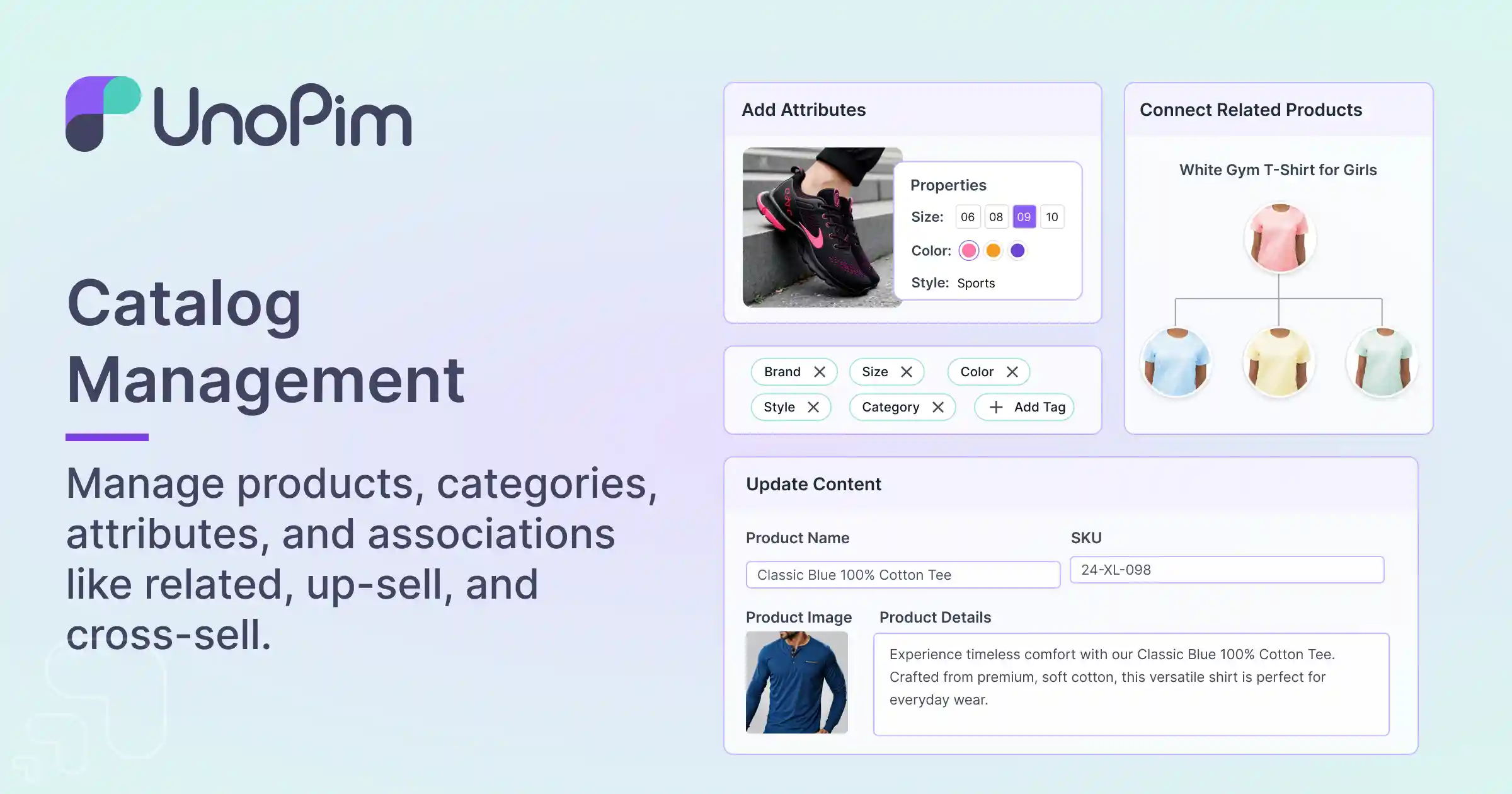
-
Data Enrichment
Enhance your product information with detailed attributes and descriptions.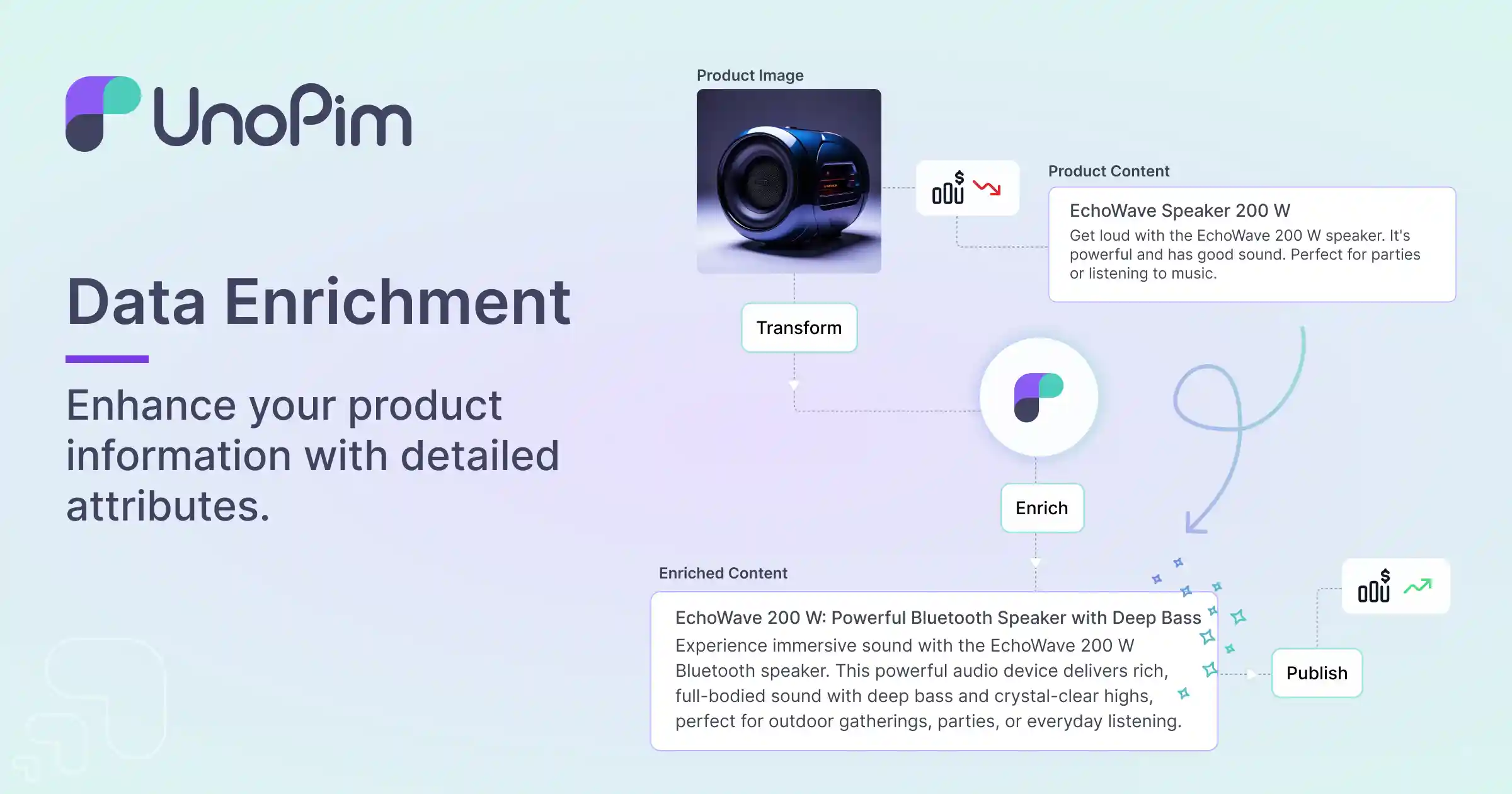
-
Magic AI for Product Content Generation
Automatically generate engaging product content using advanced Large Language Model (LLM) technology.
-
User Management
Control user access and permissions.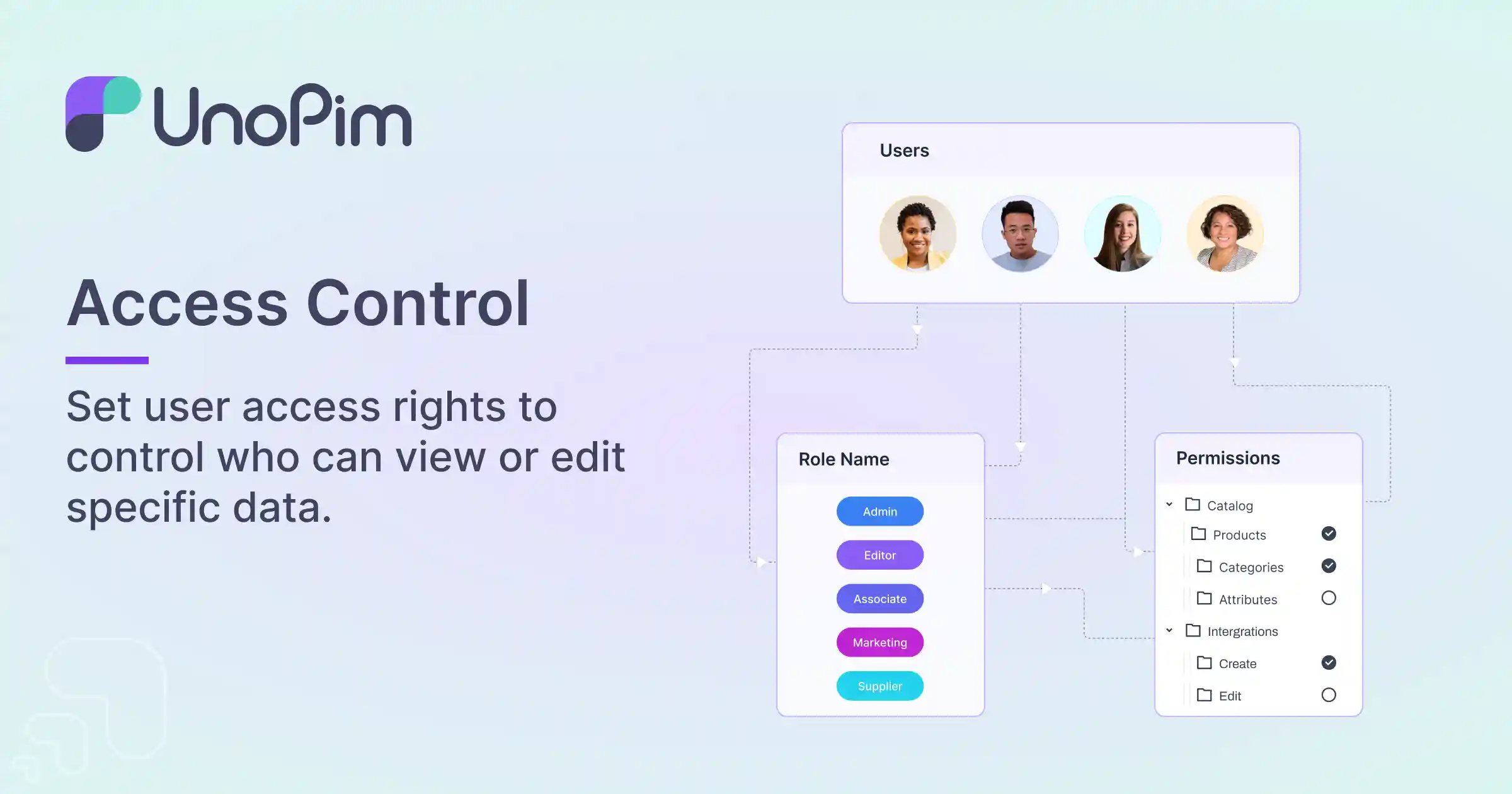
-
API Integration
Seamlessly integrate with other systems via RESTful APIs.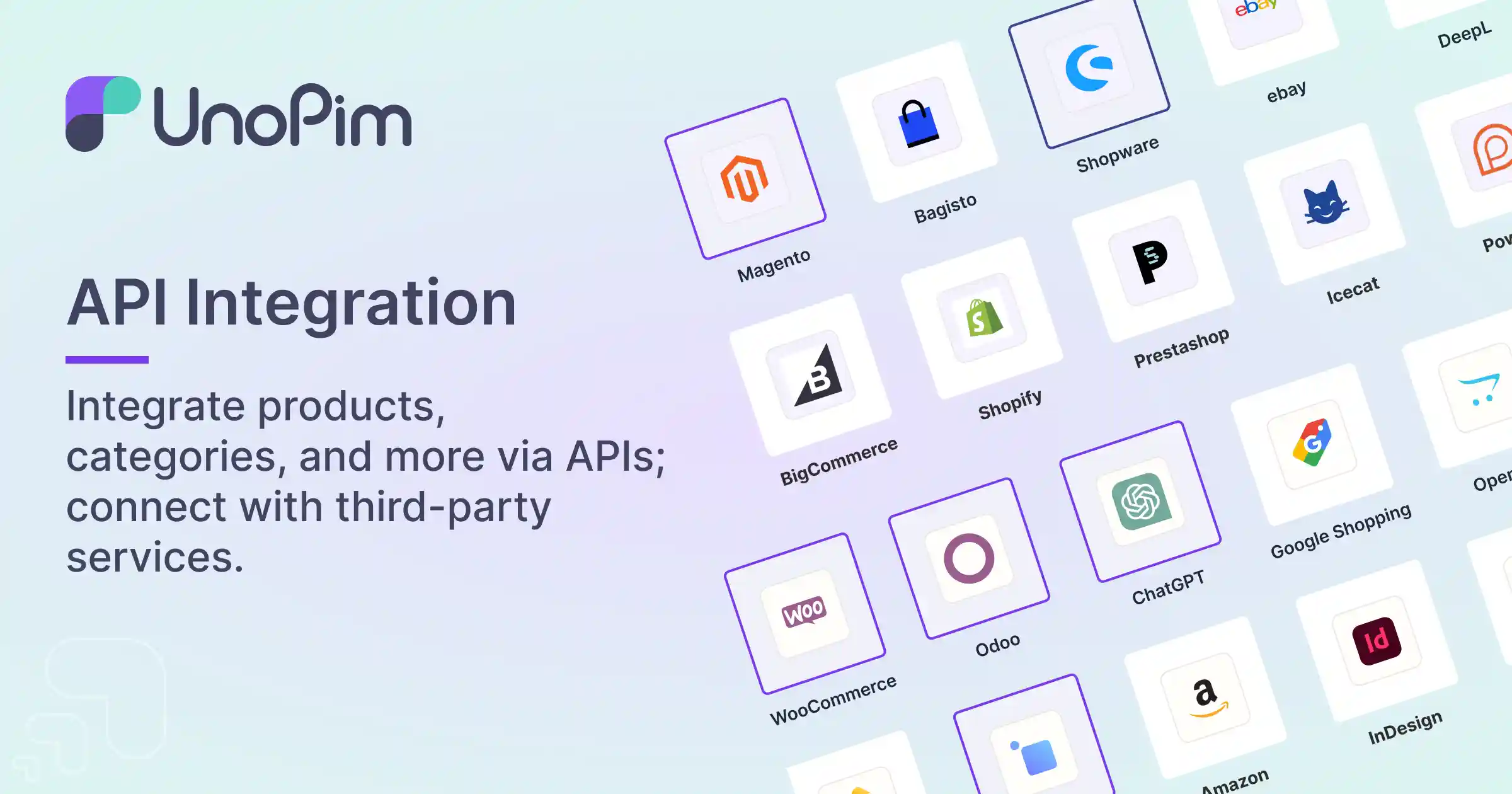
-
Localization
Support for multiple languages and locales.
-
Multi-Channel
Support for multiple sales channels.
-
Multi-Currency
Support for multiple currencies.
-
Import/Export Functionality
Easily import and export product data using CSV and XLSX formats, with a quick export feature for streamlined data handling.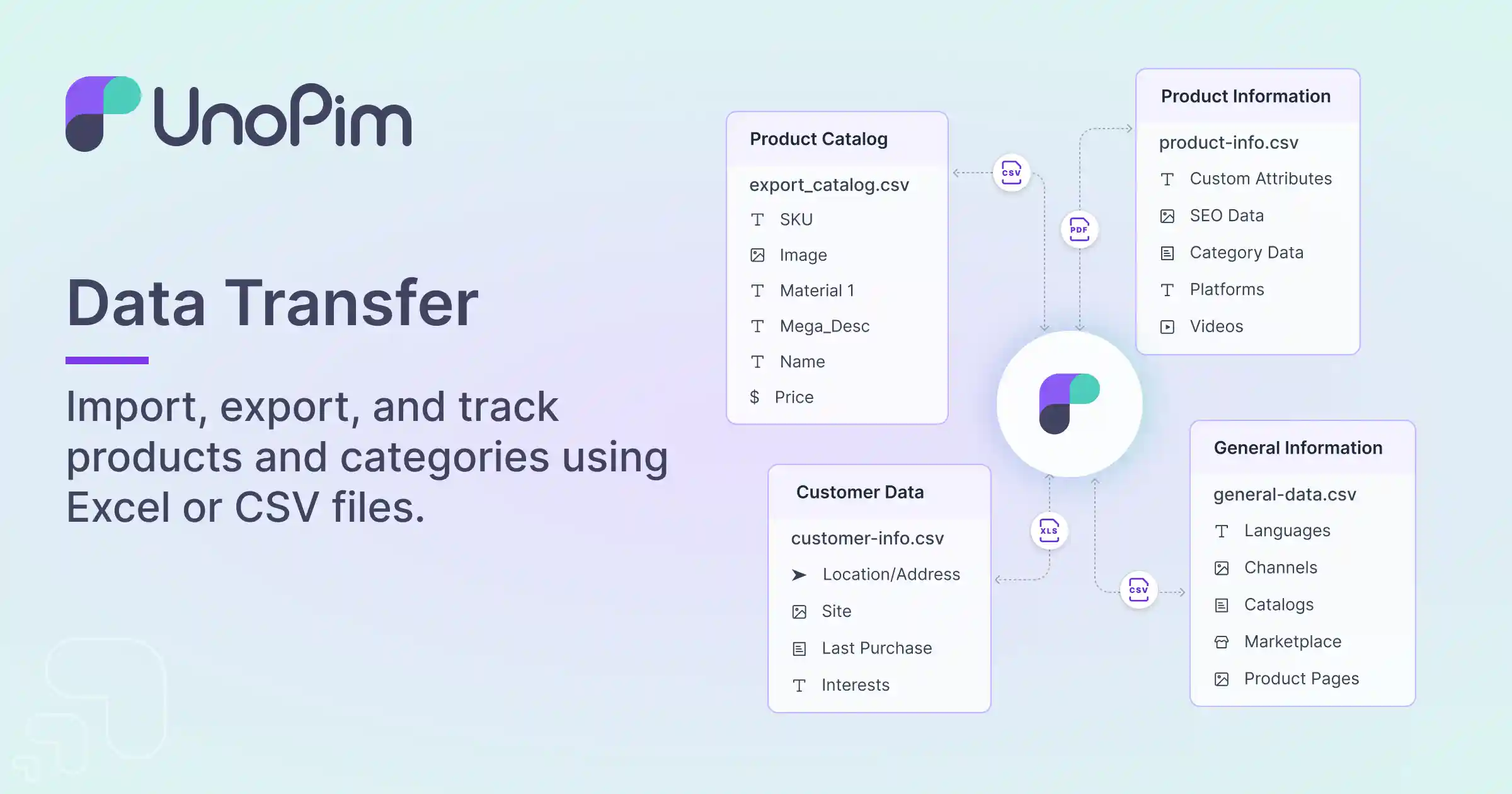
-
Themes
UI compatible with both Light and Dark themes.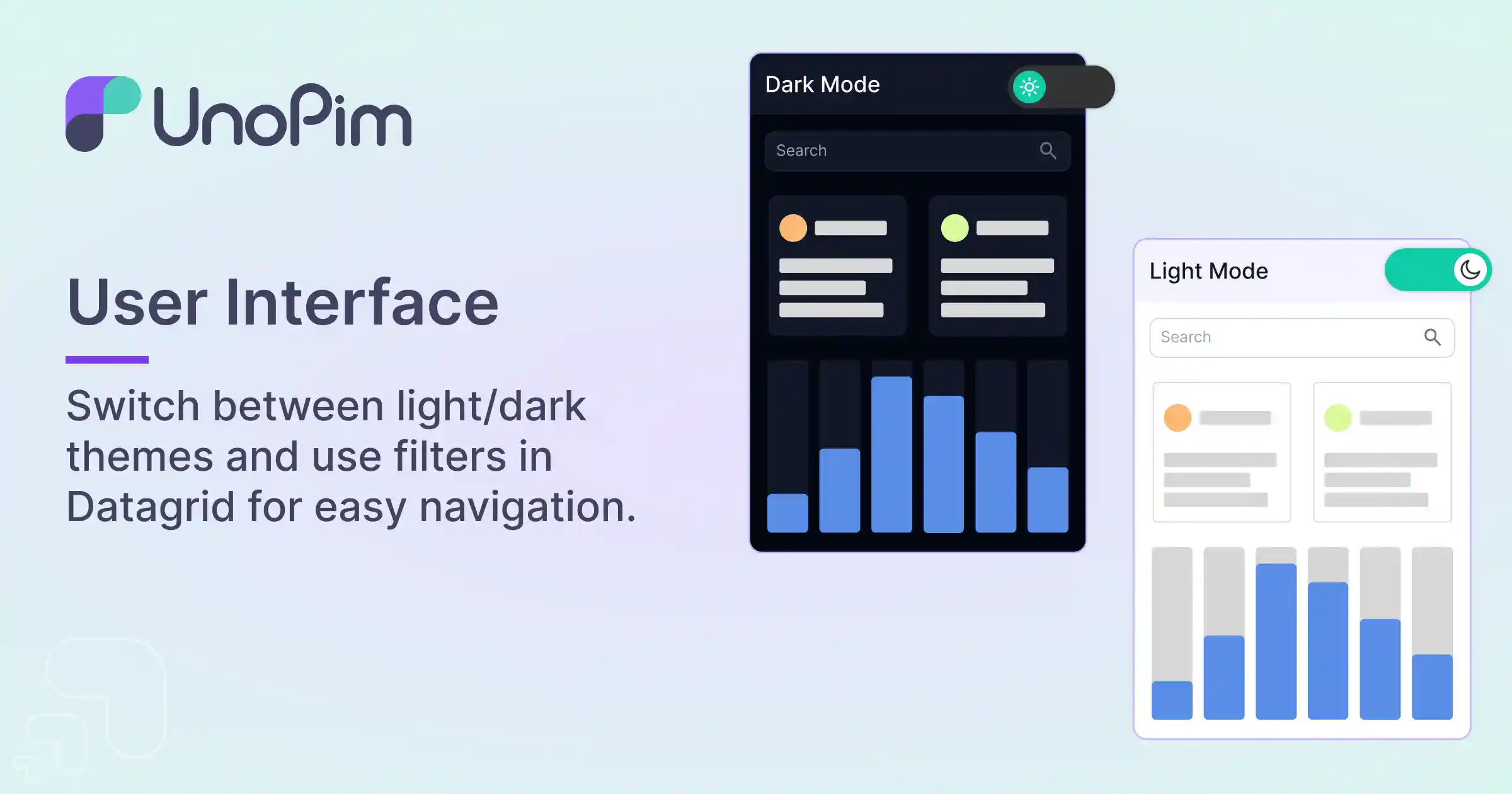
-
Version Control
Track the history of changes in your product data.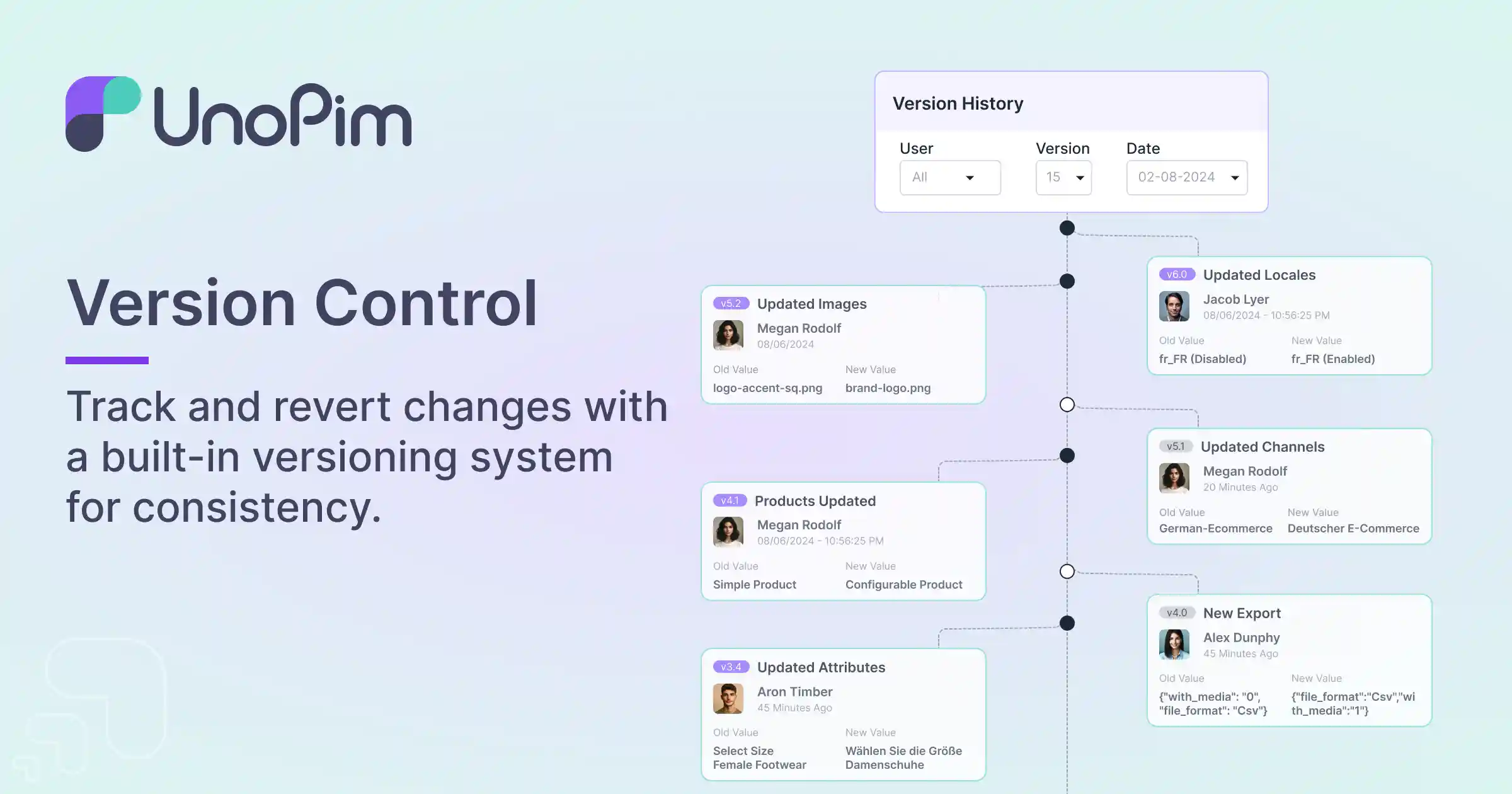


🚀 Installation
To get started with UnoPim, follow these steps:
-
Project Setup:
composer create-project unopim/unopim cd unopim -
Install UnoPim:
php artisan unopim:install
-
Serve the application:
-
Access UnoPim:
Open your browser and go tohttp://localhost:8000. -
Queue Operations:
To execute import/export operations and product completeness score calculation initiate the Queue command:php artisan queue:work --queue=system,default
🐳 Installation with Docker
If you have Docker/Docker Compose installed, follow these steps:
-
Clone the repository:
- HTTPS:
git clone https://github.com/unopim/unopim.git - SSH:
git clone git@github.com:unopim/unopim.git
- HTTPS:
-
Enter the directory:
-
Start the Docker containers:
This will pull the necessary images and set up the environment. Once running, access the application at:
- Application:
http://localhost:8000 - MySQL:
http://localhost:3306
- Application:
Note:
If MySQL is already running on your system, change the MySQL port in thedocker-compose.ymland.envfiles.
Rundocker-compose up -dagain to apply changes.
☁️ Cloud Installation via Amazon AMI
You can also deploy UnoPim quickly using our pre-configured Amazon Machine Image (AMI) available on the AWS Marketplace:
This AMI allows you to get started with UnoPim on a cloud environment without manual setup. Ideal for scalable production or testing environments.
📖 Usage
Once installed, you can start adding and managing your products. The intuitive interface allows you to categorize products, enrich data, and manage user permissions easily.
📬 Postman API Collection
To interact with UnoPim's API, you can use our official Postman collection:
This collection provides ready-to-use API requests for various UnoPim features. You can import it directly into your Postman workspace and start testing the APIs.
🤝 Contributing
We welcome contributions! To contribute:
- Fork the repository.
- Create a new branch (
git checkout -b feature/your-feature). - Commit your changes (
git commit -m 'Add feature'). - Push to the branch (
git push origin feature/your-feature). - Open a pull request.
🔒 Security
If you discover any security vulnerabilities, please follow our Security Policy and report them to support@webkul.com.
📝 License
UnoPim is open-source software distributed under the MIT License.
🙏 Acknowledgements
We extend our thanks to all contributors and the Laravel community for their support and contributions.