

An Electron-based developer tool for Lynx, providing mobile debugging features.
Overview
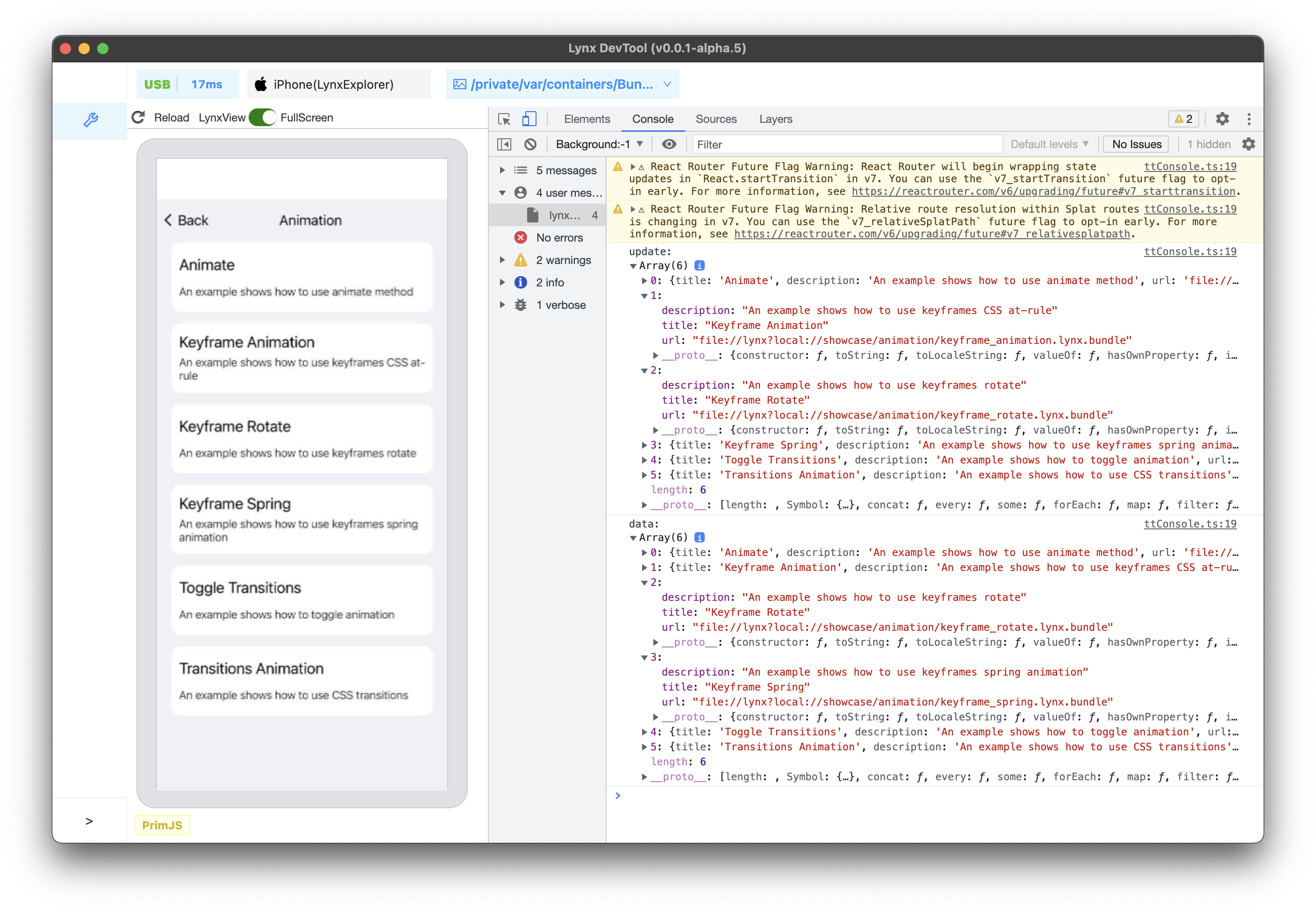
Project Structure
.
├── packages/ # Sub-packages
│ ├── lynx-devtool-cli/ # CLI toolkit
│ ├── lynx-devtool-utils/ # Common utilities
│ ├── lynx-devtool-web/ # Web frontend
│ └── devtools-frontend-lynx/ # Chrome DevTools frontend
├── src/ # Main Electron project
│ ├── main/ # Main process code
│ └── utils/ # Utility functions
└── preload.js # Electron preload script
Prerequisites
- Node.js >= 18 (Recommended v18.20.2)
- pnpm = 7.33.6
- Git
- Python3
Node.js Version Management
This project uses corepack to manage package manager versions. Please follow these steps to set up:
# Enable corepack
corepack enable

# Install and use specified Node.js version with nvm
nvm install 18.20.2
nvm use 18.20.2

# Verify versions
node -v  # Should display v18.20.2
pnpm -v  # Should display 7.33.6
Getting Started
- Clone repository and switch to development branch:
git clone git@github.com:lynx-family/lynx-devtool.git --depth=1
cd lynx-devtool- Install project dependencies:
- Sync DevTools dependencies and build it:
pnpm run build:devtools-frontend-lynx
- Start development environment:
Using Makefile
make setup
make build
make install
make dev
or just call make all
Tech Stack
- Electron
- TypeScript
- React
- Chrome DevTools Protocol
Contributing
- Fork this repository
- Create feature branch
- Commit changes
- Create Pull Request