The minimal amount of CSS to replicate the GitHub Markdown style
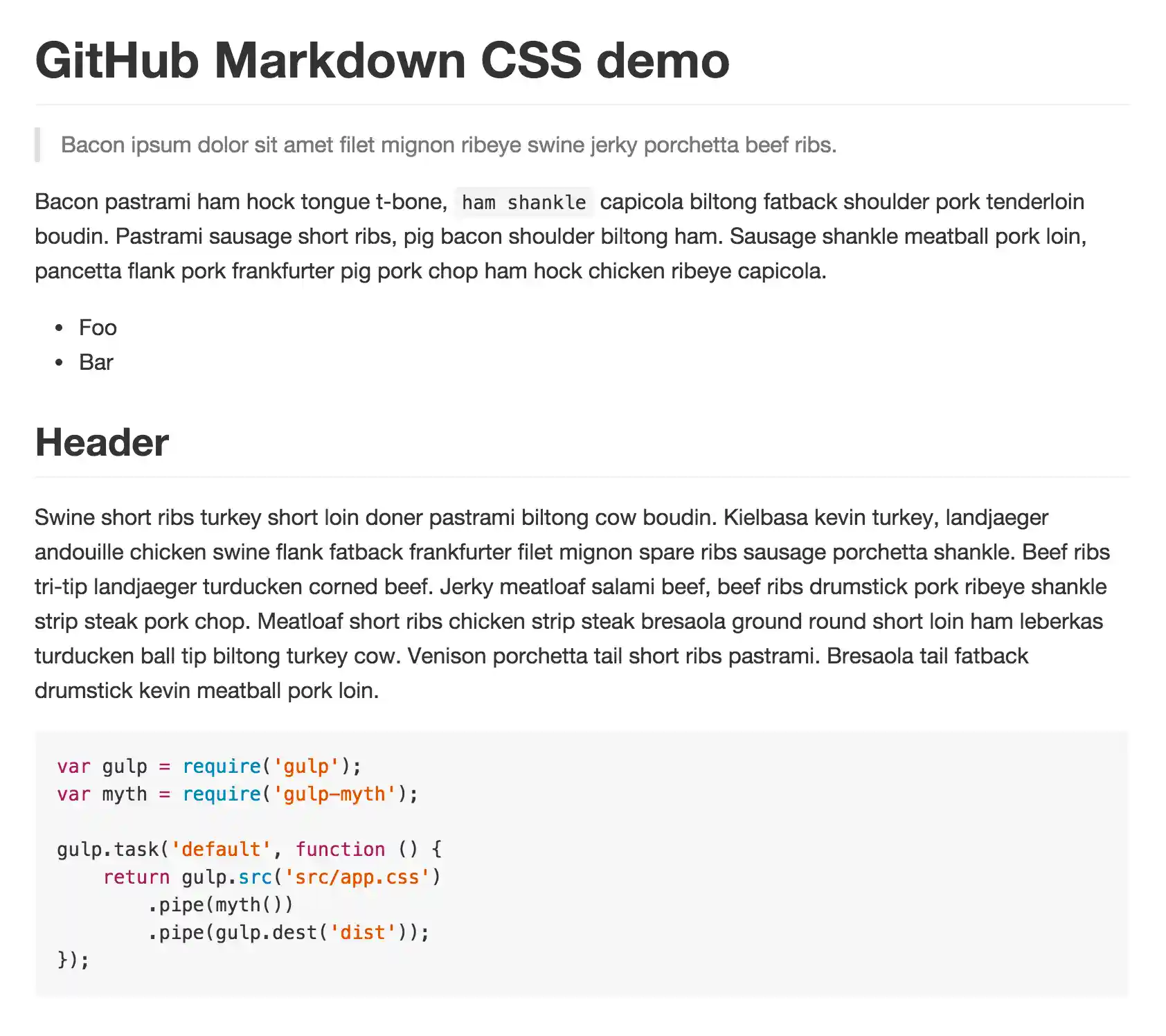
Demo
Install
Download manually, from CDNJS, or with npm:
$ npm install github-markdown-css
Usage
Import the github-markdown.css file and add a markdown-body class to the container of your rendered Markdown and set a width for it. GitHub uses 980px width and 45px padding, and 15px padding for mobile.
<meta name="viewport" content="width=device-width, initial-scale=1">
<link rel="stylesheet" href="github-markdown.css">
<style>
	.markdown-body {
		box-sizing: border-box;
		min-width: 200px;
		max-width: 980px;
		margin: 0 auto;
		padding: 45px;
	}

	@media (max-width: 767px) {
		.markdown-body {
			padding: 15px;
		}
	}
</style>
<article class="markdown-body">
	<h1>Unicorns</h1>
	<p>All the things</p>
</article>
How
See generate-github-markdown-css for how it's generated and ability to generate your own.
Dev
Run npm run make to update the CSS.
License
MIT © Sindre Sorhus