Tutorials
Video Tutorials
Links to videos that cover the Processing basics.
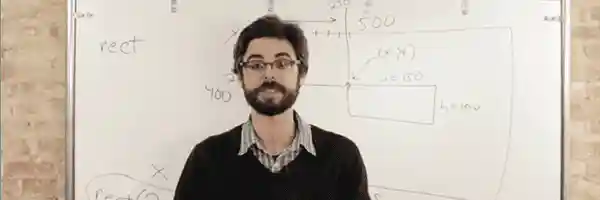
Hello Processing
by Daniel Shiffman et al.
A quick intro guiding you to create a simple drawing tool. No software install needed.
Debug
by Daniel Shiffman
Learn how to pause and step through your running code with the Processing Debugger.
Learning Processing
by Daniel Shiffman
A complete introductory course on Processing, designed for complete beginners.
Install Processing on ChromeOS
by Jon Stapleton (CodeVA)
How to install the Processing IDE on ChromeOS using the Linux subsystem.
The Coding Train
by Daniel Shiffman
All aboard the Coding Train with Daniel Shiffman, a YouTube channel dedicated to beginner-friendly creative coding tutorials and challenges.
2D Animation & Interaction
by Andrew Glassner
An 8-week online video class that will teach you to create powerful, expressive, and interactive computer graphics.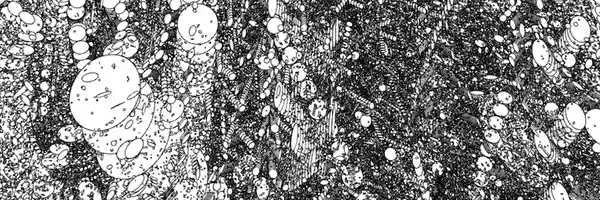
Fun Programming
by Abe Pazos
Write short programs in Processing that generate graphics and animation.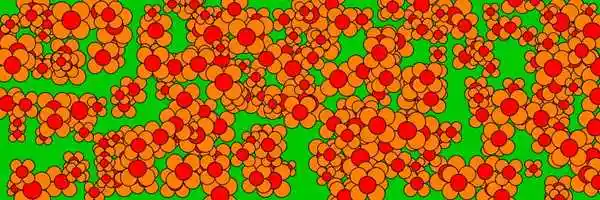
Happy Coding
by Kevin Workman
Learn to code using Processing, from functions and variables to libraries and exporting applications.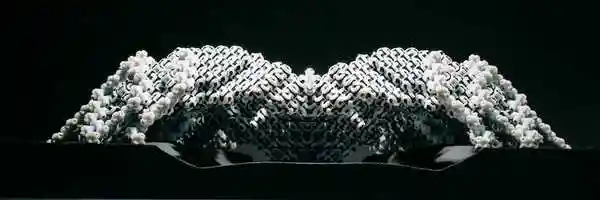
Plethora Project
by Jose Sanchez
These video tutorials cover issues of programming and computational design issues in Processing.


Text Tutorials
A collection of step-by-step lessons covering beginner, intermediate, and advanced topics.
Getting Started
by Casey Reas and Ben Fry
Welcome to Processing! This introduction covers the basics of writing Processing code.Level: Beginner
Processing Overview
by Casey Reas and Ben Fry
A little more detailed introduction to the different features of Processing than the Getting Started tutorial.Level: Beginner
Coordinate System and Shapes
by Daniel Shiffman
Drawing simple shapes and using the coordinate system.Level: Beginner
Color
by Daniel Shiffman
An introduction to digital color.Level: Beginner
Objects
by Daniel Shiffman
The basics of object-oriented programming.Level: Beginner
Interactivity
by Casey Reas and Ben Fry
Introduction to interactivity with the mouse and keyboard.Level: Beginner
Typography
by Casey Reas and Ben Fry
Working with typefaces and text.Level: Beginner
Strings and Drawing Text
by Daniel Shiffman
Learn how use the String class and display text onscreen.Level: Intermediate
Arrays
by Casey Reas and Ben Fry
How to store and access data in array structures.Level: Intermediate
Images and Pixels
by Daniel Shiffman
How to load and display images as well as access their pixels.Level: Intermediate
Curves
by J David Eisenberg
Learn how to draw arcs, spline curves, and bezier curves.Level: Intermediate
2D Transformations
by J David Eisenberg
Learn how to translate, rotate, and scale shapes using 2D transformations.Level: Intermediate
PShape
by Daniel Shiffman
How to use the PShape class in Processing.Level: Intermediate
Two-Dimensional Arrays
by Daniel Shiffman
Store and acess data in a matrix using a two-dimensional array.Level: Intermediate
Sound
by R. Luke DuBois and Wilm Thoben
Learn how to play, analyze, and synthesize sound with the Sound Library.Level: Intermediate
Electronics
by Hernando Barragán and Casey Reas
Control physical media with Processing, Arduino, and Wiring.Level: Intermediate
Network
by Alexander R. Galloway
An introduction to sending and receiving data with clients and servers.Level: Intermediate
Print
by Casey Reas
Use Processing to output print quality images and documents.Level: Intermediate
PVector
by Daniel Shiffman
An introduction to useing the PVector class in Processing.Level: Advanced
P3D
by Daniel Shiffman
Developing advanced graphics applications in Processing using P3D (OpenGL) mode.Level: Advanced
Video
by Daniel Shiffman
How to display live and recorded video.Level: Advanced
Render Techniques
by Casey Reas and Ben Fry
Tools for rendering geometries in Processing.Level: Intermediate


