Find Out How a Message Was Generated—Wolfram Documentation
Find Out How a Message Was Generated
Find Out How a Message Was Generated
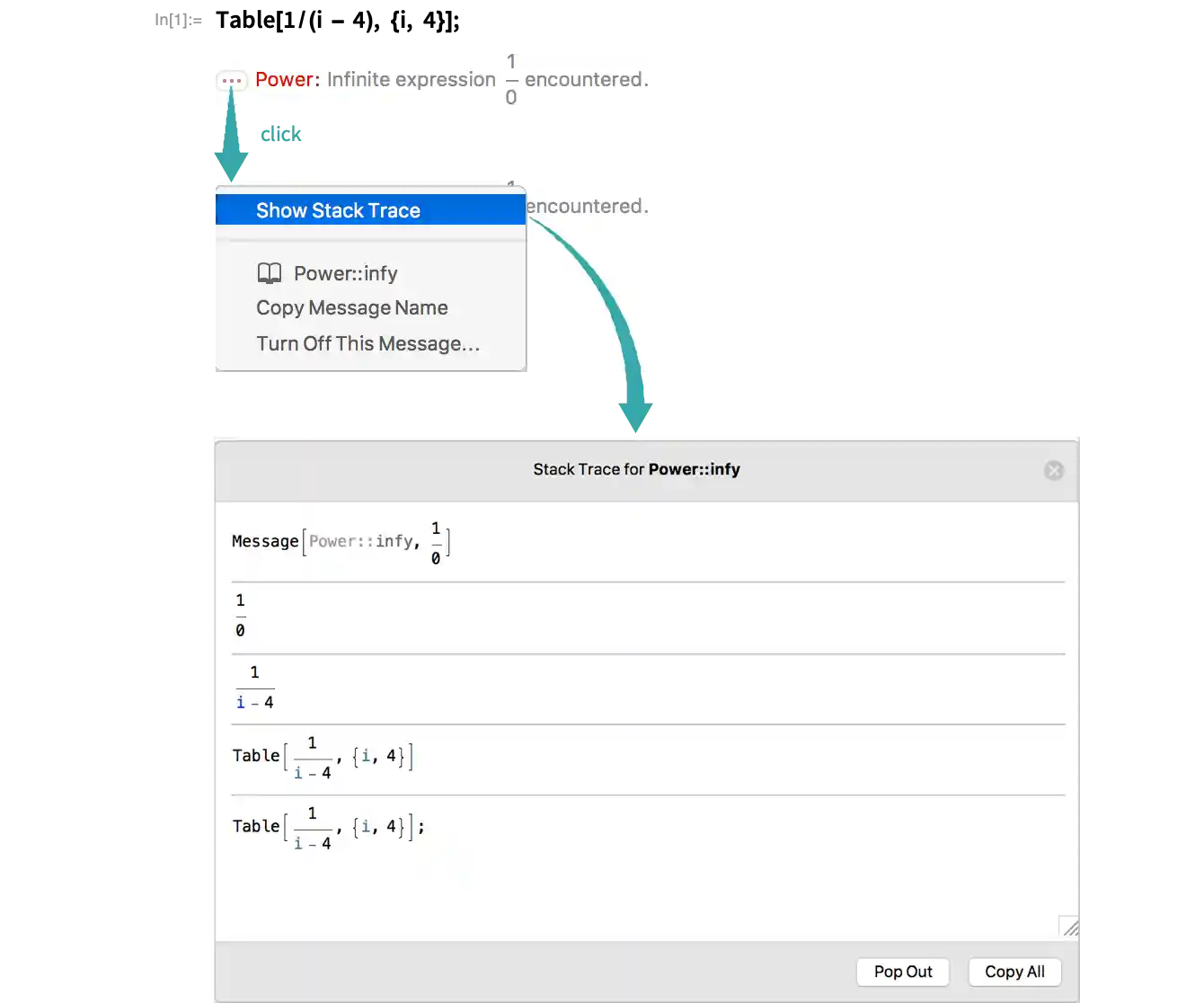
When an evaluation produces a message, you can click the “More information” icon ( ) to the left of the message and select Show Stack Trace to get a stack trace showing where the message was generated: