What are you doing writing code in a browser?! Just kidding, it's fine. We made it easy, flexible, and pretty too. We use this fieldtype a lot.
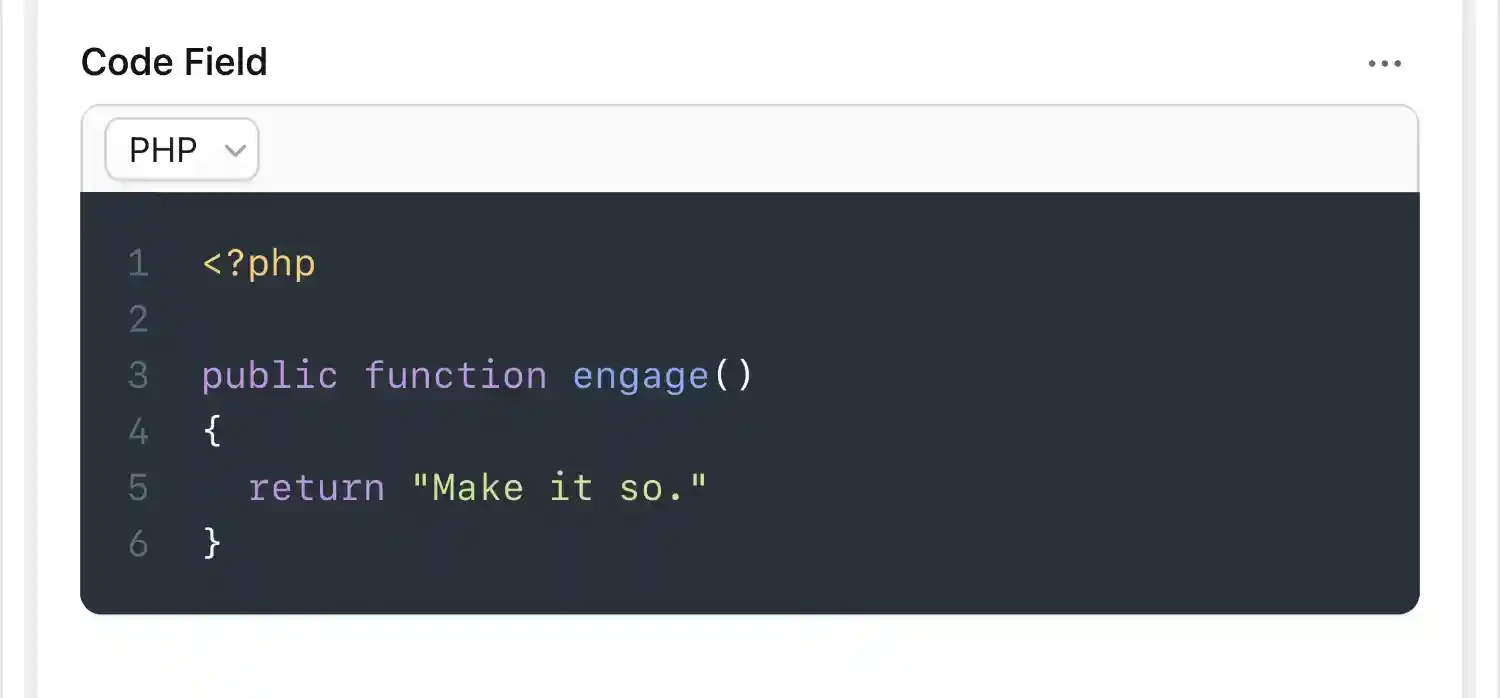
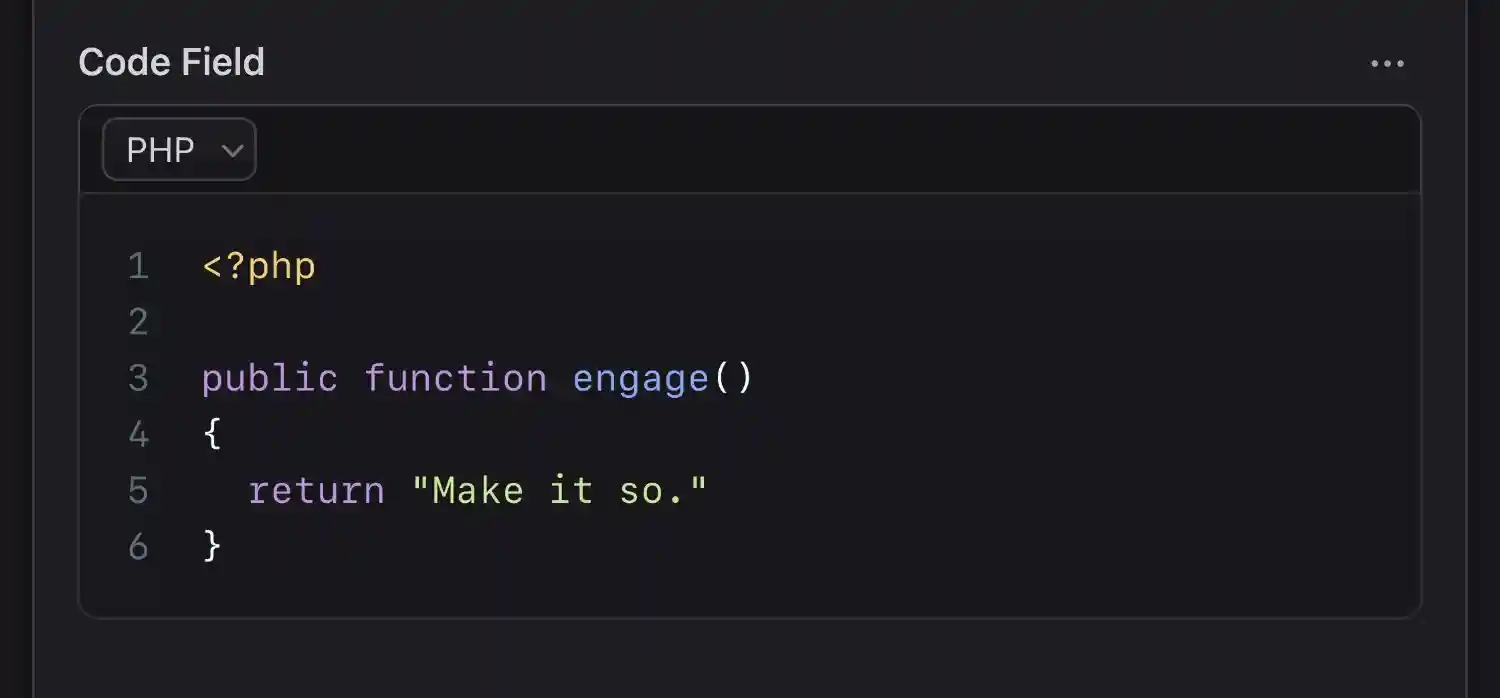
Overview#
If your content involves code snippets, this is the fieldtype for you. It's a CodeMirror field with 25 of the most common languages ready for highlighting, handles tabs and spaces, has a dark mode, and best of all — for you super nerds out there — a vim key binding.
Data Structure#
The code fieldtype stores a string. Do whatever you'd like with it.
code_snippet: |
  <?php
  public function engage()
  {
    return "Make it so.";
  }
If you've enabled the mode_selectable option, an array will be saved with code and mode in it.
code_snippet:
  mode: php
  code: |
    <?php
    public function engage()
    {
        return "Make it so.";
    }
Templating#
You can output that string just as it is. If it is indeed code (and why wouldn't it be?), you'll probably want to to wrap it in pre and code tags to display it prettier. If you want code highlighting on your front-end, we recommend hooking up prism.js.
<pre><code>{{ code_snippet }}</code></pre>
<pre><code>{!! $code_snippet !!}</code></pre>
You're also able to use it as an array if you want to output the mode.
{{ code_snippet }}
<pre class="language-{{ mode }}"><code>{{ code }}</code></pre>
{{ /code_snippet }}
<pre class="language-{{ $code_snippet['mode'] }}"><code>{!! $code_snippet['code'] !!}</code></pre>
Variables#
Inside an code fieldtype's tag pair you'll have access to the following variables.
| Variable | Description |
|---|---|
code |
The contents of the field. |
mode |
The selected language mode. |
Options
theme
string
Choose between `light` and `material` (dark) themes. Default: `light`.
mode
string
Set a default language for syntax highlighting. Your choices include: - `clike` - `css` - `diff` - `go` - `haml` - `handlebars` - `htmlmixed` - `less` - `markdown` - `gfm` - `nginx` - `text/x-java` - `javascript` - `jsx` - `text/x-objectivec` - `php` - `python` - `ruby` - `scss` - `shell` - `sql` - `twig` - `vue` - `xml` - `yaml-frontmatter`
mode_selectable
boolean
Whether the `mode` can be selected by the user in the publish form. Enabling this will change the GraphQL type from a string to a Code type.
indent_type
string
Choose between `tabs` and `spaces`. Choose wisely. Default: `tabs`.
indent_size
integer
Set your preferred indentation size (in spaces). Default: `4`.
line_numbers
boolean
Show line numbers.
line_wrapping
boolean
Enable to wrap long lines of code instead of showing a horizontal scroll. Default: `true`.
key_map
string
Pick your preferred set of keyboard shortcuts. Choose between `default`, `sublime`, and `vim`. We'll let you guess which one is default.
rulers
array
You can set the columns and the line style (choose between `dashed` or `solid`) of any rulers you wish to use.