Home
Modern databases to power your work & apps
Bring your data, teams and workflows in a single collaborative platform. Easy as a spreadsheet with power of a relational database. Powered by AI.
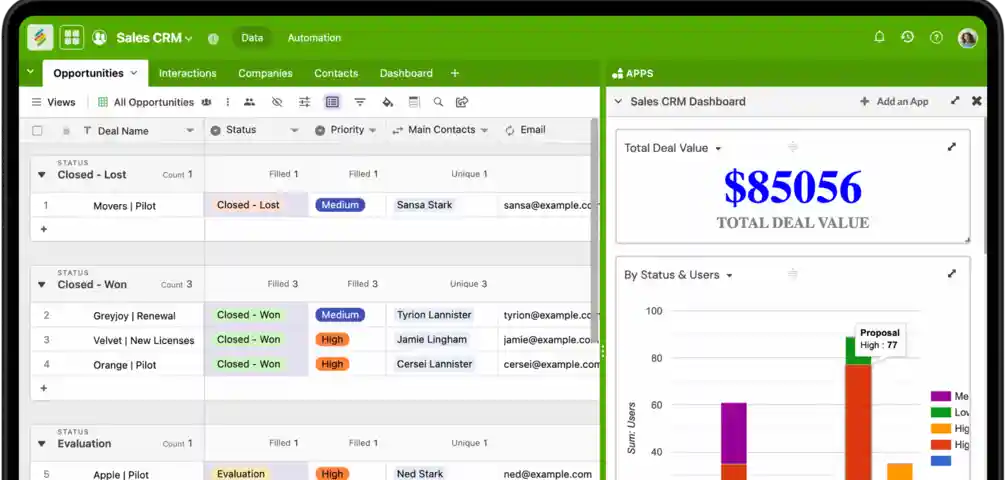
Trusted and loved by over 70,000 companies globally
Build any workflow, you can imagine..
Discover how Stackby offers more power, flexibility, and automation without the complexity.
Spreadsheets, but databases
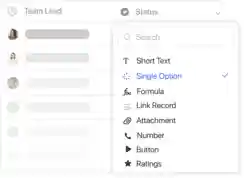
Organize anything with 30+ column types along with powerful filters, groups, sort and search in your tables.
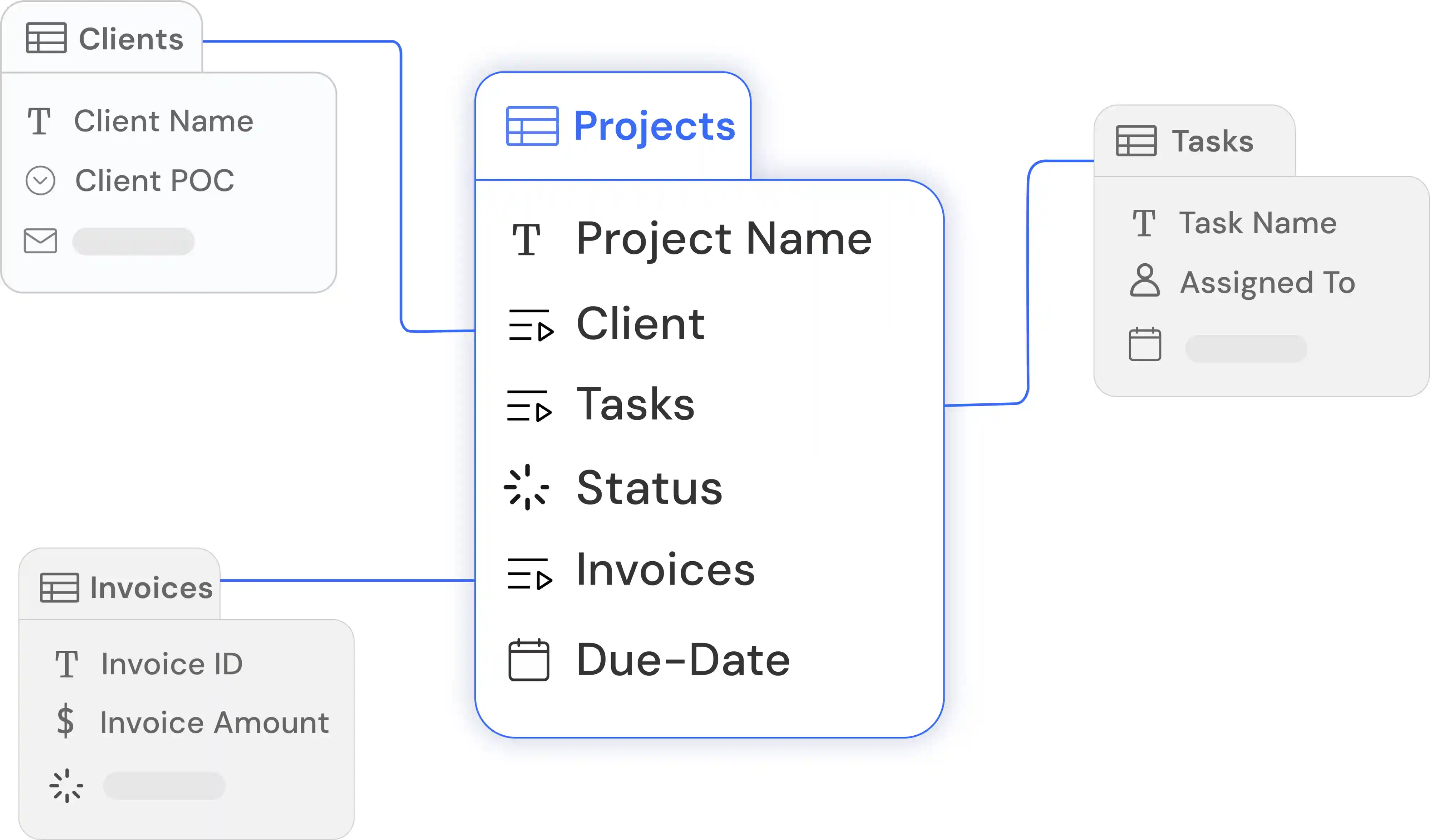
Single source of truth
Keep every aligned with connected and structured data. Create an all-in-one workspace for all your core work.
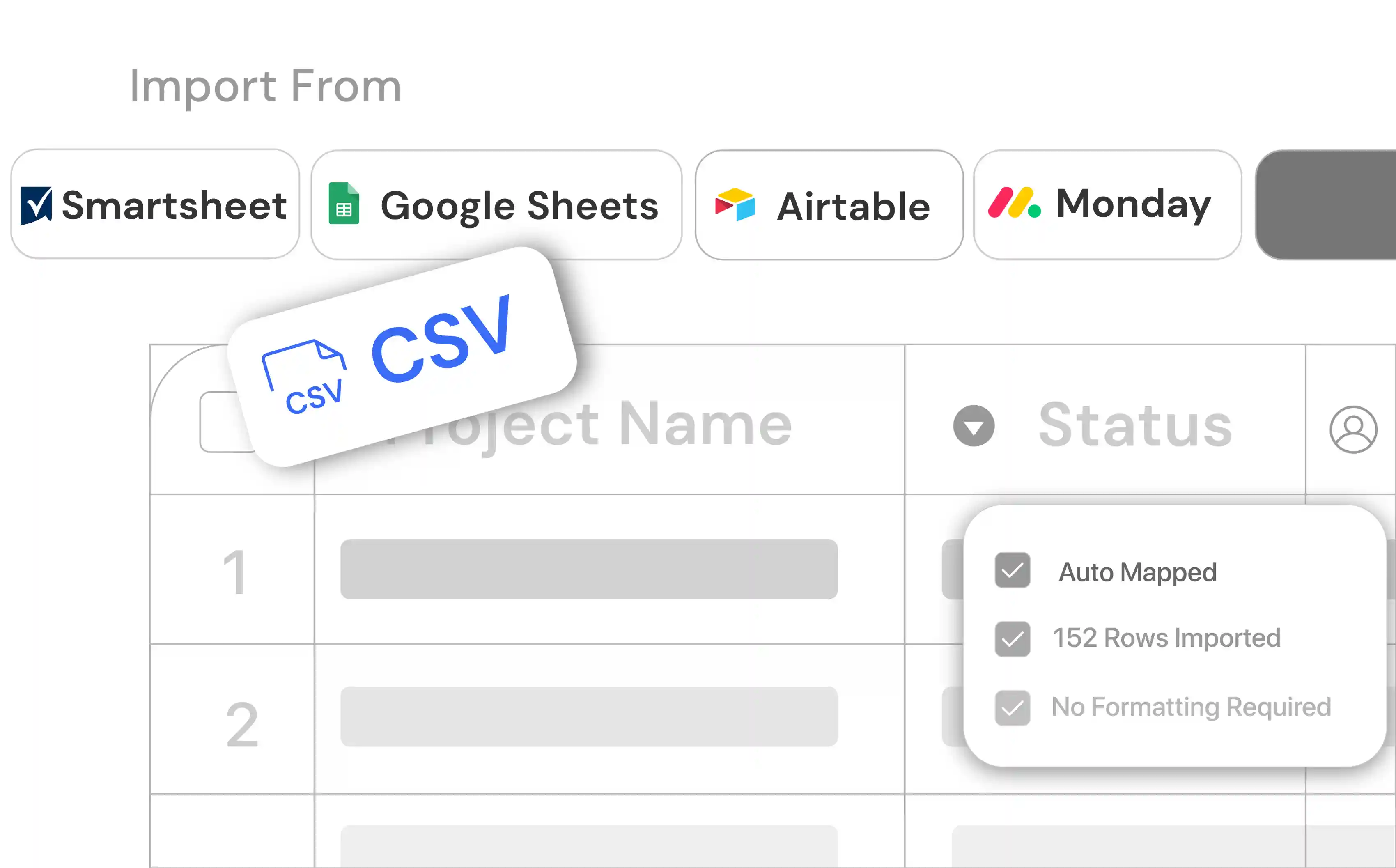
Bring data from anywhere
Upload your spreadsheets or import data from your other tools instantly - no setup or formatting needed.
AI powered database builder
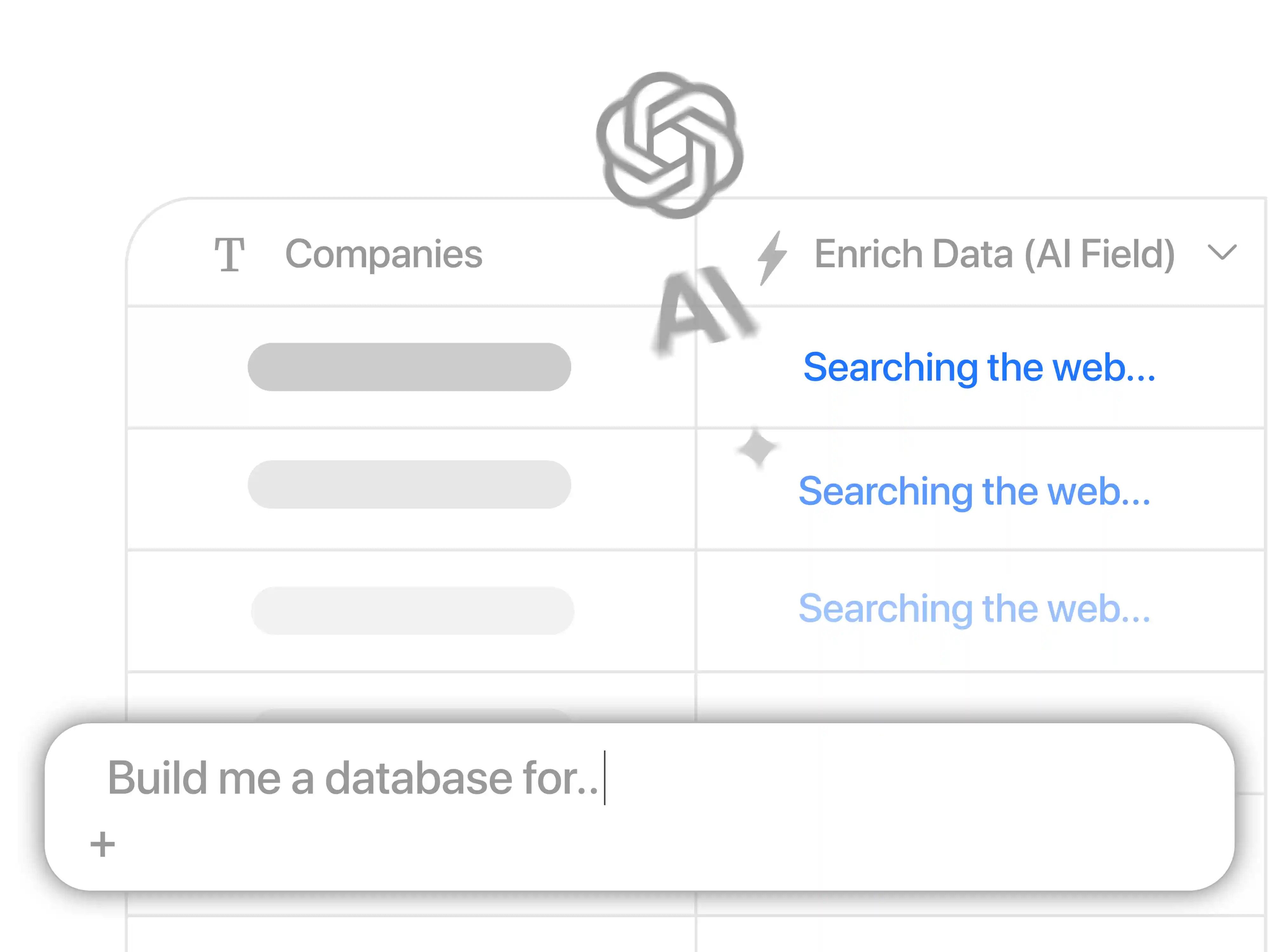
Build your database or app with just a prompt and embed AI in all your tables using AI field agents.
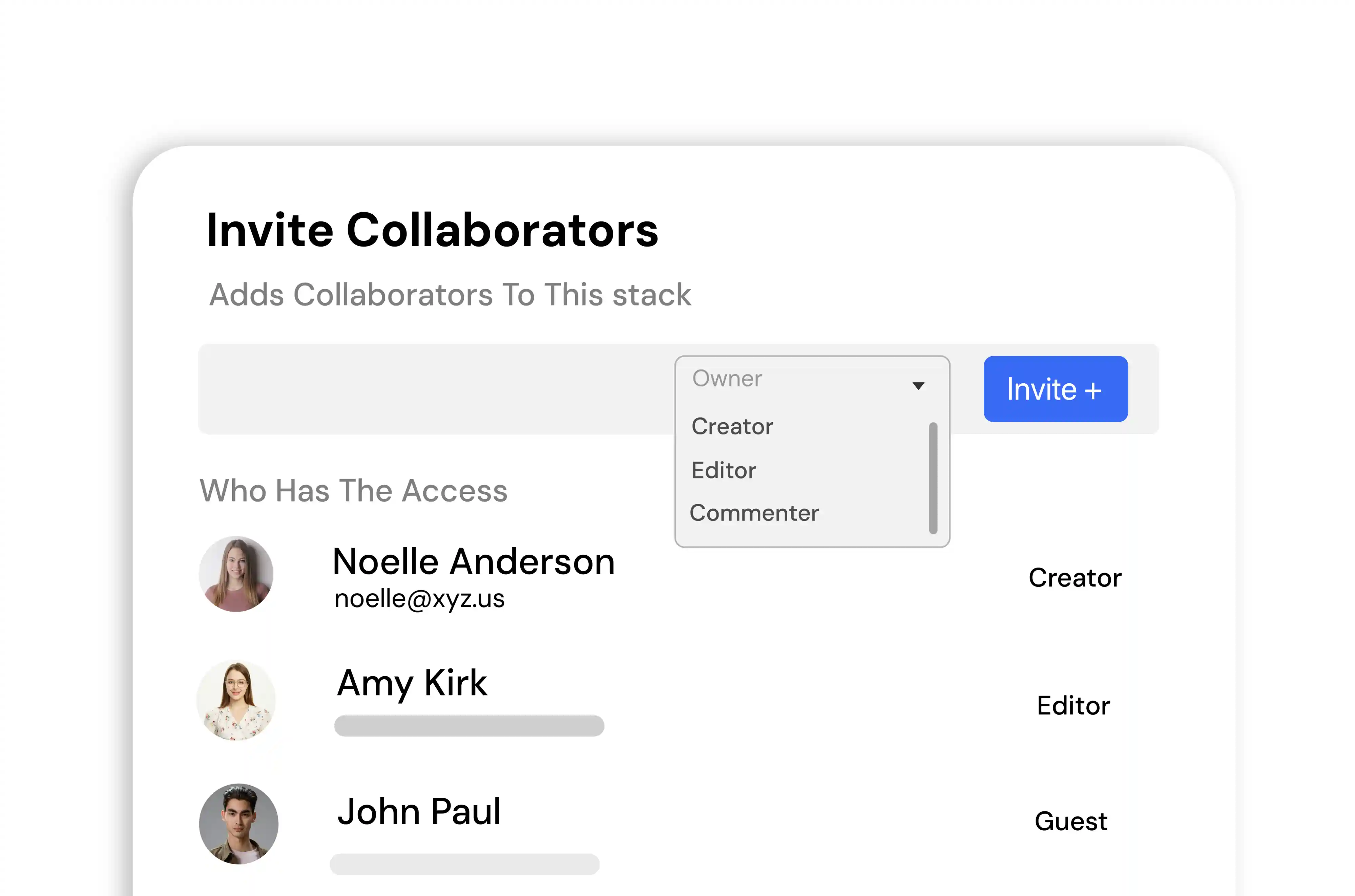
Invite your team or stakeholders to your apps or workflows & give them granular permissions as needed.
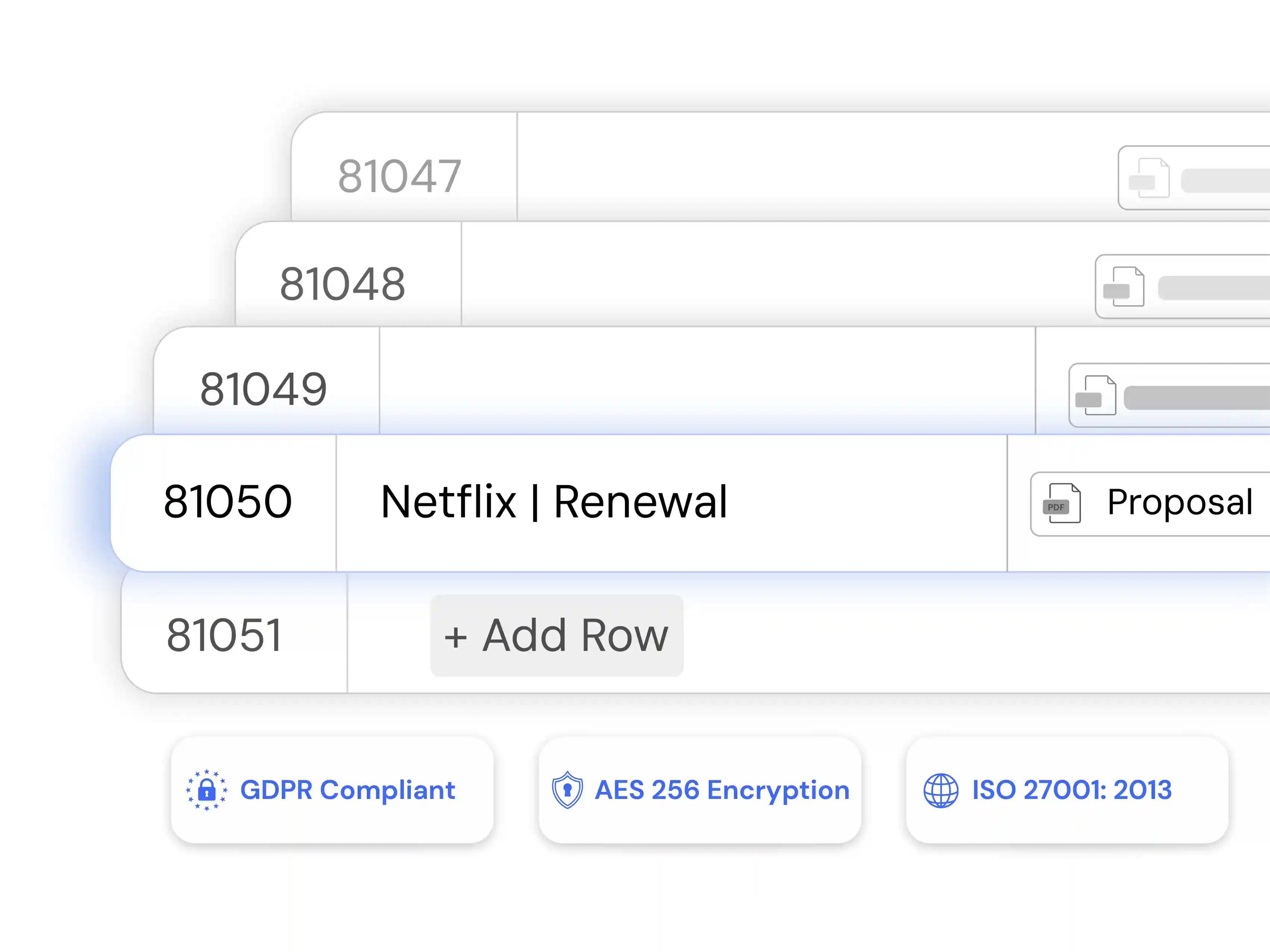
Handle large datasets with 1000s of records without any lags. Securely scale your workflows across your organization.
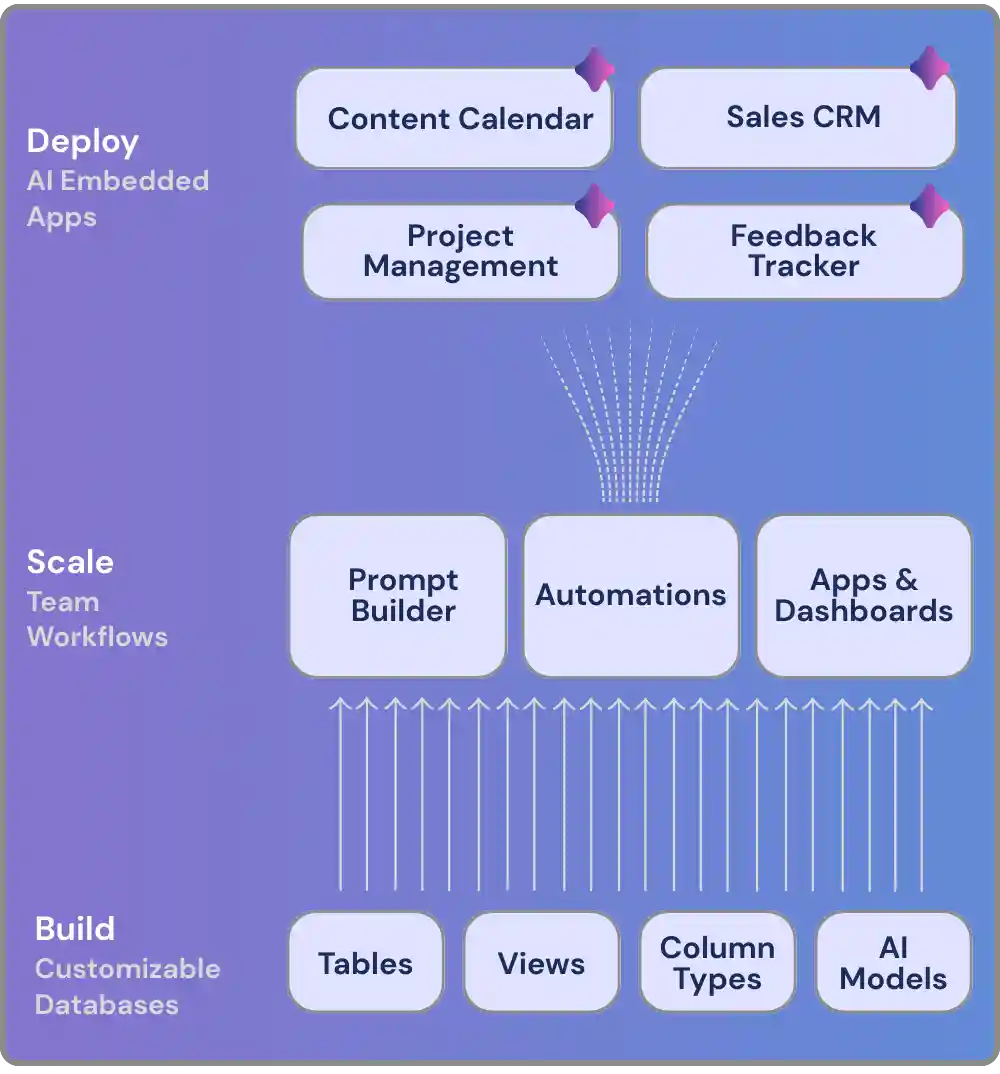
AI + no-code building blocks
Discover ever growing set building blocks that makes up the core of the Stackby platform

AI Powered Databases
Use custom spreadsheet style databases to create your workflows. 30+ unique columns types including link across tables, formulas, AI fields, checklists & attachments.

Views
Visualize your data in multiple layouts including grid, kanban, gallery, calendar, timeline, list, map, dashboards & more. Group records in grid, list & timeline views.

Advanced Form Builder
Build powerful forms with 30+ fields, conditional logic, multiple line-item support, updatable forms, themes, display elements and more.

Reporting & Dashboards
Create real-time dashboards with charts, pivot tables, summary boxes, goal tracker, time tracker, embeds, docs, global search, page designer etc. using Stackby Apps Marketplace.

Automations
Create workflow automations using triggers and actions to automate manual tasks and get things done. Sending emails, slack notifications, updating rows, generate with AI and more.
AI Field Agents & Co-Builder
Bring AI models right into your columns using your own API keys from OpenAI, Gemini or Anthropic and generate content, analyze documents or even do web research.
Create apps instantly with Stackby Co-builder
Every person, on every team, can build intuitive, customizable apps-in moments.

Integrate with other business tools
Seamlessly connect to tools you use everyday - like JIRA, Salesforce, Gmail, Outlook, Slack to ensure information is shared across systems.
Build solutions across all teams
Start building from day zero. Whether you're managing a real-estate firm, running a global marketing team or launching new products - you can build no-code solutions across all your core workflows.

Digital operations platform
Create centralized databases for your team
Start by creating tables and linking them together to create customizable databases for any workflow. Bring data from anywhere - spreadsheets, automations, forms, API or webhooks.
Build a shareable product roadmap
Get your teams aligned on an organization wide roadmap. Customizable views allow every team or department see their roadmap and plan their goals.
Track OKRs across all departments
Build Sales, GTM, Product and People OKRs, and align all your stakeholders to work towards a shared vision.
Manage content & campaigns at scale
Bring your end-to-end content and campaign workflows in a single workspace and crush your marketing goals for your organization or clients.
Share digital assets across your organization
Organize all data and share all your assets across departments with a flexible, adaptable content, knowledge and asset library.
Embed AI across all your workflows
From building your database & workflows in seconds using AI co-builder to adding AI field agents to generate content, summarize, classify, analyze data & more - achieve more with AI faster and embed it every step of the way.
Explore Stackby Resources
Spreadsheets vs Database
Everything you need to learn Stackby
Using Stackby as a Sales CRM
Using Stackby as a Recruitment Tracker
Using Stackby for Content Operations
Drive success across teams
Stackby platform FAQs
What is Stackby used for?
Stackby is no-code digital operations platform used to build workflows in Marketing, Sales, Product Management, HR, Operations and more. However, it's highly flexible to build any type of a solution due to it's spreadsheet-database interface, easy customizations and powerful integrations. We've seen customers use Stackby to manage museums, agencies, law firms, automotive dealerships, manufacturing operations, non-profits and even universities. Sign up for free.
How do I get started with Stackby databases?
Stackby gives you few easy ways to create your database or workflow:
- Build from scratch: Setup your own tables and columns based on your needs.
- Import from other tools: Bring your existing data via CSV, Excel, Google Sheets, Airtable, Public API, Webhooks & more. We've got some free database tools you can also utilize.
- Use a template: Choose from 1000+ database templates, including CRM templates, Form templates and AI powered templates.
- Build with AI: Add a custom prompt and see your database or workflow build in seconds. Try AI database generator for free.
Stackby databases is available on the free plan upto 1500 records per database.
What features does Stackby have?
- Databases: Design custom databases in minutes from your existing data and rich field types.
- Automations: Automate your work with triggers and actions. And even bring data from webhooks or third party tools.
- Reporting: Build real-time dashboards with charts, pivot tables, summary boxes, page designer and more.
- AI fields & Co-builder: Build databases via prompts and even add AI fields by natively integrating with OpenAI, Anthropic or Gemini.
- Sync: Link across databases and do more with connected synced data.
- Page Designer: Auto create custom one-pagers directly from table's records.
Why use Stackby vs spreadsheets?
Spreadsheets, like Google Sheets and Excel, evolved from paper-based account ledgers, while Stackby was built from the start as a relational database. Spreadsheets are great for basic tracking and number crunching but Stackby makes your data structured and actionable in your teams. In Stackby you can sync, structure and store data however you need to, to support infinite use cases.
In addition, data is synced in real time. So if a data point changes, that change is automatically synced across every workflow and every place that data appears, eliminating the need to manually update information. Learn more about databases vs. spreadsheets.
Is Stackby a CRM?
Yes. Stackby can used as a Customer Relationship Management (CRM) tool. You can add build a custom CRM for your business, regardless of your industry with in-built features like custom activities, reminders, checklists on each record. We also have two way email sync with Gmail and Outlook coming soon, that will allow you to store email threads on each records. You can explore this Sales CRM guide to get started and launch the pre-built Sales CRM template in your workspace.
What can you achieve with Stackby AI?
Stackby AI can be added to any workflow and is flexible enough to advance critical steps across workflows in every team or department. Product teams can use AI to categorize customer feedback and generate product specs to speed up feature development. Marketing teams can use AI to generate creative briefs, gather competitive intel, or draft blog posts. HR and finance teams can use AI to generate job descriptions, categorize budget spend, draft company memos, and more.
How much does Stackby cost?
Stackby has free, paid plans like Economy, Business and Pro available for teams. We also have enterprise plans available. You can learn more on our pricing page.
